TOOLNAVIA / BUYING GUIDE
GoDaddy Economy WordPress Migration: DNS Cutover Checklist
The short answer
At a glance
- Best for
- One standard WordPress site with a controlled cutover window.
- Price model
- Current Economy checkout controls; migration inclusion is not assumed.
- Check first
- No zero-downtime or mailbox guarantee; dynamic sites may need final sync.
Quick verdict
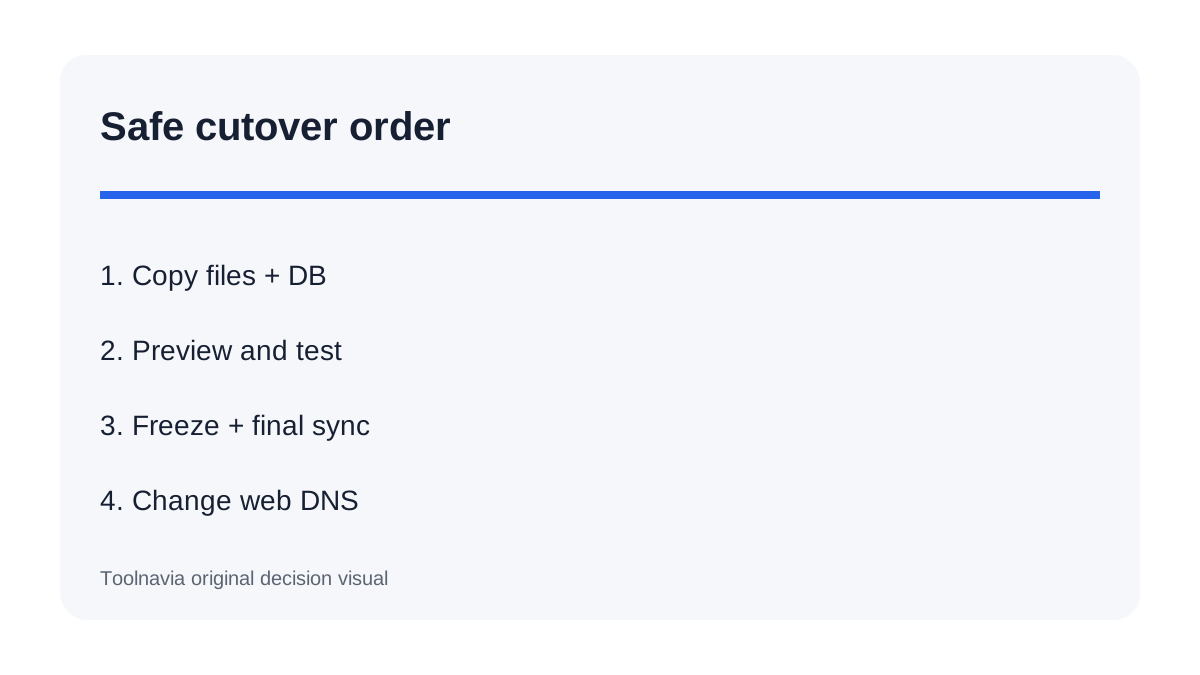
A safe move to GoDaddy Economy is not a single “migrate” button. Treat it as four separate jobs: copy the WordPress files, copy MySQL, validate the new account before DNS changes, and preserve every email-related DNS record. GoDaddy’s cPanel instructions follow that order and change the primary A record only after the restored site has been checked.
Economy fits one standard WordPress site when you can perform or supervise that checklist. It is a poor fit when the old host will disappear immediately, mailbox migration is assumed to be included, or checkout traffic cannot tolerate a brief content freeze. GoDaddy does not promise zero downtime here, and an A-record change does not copy mailboxes.
What must be copied
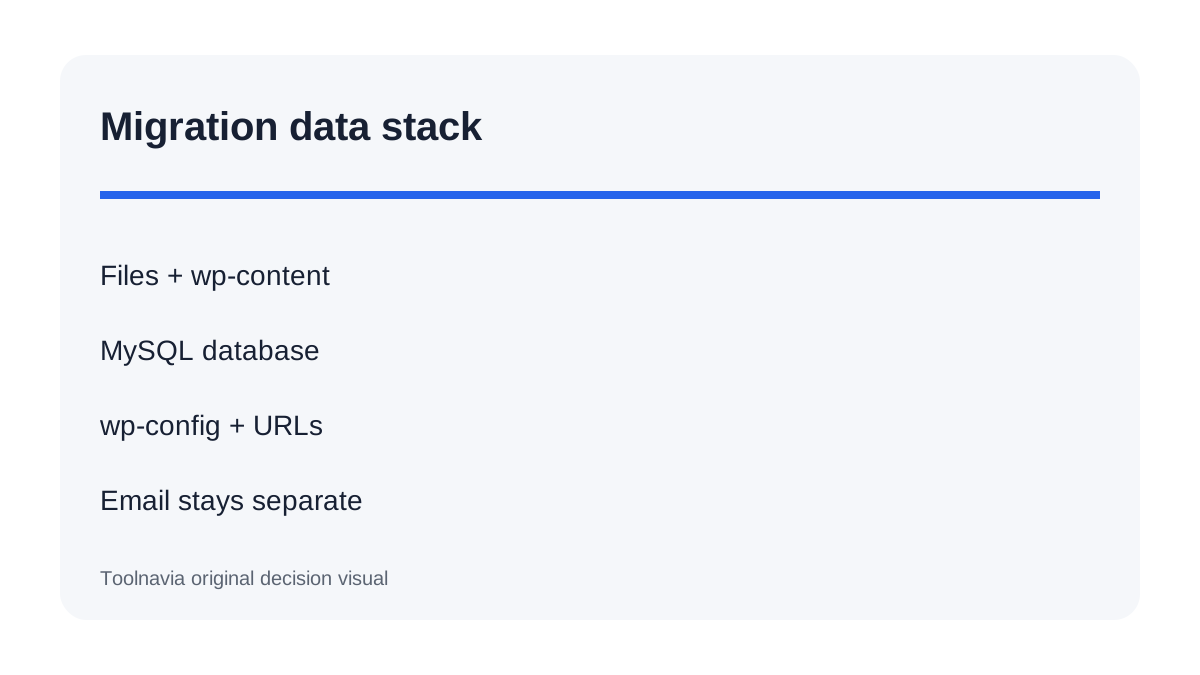
The website is not just public_html. WordPress stores themes, plugins, uploads and code in files, while posts, users, settings and plugin records live in MySQL. GoDaddy separates home-directory and database backups; WordPress and WP Engine guidance make the same distinction.
Before touching DNS, create a fresh external backup of both sets. Record the source PHP version, database name, table prefix and wp-config.php credentials. If the source cPanel export includes email forwarders or filters, keep that archive separate from WordPress content. Those settings are not mailbox messages.
Build the new site before cutover
Upload and restore files and database into Economy, then correct wp-config.php for the new database. If the domain or directory changes, use a serialized-data-aware WordPress search-and-replace method; blind SQL replacement can corrupt structured values.
Preview the restored site before changing public DNS. GoDaddy says the old host continues serving visitors until DNS points to the new account. Kinsta also recommends preview without changing live DNS. Test homepage, login, media, forms, redirects, cron tasks and one representative checkout or lead flow. SiteGround and Hostinger independently document the same manual transfer pattern—copy data, validate the destination, then point the domain—so their pages are used here as workflow cross-checks, not as commercial recommendations. Check the browser console and server error log.
Find the authoritative DNS zone
The registrar, DNS provider and web host can be different companies. Active nameservers decide where records must be edited. GoDaddy tells users to identify that location first.
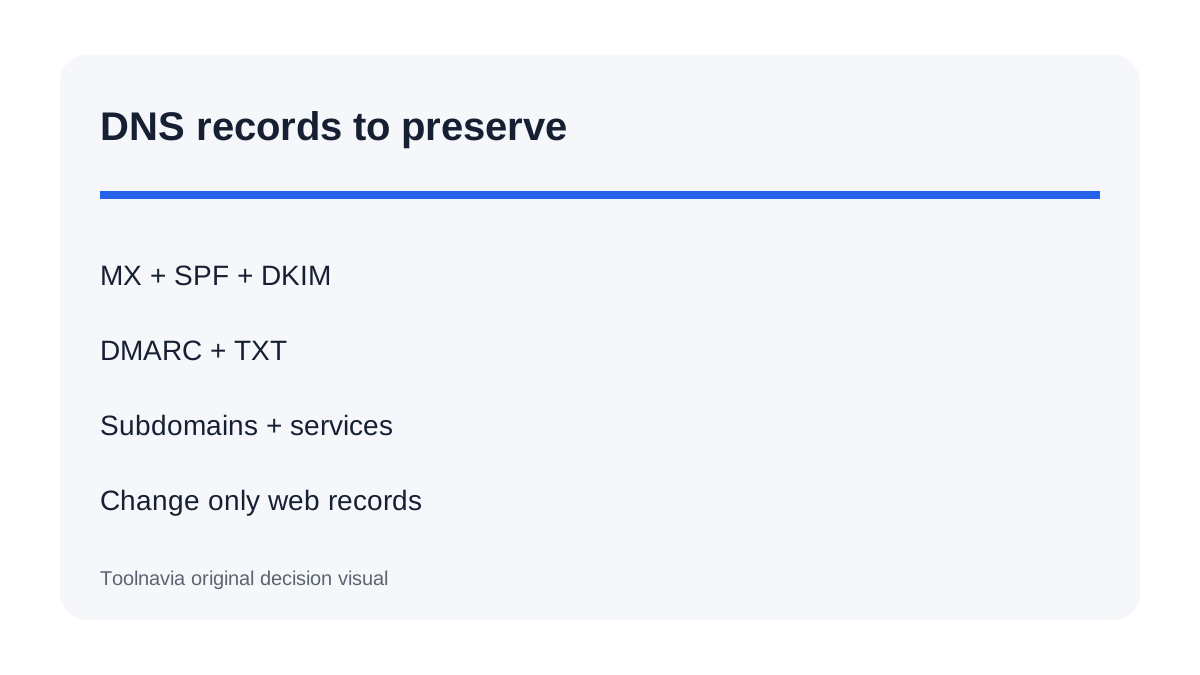
Export or screenshot the full zone. Preserve MX, SPF, DKIM, DMARC, verification TXT, subdomains and service records. If external email is used, changing only the web A record is safer than replacing nameservers. Kinsta warns that a nameserver change without rebuilding the full zone can interrupt email and other services.
Prepare the cutover window
One day before the move, reduce the relevant DNS-only TTL when supported. Cloudflare explains that TTL controls cache duration but proxied records can use provider-controlled behavior. Lower TTL can shorten some caches; it cannot guarantee instant global change because resolvers and negative caching vary.
Use a lower-traffic period. Freeze new posts, comments, orders or forms briefly, or perform a final database sync immediately before cutover. Dynamic sites may need a second sync before DNS changes. Keep the old site and database intact.
Change only intended records
After validation, update the root A record and intended www record using the GoDaddy account values. Do not delete unrelated DNS. Confirm apex and www resolve, HTTPS works, and WordPress Address and Site Address match the live domain.
Check from multiple networks or resolvers. During propagation, some visitors may still reach the old server. That is cache behavior, not proof the new account failed. Monitor both environments until traffic stabilizes.
Email is a separate migration
An A-record cutover moves web traffic only. It does not copy old messages, create mailboxes or replace MX, SPF, DKIM and DMARC. GoDaddy’s MX instructions require records from the real mail provider.
Identify the mail host, save DNS evidence, create needed destination mailboxes and test sending and receiving. If email stays with the old provider, preserve its records. If it moves, run a dedicated mailbox migration and separate validation. Never promise that a WordPress backup contains business email.
Rollback and cancellation timing
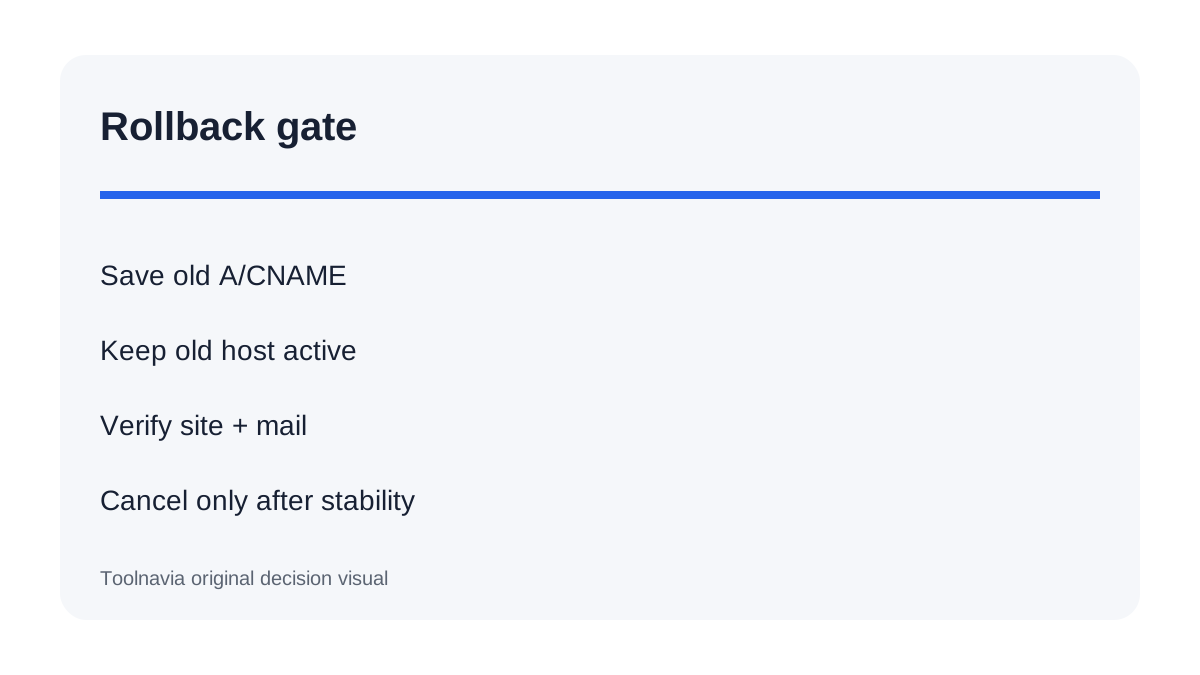
Keep the old hosting account active for at least one complete business cycle after the site and email are stable. Save prior A and CNAME values with timestamps. For a critical failure, revert only changed web records, re-open writes on the old site and investigate before trying again.
Do not cancel the old plan because files uploaded successfully. Cancel only after DNS stabilizes, GoDaddy logs show real traffic, forms and checkout work, mail is verified, SSL is valid, and a fresh destination backup exists.
Who should choose Economy
Choose Economy for a conventional single WordPress site whose files and database fit the account and whose owner can run a copy-test-cutover checklist. The approved Economy offer can be economical, but migration discipline—not introductory price—determines risk. The official plan page discloses term and renewal conditions, while GoDaddy's resource-limit page shows why storage, inode, database and mail constraints should be checked before copying; final checkout remains authoritative.
Choose professional migration help for a busy store, membership writes, a very large database, custom server rules or no safe maintenance window. Toolnavia may earn a commission from the exact Economy offer. No coupon, zero-downtime guarantee or mailbox-migration promise is implied.