TOOLNAVIA / BUYING GUIDE
GoDaddy Economy SSH & SFTP: What Access Do You Actually Get?
The short answer
At a glance
- Best for
- One small cPanel site after the actual account confirms the SSH workflow.
- Price model
- Current public checkout and account permissions control; no access guarantee is inferred from a generic plan page.
- Check first
- Current Economy sales bullets do not promise SSH/SFTP; verify the dashboard, and never treat shared SSH as root.
Quick verdict
GoDaddy publishes a clear **SSH enable-and-connect workflow for Web Hosting (cPanel)**, but the current Economy sales bullets do not list SSH or SFTP. Its own file-transfer guide says standard FTP is used on Web Hosting and gives the explicit SFTP wording to Managed Hosting for WordPress. That makes the safe buying answer conditional: Economy can expose account-level SSH, but verify the actual dashboard before treating SSH—and especially SFTP—as a guaranteed entitlement.
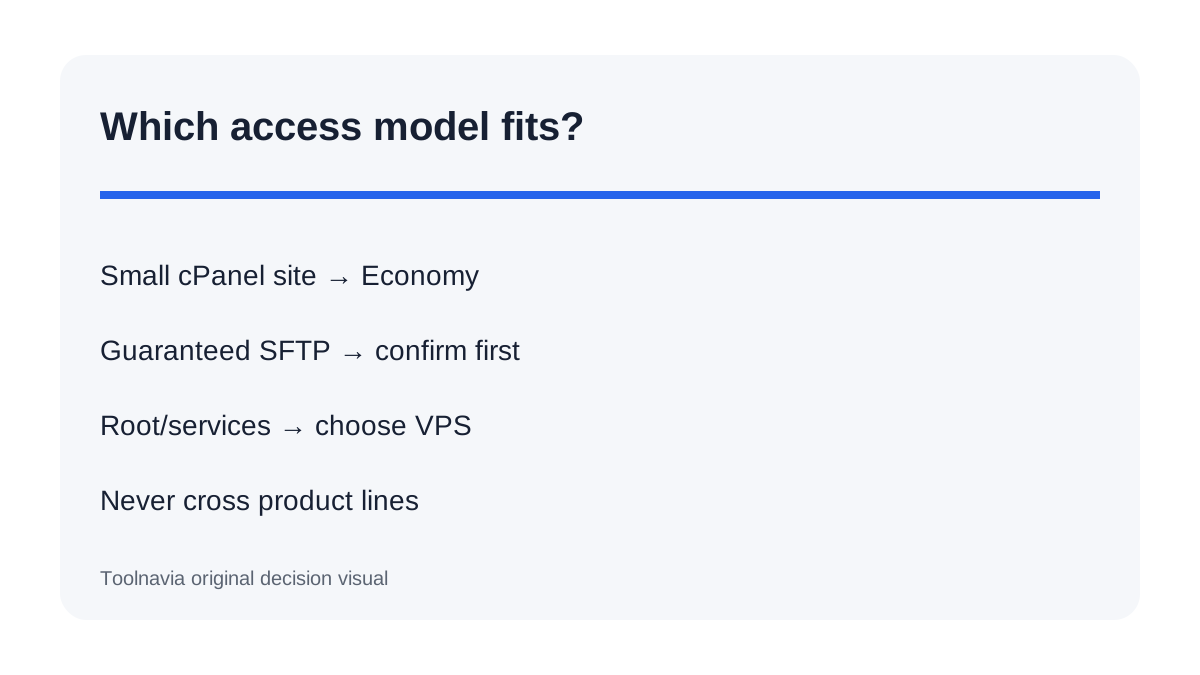
Economy is reasonable for one small cPanel site when you only need user-level commands and can tolerate provider-controlled permissions. It is not a substitute for VPS root. If encrypted file transfer or shell access is a hard requirement, save a written support answer for the exact Economy SKU, region and account generation before paying.
What GoDaddy officially documents for cPanel SSH
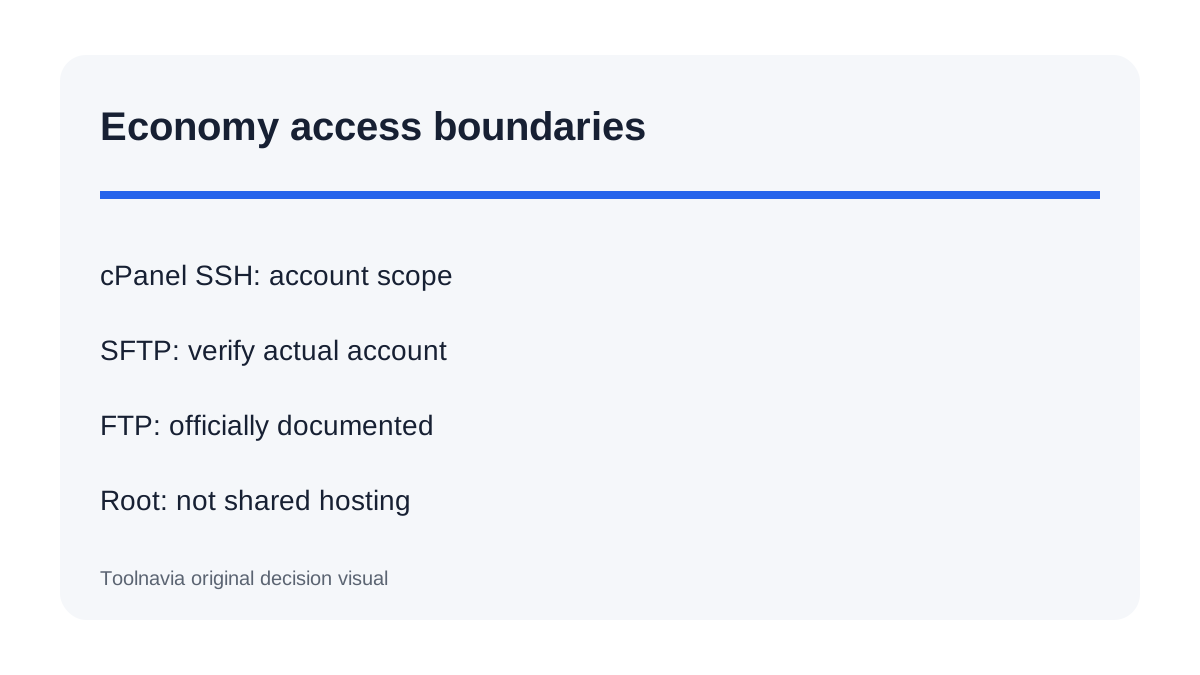
GoDaddy's current help page tells Web Hosting customers to open the hosting Dashboard, choose Settings, select Manage beside SSH access and turn the switch on. The account then displays credentials; the cPanel password doubles as the SSH password. A second official guide uses the domain or server IP, cPanel username and password, and port 22.
Those instructions are meaningful first-party evidence that Web Hosting (cPanel) can provide SSH. They are not the same as a checkout guarantee for every Economy account. The live Economy card currently advertises one website, 25GB NVMe, cPanel and Node.js, but it does not include SSH or SFTP in the visible feature list. Treat the dashboard switch—not a copied comparison table—as the final operational test.
SSH, SFTP and FTP are different decisions
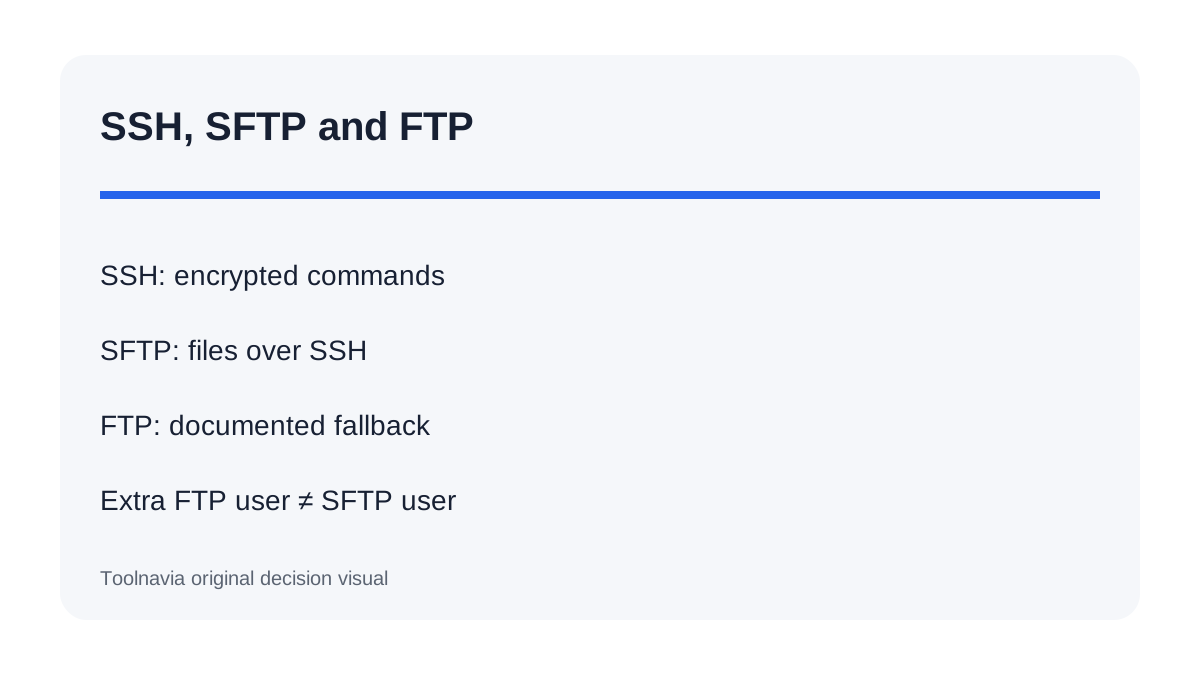
SSH is the encrypted command-line session. SFTP is a separate file-transfer protocol that rides on SSH. FTP is the older file-transfer route and does not provide the same encrypted session. cPanel's current documentation says SFTP normally uses port 22 and a cPanel or SSH username; an extra FTP-only account cannot sign in through SFTP.
GoDaddy's own wording is more cautious. It explicitly says Web Hosting plans use standard FTP, while Managed WordPress uses SFTP, and its Web Hosting help directs users to the primary FTP username. An independent GoDaddy review reports secure FTP and SSH on Economy, but that observation cannot override the exact account dashboard. If SFTP matters, test a primary cPanel login on port 22 after SSH is enabled, or obtain written confirmation. Do not assume every FTP subaccount becomes an SFTP user.
Shared SSH is not VPS root
A cPanel shell is normally restricted to the hosting account. cPanel's VirtFS documentation explains how jailed shell isolates users from other accounts and limits filesystem scope. That is useful for supported tasks such as inspecting files, running account-level commands or using deployment tools made available by the host. It does not grant server-wide package management, firewall control, background daemons or unrestricted services.
Current independent comparisons position Economy as entry shared hosting, not a server-administration product. GoDaddy's other product lines use different control panels and access models; a WordPress review, for example, shows SSH/SFTP availability can vary by tier. Never carry a Managed WordPress or VPS permission claim into Economy.
A five-minute access test before migration
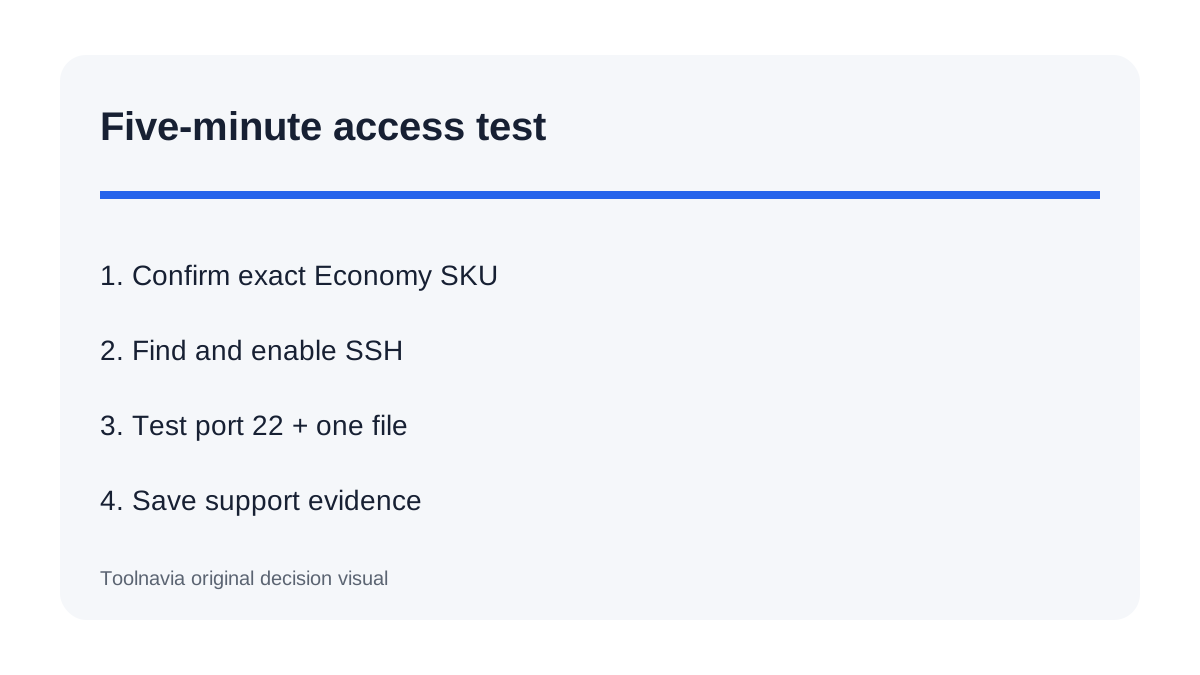
First, confirm the cart says Web Hosting Economy and save the plan wording. After provisioning, open the Dashboard and look for the SSH access switch described by GoDaddy. Enable it, record the hostname, primary cPanel username and port, then make one SSH connection.
Next, test the exact workflow you need: a harmless command, a small Git operation if available, and a small file transfer. If SFTP is required, use the primary cPanel/SSH user rather than an auxiliary FTP user. Verify that the target directory is inside the account and that normal website permissions remain intact. Finally, keep File Manager or the documented FTP route as a recovery path.
GoDaddy's multi-dashboard experience can be confusing in practice, so run this test while the refund window and support context are still available. Do not migrate the only copy of a production site until you have an external backup and a verified restore path.
Questions to ask support before paying
Ask four narrow questions in one message: Does this exact Economy Web Hosting (cPanel) order expose the SSH switch? Is the shell jailed? Can the primary cPanel user connect by SFTP on port 22 after SSH is enabled? Can additional FTP users use SFTP, or only the primary account?
Request answers tied to the SKU and region shown in your cart. Save the transcript. If support only confirms “SSH is available on Web Hosting” without naming Economy, keep the feature conditional. If the workflow requires root, custom services or unrestricted packages, stop comparing shared plans and price a VPS instead.
Who should buy Economy for developer access
Choose Economy when one small site needs cPanel, occasional account-level commands, and a documented FTP fallback—and when you can verify the SSH switch after provisioning. It can also fit a buyer who primarily uses File Manager and only wants SSH for maintenance.
Do not choose it on the assumption that “SSH” means root, that every FTP account supports SFTP, or that Managed WordPress credentials apply. Choose a plan with an explicit SFTP commitment when encrypted file transfer is non-negotiable. Choose VPS only when the workload truly needs server administration.
Toolnavia may earn a commission from the exact approved Economy offer. The recommendation remains conditional on the access actually shown for your purchased account.