TOOLNAVIA / BUYING GUIDE
GoDaddy Economy Cancellation & Refund: Export Before You Cancel
The short answer
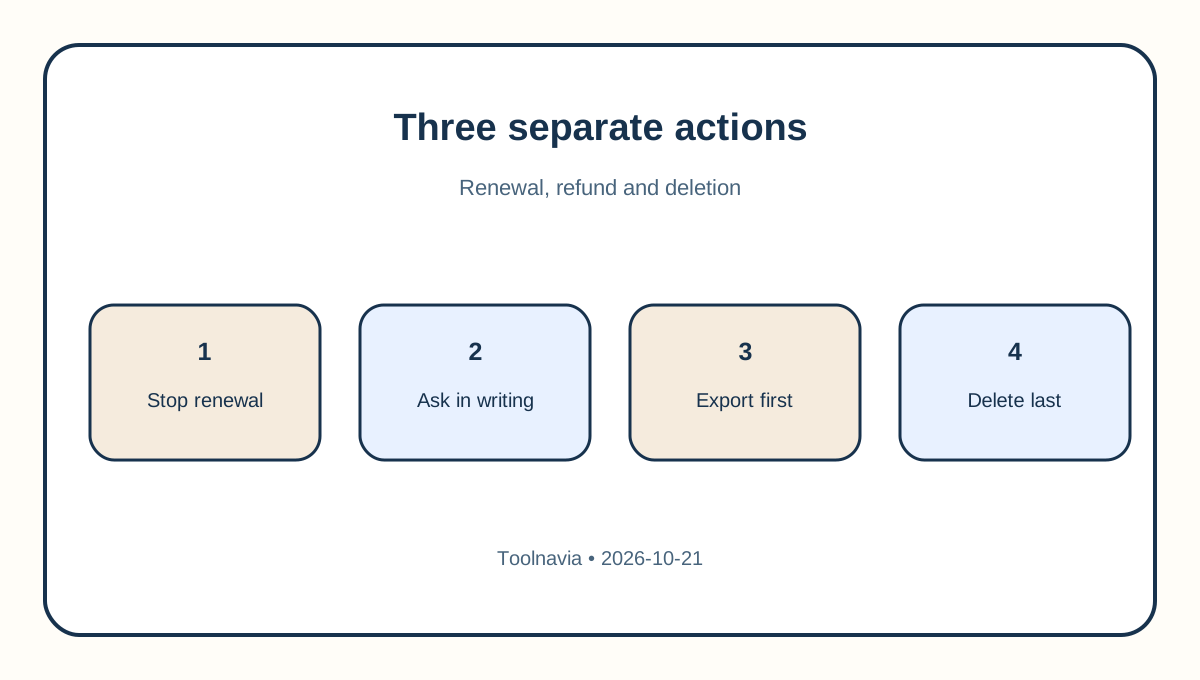
GoDaddy Economy buyers face three different actions: stopping the next renewal, asking whether a transaction is refundable, and deleting the hosting service. They are not interchangeable. GoDaddy says Cancel Plan stops the next billing date and leaves the product available until the end of the paid term. Refund eligibility is separate, account-specific, and affected by both the transaction date and the policy version attached to the account.
At a glance
- Best for
- GoDaddy Economy buyers who require a tested exit plan and written refund-boundary confirmation.
- Price model
- No universal refund promise; eligibility depends on policy cohort, transaction and service status
- Check first
- Public pages cannot identify an account's policy cohort or performed status; obtain written confirmation.
Start with the policy fork, not a “30-day guarantee”
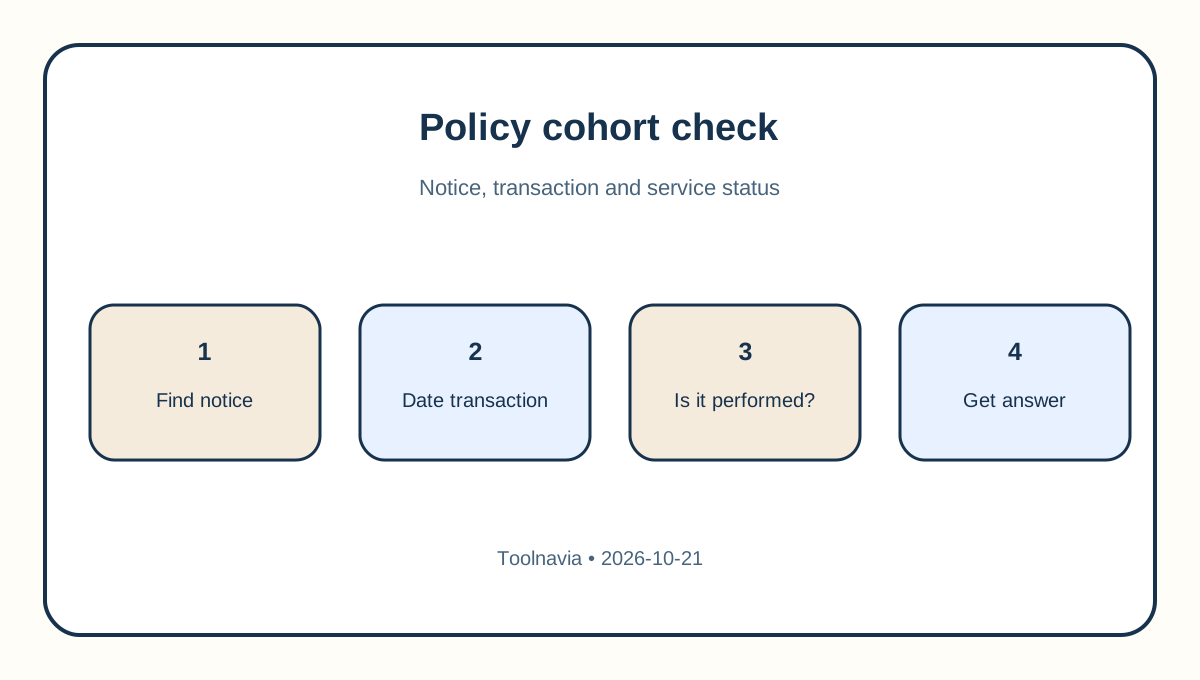
The current GoDaddy refund page lists standard annual and monthly windows, but Hosting Services have a special term: once the hosting service has been performed, it is non-refundable; if it has not been performed, the stated window is 30 days. The updated policy page preserves that hosting-specific distinction. That means a generic “annual plans get 30 days” headline is not a safe promise for an activated Economy account.
There is also a cohort issue. GoDaddy's notice says the October 15, 2026 change applies only to customers who received a September 15 notice email, while a purchase or renewal completed before October 15 remains under the earlier policy. Save the notice email, invoice, renewal timestamp and a screenshot of the policy shown in your account. Ask support to identify the governing policy and quote the exact clause in writing.
Do not close the entire GoDaddy account before resolving the refund request. The live policy states that an otherwise eligible refund must be requested before account closure. If the plan included a free domain, GoDaddy also says the domain's list price can be deducted from the refund.
Decide whether you only need to stop renewal
If the goal is to avoid the next charge while keeping the site online through the paid term, use Cancel Plan rather than treating cancellation as an immediate deletion request. GoDaddy's help page says the product continues until the end of the subscription and that a refund requires a separate conversation with GoDaddy Guides.
Record the next billing date before changing anything. Then capture the cancellation confirmation, product name, account number, effective date and support case number. A green “auto-renew off” status answers only one question: whether another scheduled charge should occur. It does not establish refund eligibility, confirm a credit amount or prove when stored data will be removed.
Export files, database and configuration before deletion
GoDaddy's hosting agreement puts the migration burden on the customer. It says content should be moved before termination and that GoDaddy does not undertake to transfer or FTP the website; content not moved can be deleted and become unrecoverable. Treat that as the controlling exit-risk statement.
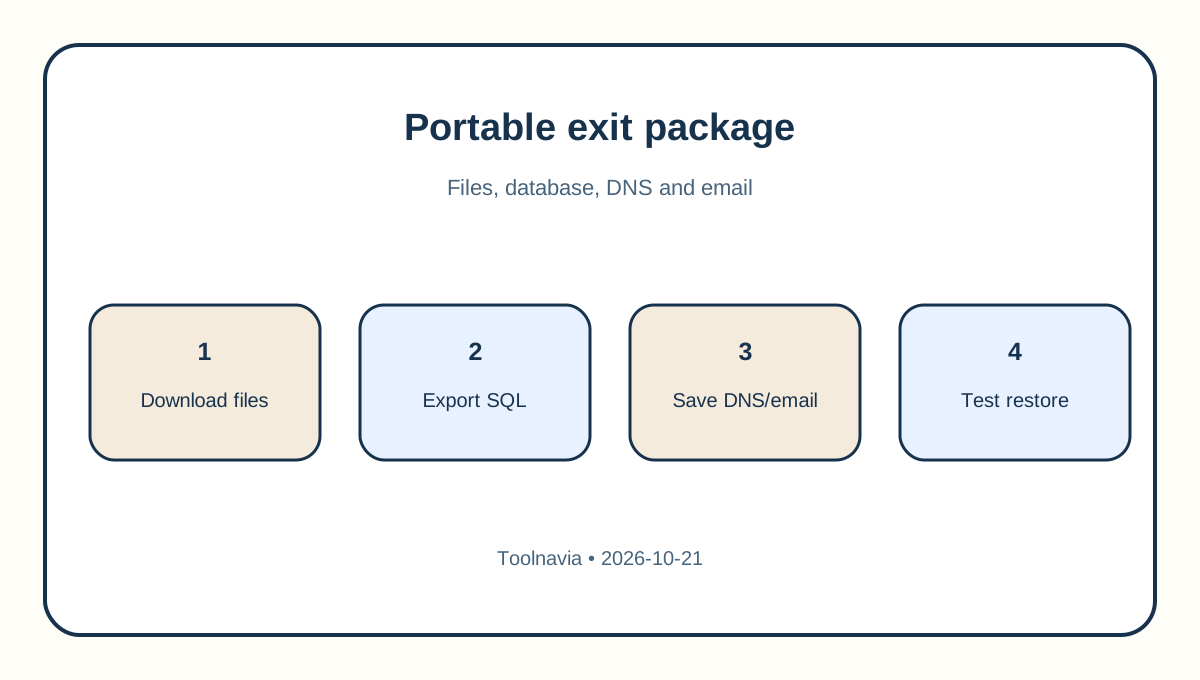
Download the complete web root, not just WordPress uploads. Export every MySQL database separately. GoDaddy's cPanel instructions describe a compressed SQL export, while its migration guidance treats the site archive and database dump as separate artifacts. Also preserve DNS records, SSL details, cron schedules, redirects, PHP version, email routing, mailbox exports and any external service credentials.
A provider backup is not the same as a portable exit package. GoDaddy notes one-day daily backup coverage for cPanel plans. That short history may help with a recent mistake, but it does not replace a customer-controlled archive stored outside the account.
Prove the restore before you cancel
Create a clean staging destination and restore the archive there. Confirm the database imports, front-end pages load, admin login works, forms deliver, scheduled tasks run and DNS can be cut over. Check a representative set of images, downloads and database-driven pages rather than relying on archive size alone.
Keep both the original files and an integrity manifest. Record file counts, database table counts and checksums for the largest archives. If the replacement host changes PHP, database or mail behavior, document the fixes while GoDaddy hosting is still reachable. The exit is complete only when the replacement works independently.
Separate hosting, domain, email and account closure
A GoDaddy login can contain products with different terms. Stopping Economy renewal does not necessarily cancel the domain, Microsoft 365, professional email, security tools or other subscriptions. Review each product row and decide whether to renew, transfer or cancel it. Do not assume a hosting refund automatically reverses a domain charge; the refund policy gives domains their own rules and may deduct a bundled domain's list price.
If the domain will move, unlock it, obtain the authorization code and verify registrant email access before closing the hosting account. If email is bundled or separately billed, export mailboxes and recreate DNS records before the final cutover. Close the whole GoDaddy account only after support confirms any refund and every retained product has a home.
Do not borrow another host's promise
Competitor policies are useful for designing the checklist, not for claiming GoDaddy rights. Kinsta documents its own guarantee and deletion path. SiteGround distinguishes immediate cancellation from cancellation at expiration and warns that immediate termination deletes data; its refund windows are product-specific. Hostinger likewise separates auto-renewal shutdown from refund-driven termination and publishes its own eligibility rules.
The shared lesson is operational: preserve data before any destructive action and separate renewal control from refund adjudication. The legal and billing conclusion must still come from the policy governing your specific GoDaddy transaction.
A safe GoDaddy Economy exit sequence
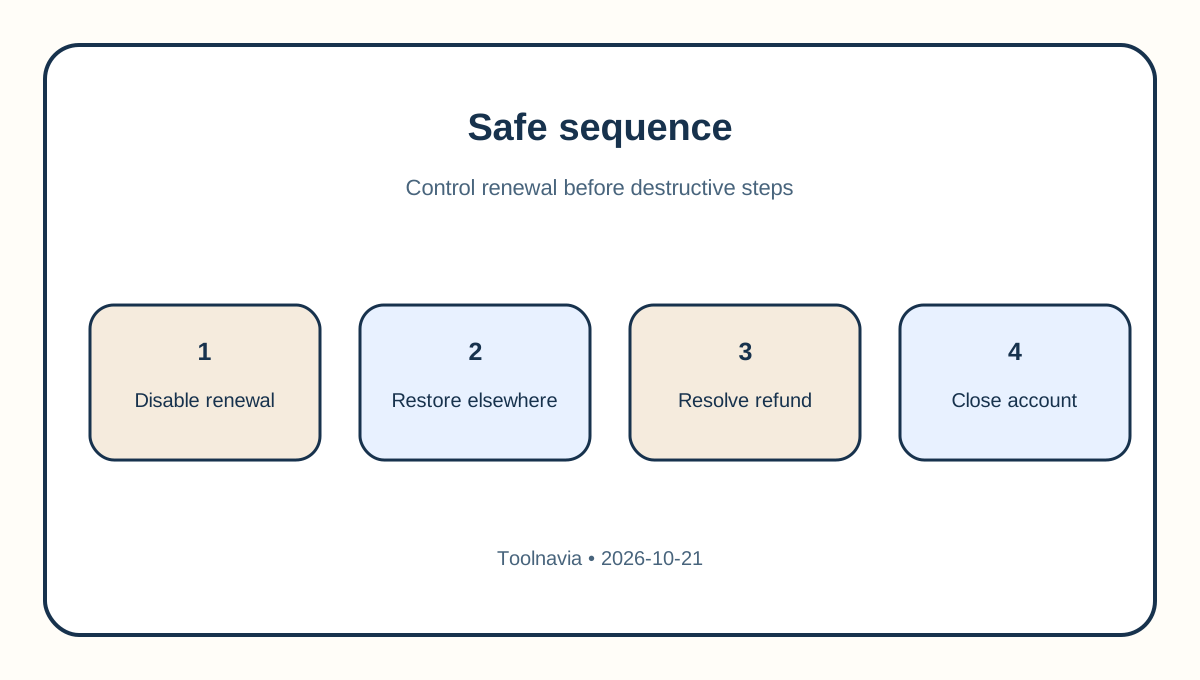
First, turn off the next renewal if you need time. Second, export files, databases, DNS and email, then restore them elsewhere. Third, ask support to confirm the applicable policy version, whether the service is considered “performed,” the refundable amount, the effect of any free domain and the exact service-end date. Fourth, request any refund before account closure. Finally, delete or close only after the replacement passes independent tests.
For buyers still evaluating Economy, the key purchase question is not “Is there a 30-day refund?” It is “What written exit path applies once the service is active?” Review the exact Economy offer through [Toolnavia's verified route](/go/godaddy-web-hosting-economy-official-usd), but treat the route as product access—not as a promise of refund eligibility.