TOOLNAVIA / BUYING GUIDE
GoDaddy Economy Backup Guide 2026: Daily Backup, but Only One Day of History?
The short answer
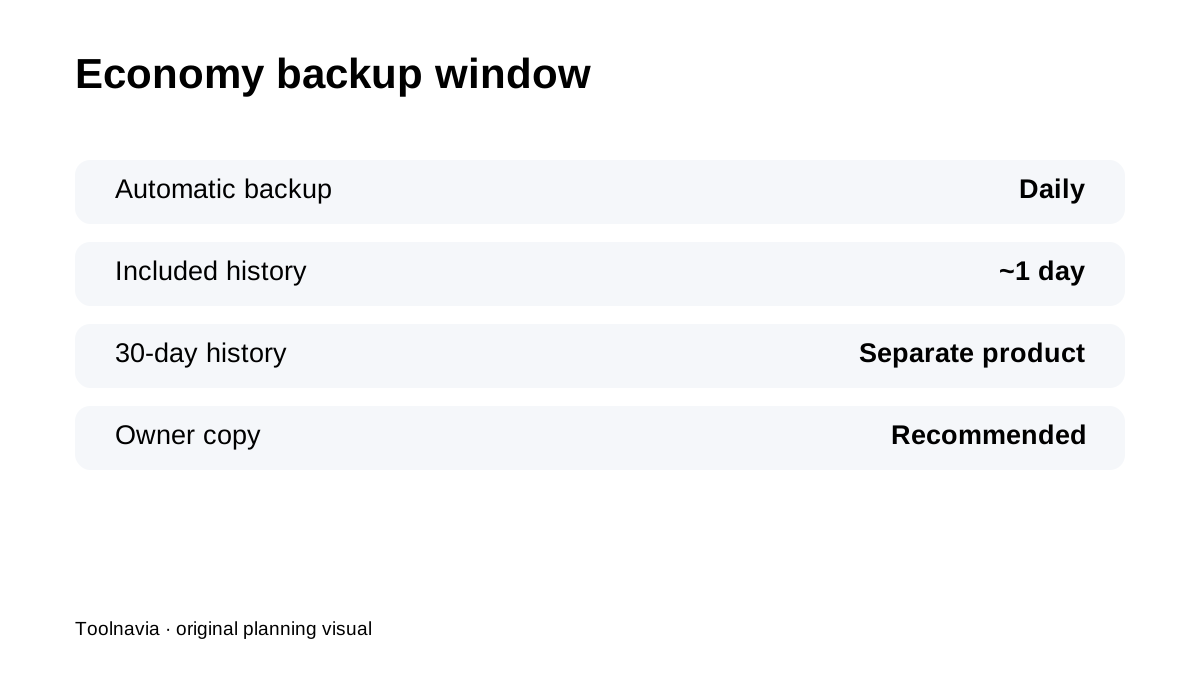
**Quick verdict:** GoDaddy Economy includes an **automatic daily backup**, but the included restore history is short—about **one day**. A **30-day history** requires the separate Website Backup service. That makes Economy suitable for basic rollback, not as a deep recovery archive.
At a glance
- Best for
- One small site whose owner can tolerate short provider history and keeps an independent copy.
- Price model
- Term/region-dependent; verify live cart and backup add-ons
- Check first
- Included automatic backup has short history; 30-day history is a separate product; independent tested copies are recommended.
Daily backup does not mean 30 days of history
GoDaddy's cPanel restore guide distinguishes the included daily backup from the optional 30-day Website Backup product. If a mistake is discovered several days later, the included restore point may already have moved on. For sites where delayed detection is common—malware, broken updates, bad content imports—one day can be a very narrow window.
Know which backup product is attached to the account
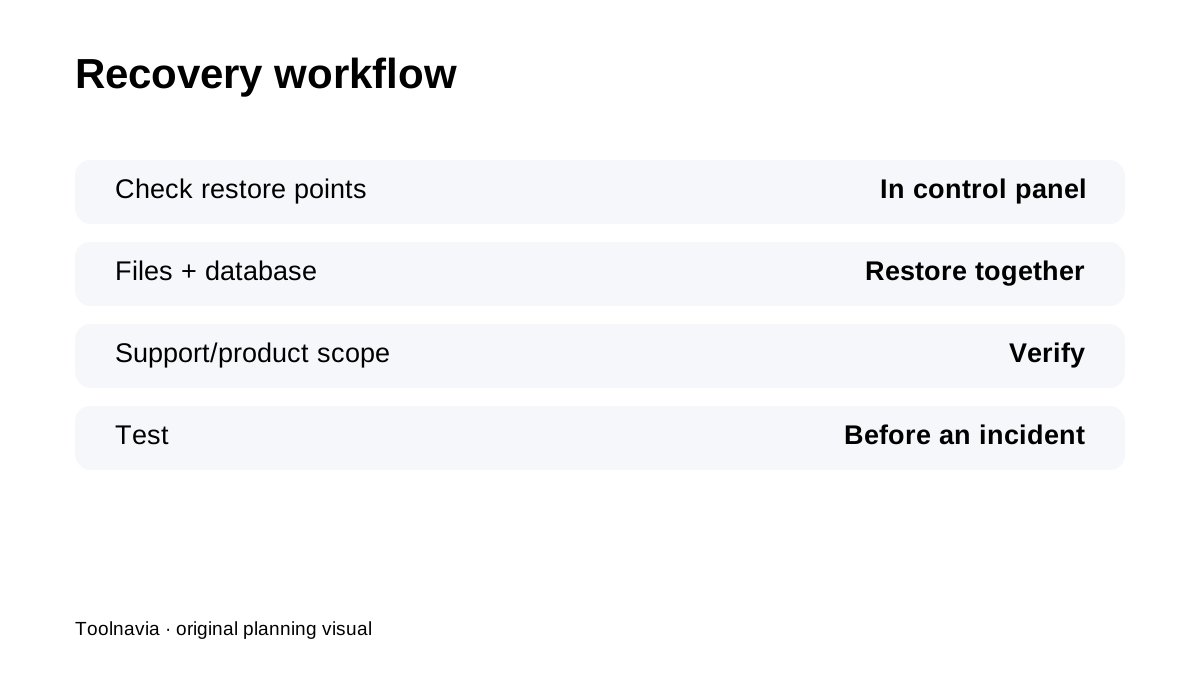
GoDaddy exposes different restore workflows depending on the backup product and hosting configuration. Before a production site goes live, open the control panel and confirm what restore points are visible, how files/database are restored and whether the workflow is self-service or support-assisted.
Create your own cPanel copy too
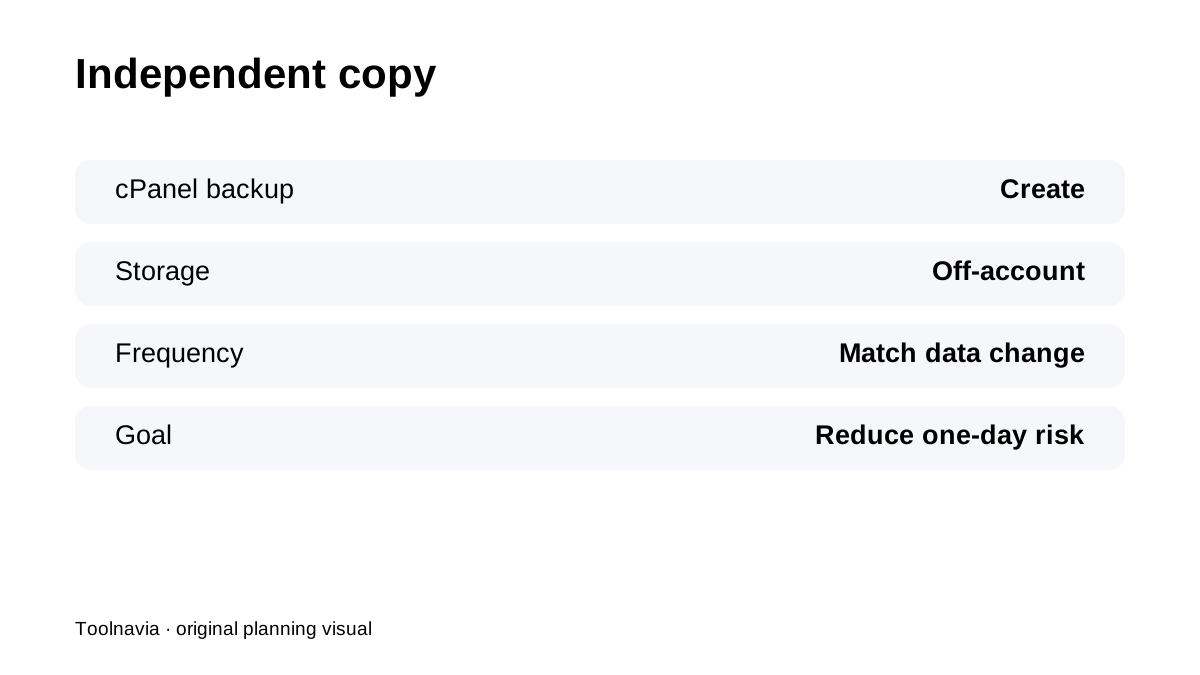
GoDaddy documents manual cPanel backup workflows. Use them to maintain an independent copy outside the hosting account. A customer-owned backup is especially important when business data changes more frequently than the included provider history can protect.
One-day provider history is a recovery-point choice
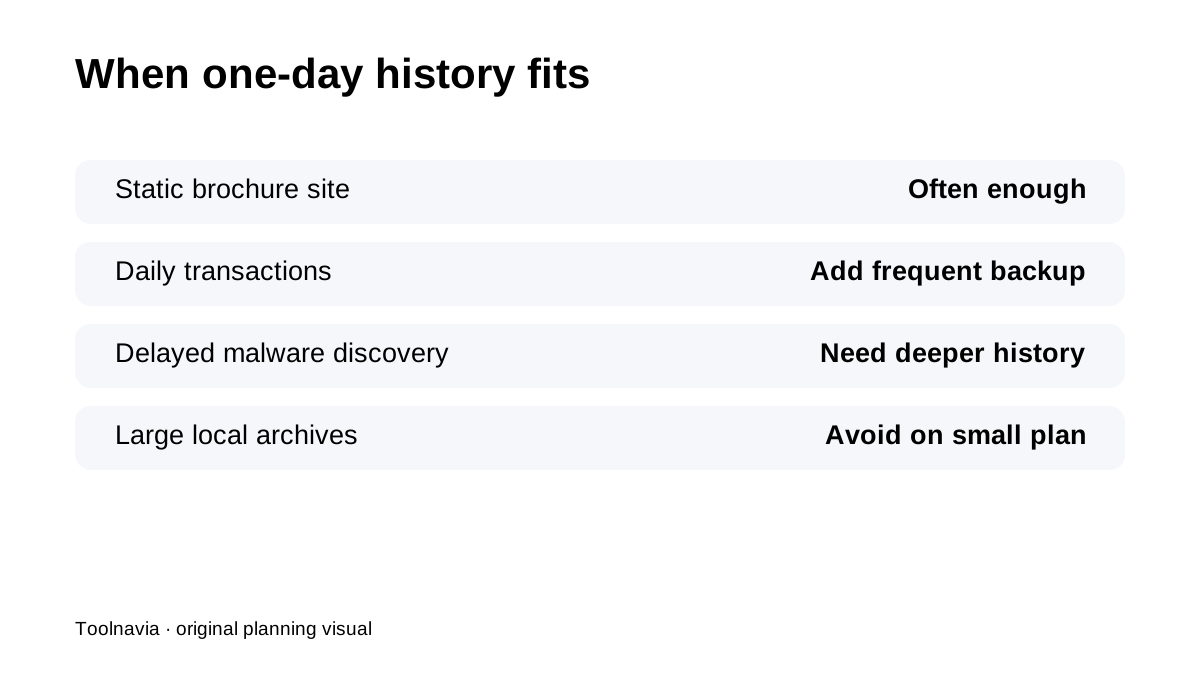
For a brochure site updated monthly, the included daily restore may be enough as a convenience layer. For WooCommerce, bookings, membership or lead-generation sites, losing more than a day of data can be expensive. In that case, automate your own more frequent database/file backup and store it remotely.
Paid 30-day history is a different product decision
The separate Website Backup service provides the longer 30-day history referenced by GoDaddy. Do not assume the cost or retention of that service is automatically included with Economy. Save the actual cart, renewal and add-on details if deeper history is part of the buying requirement.
Backup work still runs inside a small shared account
Economy is a **1 CPU / 512MB RAM / 20 entry-process** shared-hosting plan. Large local archive creation or restore operations can be heavier than ordinary page serving. Schedule manual backup jobs carefully and avoid keeping many large backup archives inside the same hosting account.
What current reviews reinforce
HostingAdvice, Cybernews, Tom's Guide and HostPro Reviews all treat GoDaddy's convenience and add-on scope as core parts of the value decision. For exact recovery capability, GoDaddy's current first-party backup documentation should control.
**Bottom line:** GoDaddy Economy's automatic daily backup is useful, but the included history is **short**. If your business needs more than one-day rollback, add a tested independent backup routine or pay for a product with explicit longer retention.