TOOLNAVIA / BUYING GUIDE
GoDaddy Economy SSL After Year One: Pay, Renew Manually, or Upgrade?
The short answer
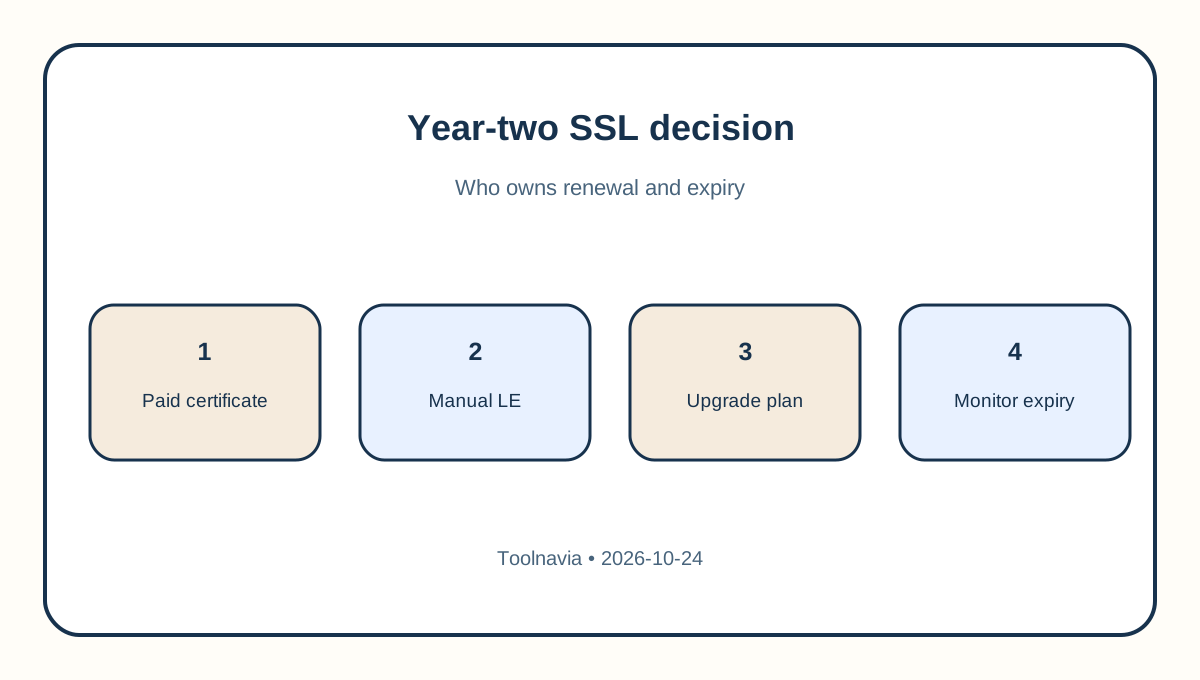
GoDaddy Economy advertises an integrated SSL certificate for the first year, but the official help page says that after that year you need to buy and install a separate certificate. That creates a real year-two decision: pay for a certificate, accept a manual 90-day renewal routine, or change the hosting plan. The safe choice depends less on the word “free” than on who will own renewal, installation and expiry monitoring.
At a glance
- Best for
- GoDaddy Economy buyers who need a reliable year-two HTTPS plan.
- Price model
- Live-cart certificate or plan price; manual Let's Encrypt has recurring 90-day labor
- Check first
- No fixed year-two SSL price or Economy AutoSSL entitlement is promised; verify the live account and cart.
First identify the exact product you own
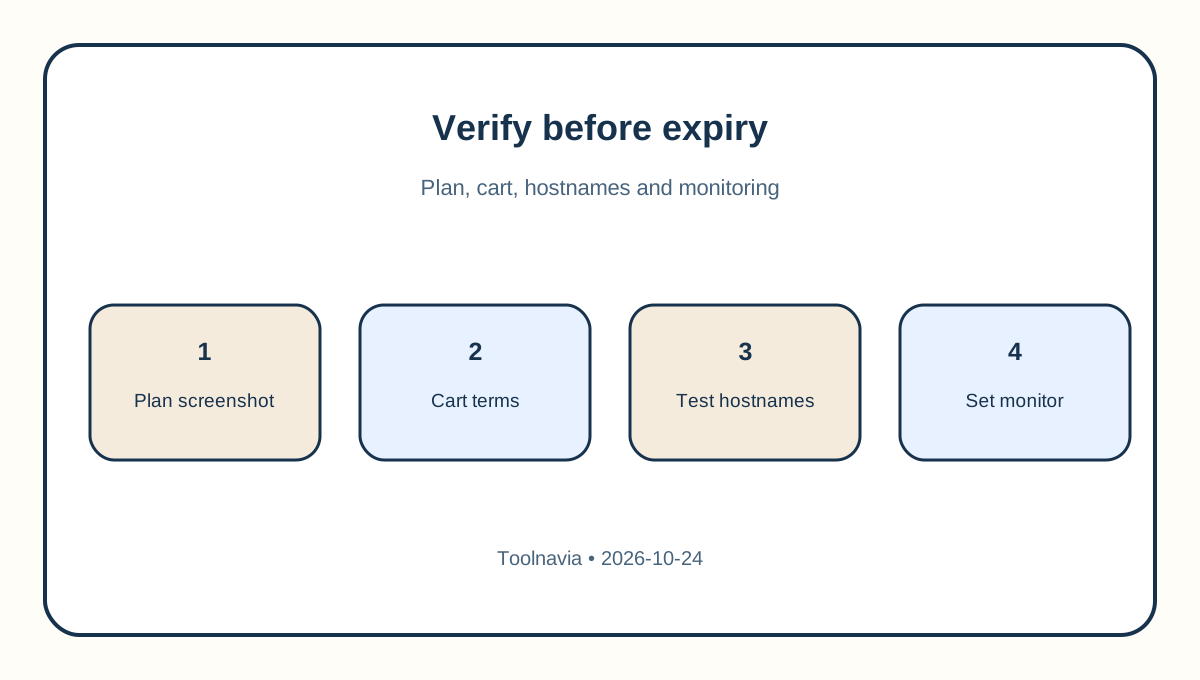
Open the GoDaddy product list and confirm that the account is **Web Hosting (cPanel) Economy**, not Managed Hosting for WordPress, Websites + Marketing or a newer plan with different inclusions. Save a screenshot of the plan name, current term, renewal date and the certificate shown in cPanel. Product labels and country storefronts change; an answer for a different product is not evidence for Economy.
Then inspect cPanel's SSL/TLS Status page. Record the certificate issuer, covered hostnames and expiry date. Do not wait for the browser warning. Start the decision at least 30 days before expiry so DNS or validation problems do not become an outage.
Do not assume Economy gets AutoSSL after year one
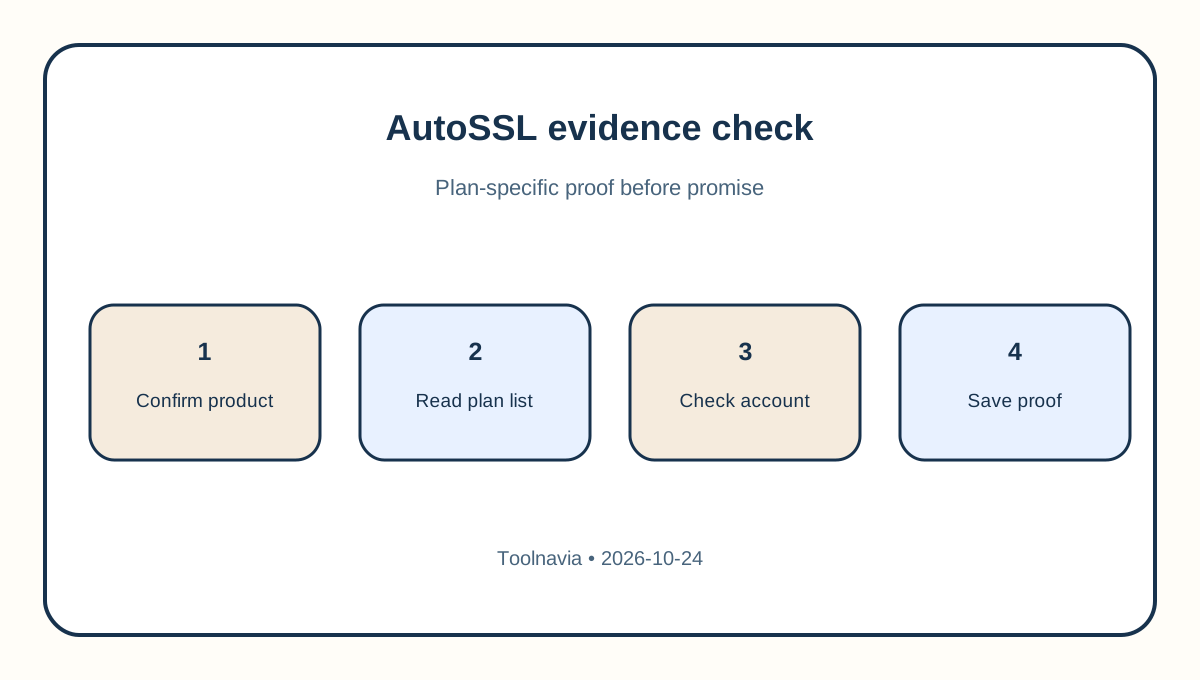
GoDaddy's general AutoSSL installation page uses broad language about Web Hosting, but the more specific **What is AutoSSL?** eligibility list names Deluxe, Ultimate, Maximum and all Web Hosting Plus plans. Economy is not on that list. Plan-specific evidence controls the decision, so this guide does not promise Economy a free automatically renewed certificate.
If your own account nevertheless shows an active AutoSSL control and a future renewal date, capture that account-specific evidence and ask support to confirm coverage in writing. Otherwise, budget and operate as if Economy needs a separate year-two SSL path. A support chat that says “SSL is included” should identify the exact product, certificate type, covered domains and renewal behavior.
Option 1: buy a GoDaddy certificate
A paid GoDaddy SSL product can reduce operational work, especially if you choose a managed version. The live SSL page separates self-managed and fully managed products and uses term-dependent pricing. Check the actual cart for term length, renewal amount, covered domain type, installation service and taxes. Do not rely on a third-party article's annual figure as a guaranteed year-two charge.
This is usually the strongest fit for a small business that cannot tolerate an expired certificate and has no person assigned to certificate operations. The trade-off is recurring cost and product lock-in. Ask whether the certificate will be automatically reissued and installed, whether subdomains need a wildcard product, and what happens when hosting or domain DNS changes.
Option 2: install Let's Encrypt manually
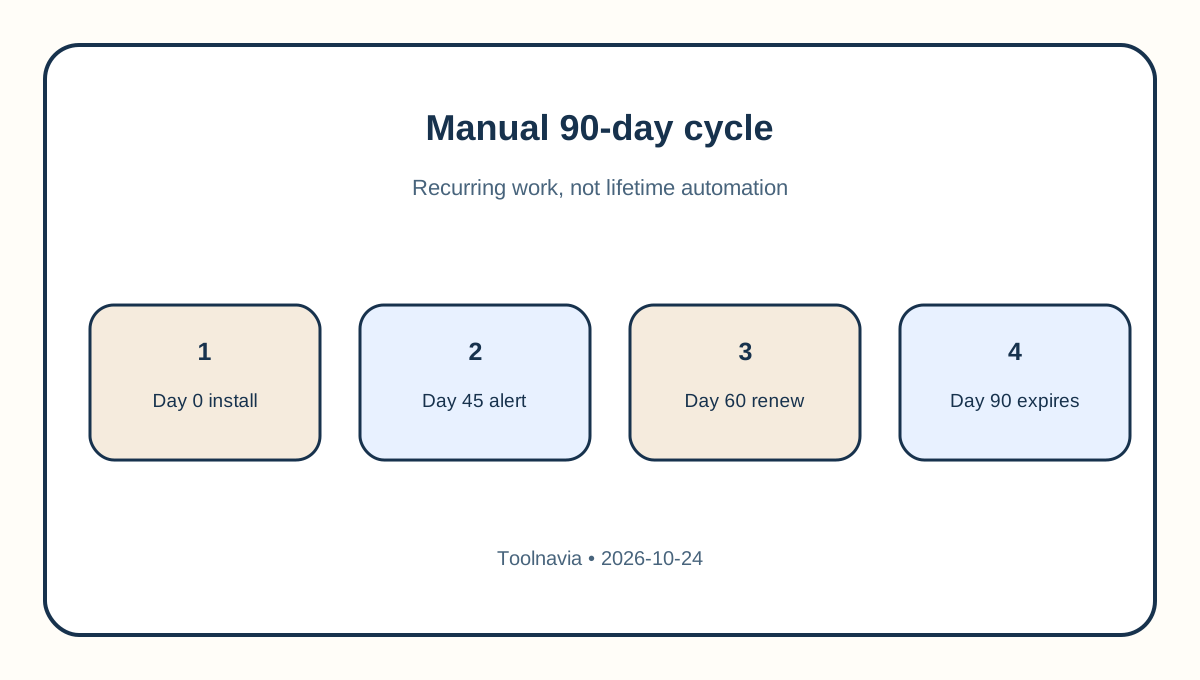
GoDaddy permits a third-party Let's Encrypt certificate on Web Hosting (cPanel), but its instructions say the certificate lasts 90 days and that GoDaddy does not support automatic installation for this path. That means “free” refers to certificate price, not to the labor and risk of keeping it current.
Use this route only if a named owner can repeat the process well before every expiry, validate every hostname and test HTTPS after installation. Put calendar alerts at 45, 30 and 14 days before expiry. Keep the CSR, private key and certificate chain secure, and document the installation procedure. A missed cycle can produce browser errors, failed webhooks, payment warnings and lost trust.
Do not equate this manual cycle with hosts that automate short-lived certificates. SiteGround, for example, documents automatic renewal before its 90-day Let's Encrypt certificates expire. The certificate lifetime is similar; the operating burden is not.
Option 3: upgrade only after a total-cost check
An eligible higher GoDaddy hosting plan may include AutoSSL or life-of-hosting SSL, but upgrading is not automatically cheaper. Compare the **full cart renewal** for the new hosting plan against Economy renewal plus the SSL option you would otherwise buy. Include term length, tax, email, backups, domains and any migration work.
The official AutoSSL list is the starting point, not a blanket promise. Confirm the target plan in the account, the number of covered domains, wildcard needs and whether the SSL remains included for the entire paid hosting term. If the upgrade adds capacity you do not need, a separately managed certificate may still be the lower total cost.
Competitor policies show why wording matters. Namecheap describes a first-year cPanel certificate followed by paid renewal, while Hostinger documents automatic lifetime SSL on eligible hosting plans. These are not GoDaddy entitlements; they are comparison points for the questions you should ask.
A practical year-two decision rule
Choose a managed paid certificate when uptime matters and nobody owns manual renewal. Choose the manual Let's Encrypt route only when a technically capable owner accepts a 90-day recurring task and can test recovery. Consider an upgrade when its **total** renewal cost is close to Economy plus SSL and the added plan benefits are genuinely useful.
Before paying, collect three screenshots: your exact hosting plan, the certificate expiry, and the final cart with renewal terms. Ask GoDaddy support one precise question: “For this Web Hosting cPanel Economy account, what certificate protects the domain after the included first year, who renews and installs it, and what exact charge and term will appear?” Save the answer.
What to verify after the change
After any purchase, installation or upgrade, test the apex domain, www hostname and any checkout or login subdomain. Confirm the browser chain, HTTPS redirects, mixed-content behavior and the next expiry date. Run the test from a private window and an external checker so a cached certificate does not hide failure.
Set a monitoring alert even if renewal is advertised as automatic. Automation can still fail when DNS, validation or account status changes. The purchase decision is complete only when you know the owner, renewal mechanism, failure alert and recovery path.
GoDaddy Economy can still be a sensible one-site plan, but the year-one SSL label is a boundary, not a lifetime promise. Review the exact Economy offer through [Toolnavia's verified route](/go/godaddy-web-hosting-economy-official-usd); then base the year-two choice on your live account and cart, not on an unverified fixed SSL price.