TOOLNAVIA / BUYING GUIDE
GoDaddy Economy Cron Jobs: cPanel PHP Path, WP-Cron & Overlap Risk
The short answer
GoDaddy Economy supports cPanel Cron Jobs, which is useful when a WordPress task or custom PHP script needs a real server-side scheduler instead of relying only on page-load WP-Cron. GoDaddy's current help page gives an explicit PHP command pattern for cPanel cron, but it does not publish a plan-specific minimum interval. Do not invent one from another host's policy; schedule from the actual workload and watch for overlap.
At a glance
- Best for
- Short PHP/WordPress scheduled tasks on one-site cPanel hosting.
- Price model
- Market and term localized; live GoDaddy checkout controls.
- Check first
- No current GoDaddy help page cited here publishes an Economy-specific minimum cron frequency.
What Economy includes
GoDaddy's current Web Hosting page lists Economy with one website, 25GB NVMe storage, cPanel, Node.js, daily backups and a 30-day money-back guarantee. Pricing is localized by market and term, so the actual checkout total should control the purchase decision. The component support page confirms Cron Jobs are available on Web Hosting with cPanel, while Windows Hosting with Plesk does not list cron support in the same matrix.
Create cron from cPanel
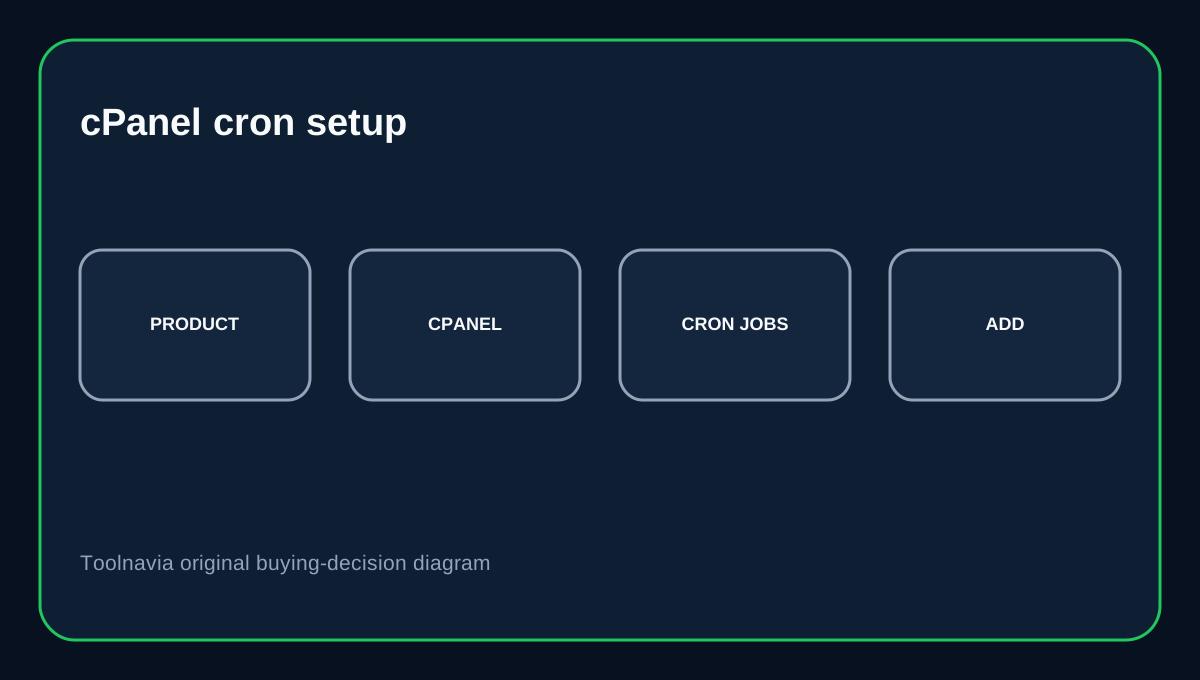
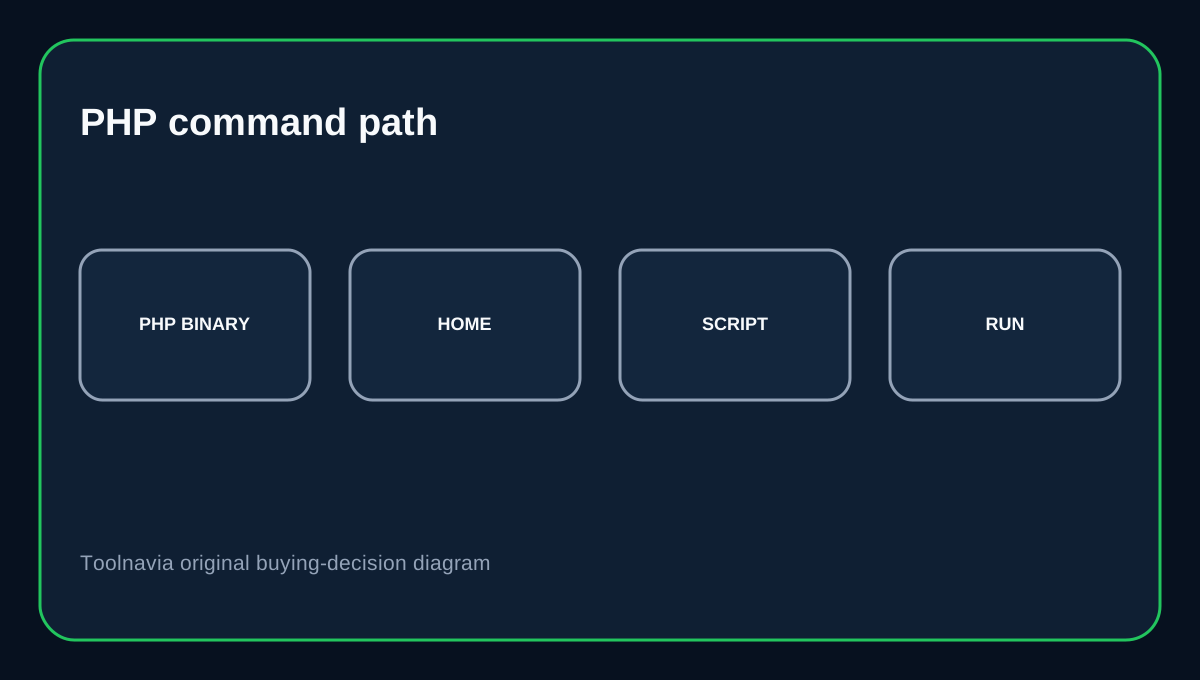
GoDaddy's help path is Product page to Web Hosting to Manage to cPanel Admin to Advanced to Cron Jobs. The task itself is a normal cPanel cron entry with schedule fields and a command. For PHP scripts, GoDaddy gives the command pattern /usr/local/bin/php -q /home/[user name]/[path to the file]. Use the real cPanel username and an absolute path to the script. A correct schedule with a wrong path still fails.
No published Economy minimum interval in the current help page
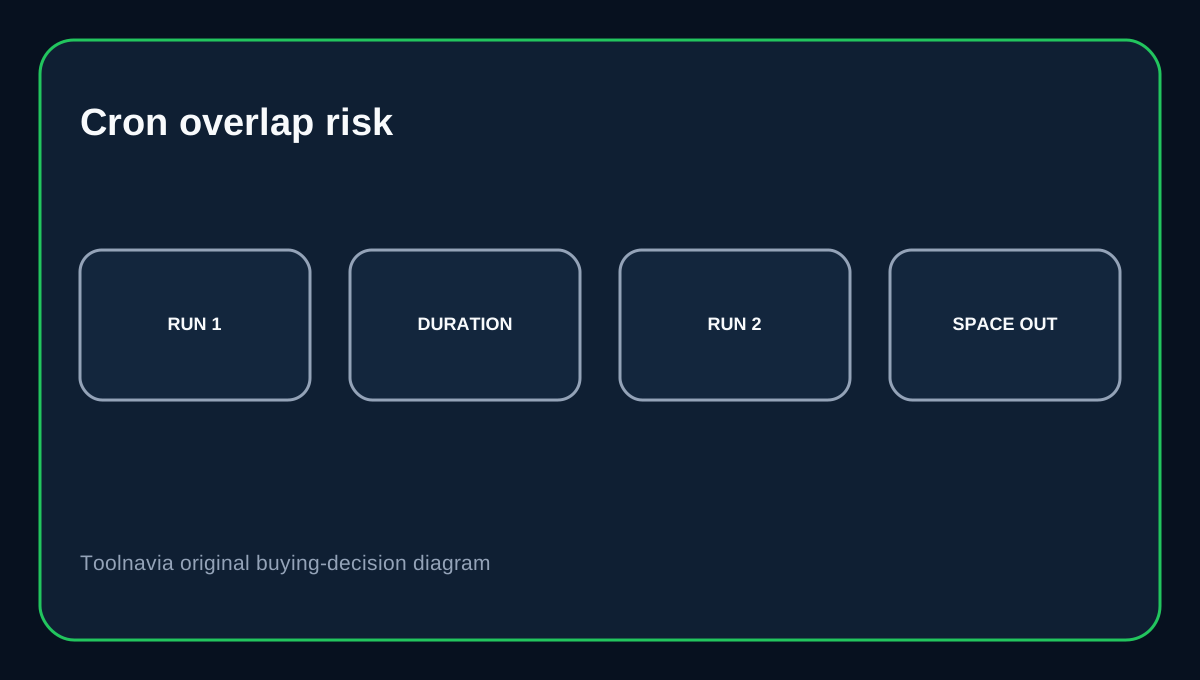
GoDaddy's current cron article explains how to create, edit and delete jobs, but it does not state an Economy-specific minimum frequency. cPanel allows direct schedule values and warns that running jobs too often can cause a second instance to start before the first one finishes, degrading performance. If you need a very frequent task, verify the real account behavior and resource impact instead of assuming another provider's minimum applies here.
WP-Cron is different from system cron
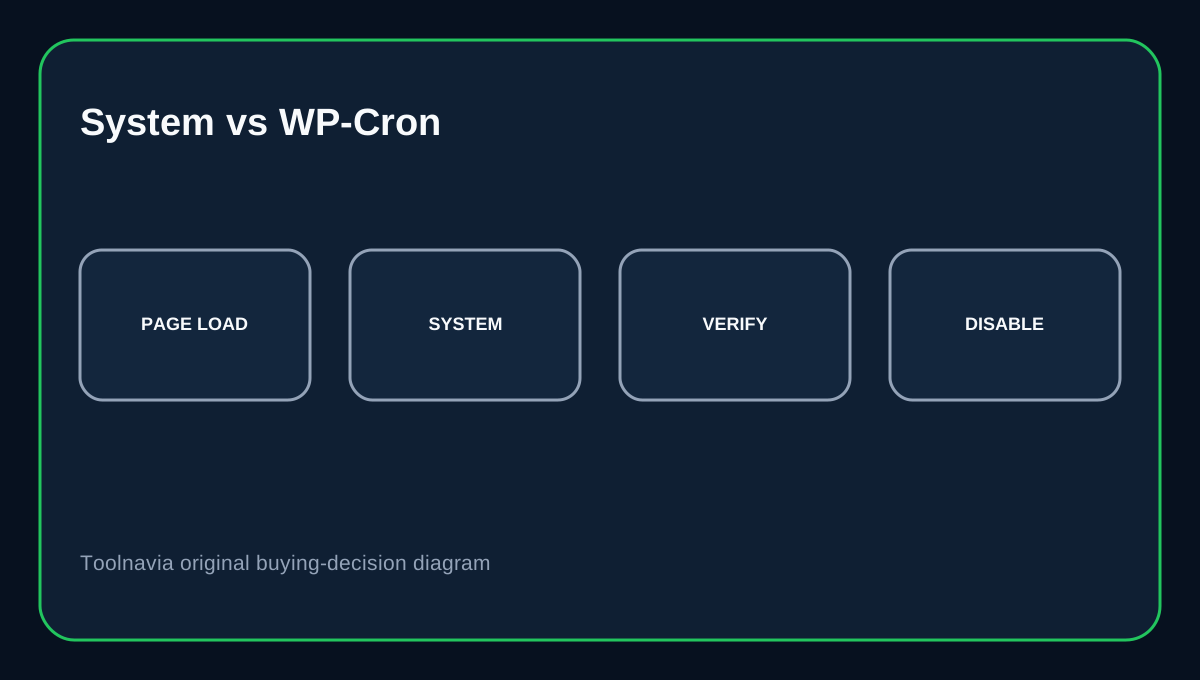
WordPress WP-Cron checks scheduled events on page loads rather than running continuously. A low-traffic site can therefore execute a due task late. If timing matters, WordPress documents using the system scheduler to request wp-cron.php and disabling page-load WP-Cron only after the replacement trigger is working. The GoDaddy cPanel cron is the system-side trigger; the WordPress queue still needs valid scheduled events.
Cron output is useful during setup
cPanel can email cron output and recommends leaving enough time between runs to avoid overlap. Keep output enabled while a new job is being proven, especially when the command changes data or performs an import. After the job is stable, suppress noisy output deliberately rather than from the start. If the expected application result is missing, inspect script output and logs before increasing the frequency.
Test the WordPress side too
WP-CLI provides wp cron test plus event and schedule commands. On a WordPress site, test the system command, then test WP-Cron spawning and inspect the events that matter. That separates three different failure points: GoDaddy scheduler timing, PHP command/path execution and WordPress's own event queue.
Buying decision
Choose GoDaddy Economy when you want a one-site cPanel plan with normal Linux cron capability and you can keep recurring jobs short enough for shared hosting. It is a useful upgrade from page-load-only WordPress scheduling without buying a VPS just for cron. Do not assume a hidden one-minute, five-minute or fifteen-minute limit unless GoDaddy documents it for your account. Test the exact command, monitor output and make sure one run normally finishes before the next begins.
Affiliate disclosure: Toolnavia may earn a commission from an eligible GoDaddy purchase.