TOOLNAVIA / BUYING GUIDE
GoDaddy Economy Remote MySQL: phpMyAdmin, IP Allowlisting and the 30-Connection Limit
The short answer
GoDaddy Economy supports both **phpMyAdmin and remote MySQL**, so a one-site cPanel account can be managed from the browser or connected to an external database client. The important buying boundary is not whether remote access exists—it does—but **how you whitelist the source IP and whether your workload fits GoDaddy's 30 concurrent-MySQL-connection limit**.
For an ordinary WordPress site, phpMyAdmin is usually enough. Remote MySQL becomes useful for tools such as MySQL Workbench, reporting scripts or controlled developer access.
At a glance
- Best for
- One-site users needing normal MySQL, phpMyAdmin and occasional allowlisted remote database access.
- Price model
- Current one-site Web Hosting Economy; live storefront controls price.
- Check first
- Remote access requires source-IP allowlisting and Web Hosting has a 30-concurrent-MySQL-connection ceiling.
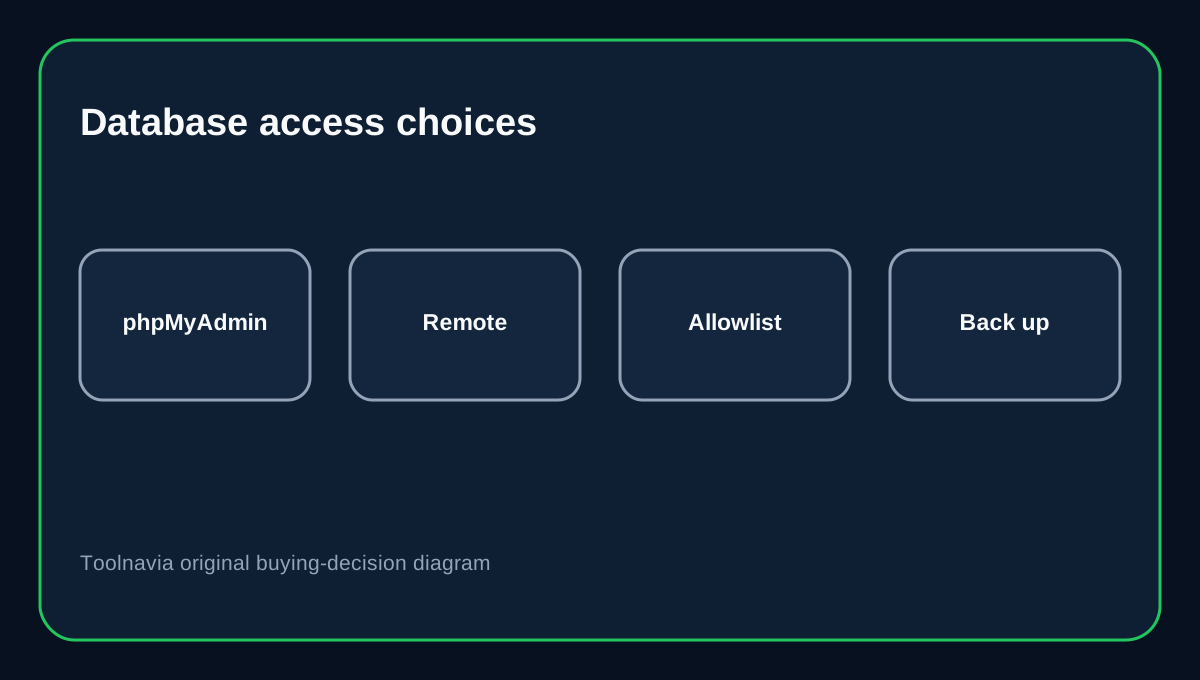
phpMyAdmin is the lowest-friction option
GoDaddy lets Web Hosting (cPanel) users launch phpMyAdmin from the hosting dashboard. That gives you a browser interface for queries, table inspection and database changes without opening the database to an external network path.
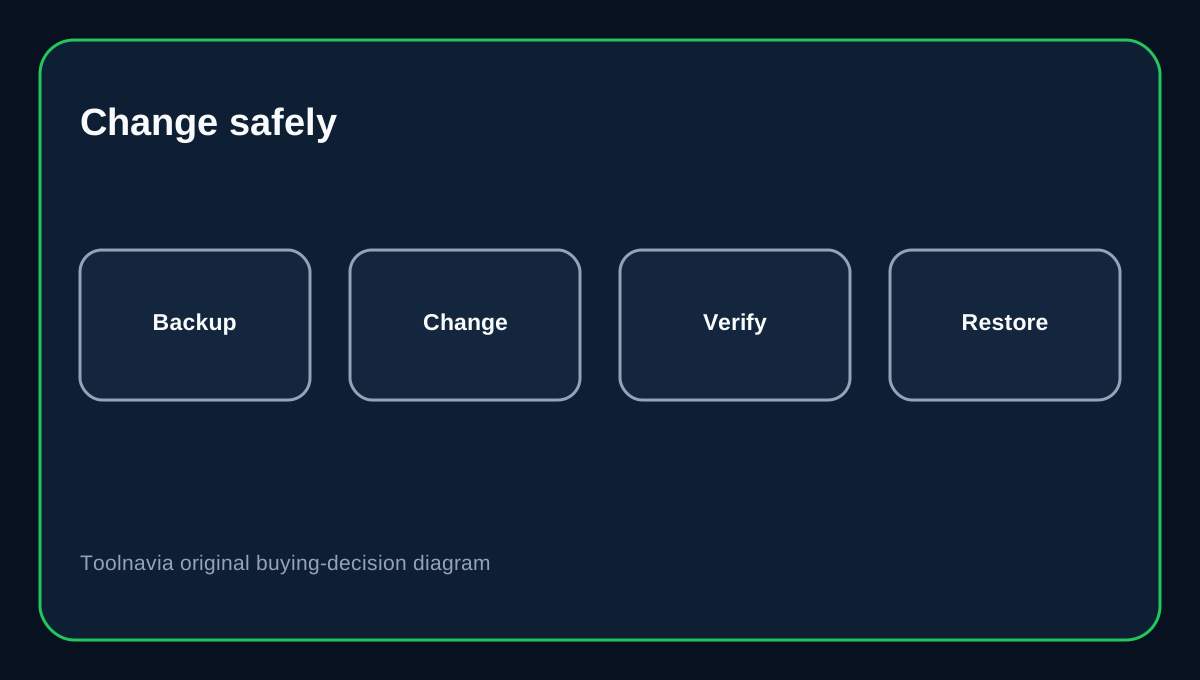
For occasional maintenance, this is the simpler and lower-exposure option. Back up the database before structural or bulk-data changes. GoDaddy documents manual database backups through cPanel Backup Wizard.
Remote MySQL requires an allowed source IP
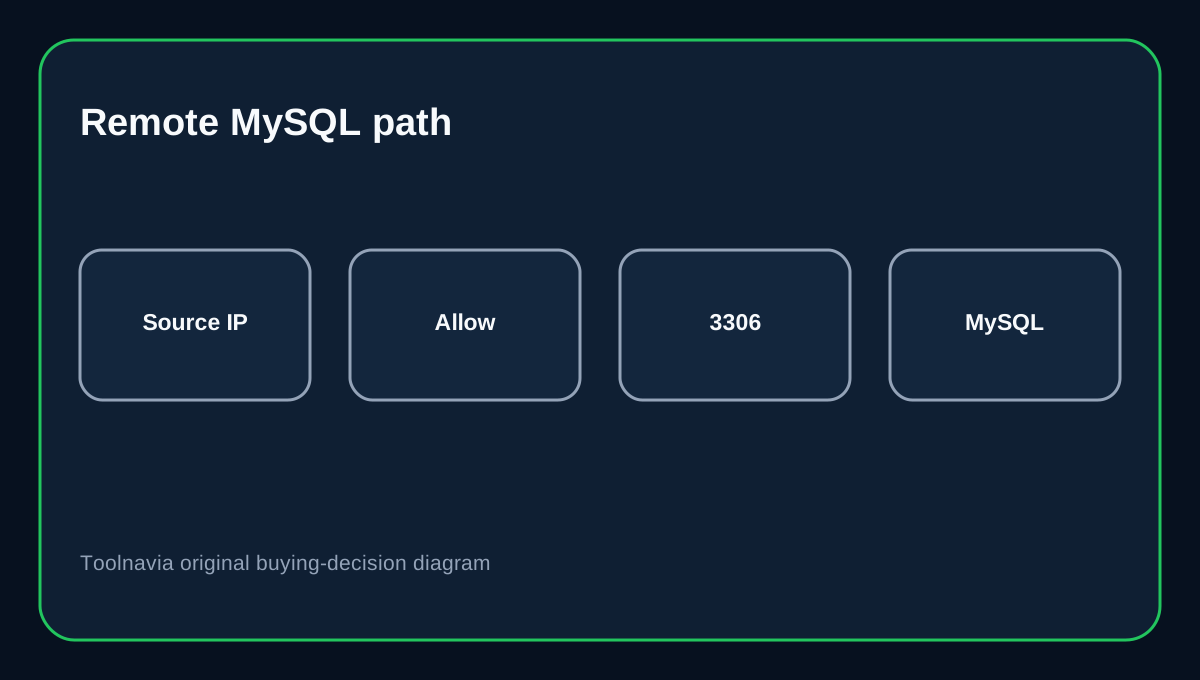
GoDaddy's Remote MySQL workflow requires you to add the IP address that will connect, then use the database host/IP, port 3306, database username and password from the remote client.
That is a security boundary, not a nuisance. If a developer's IP changes, the old allowlist entry can remain trusted until you remove it. Record who owns each allowed IP and delete stale entries after the work ends.
Do not turn the allowlist into "anywhere"
cPanel's own Remote Database Access guidance uses host allowlisting to control which external systems may connect. MySQL similarly evaluates account/host matching as part of connection authorization.
Avoid broad wildcard hosts unless there is a strong operational reason. A fixed office or VPN egress is easier to manage than a rotating residential IP. If a contractor needs temporary access, time-box it and remove the host afterward.
Thirty concurrent MySQL connections is a real ceiling
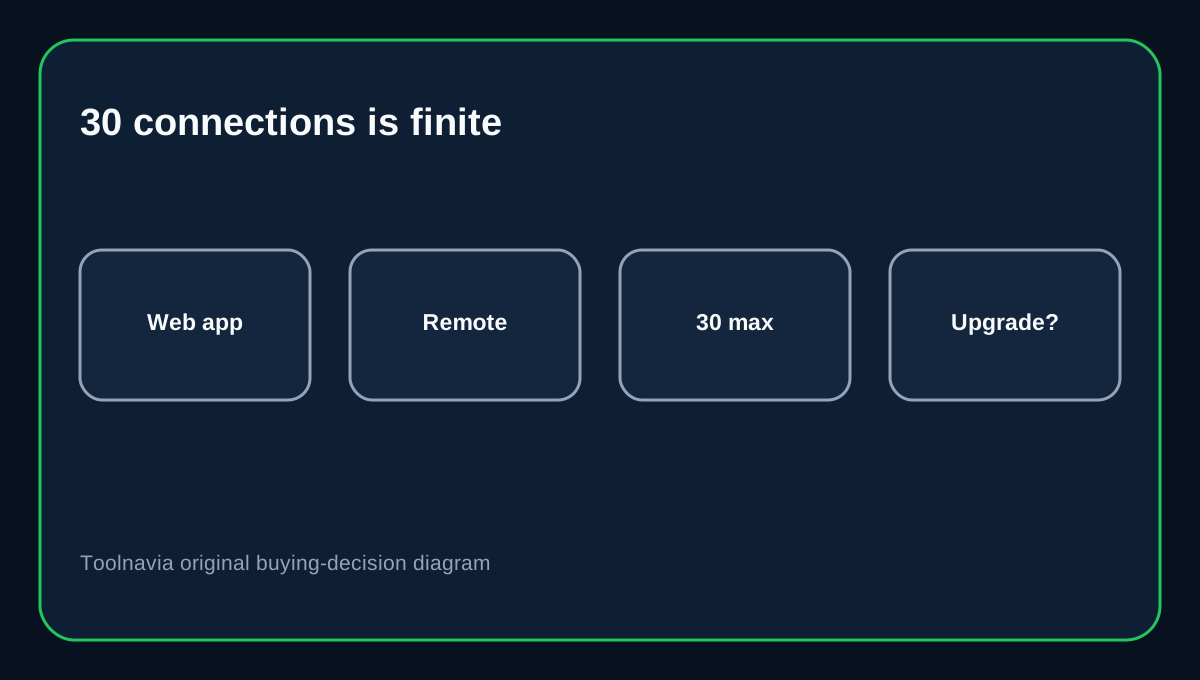
GoDaddy's current resource table limits Web Hosting (cPanel) to **30 concurrent MySQL connections**. Economy also has 512MB RAM and 20 entry processes.
A normal WordPress site rarely needs 30 simultaneous database connections, but import tools, poorly configured applications or aggressive external reporting can consume connections quickly. Remote access is not a substitute for a dedicated database service.
If the application needs many persistent connections, connection pooling, heavy analytics or predictable database isolation, Economy may be the wrong hosting class.
Browser database access still needs account security
phpMyAdmin is powerful because it can change or delete data. phpMyAdmin's own security guidance emphasizes protecting administrative access and not exposing the interface carelessly.
Use a strong unique hosting credential, MFA on the GoDaddy account where available, and separate database users with only the privileges each application needs. Do not reuse the root-like database account for every integration.
Back up before imports and schema changes
GoDaddy's Backup Wizard can export a MySQL database before a risky change. Keep the backup outside the live hosting account when the change is significant.
For large imports, confirm file size and timeout behavior before starting. If the database is business-critical, test the restore path—not just the export.
Buying decision
Choose GoDaddy Economy when one site needs ordinary MySQL, phpMyAdmin and occasional controlled remote access. It is a weaker fit when the database must accept many persistent external connections or needs dedicated performance/isolation.
Affiliate disclosure: Toolnavia may earn a commission from an eligible GoDaddy purchase. That does not change the database-access analysis.