TOOLNAVIA / BUYING GUIDE
GoDaddy Economy PHP Limits: 32MB Default, 128MB Max—and the Runtime Catch
The short answer
GoDaddy Economy supports far more than a basic brochure site: the current cPanel environment includes PHP, MySQL, Python, cron jobs and cURL, while the plan page also lists Node.js. But the practical limit is not whether a checkbox says "supported." The real questions are **which runtime version your application needs, how large each upload can be, and whether shared-account resources can finish the job**.
The current Economy offer is $6.99/month for the first one-year term and includes one website with 25GB NVMe storage. That entry price can be attractive for a small WordPress site or PHP app, but it should not be confused with VPS-style control.
At a glance
- Best for
- One-site PHP/WordPress workloads that fit shared-hosting upload and runtime limits.
- Price model
- $6.99/mo for current first 1-year term; live checkout controls.
- Check first
- No root-level control; PHP uploads max at the documented shared-hosting ceiling and legacy PHP may add cost.
The 32MB default is not the real ceiling
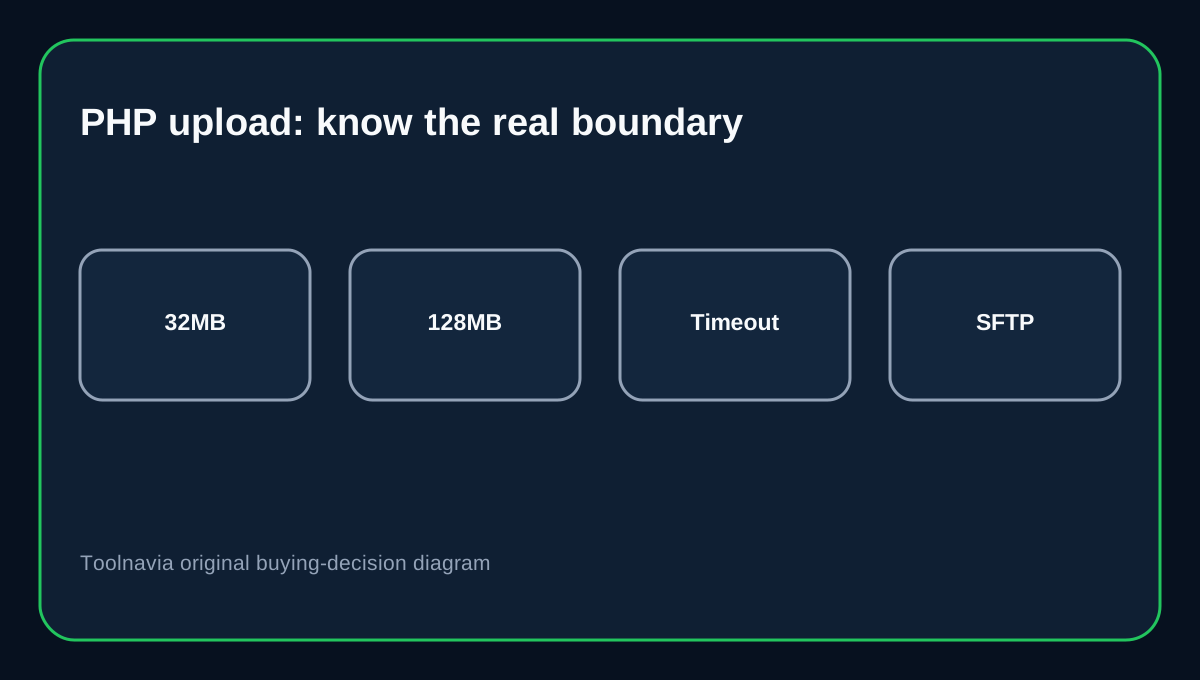
GoDaddy documents a 32MB default PHP upload limit on Web Hosting (cPanel), configurable up to 128MB. Raising upload_max_filesize and post_max_size can help, but even a file below the configured limit may fail because of upload speed, PHP execution time or available account resources.
For routine WordPress themes, plugins and small media files, that range is workable. Large backup archives, product feeds or media imports are different. If a migration routinely needs files above 128MB, use SFTP, split archives, a server-side importer or a different hosting tier.
PHP version choice can become a recurring cost
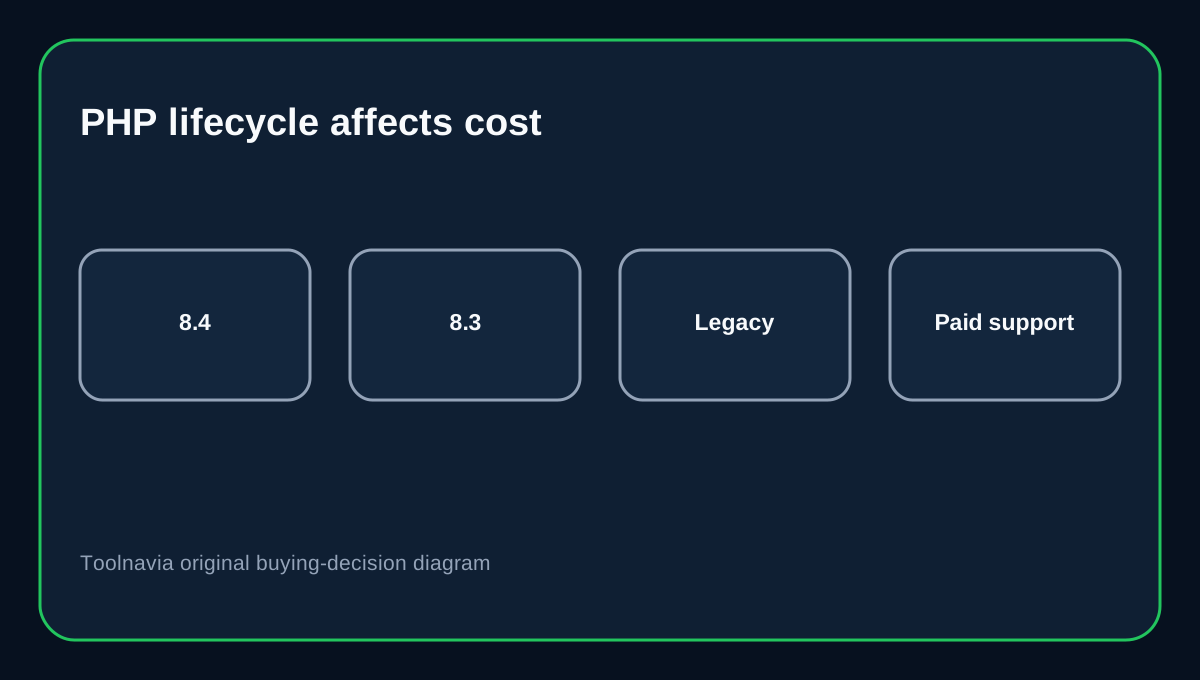
GoDaddy lets Web Hosting customers switch PHP versions in the dashboard and roll back when a newer version breaks an application. Its current software table lists PHP 8.3 as the default and PHP 8.4 as available.
The buyer trap is legacy code. GoDaddy's PHP Extended Support is a paid add-on for end-of-life branches; PHP 8.1 moved into that category on January 1, 2026. If an old plugin or custom app cannot run on PHP 8.2–8.4, inexpensive hosting can acquire a maintenance surcharge and future migration problem.
Cron support does not guarantee a long-running worker
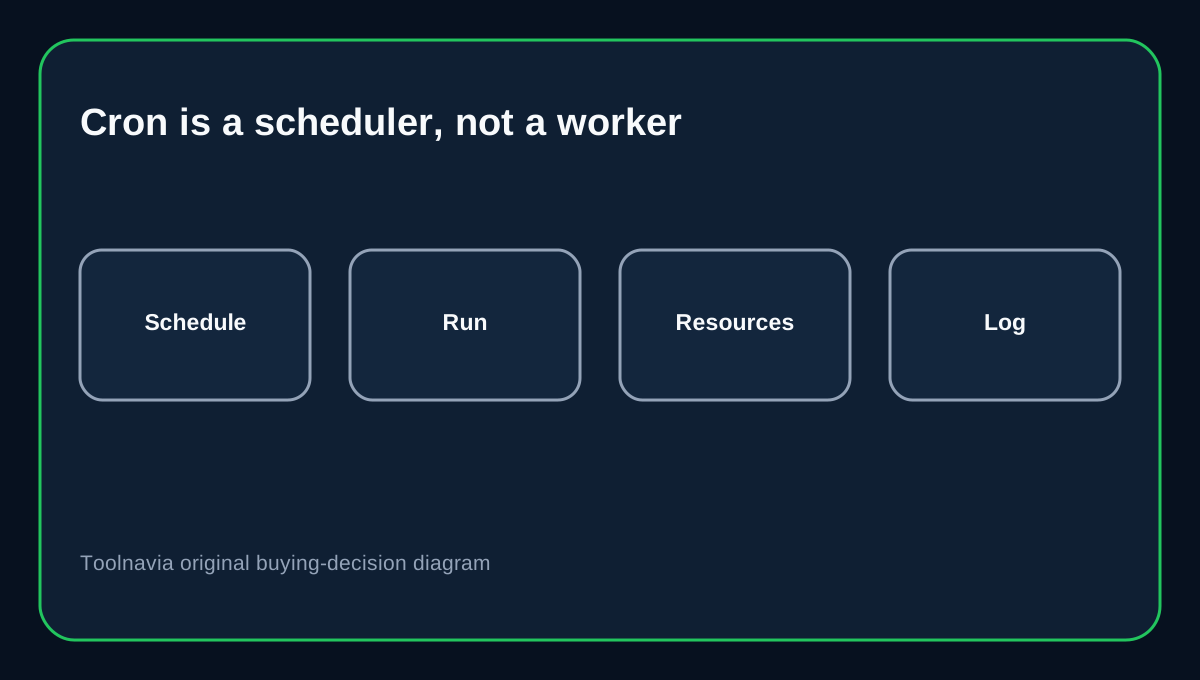
Cron jobs are supported on GoDaddy Web Hosting (cPanel), so scheduled WordPress maintenance, feed imports or periodic scripts are possible. But cron is a scheduler, not a promise of unlimited CPU, memory or process duration. cPanel's cron interface starts commands at the time you define; the command still has to fit the account's runtime and resource envelope.
For WooCommerce feeds, backup jobs and image processing, break large tasks into smaller batches and log failures. Do not treat shared hosting as a persistent background-worker platform.
MySQL and Python support are compatibility signals
GoDaddy's component and software pages show MySQL/MariaDB, phpMyAdmin, Python and common web modules. That is useful for ordinary PHP apps and CMS workloads.
It does not mean you can choose any database engine, change server-wide configuration or install arbitrary system packages. Before moving a custom app, verify the exact language version, extension set, database requirement and filesystem permissions.
Test the application before changing production
For an existing site, copy it first, switch PHP on the copy, run checkout/login/upload/admin tests, and review error logs. GoDaddy specifically advises verifying the site after a PHP version change and allows switching back if the new version causes trouble.
For WordPress, compatibility failures can come from themes or plugins rather than the host itself. Separate application debugging from account-resource limits before paying for an upgrade.
When Economy is a good fit
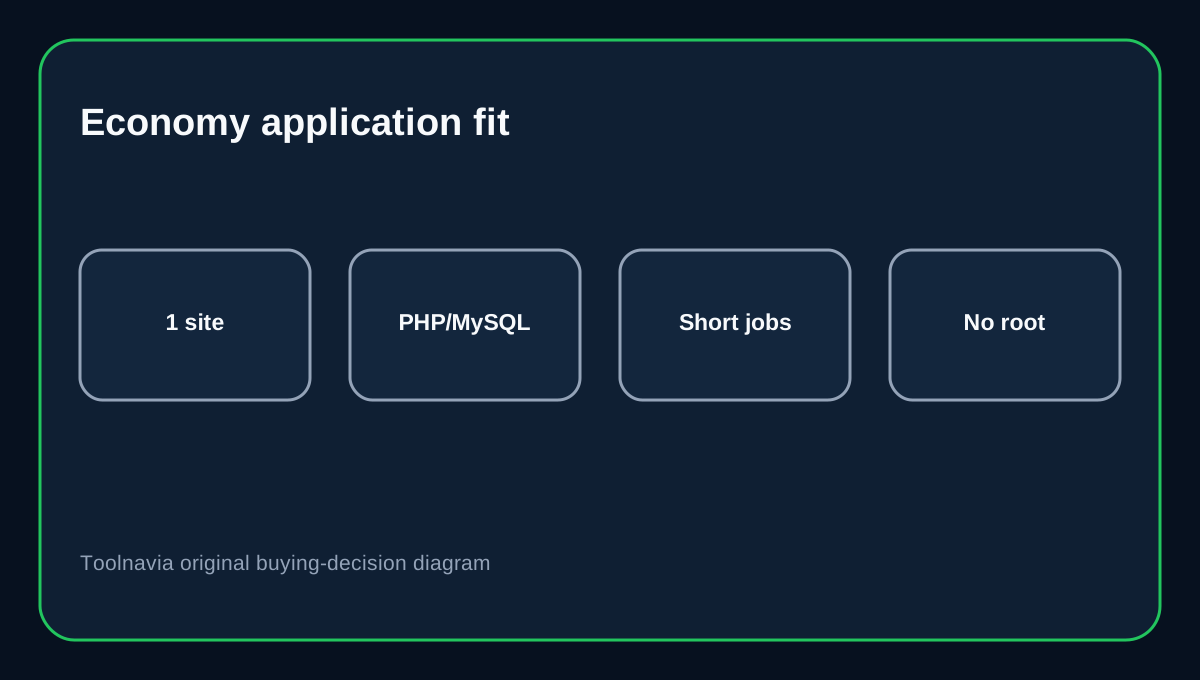
Economy fits one small site whose uploads stay below the shared-hosting ceiling, whose application runs on a currently supported PHP branch, and whose scheduled jobs finish quickly. It gives a familiar cPanel environment for standard PHP/MySQL workflows.
It is a weaker fit for frequent 100MB+ browser imports, legacy PHP that depends on paid Extended Support, persistent workers, custom daemons or workloads that need server-level tuning.
Buying decision
Buy Economy for a conventional one-site cPanel workload, not because every runtime label on the feature table implies unrestricted execution. Before checkout, write down your application's PHP version, largest upload, cron frequency and database requirements, then confirm each against the current account.
Affiliate disclosure: Toolnavia may earn a commission from an eligible GoDaddy purchase. That does not change the runtime-limit analysis.