TOOLNAVIA / BUYING GUIDE
Cloudways Standard 2GB Clone vs Staging Guide 2026: Which Copy Should You Create?
The short answer
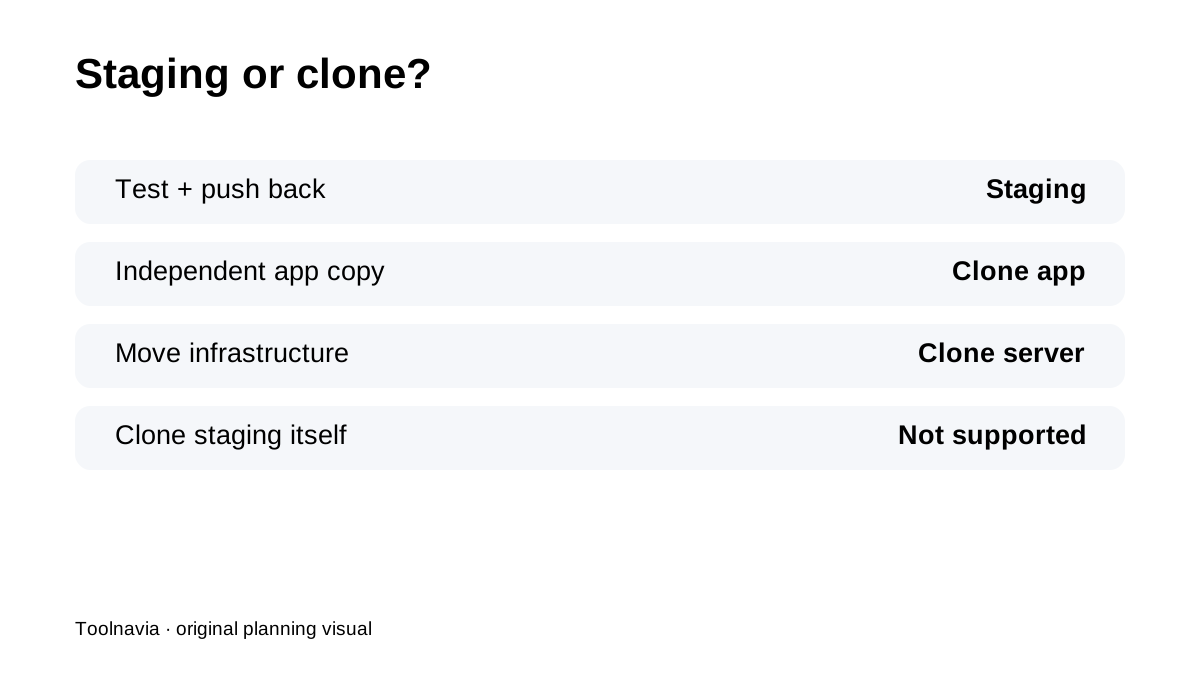
**Quick verdict:** On Cloudways DigitalOcean Standard 2GB, **staging** and **cloning** solve different problems. Use staging when you want a safe test environment with push/pull changes. Use cloning when you need an independent copy that may live on another server, region or future production destination.
At a glance
- Best for
- Developers/agencies who need a 2GB live Cloudways server and clear staging/clone workflows.
- Price model
- $24/month cap; partial month hourly; extra cloned server separately billed
- Check first
- Staging cannot be cloned; server clones exclude staging; extra active servers cost separately; 2GB/1vCPU remains finite.
Staging is for test-and-push workflows
Cloudways staging creates an isolated copy of the live application and supports push/pull of files and/or database. That is ideal for plugin, theme, PHP or configuration changes you expect to merge back into the same production application.
App cloning is for a separate application copy
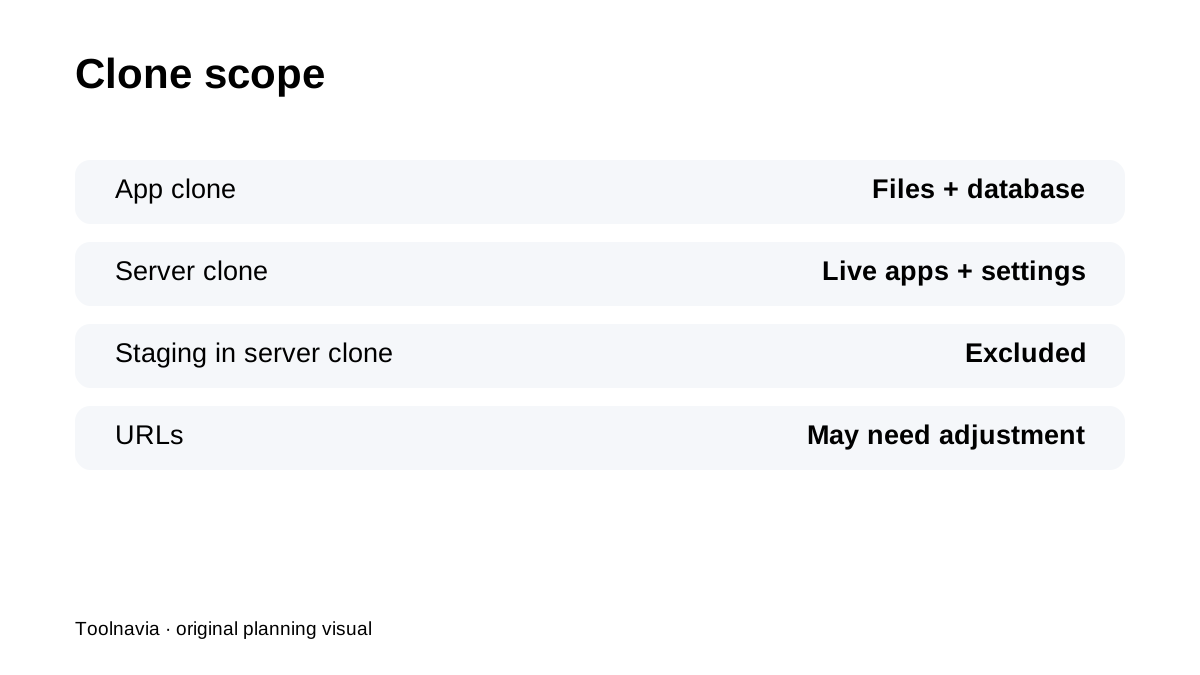
Application cloning copies **web files and database** to the same or another compatible server. It is useful for a development branch, a separate client copy or moving an application to another server. The cloned application's site/home URLs may need manual adjustment.
Server cloning is for infrastructure moves
Server cloning copies live applications plus selected server configuration. That makes it useful for changing region/provider/server type or creating a larger/smaller replacement environment. But staging applications are **not included** in server clones.
Staging applications cannot themselves be cloned
Cloudways explicitly says staging apps cannot be cloned. If important changes exist only in staging, push the required changes to live or use another deployment path before expecting an independent production copy.
2GB is a better live baseline than 1GB
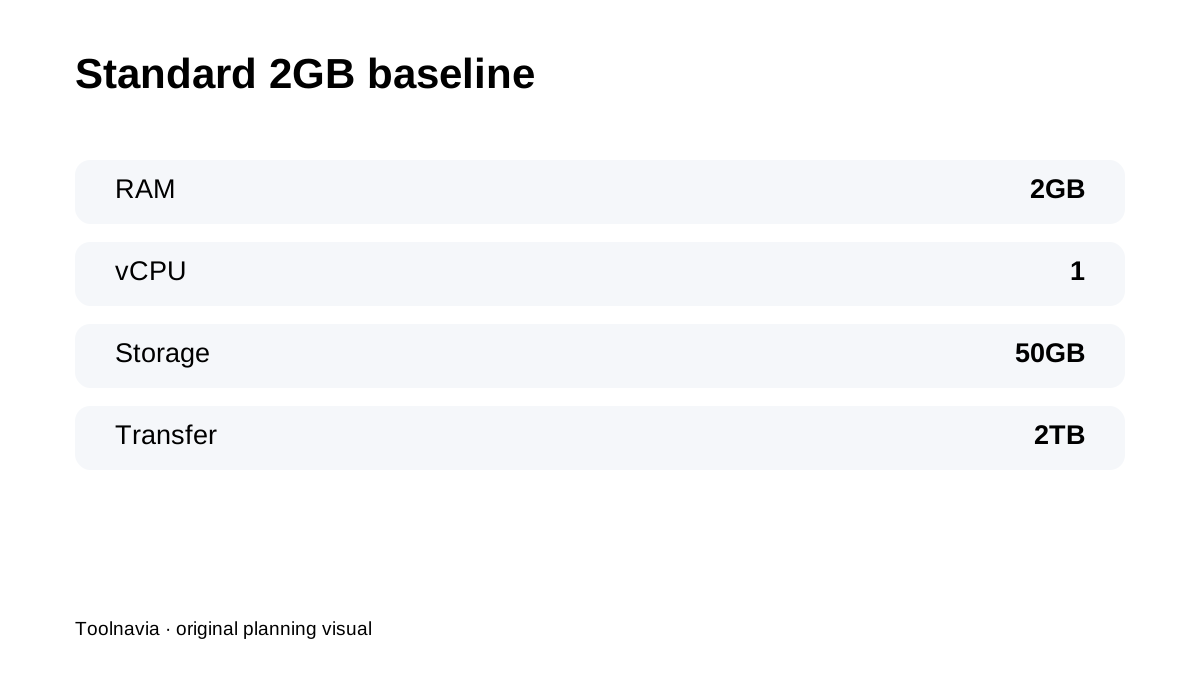
Cloudways' current FAQ recommends **2GB or larger for live websites** and says 1GB is mainly for testing/staging. The exact Standard 2GB plan is currently **$24/month**, with 2GB RAM, 1 vCPU, 50GB SSD and 2TB transfer. That makes it a sensible baseline for clone/staging workflows around a real production site—provided combined environments fit the server.
Cloning can create a second bill
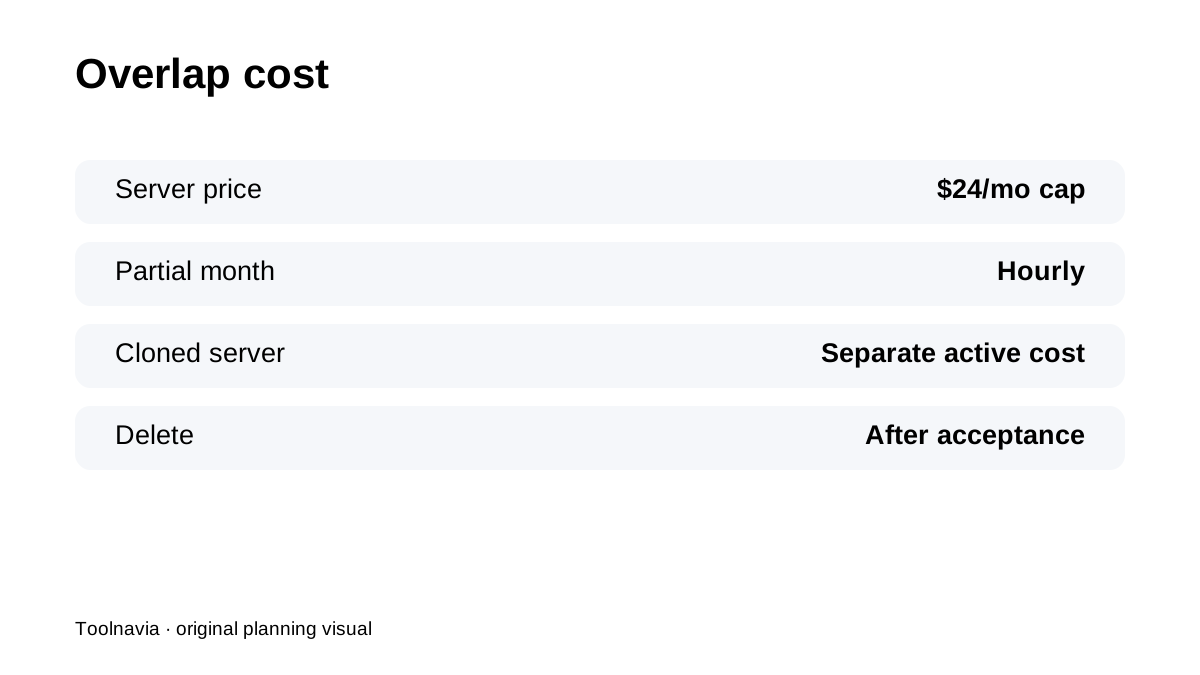
DigitalOcean Flexible is hourly for partial months and capped at the monthly rate for a full month. A cloned server is another active server. Keep overlap until acceptance, but remember that overlap time is billable.
Current reviews reinforce the workflow distinction
NorthVetted, HostingDive, HostGage and Capterra all reinforce Cloudways as a platform for users who actively manage server/app environments rather than a simple one-site shared host. The key is choosing the right tool: staging for controlled changes, app cloning for independent copies, server cloning for infrastructure relocation.
**Bottom line:** on Standard 2GB, do not use “clone” and “staging” interchangeably. **Stage changes you plan to push back. Clone when you need a separate destination.** Count disk/RAM headroom and temporary overlap cost before creating extra environments.