TOOLNAVIA / BUYING GUIDE
Cloudways DigitalOcean Standard 2GB Review 2026: Is $24/Month Enough?
The short answer
At a glance
- Best for
- Live WordPress/general PHP applications that need a 2GB managed DigitalOcean server with multiple apps and flexible hourly/monthly billing.
- Price model
- $24 monthly cap; hourly partial-month billing; off-site backup $0.033/GB separately
- Check first
- 2GB/1vCPU is finite; backups/add-ons are separate; dynamic pages may show conflicting price fragments; workload fit must be tested.
Verdict
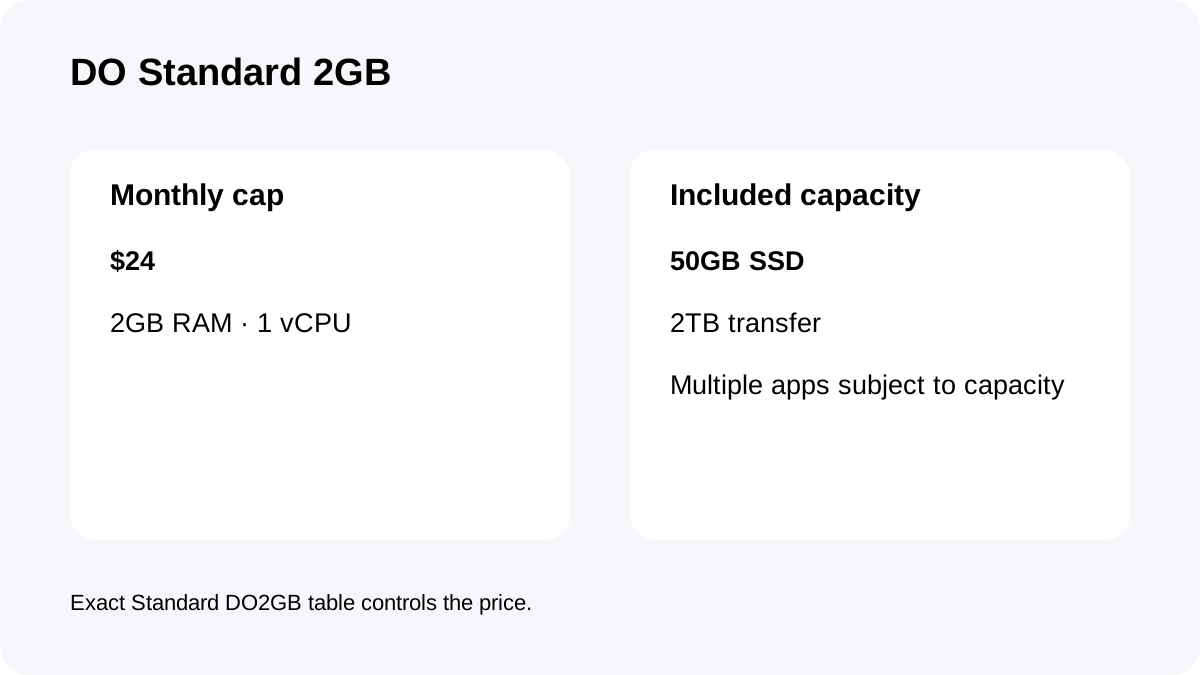
Cloudways DigitalOcean Standard 2GB is a **$24/month managed cloud server** with 2GB RAM, 1 vCPU, 50GB SSD storage and 2TB transfer. It is a sensible live-site starting size when the buyer wants more control than shared hosting without administering a raw VPS.
What $24/month actually buys
The exact DO2GB Standard plan publishes **2GB RAM, 1 vCPU, 50GB SSD and 2TB transfer**.
Cloudways adds SSL, staging, monitoring, caching, security patching, SSH/SFTP access, application/server controls and one free migration around that infrastructure.
It is not a one-site product. You can run multiple applications, but useful density depends on the same finite 2GB/1-vCPU server. Five brochure sites and one busy WooCommerce store can create very different load profiles.
Hourly billing gives flexibility—but understand the cap
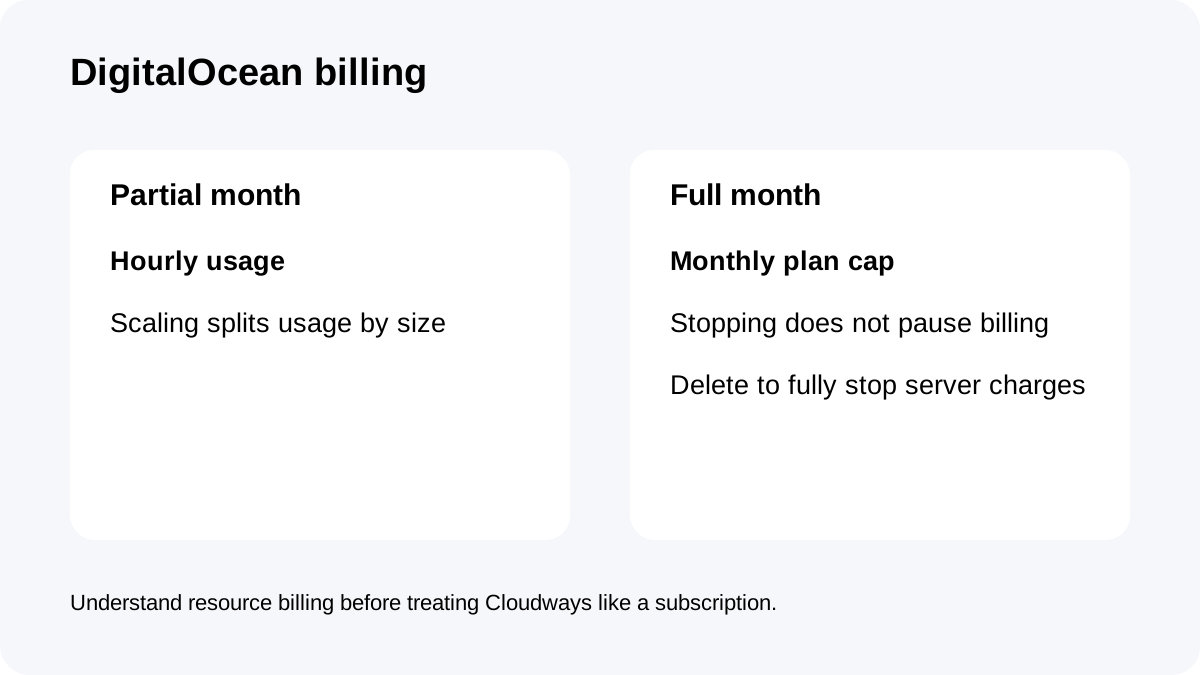
DigitalOcean Flexible servers use **hourly billing when active for only part of a month** and a **monthly cap when active for the full month**.
That helps with temporary projects, staging or migrations because a short-lived server does not automatically cost the full $24.
But stopping a DigitalOcean server does **not** pause billing while resources remain assigned. To fully stop future server charges, the server has to be removed according to Cloudways' billing rules.
Treat Cloudways as usage-based infrastructure, not a traditional subscription with a simple pause button.
Backups are separate from the $24 server price
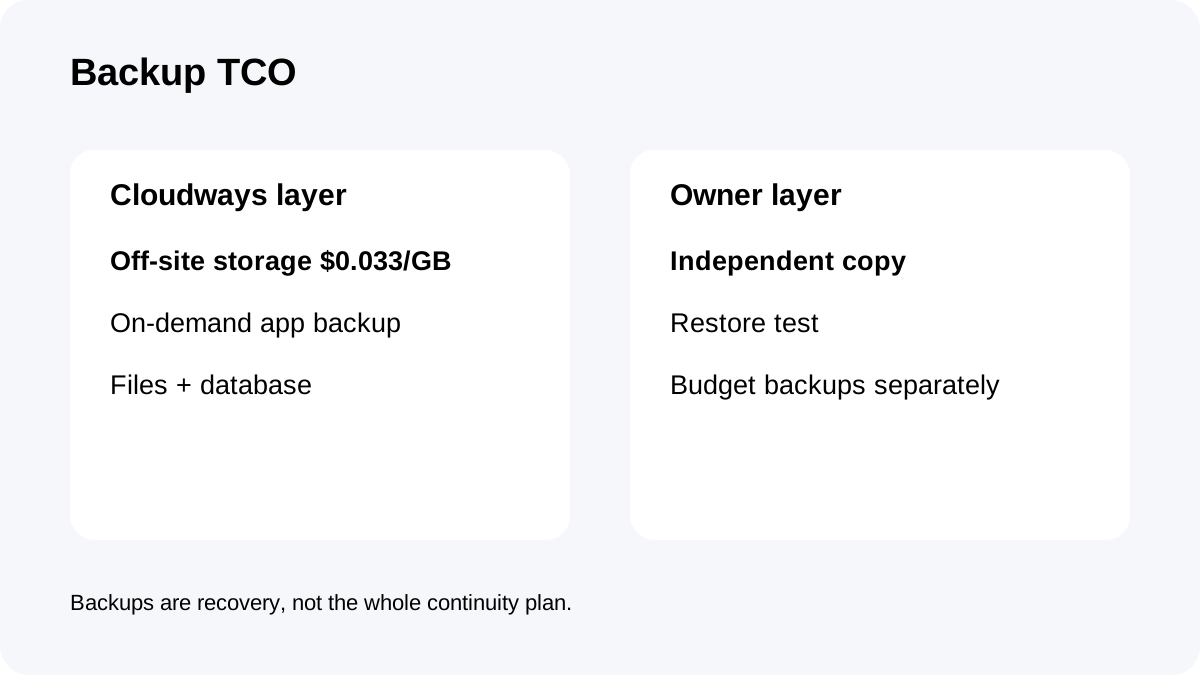
Off-site backups are billed separately at **$0.033/GB**, with Cloudways applying $0.50 billing increments.
The real monthly cost is therefore server + backup storage + any paid add-ons or overages. Cloudways also supports on-demand application backups covering files and database.
For important sites, keep an independent copy outside the provider account as well. Provider backups are a recovery layer, not the whole continuity plan.
Is 2GB enough—and should you pay for Premium?
Two gigabytes of RAM and one vCPU can be enough for a small to medium WordPress site, several lightweight brochure sites or a modest ecommerce workload, but there is no universal visitor number that proves fit.
Plugin behavior, database size, uncached PHP work, cron, image processing, search/filtering and traffic bursts determine real capacity. The right test is to clone the production stack and watch memory, CPU and application response during the busiest dynamic workflows.
Cloudways also sells a **2GB DigitalOcean Premium** tier at a higher current price. Standard is the lower-cost SSD-backed option; Premium is positioned around newer CPUs/NVMe. Buy Standard when budget and general-purpose capacity matter more than paying extra for the Premium hardware tier.
Do not assume “Premium” fixes a poorly optimized application. First identify whether the bottleneck is CPU/storage behavior, memory, database/plugin work or architecture.
Current price-page conflict: use the explicit DO2GB table
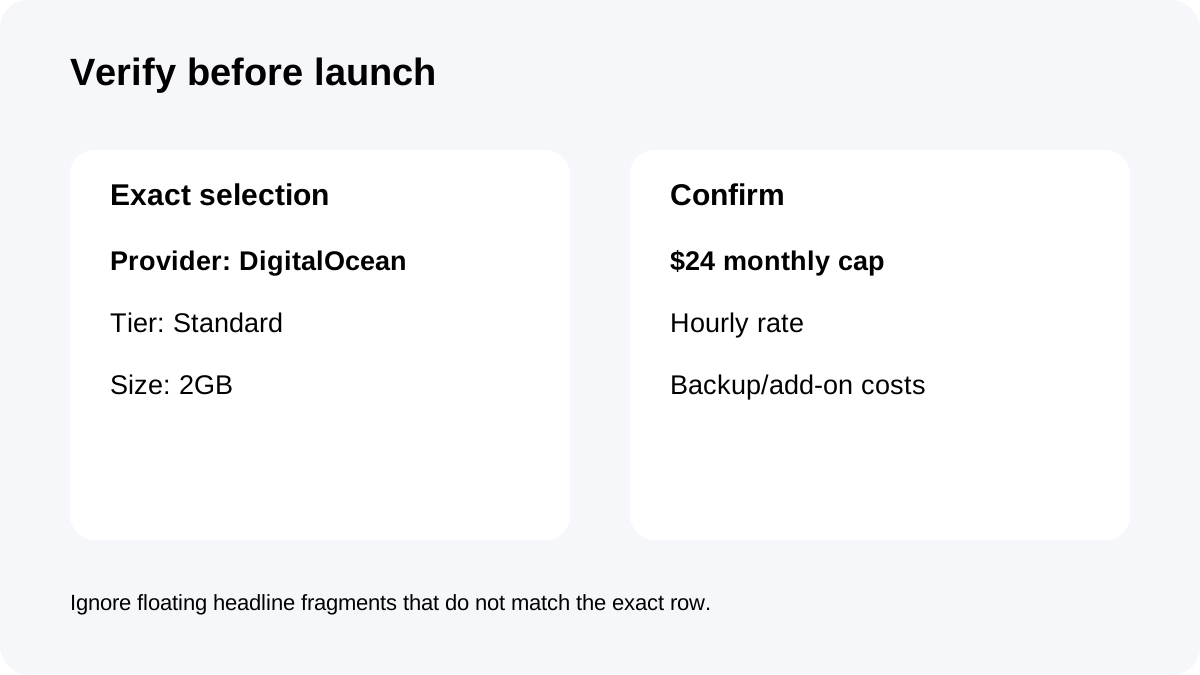
Cloudways' dynamic public pricing pages can render an **$11 label beside 2GB/1-vCPU/50GB/2TB content**, which conflicts with the explicit DigitalOcean Standard table listing DO2GB at **$24/month**.
This guide uses the explicit Standard DO2GB table and current billing documentation as price authority.
Before checkout, confirm provider **DigitalOcean**, tier **Standard**, and size **2GB**. Do not rely on a floating headline price without checking the exact plan row.
Checkout checklist
Confirm **DO2GB Standard**, $24 monthly cap, 2GB RAM, 1 vCPU, 50GB SSD and 2TB transfer; verify the hourly rate shown at checkout; review off-site backup storage at $0.033/GB; select the intended data center; and budget for any email/CDN/security add-ons you actually need.
Then test the real application before moving client traffic.
**Bottom line:** Cloudways DO Standard 2GB is a strong managed-cloud starting point when you want a real server, multiple applications and usage-based billing. Its value falls when you expect shared-host simplicity, bundled email/backups, or already know the workload needs more than 2GB/1-vCPU.