TOOLNAVIA / BUYING GUIDE
Cloudways Flexible vs Autonomous: $11 Server Control or $99 Autoscaling?
The short answer
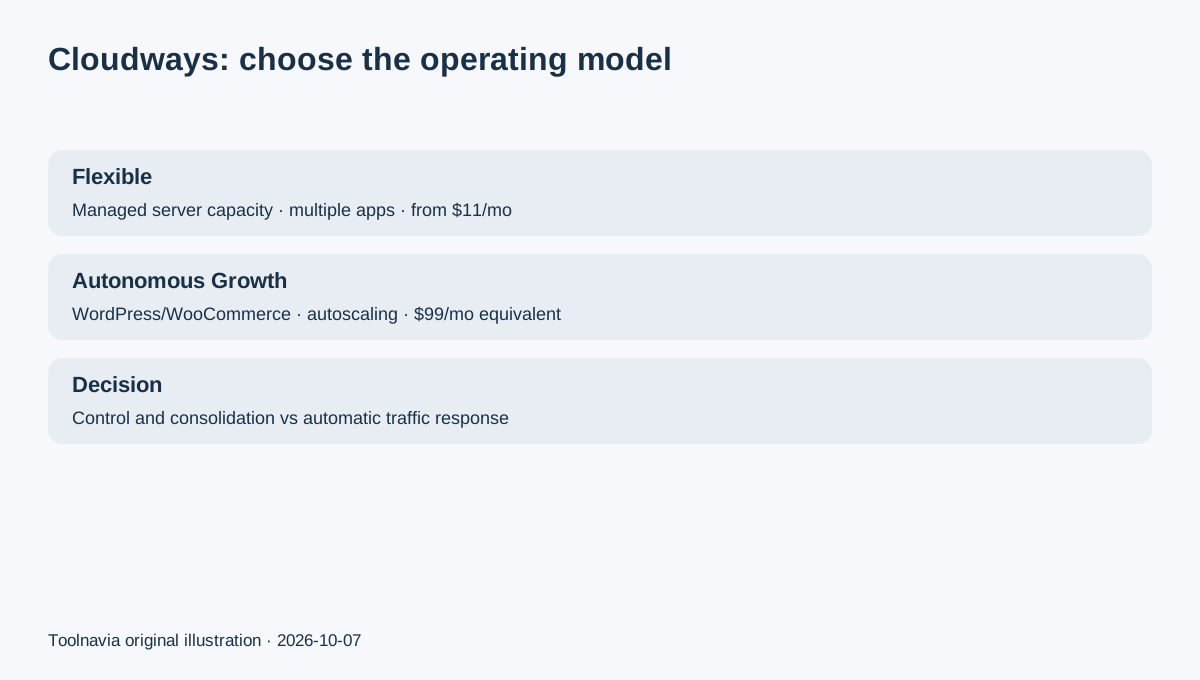
Cloudways Flexible and Cloudways Autonomous solve different hosting problems. Flexible starts with a server you size and manage through Cloudways; Autonomous is a WordPress/WooCommerce-only service that adds and removes application containers automatically. If you want the lowest entry cost, multiple apps, or control over the cloud server, start with Flexible. If your main risk is a traffic spike on one dynamic WordPress or WooCommerce site and you would rather pay for autoscaling than resize servers yourself, Autonomous is the more direct fit.
Affiliate disclosure: Toolnavia may earn a commission if you purchase Cloudways through links on this page. This does not change the price or the decision criteria below.
At a glance
- Best for
- WordPress/WooCommerce sites choosing between managed server control and automatic horizontal scaling.
- Price model
- Flexible from $11/mo; Autonomous Growth $99/mo equivalent plus overages
- Check first
- Autonomous is WordPress/WooCommerce-only and has autoscaling/disk/bandwidth overages; Flexible still requires capacity planning.
The price gap is large because the billing unit is different
Cloudways currently lists DigitalOcean-based Flexible hosting from $11/month, with hourly billing and server resources such as RAM, CPU, storage and transfer. The same server can host multiple applications as capacity allows. Off-site backup storage is billed separately at $0.033/GB.
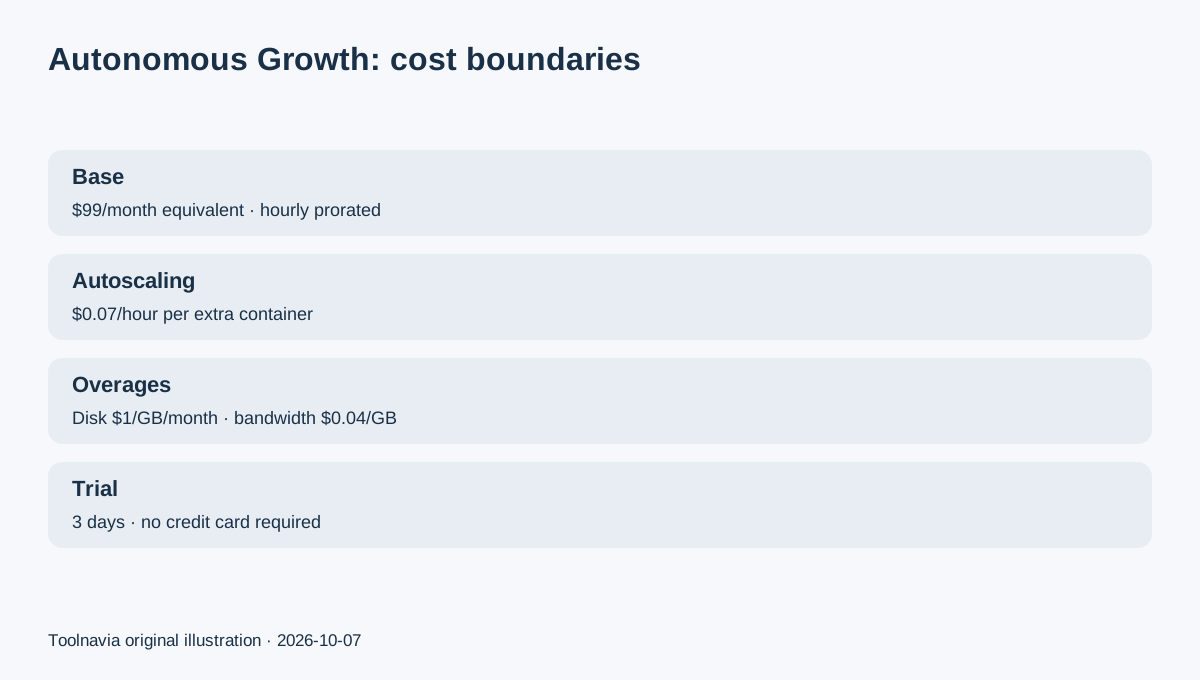
For new Autonomous customers, the current support documentation lists Growth at $99/month equivalent, Scale at $199 and Plus at $399, but charges are prorated hourly while the app is active. Growth includes one website, 20GB disk, 150GB bandwidth and one baseline autoscale server; extra autoscale containers cost $0.07/hour. Disk overage is $1/GB/month and bandwidth overage is $0.04/GB.
This is not an $11 and a $99 version of the same server. Flexible sells managed server capacity; Autonomous sells a managed WordPress application with baseline capacity plus automatic horizontal scaling.
Choose Flexible when control and multi-app economics matter
Flexible supports WordPress, WooCommerce, Magento, Laravel and PHP applications. You pick a cloud provider and server size, can place multiple apps on one server, use staging and cloning, and vertically scale when the server needs more resources.
That structure can work well for an agency, developer or owner with several modest sites because one server bill can cover multiple applications. With steady traffic, the budget is also easier to model: the server is the main line item, with backups and paid add-ons added separately.
The trade-off is that capacity planning is still your job. A traffic surge does not automatically create extra server copies. You need to watch resource use, scale when necessary, and remember that stopping a DigitalOcean, Linode or Vultr server does not end billing; deleting the resource is what stops the server charge.
Choose Autonomous when traffic spikes are the problem you are buying away
Autonomous is restricted to WordPress and WooCommerce, but its main value is true autoscaling. Cloudways describes each additional container as another application replica with its own CPU, memory and PHP workers. When demand rises, more capacity can be added automatically; when demand falls, it can be removed.
Growth is therefore not automatically better than a small Flexible server. It is more appropriate when the cost of a slow checkout, launch page or course site during a surge matters more than the higher baseline hosting bill.
Cloudways also provides autoscaling budget thresholds. When the threshold is reached, further autoscaling pauses, although disk and bandwidth overages can still continue. This gives a store owner a cost-control lever that is very different from manually resizing a Flexible server.
Trials let you test the operating model before paying
Both product families currently offer a three-day trial without requiring a credit card. Flexible lets you launch a server, deploy an app and even migrate an existing site during the trial. Autonomous lets you launch a WordPress or WooCommerce app and inspect the managed autoscaling environment.
Use the three days to test the decision you are actually making. On Flexible, inspect server/application controls, staging, backup configuration and migration. On Autonomous, inspect app-level controls, autoscaling budget settings, cache/CDN behavior and the monitoring workflow you would use during a traffic event.
Do not treat a trial as a benchmark unless you run a controlled workload. Toolnavia has not run a standardized performance test on these two products.
One pricing-page conflict deserves attention
Cloudways' public pricing page currently contains older Autonomous-style rows such as Small/Medium/Large alongside the newer Growth/Scale/Plus structure. The June 2026 Autonomous billing documentation explicitly says customers signing up on or after November 11, 2025 use the newer hourly per-application model.
For a new purchase, use current checkout and the current account dashboard as the final authority. Do not budget from an older row simply because it still appears on a marketing page.
Decision: buy the operating model, not the brand name
Choose Flexible if you want a lower entry cost, multiple applications per server, non-WordPress workloads, a known server size or direct control over vertical scaling. Choose Autonomous if the workload is WordPress/WooCommerce only and the recurring problem is unpredictable concurrency that you want Cloudways to absorb automatically.
For a small WordPress site with steady traffic, Flexible is usually the first configuration to price. For a store, LMS or campaign site that can spike sharply, model Autonomous Growth with realistic autoscaling and overage assumptions before deciding.