TOOLNAVIA / BUYING GUIDE
Cloudways Vertical Scaling Guide 2026: When Can You Scale Back Down?
The short answer
**Quick verdict:** Cloudways Flexible makes vertical scaling easy to start, but the ability to reverse it depends on **what you scale and which cloud provider you use**. On DigitalOcean, a CPU/RAM-only scale can be reduced back to the original size; if you increase disk/storage too, that storage increase is effectively permanent on the existing server and downsizing requires a clone/migration path. Scaling can also make applications temporarily unavailable, so back up first and schedule it off-peak.
At a glance
- Best for
- Flexible users who need more resources but want to preserve a realistic future downsize path.
- Price model
- Configuration-dependent; verify target size in current Cloudways pricing/checkout
- Check first
- Provider-specific rules; storage growth may require clone-based downsize; temporary unavailability is possible.
Vertical scaling changes the server, not the region
Cloudways defines vertical scaling as increasing server resources such as CPU, RAM and storage without moving the application to a different region or rebuilding the environment from scratch. That is the appeal of the Flexible model: a growing WordPress/PHP workload can add capacity without immediately changing hosting architecture. The exact approved Toolnavia offer remains the current Cloudways Flexible managed-cloud path shown on the official pricing page.
DigitalOcean has two very different scaling choices
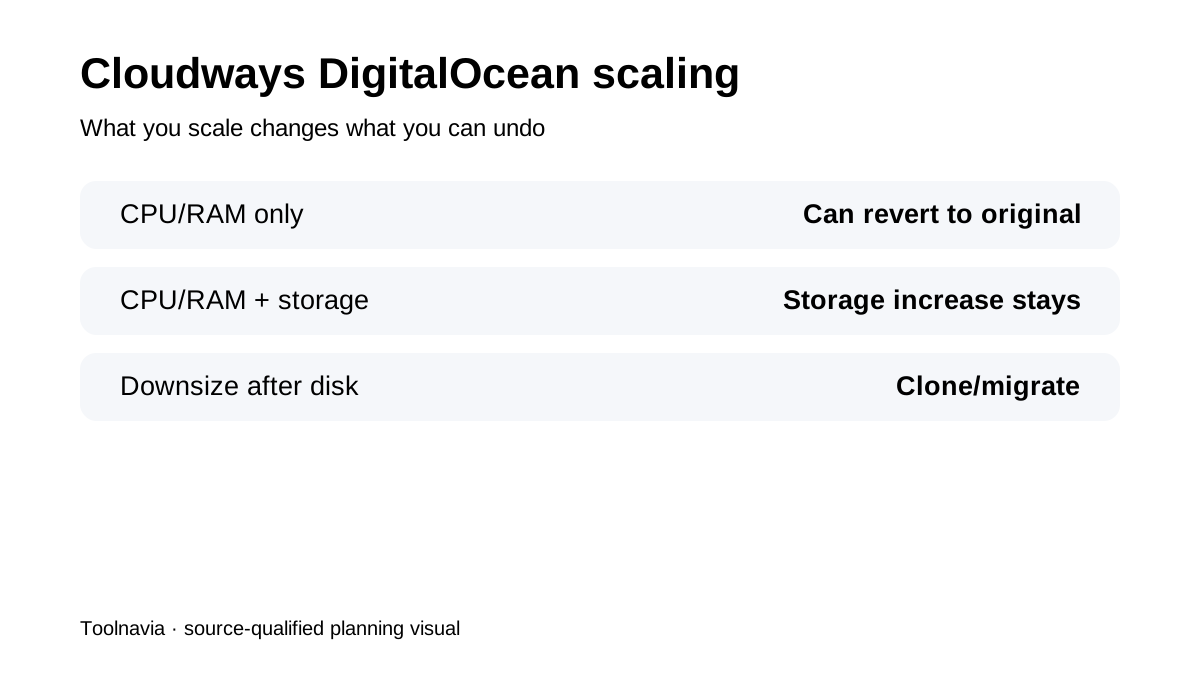
For DigitalOcean servers, Cloudways documents a choice between increasing **CPU/RAM only** and increasing **CPU/RAM plus storage**. The CPU/RAM-only path preserves the possibility of reverting to the original server size. The CPU/RAM+storage path changes disk allocation as well, and the added disk cannot simply be shrunk later on the same server. That makes the checkbox decision important: if the real bottleneck is memory or CPU, adding storage “just in case” can reduce future flexibility.
Scaling down after storage growth usually means cloning
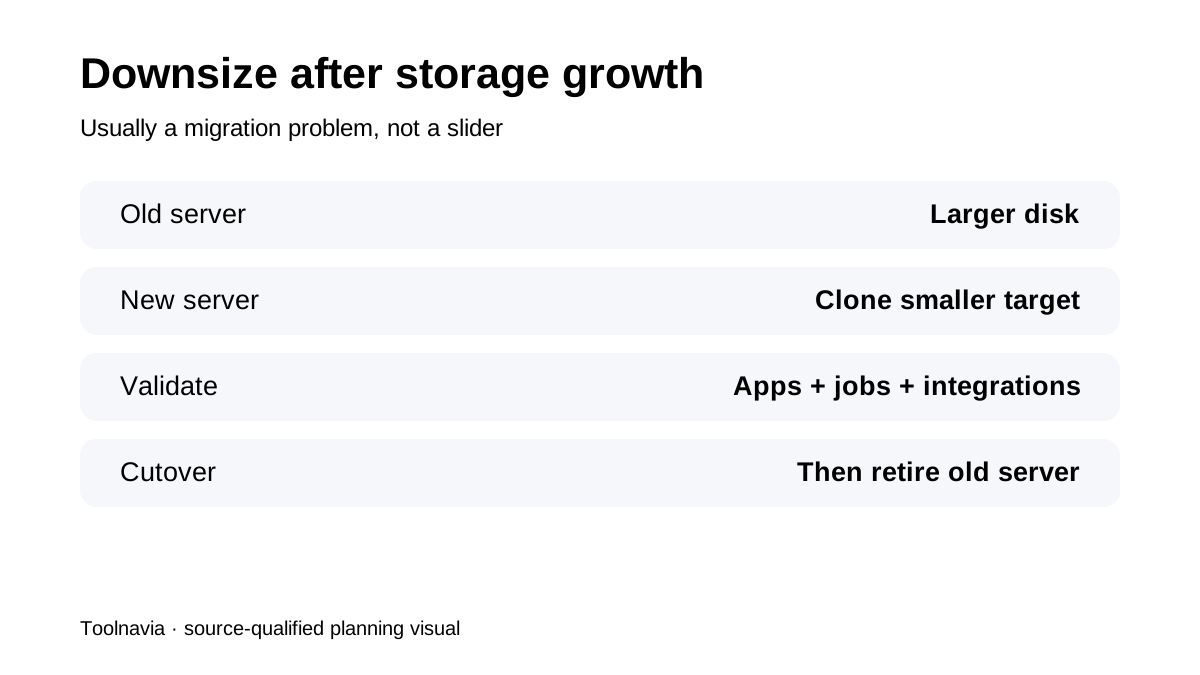
When a DigitalOcean server has been scaled with additional storage, Cloudways says a smaller server generally requires cloning/migrating the application to a new server rather than shrinking the disk in place. This is not merely an inconvenience. A clone-based downsize means planning DNS/application cutover, confirming scheduled jobs and integrations, and validating the new instance before deleting the larger one.
Back up before you scale, and expect some downtime
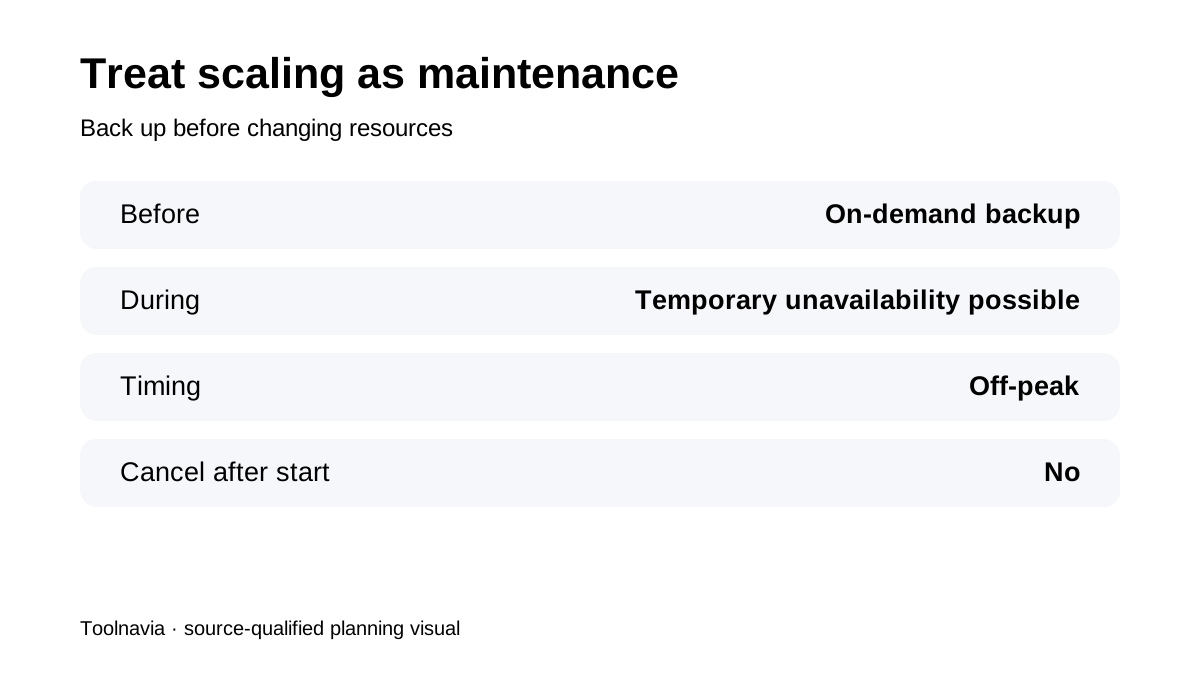
Cloudways' DigitalOcean Premium guidance recommends taking an **on-demand backup before scaling**. It also warns that the server can be offline while resources are allocated and recommends scaling during off-peak hours. The general scaling guide similarly says an in-progress scaling operation cannot be cancelled and completion time depends on provider, configuration and disk usage. So vertical scaling should be treated as a maintenance change, not a risk-free slider.
Trial accounts and provider rules matter
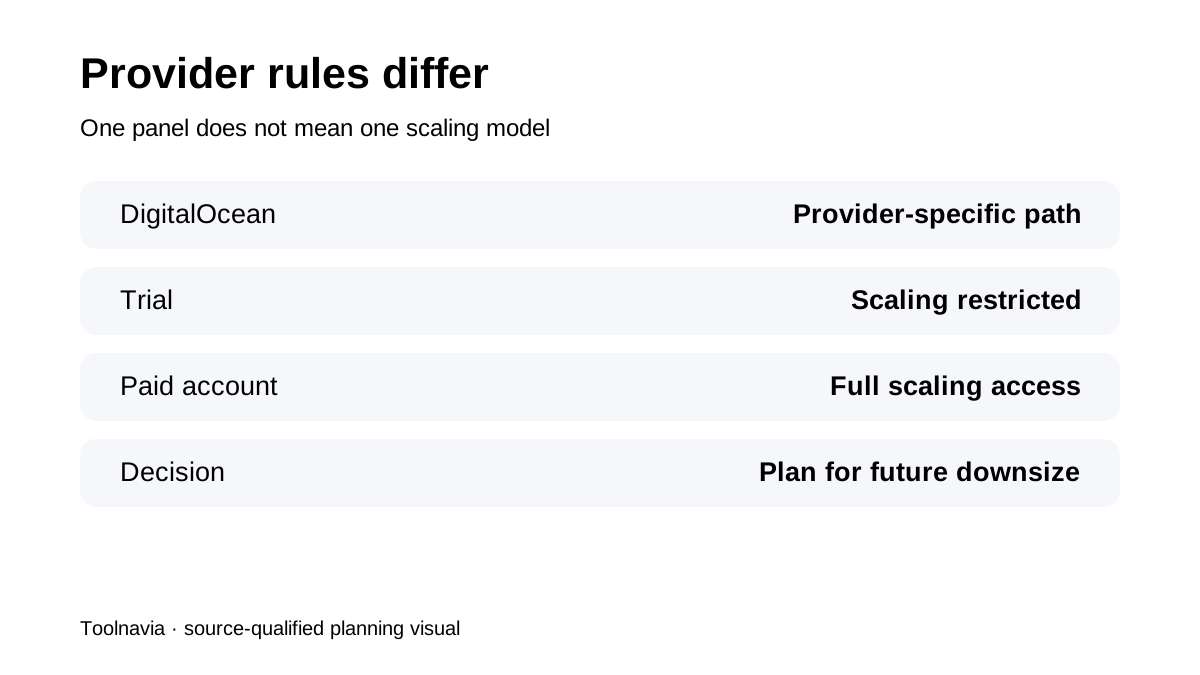
Cloudways restricts scaling on trial accounts; unrestricted scaling requires a fully activated paid account. The rules also vary by infrastructure provider. The same Cloudways control panel does not mean every provider supports the same scale-up/scale-down combinations. Before choosing a provider, decide whether future downsizing is part of the operating plan—not just whether the provider can scale upward.
When scaling is better than starting a second server
Vertical scaling is sensible when the existing application architecture is healthy and the problem is simply more CPU/RAM or storage demand. It avoids introducing load balancing, multiple server management or a migration before those are necessary. It is less attractive when the workload has a structural problem—inefficient queries, runaway cron jobs, poor caching—or when a storage increase would lock the server into a size you expect to reduce later. Measure first, then scale.
What recent 2026 reviews confirm
ChoiceRidge's current Cloudways review also stresses that scale-down rules vary by cloud provider and that temporary restarts/downtime can accompany resizing. HostingDive positions Flexible as managed cloud infrastructure where provider-specific behavior still matters, while FewServers' October 2026 hands-on review reinforces the need to treat backups/staging and server changes as operational work rather than a one-click guarantee. These reviews support the buying intent; Cloudways' current support documentation controls the exact scaling mechanics.
**Bottom line:** Cloudways Flexible is genuinely flexible when you understand the provider rules. For DigitalOcean, scale CPU/RAM only when possible if you want an easier path back down; treat storage growth as a longer-term commitment, back up first, and schedule every scale operation as maintenance.