TOOLNAVIA / BUYING GUIDE
Cloudways Site Manager Pro Pricing: Is $3 per Site Worth It?
The short answer
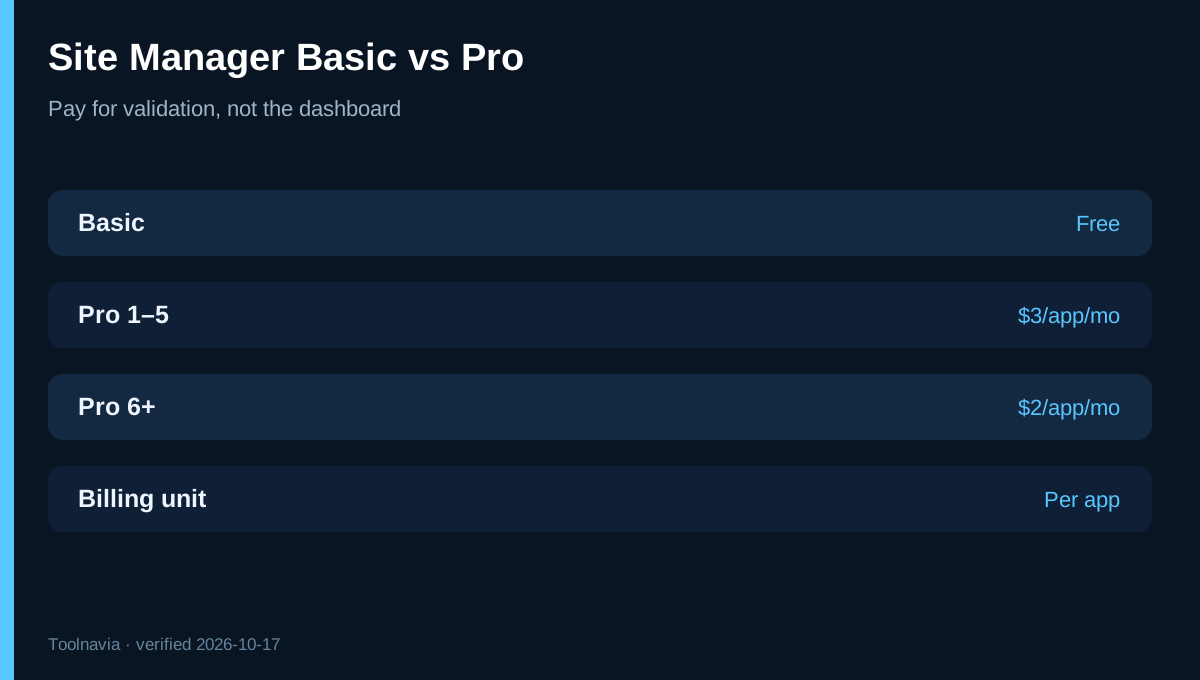
**Quick answer:** Cloudways Site Manager Basic is free for qualifying accounts. Pro costs **$3 per WordPress application per month for 1–5 applications** and **$2 per application for 6 or more**. It is billed per application, not per server.
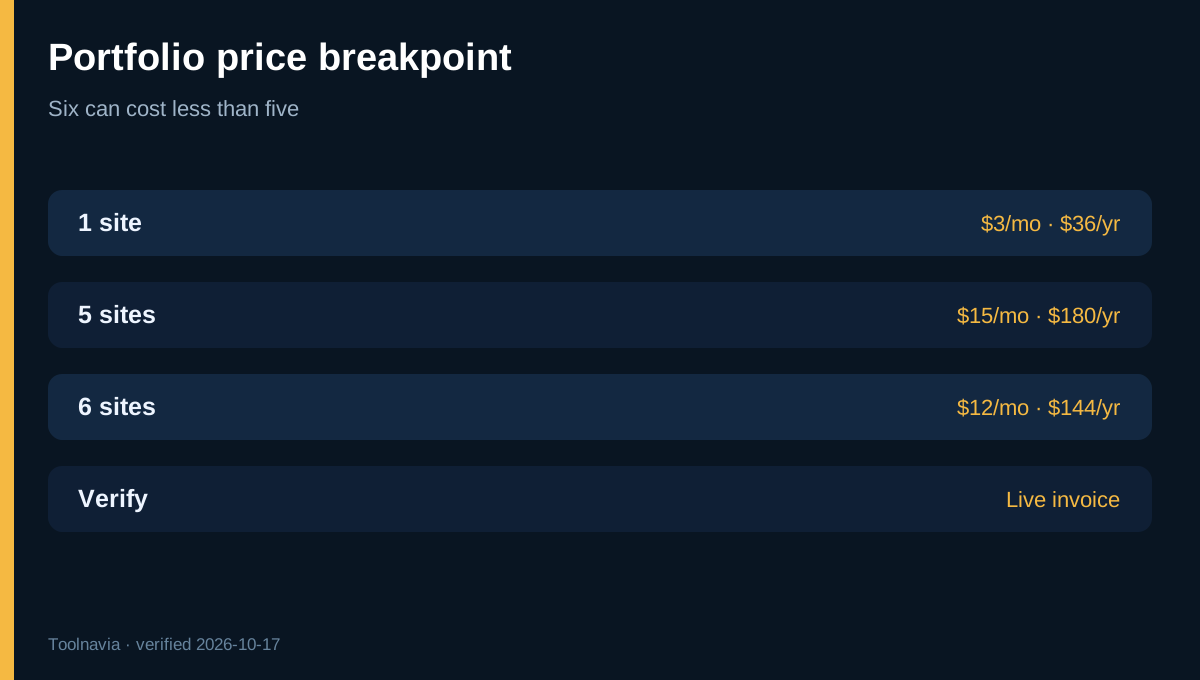
That makes the annual add-on cost $36 for one site, $180 for five sites and $144 for six sites. The six-site total is lower than the five-site total because the official $2 rate applies when the portfolio reaches six. Verify the live add-on invoice before changing the portfolio solely for this breakpoint.
Affiliate disclosure: Toolnavia may earn a commission if you purchase Cloudways through this article. The commercial CTA uses the exact approved Cloudways Flexible route. Site Manager is an add-on, not a coupon or a feature included in every server price. [Check Cloudways Flexible](/go/cloudways-managed-hosting-flexible-official-usd).
At a glance
- Best for
- Cloudways Flexible WordPress teams that value staged update testing and audit history.
- Price model
- Basic free; Pro $3/app for 1–5, $2/app for 6+
- Check first
- Only Cloudways Flexible WordPress apps; billed per app; visual checks do not replace transaction testing.
Basic vs Pro: what are you actually buying?
Basic includes a centralized dashboard, WordPress SSO, plugin, theme and user management, and Quick Updates. Pro adds staging-clone testing, Safe Updates, multi-page visual regression, weekly automatic updates, performance monitoring, bulk operations, activity logs, update history and critical-update automation.
The upgrade decision is not “dashboard or no dashboard.” Basic already has the dashboard. The paid question is whether automated validation, history and scheduling replace enough manual backup, staging, visual inspection and record keeping to justify the fee.
The $3-to-$2 breakpoint
For one through five applications, multiply the count by $3: one is $3/month, three are $9 and five are $15. For six or more, the official page says $2 per application: six are $12, ten are $20 and 25 are $50.
This creates an unusual cliff: five Pro sites cost $15, while six cost $12 if the lower rate applies to every subscribed application. Both current official pages support that reading, but buyers should still confirm the live invoice. Do not add a throwaway production app merely to chase the discount.
HostAdvice shows five sites at $10 and says the discount begins after five. That conflicts with Cloudways' current “1–5 at $3, 6+ at $2” table. Use the official table and checkout.
What the safe-update workflow can and cannot prove
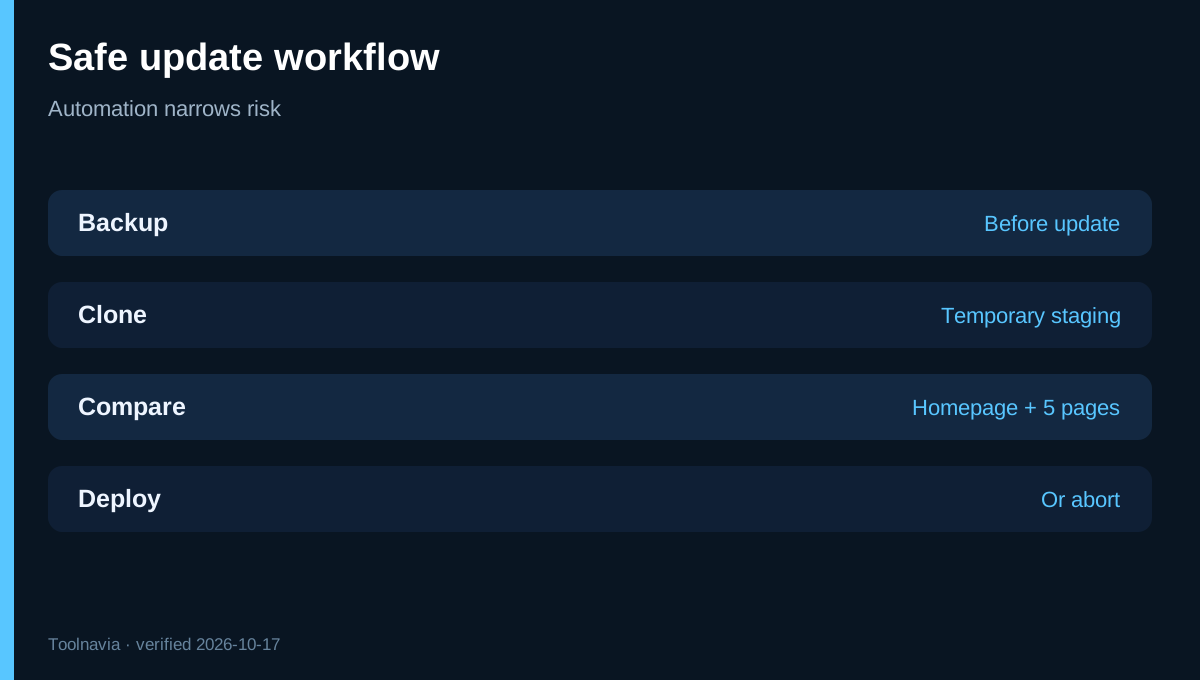
On Pro, Site Manager takes a backup, applies each update to a temporary staging clone and compares screenshots from the homepage and up to five additional pages. If differences are flagged, the update is stopped before reaching live; if the pages match, it can deploy.
A visual comparison does not prove that checkout payments settle, login works, a form reaches the CRM, a membership renewal runs or analytics attribution survives. Cloudways also says there is no rollback option after a deployment considered successful. Keep an independent acceptance checklist for revenue paths.
Stores should include cart, checkout, account and confirmation pages among the visual checks, then still run a real low-value transaction in a maintenance window. Automation narrows risk; it does not transfer application responsibility.
Eligibility and operating boundaries
Site Manager currently works with WordPress applications on Cloudways Flexible, including WooCommerce and WordPress Multisite. It does not manage other application types and is not available outside Flexible. Pro is billed per application, so several installs on one server create several charges.
Custom CDNs, firewalls and HTTP authentication can block Site Manager. Cloudways documents IP allow-listing for external Cloudflare, Sucuri and similar controls. Remote-database configurations may prevent temporary staging tests. Validate connectivity before paying across a portfolio.
Clients can be assigned to sites, but Site Manager user-management permissions cannot currently be restricted granularly to selected team members. Agencies should review who can change plugins, themes and users before enabling bulk operations.
Break-even: minutes, not marketing
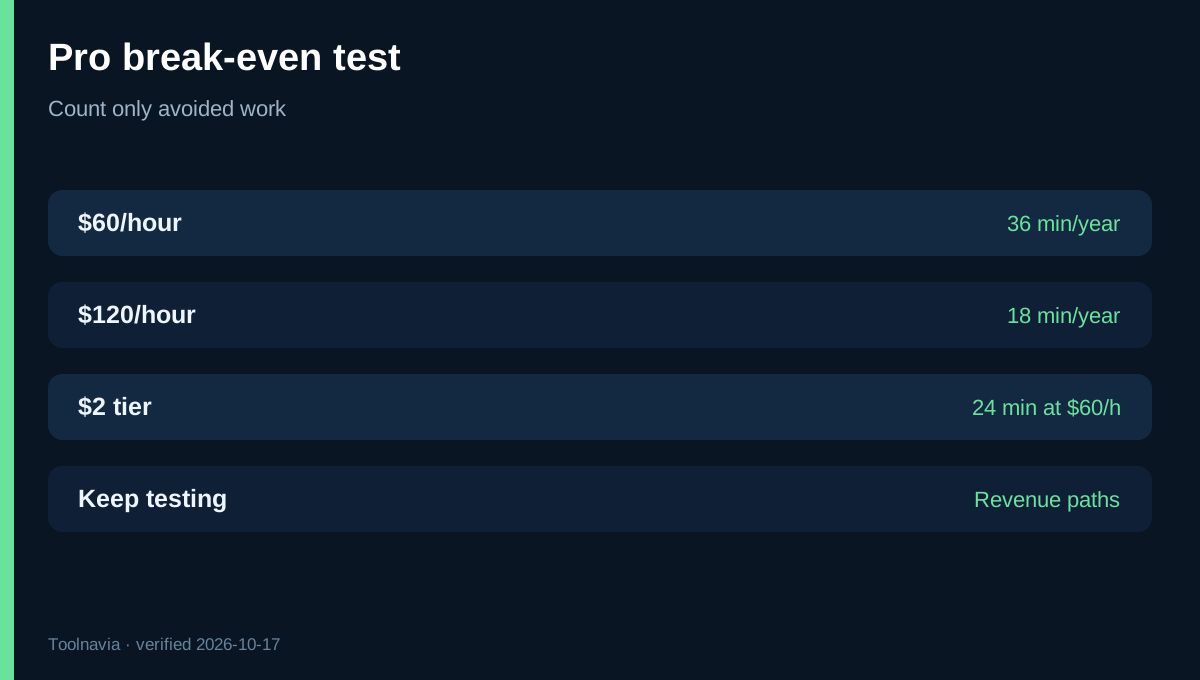
At $3 per month, Pro costs $36 per site per year. If an operator's fully loaded time is $60/hour, it breaks even after **36 minutes of avoided work per site per year**. At $120/hour, the threshold is 18 minutes. At the six-site rate, $24 per site per year breaks even after 24 minutes at $60/hour.
These are arithmetic thresholds, not promised savings. Count only work the tool actually replaces: staging, backup, checking selected pages, recording results and handling routine successful updates. Do not count checkout testing, client communication or incident response that remains necessary.
Basic provides an evaluation path, but Pro has no free trial. Connect one representative site to Basic, verify sync and access, then pay for Pro on one revenue-relevant site for a month. Record time spent, blocked updates and false positives before rolling it across the portfolio.
SafeUpdates has been replaced
SafeUpdates is no longer the current product name. Cloudways' April 21, 2026 announcement says Site Manager reached general availability and existing SafeUpdates users will be gradually upgraded to Pro at no extra charge. Current help documentation likewise says Site Manager replaces SafeUpdates at the same Pro price.
Some independent pages still use SafeUpdates or say Pro is free during public preview. WPSymposium correctly identifies Site Manager as the current replacement, while the broader Stores4Domains cost review still summarizes the paid tested-update add-on from $3. Treat preview-era free-Pro wording as historical. The current official site says GA, lists paid Pro pricing and says Pro has no free trial. Existing SafeUpdates customers should confirm migration and billing rather than assuming a new free entitlement.
Who should upgrade?
Choose Basic when one low-risk site has a disciplined owner who already backs up, stages, tests and documents changes. Choose Pro when multiple plugins, a store or client responsibility makes repeatable validation and audit history worth more than $2–$3 per site monthly.
For agencies, calculate per-site gross margin after the add-on and decide whether maintenance is bundled or itemized. For one critical store, focus less on the $36 annual fee and more on whether the workflow covers important pages and transactions.
**Bottom line:** Pro is inexpensive if it eliminates even a small amount of real update QA, but it cannot prove that every WordPress business flow still works. Start with Basic, validate one Pro application, confirm the six-site invoice breakpoint, and keep human tests for revenue paths.