TOOLNAVIA / BUYING GUIDE
Cloudways Wildcard SSL: DNS CNAME, 100-SAN Limit & Renewal Risk
The short answer
Cloudways Flexible includes free Let’s Encrypt SSL, and its current workflow supports a wildcard certificate for one root domain. That can be a strong fit for an agency running many subdomains—but only if the buyer controls authoritative DNS and keeps the `_acme-challenge` CNAME in place. The certificate is free; DNS ownership, renewal monitoring and migration discipline are still the customer’s job.
*Documentation analysis completed October 29, 2026. We did not create a Cloudways server, change live DNS or inspect an authenticated checkout.*
At a glance
- Best for
- Teams controlling DNS and monitoring renewal.
- Price model
- Flexible currently starts at $11/month; live configuration controls.
- Check first
- One certificate per app, 100-SAN cap, rate limits and DNS dependency.
Verdict: buy for managed DNS delegation, not “set and forget”
A wildcard certificate is useful when one application serves names such as `app.example.com`, `shop.example.com` and `support.example.com`. Cloudways documents a wildcard toggle and tells the customer to create a persistent CNAME from `_acme-challenge` to the application FQDN it supplies. Auto-renewal is enabled by default and is scheduled before expiry.
That is not an unconditional uptime promise. Remove the challenge CNAME, lose DNS control, replace the active certificate, or misconfigure a proxy, and renewal can fail. The buying decision is therefore about operational ownership as much as certificate price.
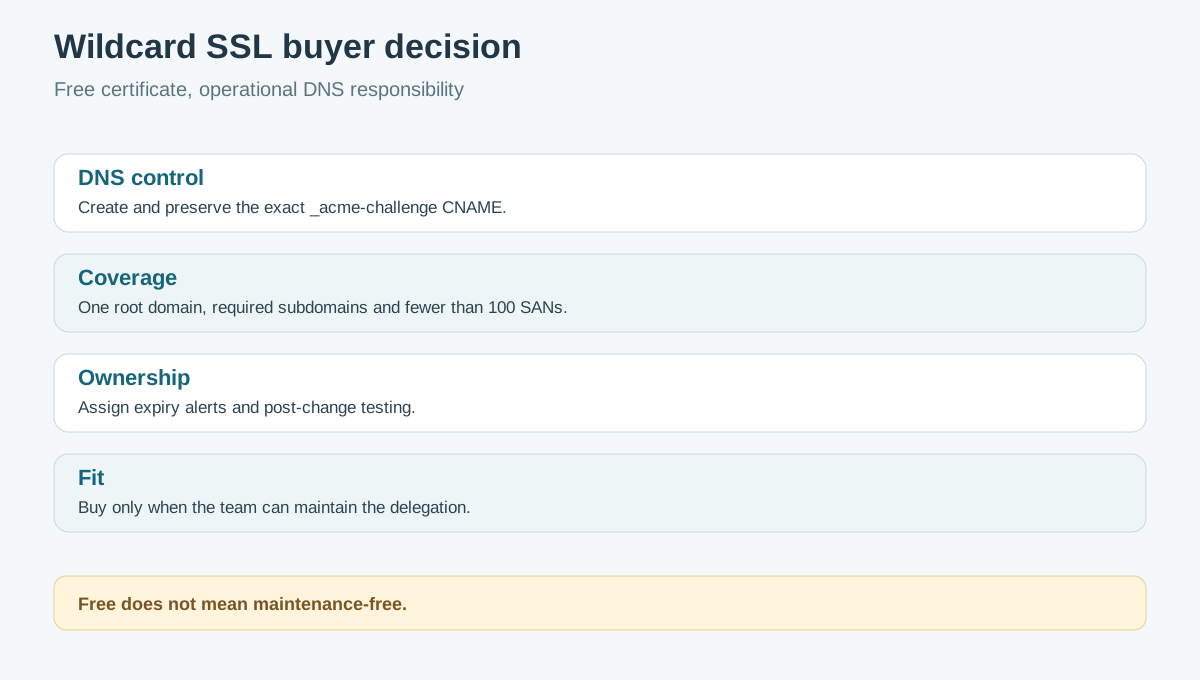
| Buyer question | Pass condition | | --- | --- | | DNS control | You can create and preserve the exact challenge CNAME | | Coverage | One root domain and its required subdomains fit the certificate design | | Scale | The application stays within one active certificate and 100 SANs | | Operations | Someone owns expiry alerts, renewal checks and post-change tests |
DNS-01 still happens—the CNAME delegates it
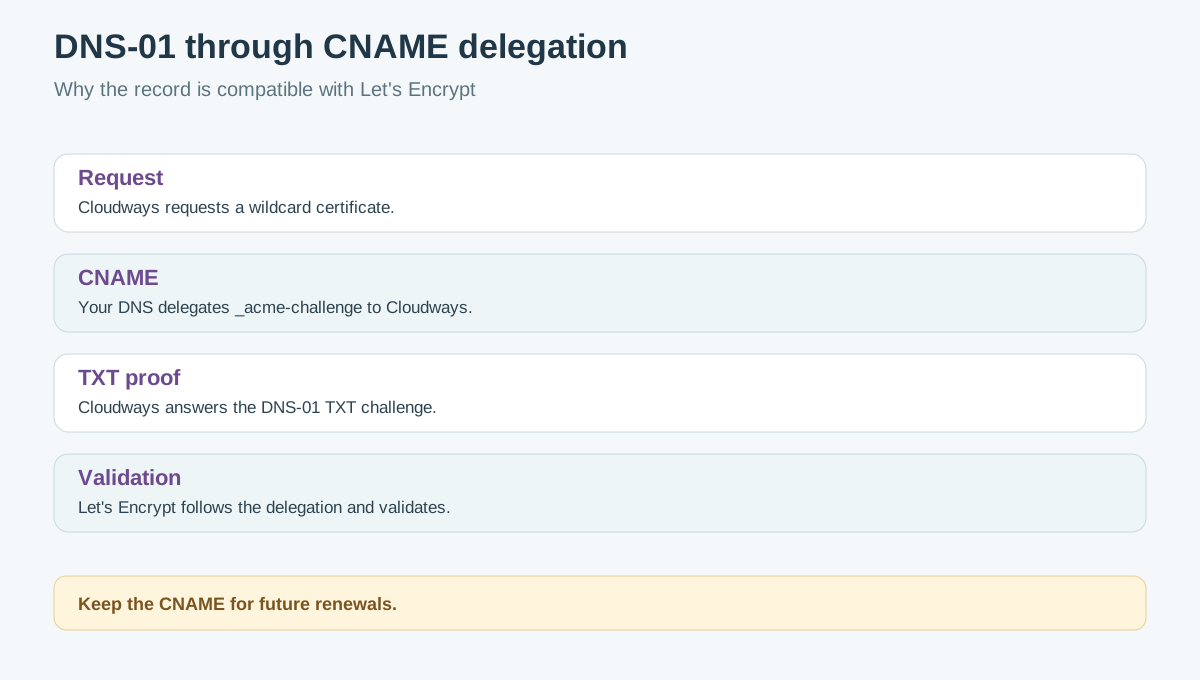
Let’s Encrypt requires DNS-01 validation for wildcard names. DNS-01 normally proves control by publishing a TXT value under `_acme-challenge`. Cloudways asks the customer to create a CNAME at that name instead. These statements are compatible: Let’s Encrypt follows CNAME or NS delegation, allowing Cloudways to answer the underlying DNS challenge in the delegated zone.
Do not delete that CNAME after the first certificate works. Cloudways’ own renewal guide names its removal as a cause of wildcard renewal failure. Treat the record as production infrastructure: document its owner, lock down DNS-account access and include it in migration checklists.
Understand the limits before adding dozens of names
The current Cloudways limitations page states one Let’s Encrypt certificate per application, up to 100 domains or subdomains/SANs per certificate, five certificates for the same domain per week and five on-demand renewals per day. Certificates are valid for 90 days. Revoking a certificate does not reset issuance limits.
“Wildcard covers unlimited subdomains” describes pattern coverage under one root, not unlimited certificate objects, root domains or application slots. A certificate may contain a wildcard plus other SAN entries, and the current platform still enforces the 100-SAN and one-certificate-per-application boundaries.
For an agency migration, inventory every root domain, wildcard and explicit hostname before installation. Repeated trial-and-error reissuance can consume the weekly limit at exactly the wrong time.
Cloudflare edge TLS and origin TLS are different layers
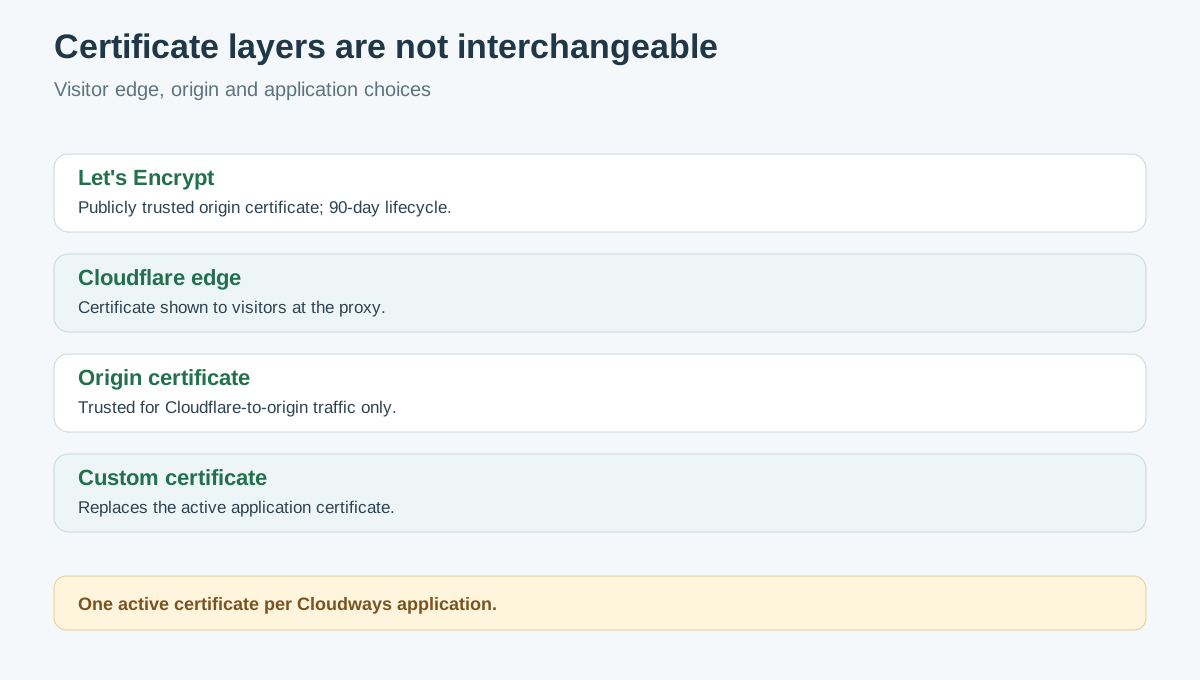
A visitor may see a Cloudflare edge certificate while Cloudflare separately connects to the Cloudways origin. Cloudways documents a Cloudflare Origin Certificate for proxied traffic, but that certificate is trusted only while the connection runs through Cloudflare. It is not interchangeable with a publicly trusted Let’s Encrypt certificate for direct-origin access.
Cloudways also permits a third-party custom certificate. Only one certificate can be active on an application, so installing a custom certificate replaces the current one. Do not buy a paid certificate merely because Cloudways does not sell certificates itself; first identify a requirement that free domain-validated Let’s Encrypt cannot satisfy.
Run a pre-purchase and renewal acceptance test
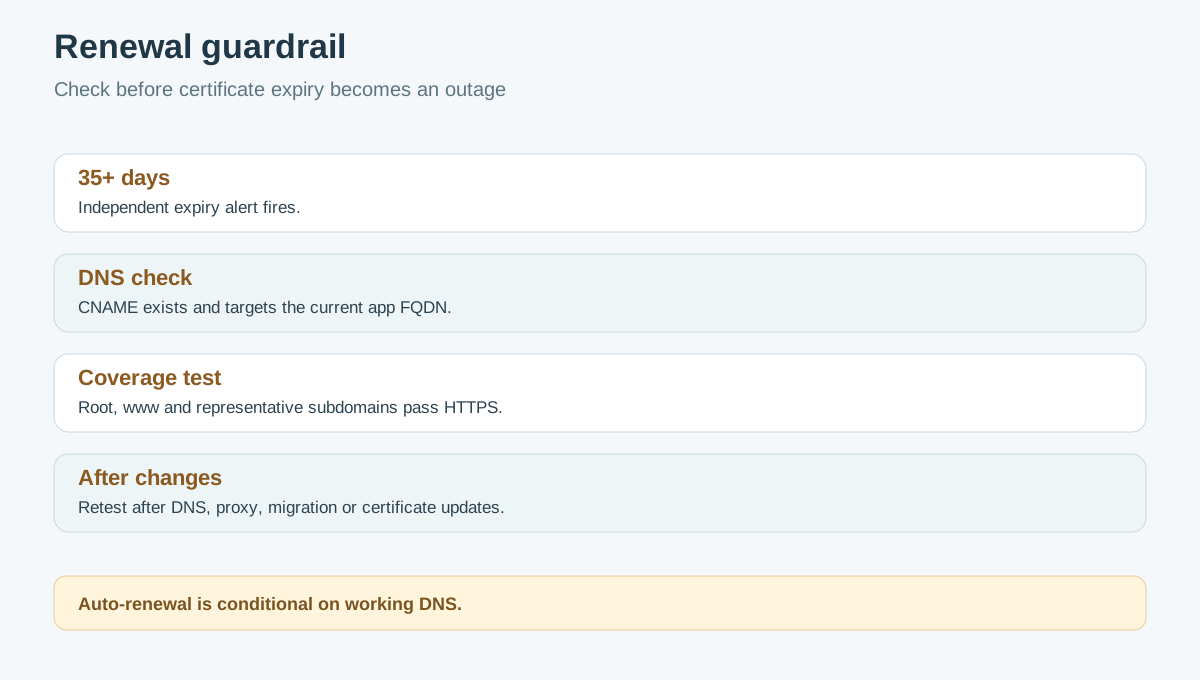
1. List the root domain, every explicit SAN and the wildcard pattern. Confirm the total stays below 100. 2. Verify that the DNS provider allows the exact `_acme-challenge` CNAME and that no conflicting record exists. 3. During the Cloudways trial, install the root plus wildcard certificate and test direct HTTPS on root, `www` and representative subdomains. 4. Confirm auto-renewal is enabled, record the certificate expiry date and set an independent alert at least 35 days before expiry. 5. If Cloudflare or another proxy is involved, test both visitor-to-edge and edge-to-origin encryption. Avoid casually exposing the origin or weakening proxy security. 6. After any DNS, domain-mapping, server-transfer or certificate change, recheck the CNAME and all required hostnames. 7. Keep a rollback record of the prior DNS and certificate configuration; a certificate does not replace application backups.
Price and buyer fit
Cloudways’ current pricing page shows Flexible starting at $11 per month for the Micro display, billed hourly/pay as you go, with free SSL included. Provider, server size, region, tax, bandwidth and add-ons can change the invoice; the live configuration remains authoritative.
Choose Flexible for this use case when free domain-validated wildcard TLS is sufficient, one application/certificate can cover the planned names, and the team can own DNS and renewal monitoring. Hold or choose another design when DNS is controlled by an unavailable client, more than 100 identifiers are required, multiple independent certificates must coexist on one application, or policy requires a different certificate type.
*Affiliate disclosure: Toolnavia may earn a commission if you buy through the approved Cloudways Flexible link. That does not change the price or our recommendation. No coupon, uninterrupted renewal or search-engine outcome is promised.*
Operational cross-check
The broader Cloudways SSL installation guide confirms the platform's application-level certificate workflow. Certbot's FAQ provides a useful independent automation baseline, while the current third-party troubleshooting page illustrates why secondary advice must not override the current Cloudways entitlement and limit documents.