TOOLNAVIA / BUYING GUIDE
Cloudways Client Handoff: Team Access vs Server Transfer
The short answer
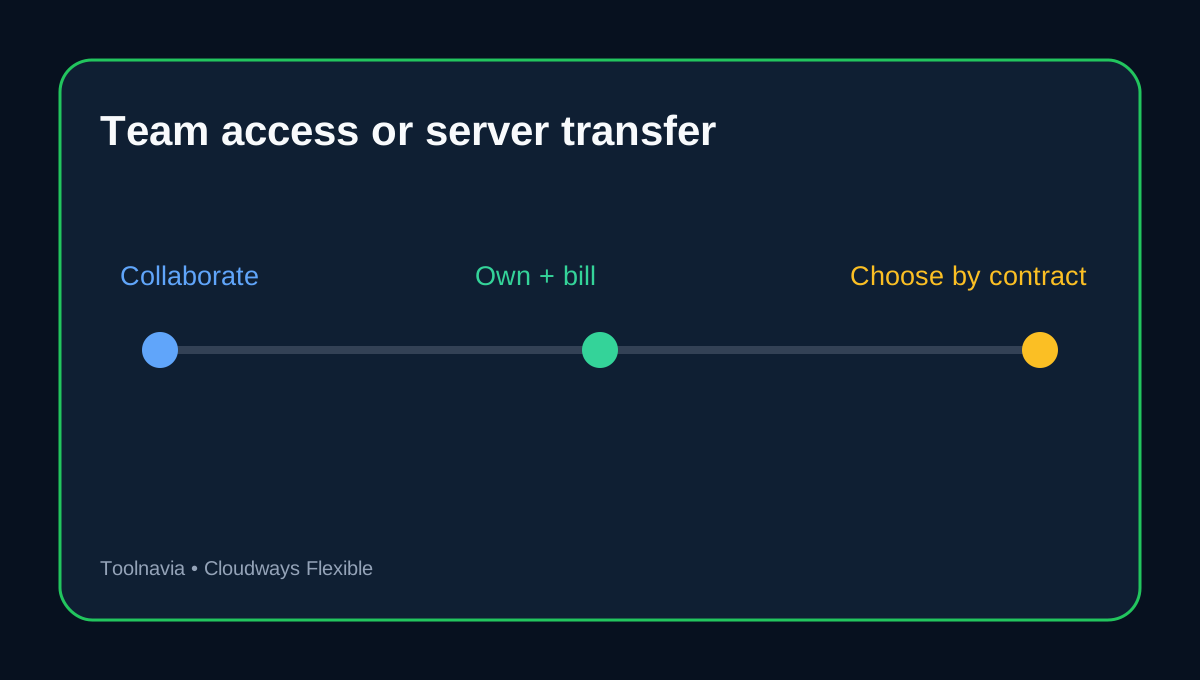
Cloudways gives an agency two very different ways to hand a project to a client: **invite the client as a team member** or **transfer the whole server to the client's Cloudways account**. Team access is collaboration inside the agency's account. A server transfer moves control and future billing. Choosing the wrong path can leave the client unable to pay for its own infrastructure, or give a temporary collaborator far more access than needed.
Use a team member when the agency still owns the Cloudways account, pays the infrastructure bill, and remains responsible for operations. Use a server transfer when the client must become the owner, receive the bill directly, and be able to continue without the agency's parent account. Do not share the account owner's password for either case.
At a glance
- Best for
- Agencies planning client access, ownership transfer and offboarding.
- Price model
- Pay-as-you-go; verify current server and add-on prices at checkout.
- Check first
- Team access does not transfer ownership; server transfer requires two Full/Paid accounts and post-transfer cleanup.
What Limited team access can actually do
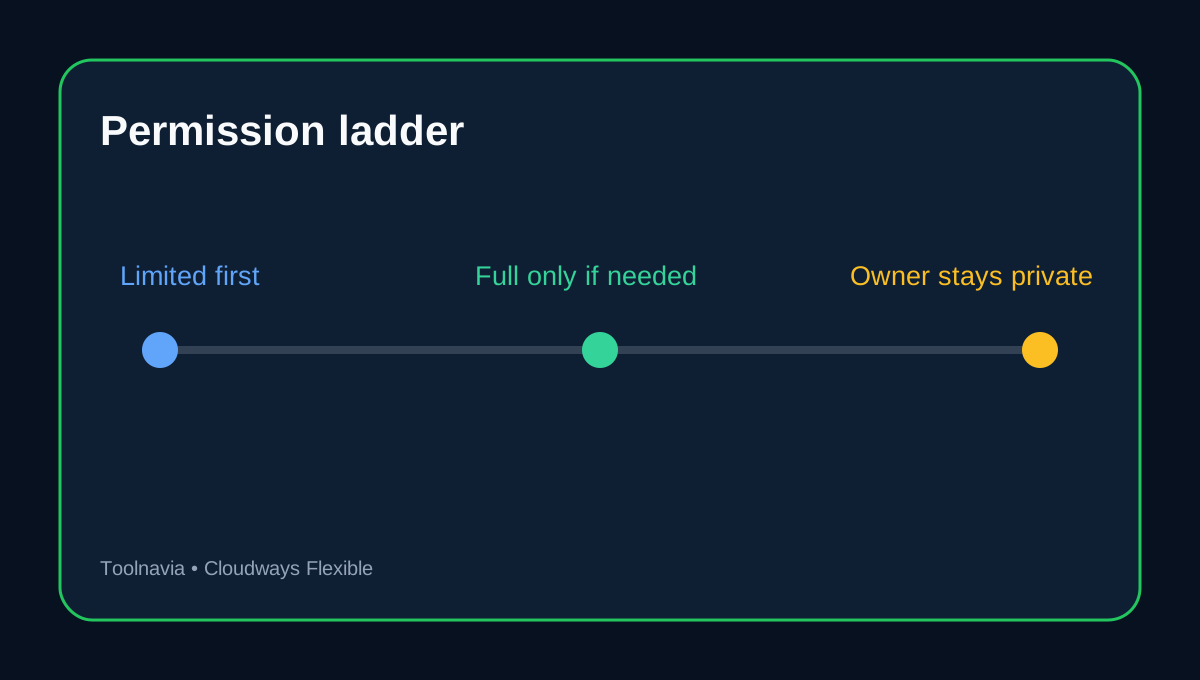
Only an account owner can create Cloudways team members. For Flexible, Limited Access can be narrowed to selected servers and applications and to specific actions such as monitoring, scaling, starting or stopping a server, or viewing Master Credentials. Billing and Support are separate global permissions. This lets an agency give a developer application access, give an account manager support-ticket access, and keep payment details restricted.
A Full Access team member can reach all Flexible servers and applications and can view or update Master Credentials. That is convenient, but it is not the default we recommend for a client or contractor. Start with Limited Access, document every exception, and review whether billing or support rights are truly needed.
Team membership is not client ownership
A team member works inside the owner's Cloudways account. The owner keeps the billing relationship and can edit, disable or delete the member. This is useful during development, maintenance retainers and staged approvals. It is not a clean exit if the client expects independent control after the agency relationship ends.
Cloudways also says an email already attached to a Trial or Full account cannot be used as a team-member email. If the client already has a Cloudways account, plan the destination account and transfer path instead of discovering the conflict on handoff day.
A server transfer moves control and billing
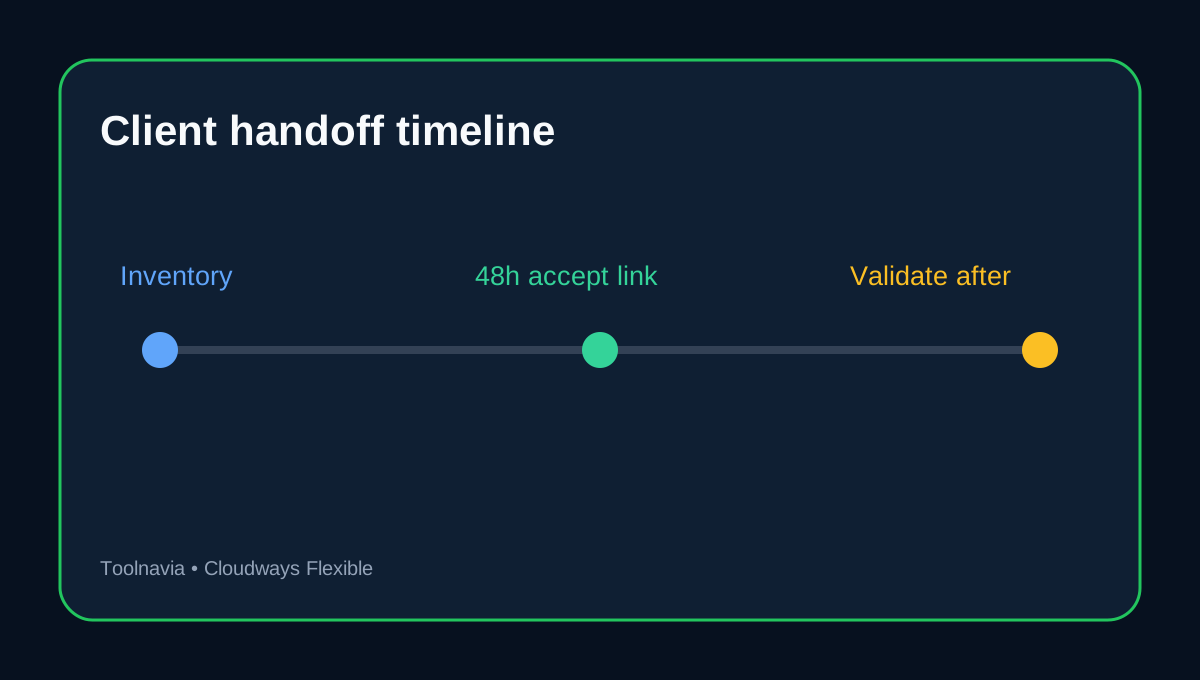
Cloudways positions server transfer for agencies and developers that build in their own account and later give a customer full control. Both the source and destination accounts must be Full/Paid, and only the source account owner can start the transfer. The destination owner receives an acceptance link valid for 48 hours. After acceptance, the server disappears from the source account and the destination owner controls and pays for it.
The first month's usage is split between the two accounts according to how long each account held the server. Treat that as a billing cutoff to reconcile in the client invoice rather than assuming the entire month belongs to one party.
Credentials and integrations need a post-transfer reset
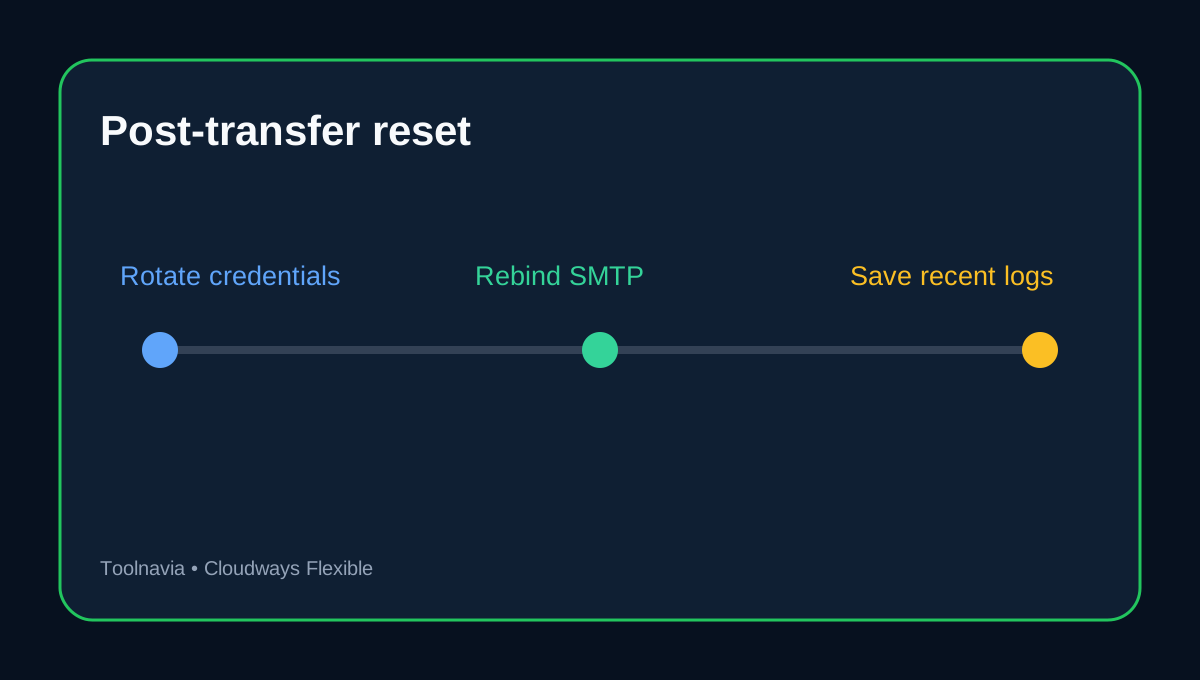
Cloudways removes the previous account's team project access and application SFTP credentials created by those team members. However, application credentials created by the previous account owner may remain functional. Inventory credentials before transfer, rotate or delete surviving owner-created credentials after acceptance, and issue new per-person access from the client account.
If Elastic Email is bound to the server, Cloudways says that binding is removed and the destination owner must activate it again. Free SMTP settings continue, but they still deserve a send test. Live and staging applications on different servers can also lose their mapping when only one server transfers, so validate both environments instead of checking only the public homepage.
Use the activity log before you remove access
Platform Activity Logs show the action, member, timestamp, affected server/project/application and IP address, with member and date filters. Cloudways retains these records for up to three months and labels the feature Public Preview. Capture the relevant recent record for your handoff file before disabling the agency team, and do not treat the platform view as a permanent compliance archive.
A practical agency handoff sequence
1. Decide whether the client needs collaboration or legal/operational ownership. 2. List servers, applications, staging pairs, DNS owners, SSL status, SMTP add-ons, backups and every credential. 3. For collaboration, invite a named user with Limited Access and only the required billing/support switches. 4. For ownership, confirm both accounts are Full/Paid and schedule the 48-hour acceptance window with the client owner. 5. After acceptance, test DNS, SSL, application health, cron jobs, mail, backups and staging. 6. Rotate surviving owner-created application credentials, create new named users, and remove the agency's old team access. 7. Save the recent activity record and reconcile the pro-rated billing cutoff.
Is Cloudways Flexible a good fit for client work?
The model is strongest for agencies that want managed cloud infrastructure plus granular server/application control. Independent reviews also note a tradeoff: the platform is more operationally complex than a conventional all-in-one host, and modular extras can complicate the final bill. Buyers should value scoped collaboration and server ownership transfer enough to justify that operating model.
**Decision checklist before checkout.** Choose Cloudways Flexible only after deciding who owns the account, who pays for infrastructure, which people need server or application access, how client exit will work, and who will keep the handoff record. Verify the current server and add-on price at checkout; this article does not treat a temporary headline price as a team-seat fee.
Affiliate disclosure: Toolnavia may earn a commission from an eligible Cloudways purchase. That does not change the recommendation to start with Limited Access and transfer ownership only when the client must control billing and infrastructure.