TOOLNAVIA / BUYING GUIDE
Cloudways Flexible Credentials: Master vs Application Access for Developers
The short answer
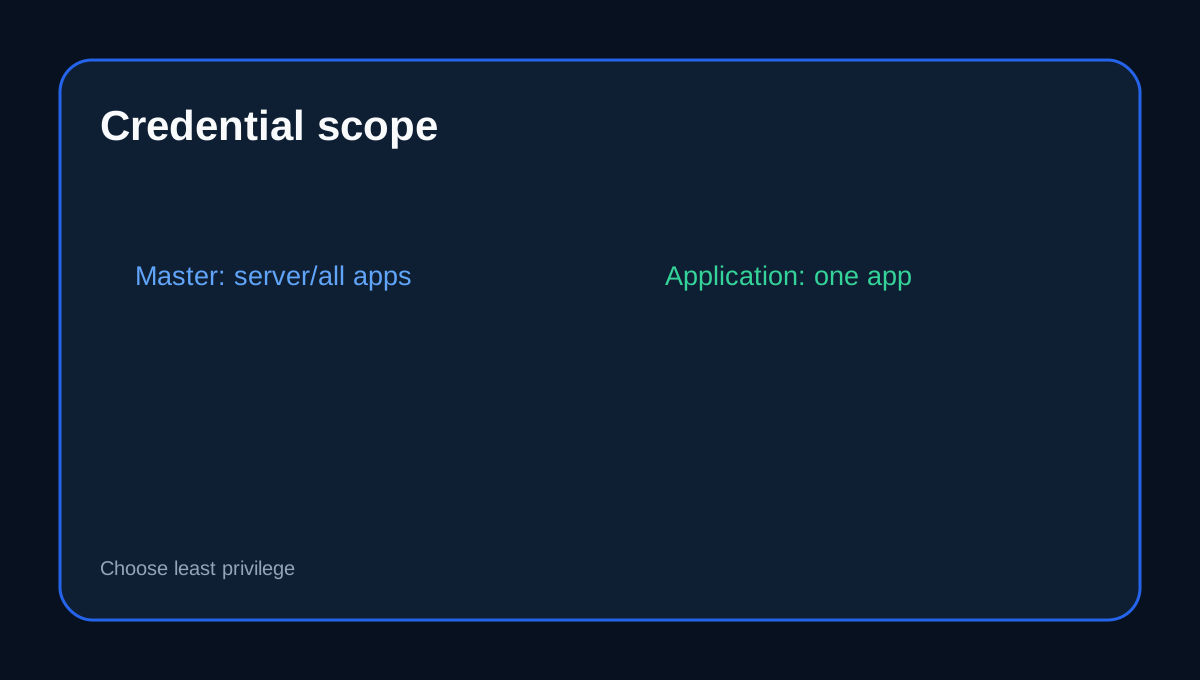
Cloudways Flexible gives buyers more than one way to hand a developer SSH/SFTP access. The risky shortcut is sharing **Master Credentials**, which can see the server and all applications. The safer default for a contractor working on one site is usually an **Application Credential** scoped to that application. The current Flexible Micro base is US$11/month with 2GB RAM, 1 vCPU, 50GB storage and 2TB transfer.
At a glance
- Best for
- Teams granting developers or contractors revocable app-level access.
- Price model
- Current Flexible Micro base US$11/month
- Check first
- App credentials still allow destructive in-scope actions; Master remains high impact.
Master credentials are broad
Cloudways describes Master Credentials as server-level SSH/SFTP access with visibility across applications. Treat them like an administrator secret, not a routine developer login.
Application credentials reduce blast radius
Application Credentials are scoped to one application and can be created separately for collaborators. Owners can create multiple credentials and delete them independently, so one contractor can be offboarded without rotating every developer's access.
Team accounts solve a different problem
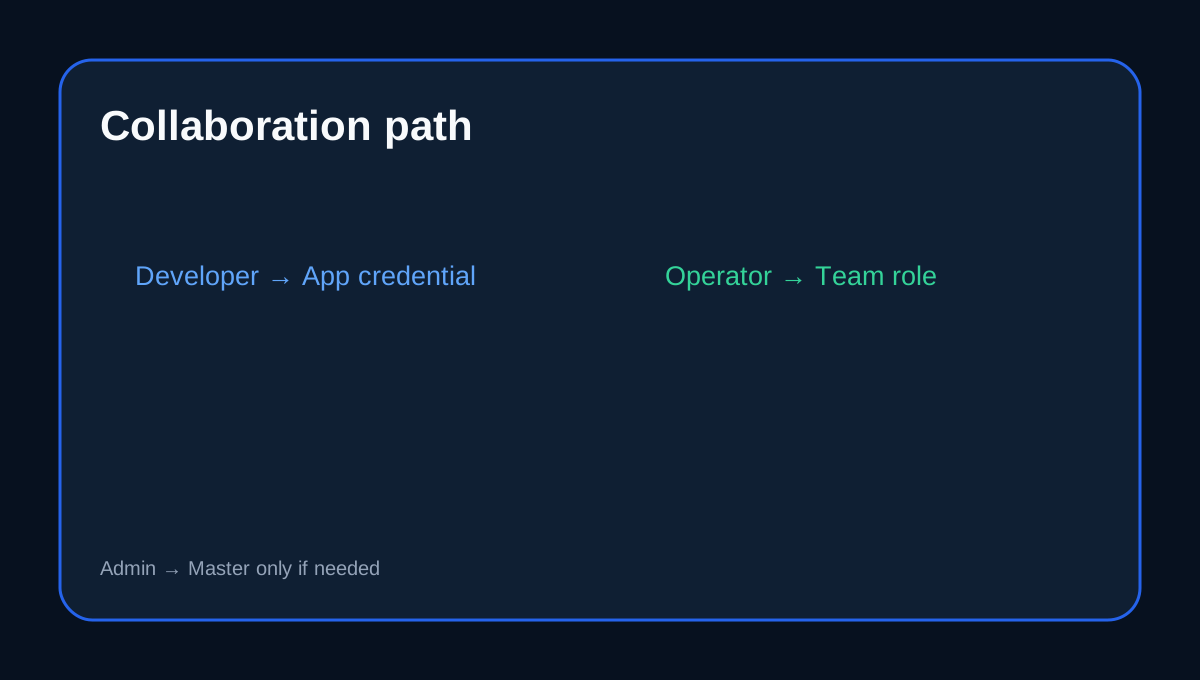
If someone needs the Cloudways Platform itself—servers, apps, billing or support—use Team roles and custom permissions. Cloudways explicitly recommends collaboration features so the main account login does not need to be shared.
SSH still needs network and command discipline
On Flexible, Master SSH is enabled by default while application SSH can be enabled as needed. Cloudways also documents IP whitelisting and warns that incorrect commands can break the website or delete critical files. Least privilege is not enough if credentials are shared in chat or source code.
A practical access policy
Give routine developers Application Credentials; give platform operators Team accounts with only required permissions; reserve Master Credentials for server-level administration. Use unique credentials per person, rotate when staff change, and delete unused users instead of recycling passwords.
Independent hosting platforms use the same pattern: site-scoped users are easier to revoke and safer than sharing one broad credential.
When Master access is justified
Use Master Credentials when the task genuinely spans multiple applications or needs server-level operations unavailable to an application user. Document why the access was granted and remove the need as soon as the task ends.
Checkout checklist
Confirm the Flexible plan/infrastructure, who needs platform versus app access, whether application SSH must be enabled, IP whitelist requirements, credential rotation/offboarding and which secrets are stored in your password manager.
Affiliate disclosure: Toolnavia may earn a commission from an eligible Cloudways purchase; that does not change this least-privilege recommendation.