TOOLNAVIA / BUYING GUIDE
Cloudways Flexible Per-App PHP: Safer Upgrades, Cron Gotchas & Preview Limits
The short answer
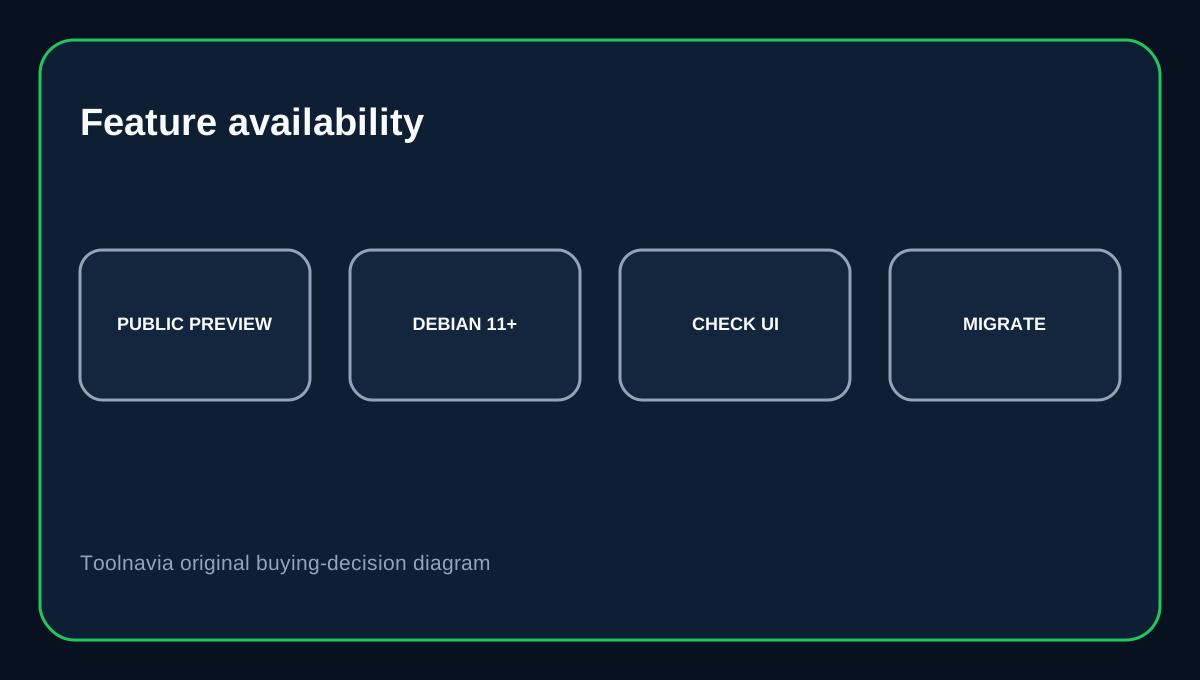
Cloudways Flexible now documents application-level PHP selection: one application on a server can use a different PHP version from another application. That helps agencies and mixed WordPress/Laravel workloads because one legacy app no longer has to hold every site on the server back. The catch is availability wording: Cloudways' current guide still labels the feature Public Preview and describes a phased rollout, while its current upgrade guide already presents application-level PHP selection as the normal workflow. Check that the option is present on your server before basing a migration on it.
At a glance
- Best for
- Agencies and mixed PHP stacks needing independent app upgrade schedules.
- Price model
- Flexible pricing varies by provider and size; live configuration controls.
- Check first
- Availability can depend on rollout/server state and multiple runtimes add memory overhead.
What Flexible costs
Cloudways Flexible pricing depends on the underlying cloud provider, server size and region, so there is no single fixed monthly price for this feature. Application-level PHP selection is described as included in existing plans rather than a paid add-on.
Why per-app PHP matters
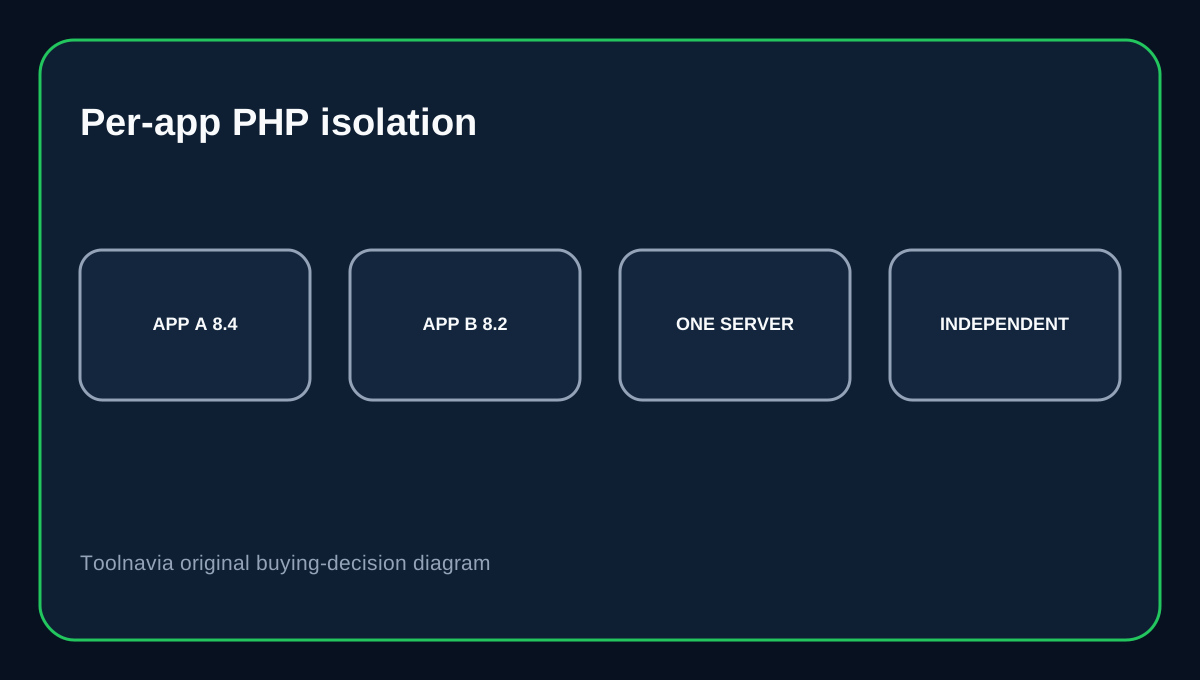
Previously, a PHP version change could affect every application on a server. Cloudways now documents changing PHP from an individual application's settings so other applications keep their own versions or the server default. Cloudways' compatibility guide separately documents supported and deprecated PHP branches across the platform. This is useful when one WordPress site is ready for PHP 8.4 while another application still needs 8.1 or 8.2.
Do not ignore memory cost
Cloudways warns that running multiple PHP versions can increase RAM usage, especially on 1GB or 2GB servers, and recommends at least 4GB RAM for better stability when application-specific versions are enabled. That does not mean every 2GB server will fail. It means per-app PHP creates another resource dimension that should influence server sizing.
Cron jobs can silently run the wrong PHP
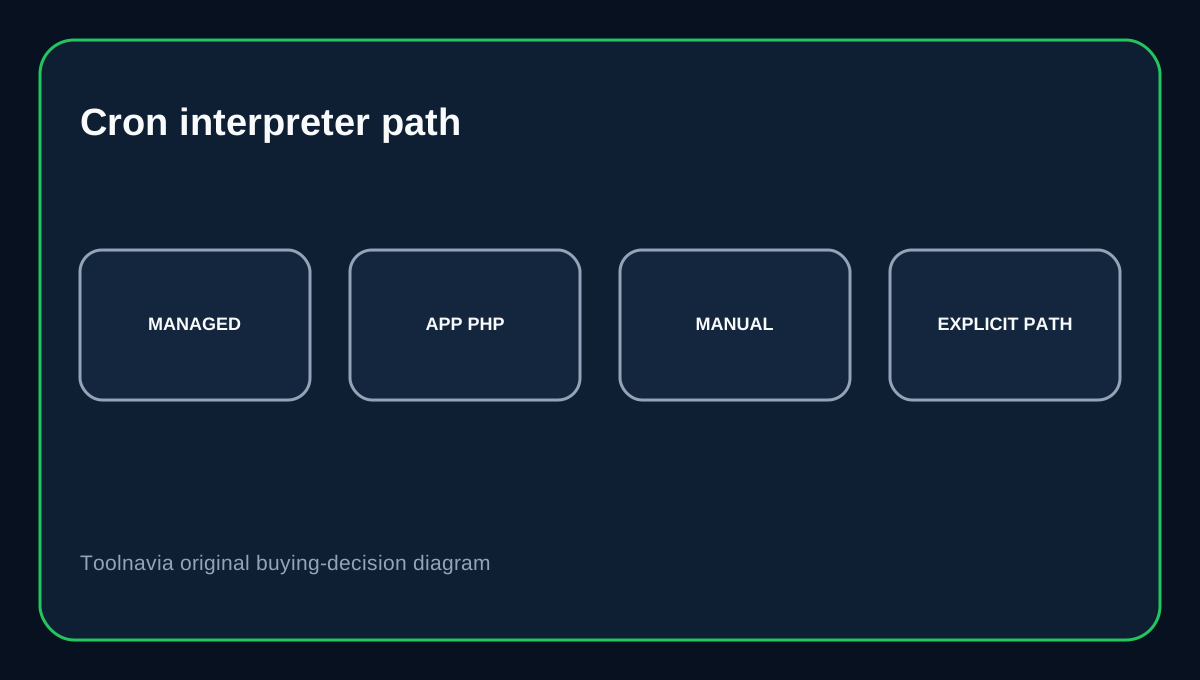
Platform-managed application cron jobs inherit the PHP version assigned to the application. Cloudways writes a managed PATH and WP_CLI_PHP so a plain php or wp command resolves to the application runtime. Manual crontabs created over SSH are different. Without the managed environment header, a bare php can resolve to the server default PHP instead of the app's selected version. Prefer the application cron interface when possible, or use an explicit PHP binary/path for manual jobs.
Test on staging and keep a backup
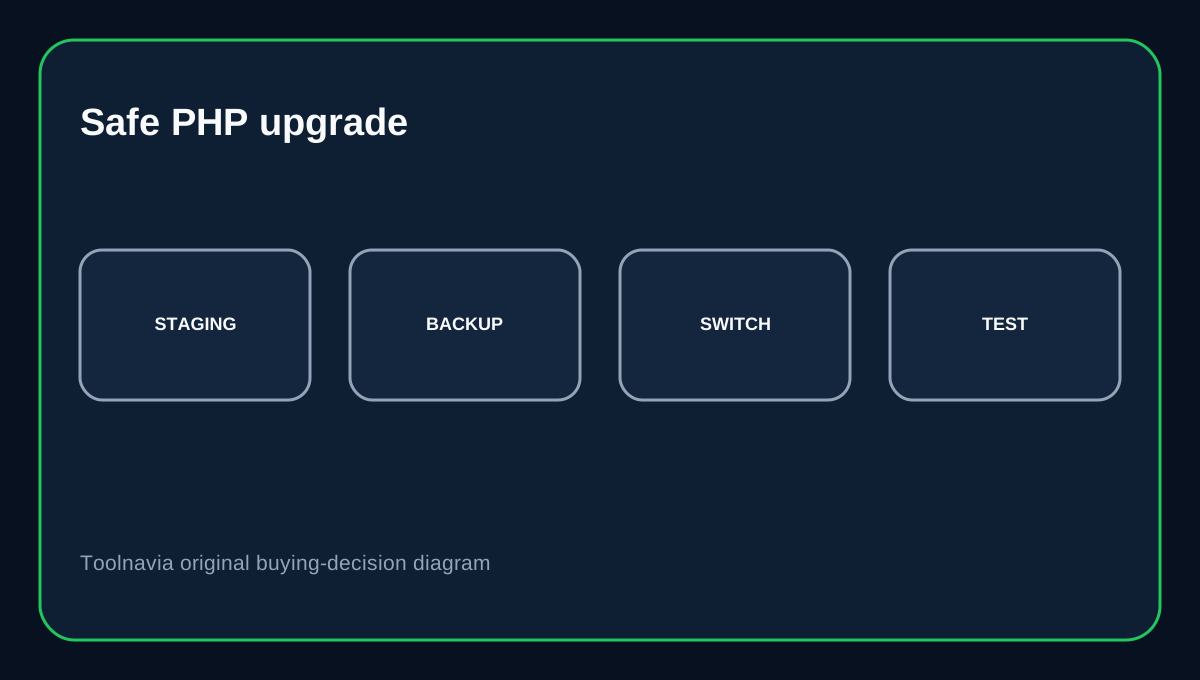
Cloudways recommends testing a PHP change on staging and taking an on-demand backup before changing production. The PHP process can restart during the change and cause a brief interruption for that application. WordPress currently recommends PHP 8.3 or greater, while PHP's upstream lifecycle page shows which branches are in active or security-only support.
The rollout wording is still not fully clean
The application-level PHP guide still says Public Preview and describes rollout to Debian 11+ servers, while the general upgrade guide now instructs Flexible users to change PHP from application settings. Treat that as an availability caveat, not a reason to assume the feature is absent. Before moving a client solely to use mixed PHP versions, verify that the PHP Settings control appears on the real server and that the versions you need are listed.
Buying decision
Choose Cloudways Flexible when you run multiple PHP applications that need different upgrade schedules and want managed infrastructure without creating a separate server for every runtime difference. Do not use the feature as an excuse to keep unsupported runtimes indefinitely. Prefer supported PHP versions, keep staging and backups in the change workflow, and audit manual cron jobs so they do not keep calling the wrong interpreter after a PHP switch.
Affiliate disclosure: Toolnavia may earn a commission from an eligible Cloudways purchase.