TOOLNAVIA / BUYING GUIDE
Cloudways Flexible MySQL Access: 200MB Manager, SSH Tunnel or Remote?
The short answer
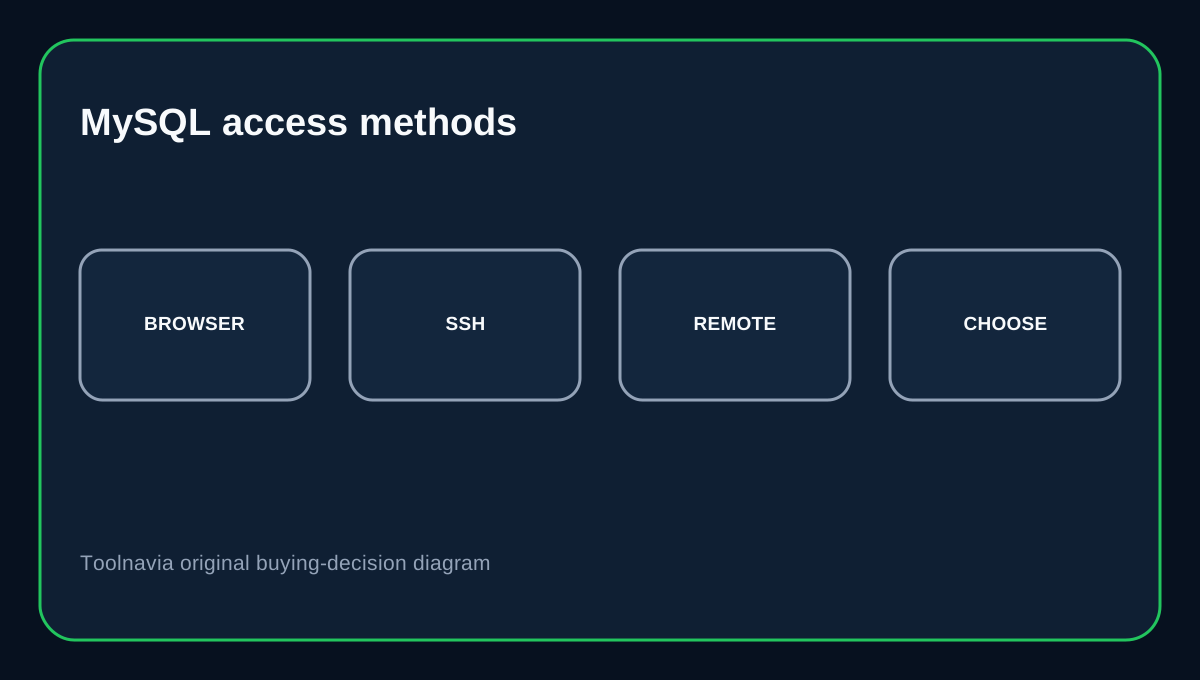
Cloudways Flexible offers three practical MySQL access paths: its browser Database Manager, an SSH-tunneled client connection, or a direct Remote MySQL connection from an allowed IP. The buying decision is not whether Cloudways supports database access, but which method matches your database size, security needs and workflow.
At a glance
- Best for
- Developers wanting several managed database access paths without owning the server OS.
- Price model
- Flexible server price varies by provider and size; live configuration controls.
- Check first
- Database Manager has a 200MB boundary and direct access requires whitelist maintenance.
Flexible pricing is server-based
Cloudways Flexible pricing changes with infrastructure provider and server size, so live configuration controls the hosting total. Cloudways documents database access as part of the platform workflow rather than a separately priced database add-on.
Database Manager is easiest, but not for large databases
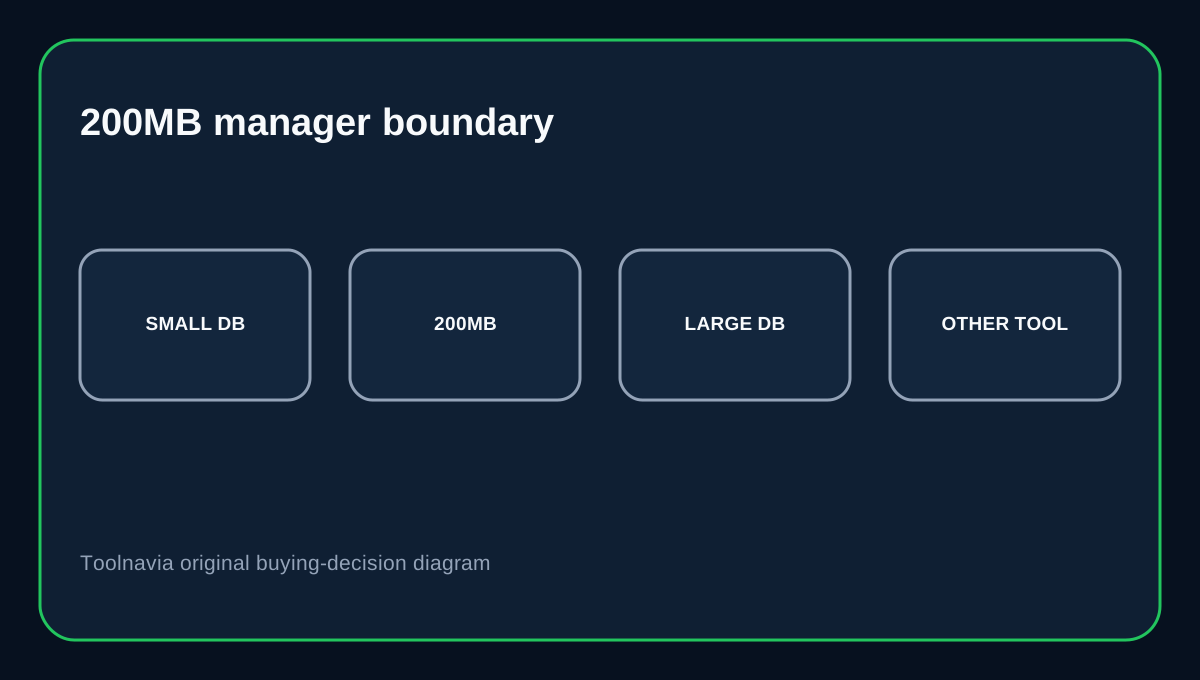
Cloudways calls its browser Database Manager the easiest access method for Flexible. It launches from Application Management and gives one-click browser access. Cloudways explicitly says Database Manager is not suitable for databases larger than 200MB. For larger databases it recommends other supported methods such as SSH tunnels or remote MySQL clients.
SSH tunnel is the safer default for external administration
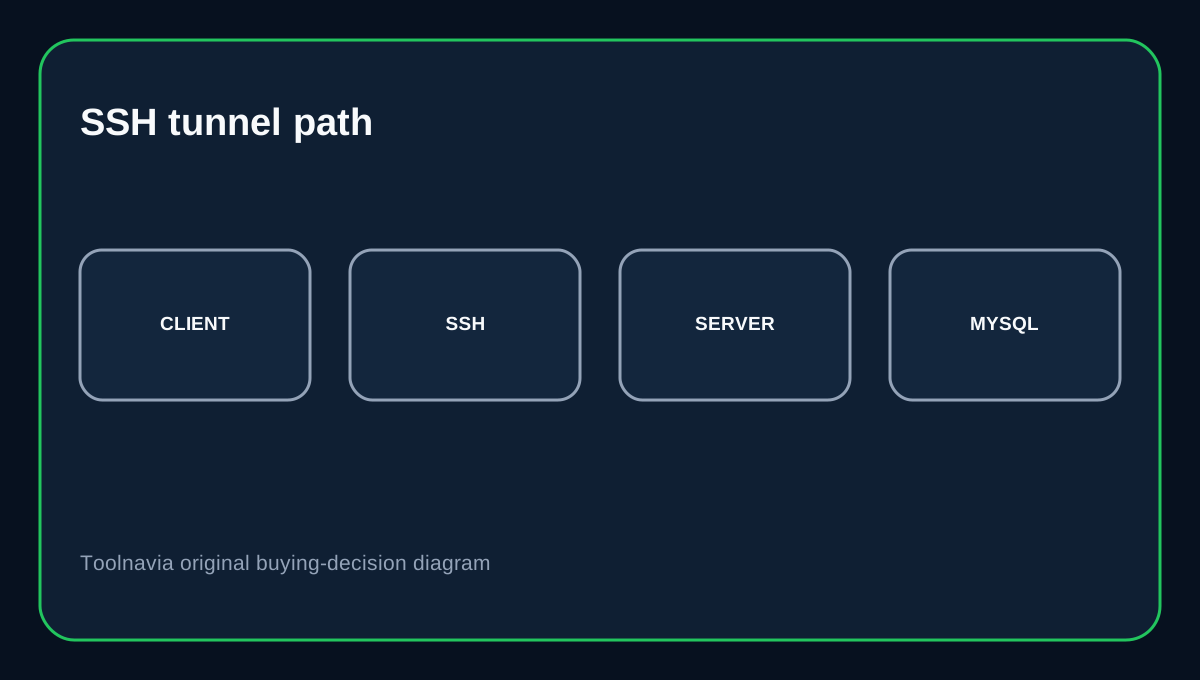
Cloudways lists MySQL over SSH as a supported Flexible method and describes the tunnel as encrypted. MySQL Workbench also supports Standard TCP/IP over SSH, where the client connects through an SSH host before reaching the database. This is useful when a developer wants a desktop client without treating the database service itself as the main public entry point.
Direct Remote MySQL requires an allowed IP
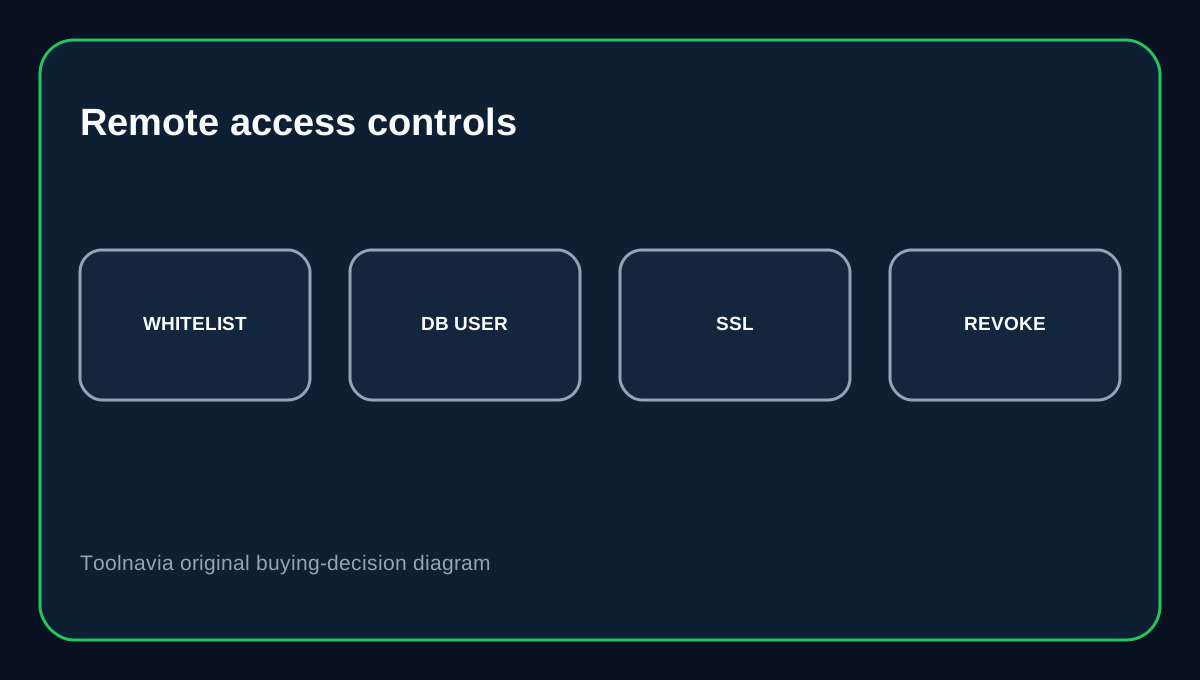
Cloudways supports direct Remote MySQL when needed. Its guidance says this path works only for whitelisted IP addresses and uses an SSL-enabled connection. The setup guide uses the server IP plus application database credentials and tests the connection from the client. If the public IP changes frequently, whitelist maintenance becomes operational work. Remove stale IPs after a contractor or temporary integration no longer needs access.
Credentials and network access are separate controls
Cloudways exposes application database username/password details separately from network access. Allowing an IP does not remove the need for valid database credentials, and rotating a password does not automatically remove a whitelisted source. Treat both layers as revocable access: narrow IPs, dedicated credentials where practical and cleanup after the task ends.
Choose the method from the task
Use Database Manager for quick browser edits and smaller databases. Use an SSH-tunneled client for regular developer administration when you want the database behind SSH. Use direct Remote MySQL only when an external client or server genuinely needs that path and can stay on a controlled IP. For large imports or exports, use command-line or other supported tooling instead of forcing the browser manager past its documented 200MB boundary.
Buying decision
Cloudways Flexible fits developers who want several database-access choices without moving to unmanaged infrastructure. Its value is the ability to choose browser convenience, SSH isolation or IP-whitelisted direct access per task. If your architecture depends on permanent public database exposure, uncontrolled client IPs or root-level database tuning, the problem has moved beyond a simple access-method choice.
Affiliate disclosure: Toolnavia may earn a commission from an eligible Cloudways purchase.