TOOLNAVIA / BUYING GUIDE
Cloudways Backups: Hourly Schedule, 4-Week Retention and Real Cost
The short answer
Cloudways Flexible lets you schedule off-site backups as often as every hour and keep them for one to four weeks. That sounds like an hourly recovery promise, but it is not. Cloudways warns that frequent jobs can overlap or fail on larger applications, and the restore menu can only use restore points that actually finished. The buying decision is therefore about **recoverable restore points, retained history and variable storage cost**, not the smallest number shown in the frequency selector.
Flexible backup storage currently costs $0.033 per stored GB and the monthly charge is rounded in $0.50 increments. Because later backups are incremental and compressed, the bill depends on changed data and retained sets—not simply the server's advertised disk size. Infrastructure plan prices vary by provider and size, so the live configuration controls the hosting total. This guide turns those rules into a practical RPO and cost screen. A current hands-on review observed the same daily default and one-week retention on its test server, but one test cannot guarantee future job duration.
At a glance
- Best for
- Teams that want configurable backup cadence and usage-based storage and will verify completed restore points.
- Price model
- Off-site backups $0.033/stored GB, rounded in $0.50 monthly increments; actual usage varies.
- Check first
- Hourly scheduling is not a guaranteed hourly RPO; retention is capped at four weeks and downloads require Local Backups plus SFTP/SSH.
Start with the amount of data you can lose
Recovery Point Objective, or RPO, is the maximum acceptable gap between the last usable restore point and an incident. A brochure that says “hourly” is useful only if the completed restore-point history consistently meets that target.
For a brochure site edited twice a week, a daily restore point may be reasonable. A store taking orders every few minutes has a very different exposure: restoring yesterday's database can discard paid orders, inventory changes and customer accounts. In that case, an hourly setting may reduce risk, but you still need to verify completed jobs and consider an application-level backup before risky changes.
Cloudways defaults new Flexible servers to one backup every 24 hours, scheduled in a UTC window, with one week of retention. Buyers must deliberately change those defaults when their business loss tolerance is tighter.
Frequency is a schedule, not a guarantee
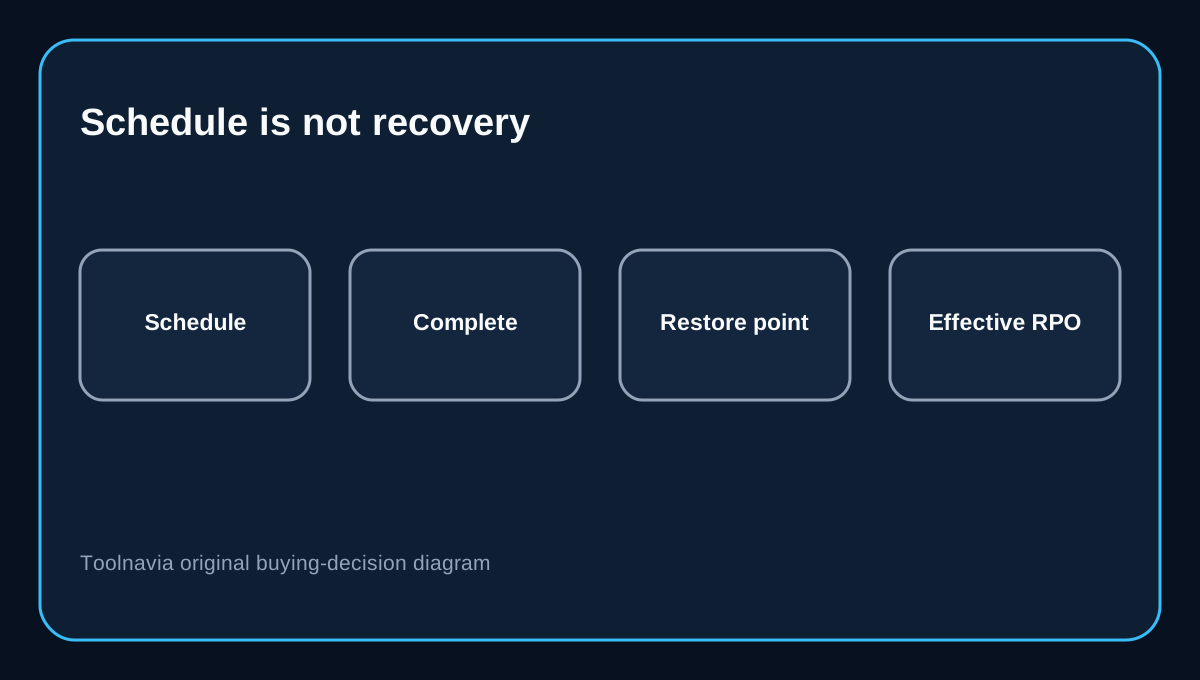
The Flexible control panel offers frequencies from one hour to seven days. Cloudways also says that high-frequency backups can extend completion times and cause later cycles to be skipped or fail, especially as application size grows. For servers above roughly 100 GB, its documentation recommends a 12-hour-or-longer frequency.
That creates an important boundary: selecting one hour does not prove you have twenty-four valid restore points per day. After changing the schedule, inspect the actual restore-point timestamps for several cycles. If a job overlaps the next interval, choose a longer interval, reduce unnecessary files, or design a second backup route for data that needs a tighter RPO.
On-demand application backups help before a deployment or plugin update, but they are not a continuous transaction log. They cover the application files and database defined by Cloudways and still need to finish successfully before they protect the change.
Retention answers a different question
Frequency determines how far back the newest completed restore point may be. Retention determines how long older recovery choices remain available. Cloudways Flexible allows one to four weeks.
One-week retention may be enough for obvious failures noticed immediately. It is weaker for slow corruption, malware or a content mistake discovered after several weekly review cycles. Four weeks gives more investigation time, but it can increase stored backup data and cost. Daily backups with four-week retention also do not create hourly granularity; the two controls solve different problems.
WP Engine and GoDaddy document thirty days of checkpoints or daily backups for their managed WordPress products, while Kinsta sells six-hour and hourly restore points as fixed-price per-site add-ons retained for 24 hours. These are not like-for-like plans, but they show why a buyer should compare frequency, retention and pricing model separately.
The backup bill is usage-based, then rounded
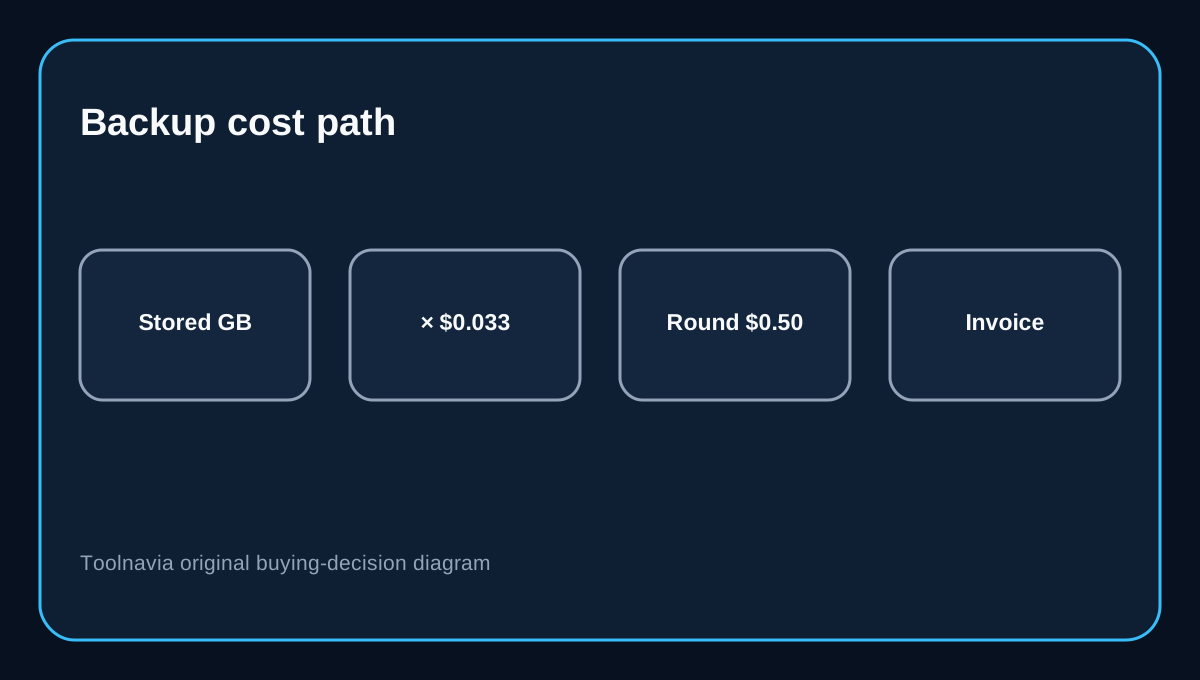
Cloudways charges $0.033 per GB of Flexible off-site backup storage and rounds the monthly result in $0.50 increments. Illustrative screening arithmetic is:
- 15 stored GB × $0.033 = $0.495, rounded to about $0.50. - 45 stored GB × $0.033 = $1.485, rounded to about $1.50. - 105 stored GB × $0.033 = $3.465, rounded to about $3.50.
These are examples, not quotes. Cloudways uses full plus incremental backups, compresses data, and fully backs up the database at each restore point. A media-heavy site with little change can behave differently from a busy store whose database and uploads change constantly. Increasing retention generally keeps more backup sets, so watch the displayed off-site backup size and invoice rather than multiplying the server disk allowance.
Kinsta's hourly model is easier to budget—$100 per site per month for hourly backups—but materially more expensive for one site than a small per-GB backup bill. Conversely, Cloudways' variable cost is less predictable and operationally requires you to verify successful jobs.
Restore capacity can be the hidden blocker
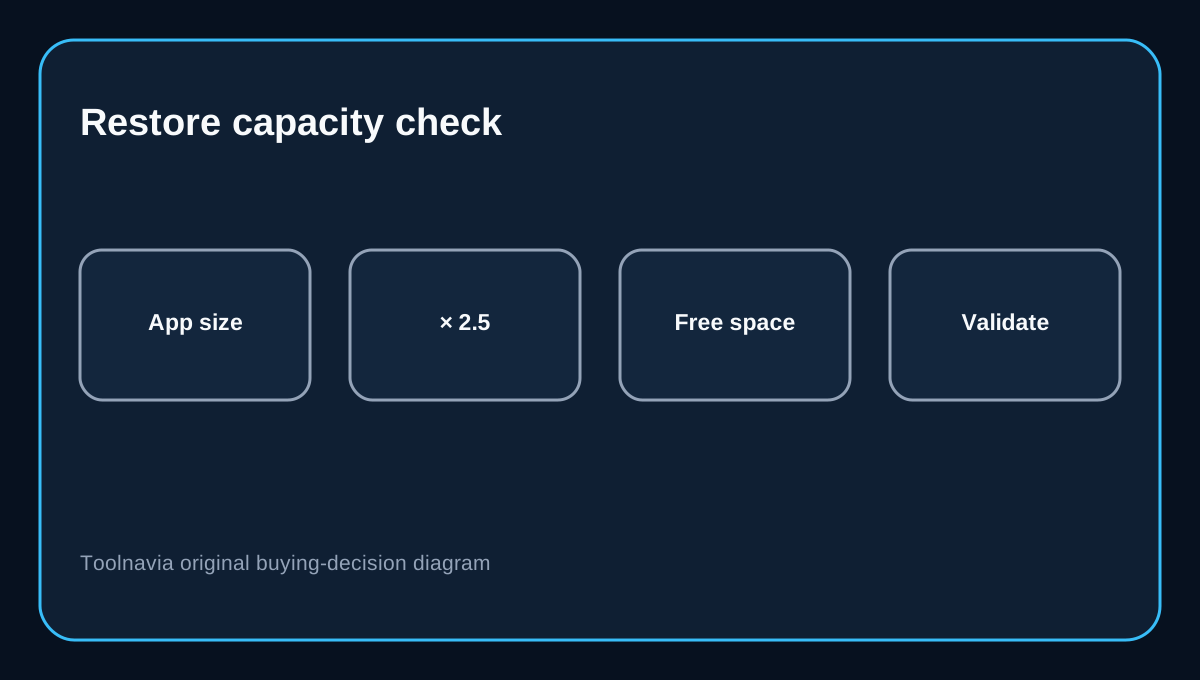
A restore point is useful only if the application can be restored. Cloudways recommends free disk space equal to at least 2.5 times the application-data size before a Flexible restore. It supports complete, files-only and database-only restore, with restore timestamps shown in UTC.
For a 20 GB application, that recommendation implies about 50 GB of free disk space during restoration. This is planning arithmetic, not an added Cloudways fee. If the server lacks room, Cloudways advises scaling it before the restore. Buyers running near disk limits should include temporary scale-up and validation time in their recovery plan.
Cloudways makes a pre-restore backup so the latest restore action can be rolled back, but that rollback copy is automatically removed after 24 hours. Test the restored database, files, checkout, forms and background jobs before that window closes.
Downloadable copies require an extra step
Off-site restore points live inside the Cloudways recovery workflow. To download a backup you control, Cloudways requires Local Backups to be enabled and then accessed through SFTP or SSH. Only the latest local backup is retained; older local copies are replaced.
That is useful for an export before migration or a high-risk release, but it is not an independent archive by itself because it sits on the same server until you download it. Teams with regulatory, long-term retention or provider-exit requirements should move verified copies to storage they control and test a restore outside the Cloudways account.
Which configuration fits which buyer?
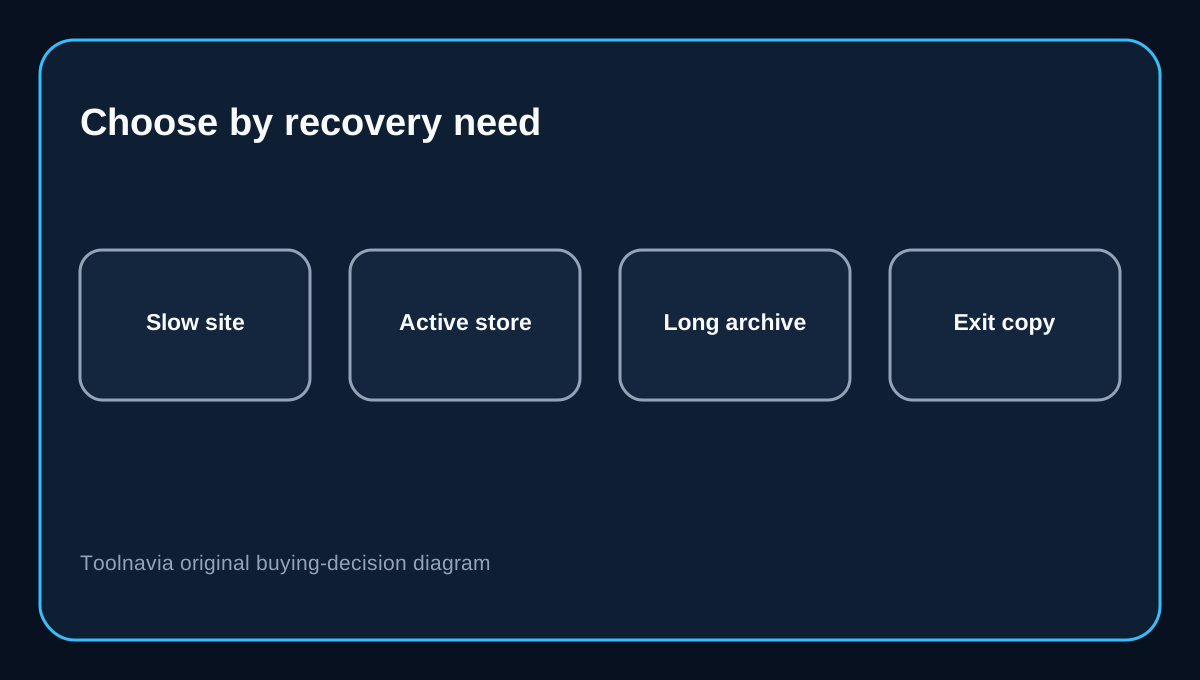
Choose daily backups with one or two weeks of retention when the site changes slowly, the loss of a day's edits is tolerable, and cost simplicity matters more than many restore points. Choose a shorter frequency and longer retention when orders, memberships or publishing activity make recent data valuable—but confirm that completed jobs actually meet the target and budget the growing storage footprint.
Cloudways Flexible is attractive for teams that want granular backup controls and low usage-based storage pricing. It is less suitable if you need a contractually guaranteed hourly restore point, fixed backup pricing, a long archive, or a downloadable history without SFTP/SSH work. In those cases, a host with bundled longer retention or a dedicated independent backup system may be a safer fit.
Before buying, write down your acceptable data-loss window, required history, application size and expected daily data change. Then test the three things that matter: a completed restore-point cadence, enough free space for restoration, and a downloaded copy you can recover without relying on the same account.
Affiliate disclosure: Toolnavia may earn a commission from an eligible Cloudways purchase. That does not change the frequency, retention, restore-space or backup-cost analysis.