TOOLNAVIA / BUYING GUIDE
Cloudways Standard 2GB Backup Cost Guide 2026: What $24 Misses
The short answer
**Quick answer:** Cloudways Standard 2GB is a **$24/month server cap**, not a guaranteed $24 final invoice. Off-site backup storage is separate at **$0.033/GB**, partial-month DigitalOcean use is hourly, and a stopped server can keep billing until the resource is actually deleted.
At a glance
- Best for
- Standard 2GB buyers who want realistic monthly budgeting and backup-cost control.
- Price model
- $24/month server cap + $0.033/GB off-site backups
- Check first
- $24 is the server cap; backups/add-ons/tax are separate and stopped resources can continue billing until deleted.
$24 covers the server, not every operating cost
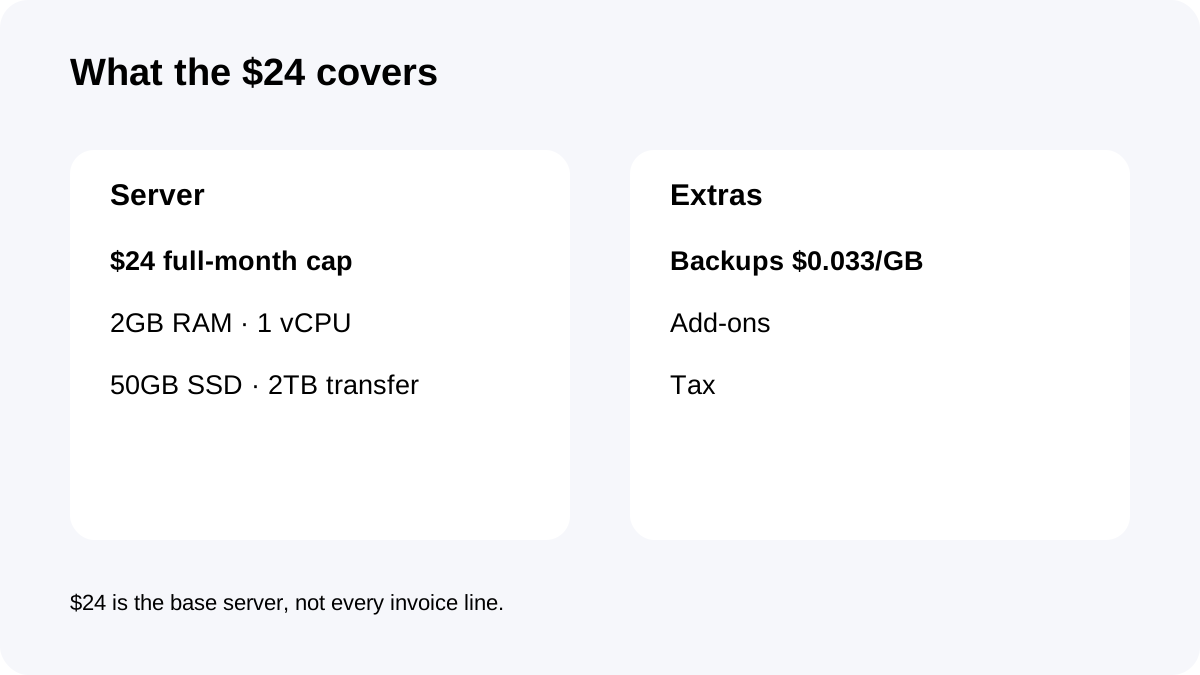
The exact Standard 2GB plan currently includes **2GB RAM, 1 vCPU, 50GB SSD and 2TB transfer** for a $24 full-month cap.
That is the correct core-server number. It does not mean every invoice equals $24. Backup storage is separate, optional paid services can add cost and taxes vary by account.
Budget the server as one line item, then budget backups/add-ons and tax separately. That simple separation prevents the common mistake of treating the plan-card price as an all-in monthly bill.
Backup storage math and why live disk size is not enough
Flexible off-site backup storage currently costs **$0.033/GB**, with charges rounded in **$0.50 increments**.
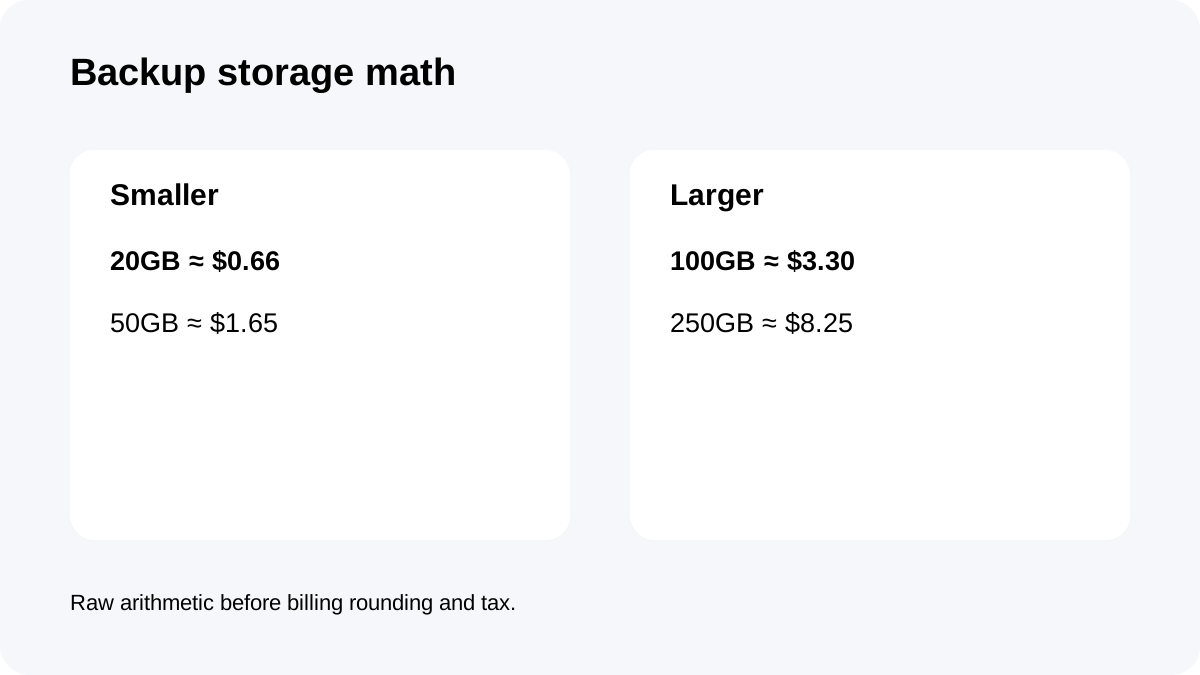
Raw monthly storage math is about **$0.66 for 20GB**, **$1.65 for 50GB**, **$3.30 for 100GB** and **$8.25 for 250GB** before rounding and tax. Those are arithmetic examples, not fixed Cloudways backup packages.
Application backups include files and databases and are stored off-site. A live site using 20GB does not imply a permanent 20GB backup footprint. Retention, database churn, media growth and multiple applications can push stored backup data much higher.
Check backup storage monthly and tune retention to the recovery objective, not merely to the cheapest bill.
Hourly billing, scaling and the stop-versus-delete trap
DigitalOcean Flexible servers are billed hourly for partial-month use and capped at the monthly plan price when active for a full month.
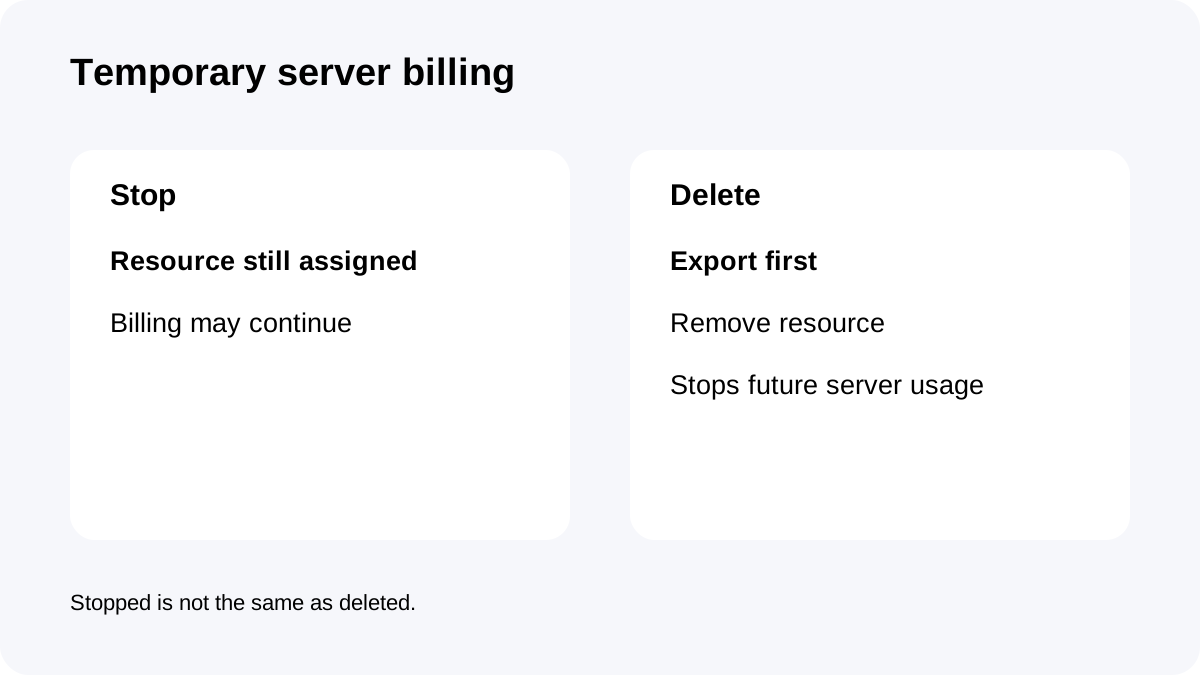
That is useful for migrations, staging projects and temporary test servers. But **stopping** a server does not necessarily stop infrastructure billing while resources remain assigned. Cloudways instructs users to delete resources to stop future server charges.
Scaling also matters: when a server changes size, a month can be split across time spent on different configurations. The $24 cap belongs to the Standard 2GB configuration, not to an absolute promise that a resized server can never cost more during that month.
For temporary or resized servers, record the start date, change date and deletion date.
Multi-app density can move cost into backups
Cloudways Flexible supports multiple applications on one server; practical density is controlled by server capacity rather than a fixed site slot.
That can make $24 attractive for several lightweight sites. But each application adds files, databases and backup history. The server base price may remain $24 while backup storage and operational complexity grow.
For a multi-app server, track three numbers each month: live disk usage, off-site backup storage and peak resource pressure. If backup storage is growing faster than live storage, review retention and large media/database sources before squeezing another app onto the same server.
Two realistic billing scenarios
A small production server might stay near **$24 + a low backup charge + tax** if its backup footprint is modest and no paid extras are enabled. A 50GB stored-backup footprint has raw storage arithmetic around $1.65 before the platform's $0.50 rounding.
A temporary staging server can cost less than $24 if deleted mid-month because DigitalOcean partial-month usage is hourly. But leaving it merely stopped can defeat that saving if the resources remain billable.
The important variable is operational discipline, not just the advertised server price.
A monthly cost-control routine
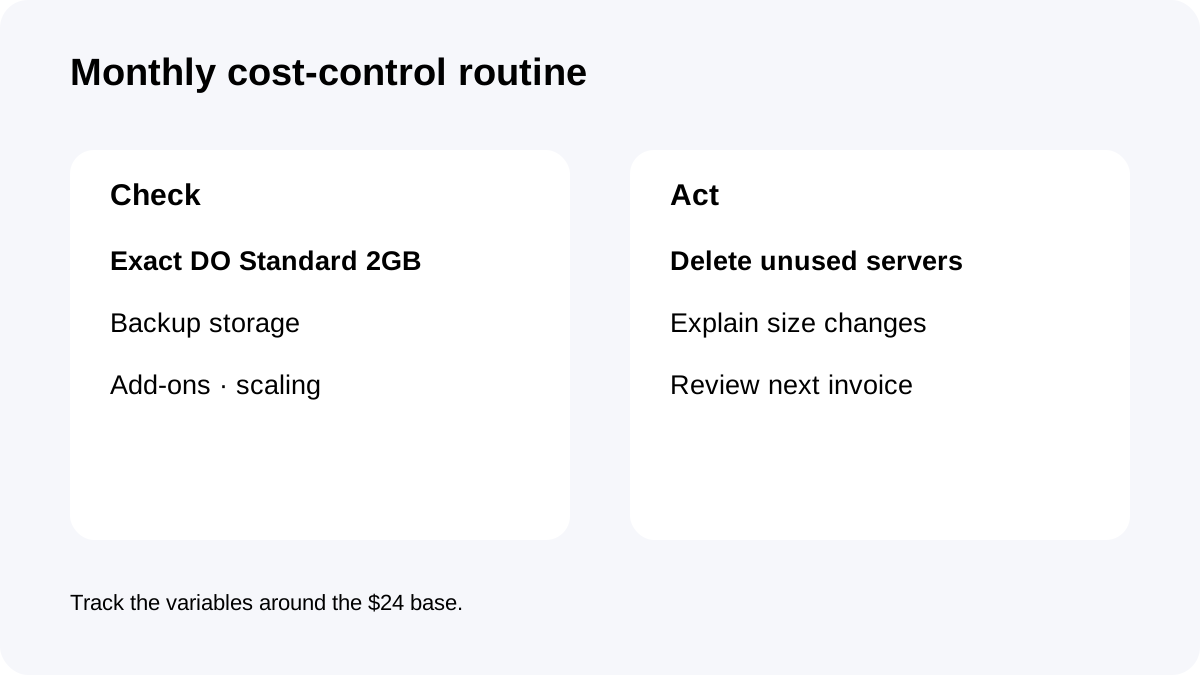
At the beginning of each billing cycle, verify that the provider-specific Standard DO2GB table still controls the plan. Cloudways pages can render dynamic price fragments inconsistently, so do not attach a floating price label to 2GB specs without confirming the exact provider/tier.
Then review backup storage, paid add-ons and any server-size changes. Remove unused temporary servers after exporting anything needed. When the invoice arrives, reconcile it against server time, backup storage and configuration changes rather than assuming an error because it exceeds $24.
Checkout checklist
Confirm **DigitalOcean Standard 2GB**, not Premium; verify **2GB RAM, 1 vCPU, 50GB SSD and 2TB transfer**; check the $24 monthly cap; review the **$0.033/GB** backup charge and retention; and understand that deletion—not merely stopping—is the clean way to stop future server billing.
**Bottom line:** Standard 2GB is predictable when you manage the variables around it. The base server is simple; backup growth, temporary-resource cleanup and scaling discipline determine whether the real invoice stays close to $24.