TOOLNAVIA / BUYING GUIDE
Cloudways Vertical Scaling: Can You Scale Back Down?
The short answer
Cloudways Flexible makes a larger server look like a reversible capacity decision, but the rollback path depends on exactly what you enlarge. CPU and RAM may be temporary on some providers; an enlarged disk is not something you should assume can shrink in place. If storage grows with the resize, the practical downsize route is usually a clone, a new IP, a DNS cutover and a period of overlap billing. Buy the scaling path only after you map that exit.
At a glance
- Best for
- Teams that can keep disk unchanged for short peaks or own a tested clone-and-cutover runbook.
- Price model
- No numeric price stated; verify the exact provider, region, resources and overlap on the current official order.
- Check first
- Disk growth is not an in-place reversible change; clone downsizing needs a new IP, DNS, SSL, testing and overlap ownership.
Separate compute growth from disk growth
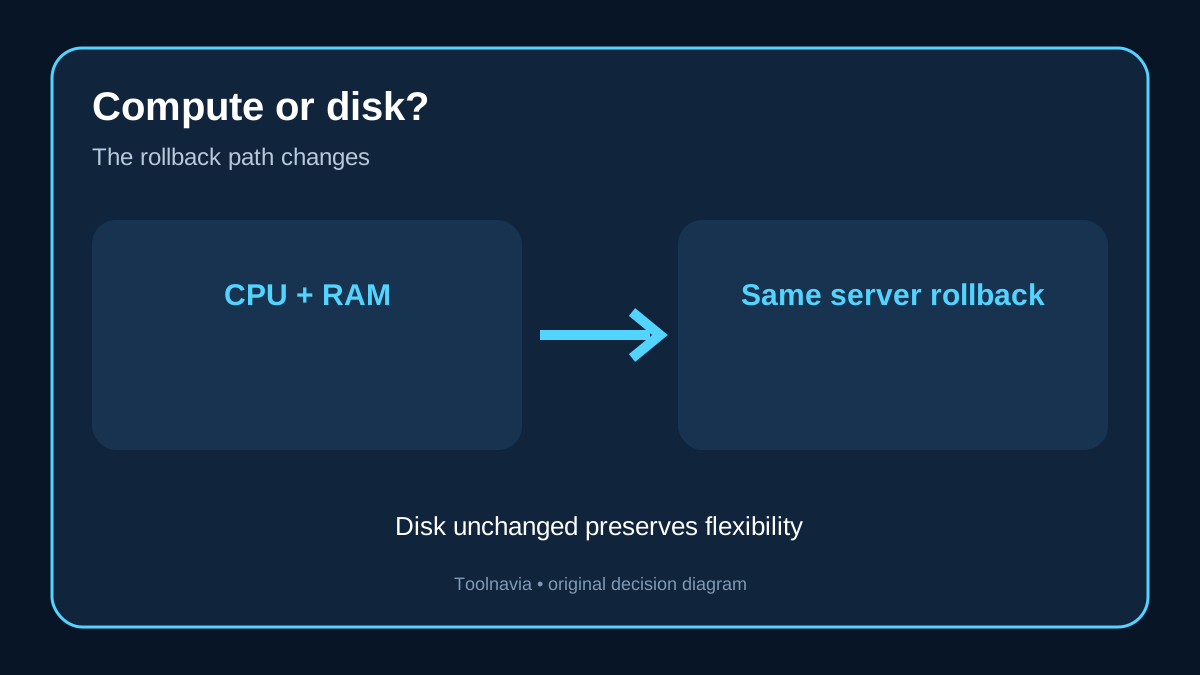
The first buying question is not “How large can I scale?” It is “Which resources can I later reverse on this provider?” Cloudways' current guide says DigitalOcean can increase CPU and RAM without increasing storage. When only compute changes, you can return to the original size. If CPU, RAM and storage grow together, the storage increase is permanent and a smaller configuration requires cloning. AWS and Google Cloud can reduce CPU and RAM, but reducing an enlarged application or database disk still requires a move. Vultr and Linode paths can be more restrictive.
That distinction changes the economics. A short traffic peak may justify a compute-only increase because the same server and IP can remain in place and the compute tier can later be reduced. Disk growth is a different commitment: it can turn a temporary upgrade into a migration project. The plan selector is therefore not enough; record the provider, current disk, selected disk toggle and the exact rollback path before clicking Scale Now.

Treat a smaller clone as a cutover, not a downgrade button
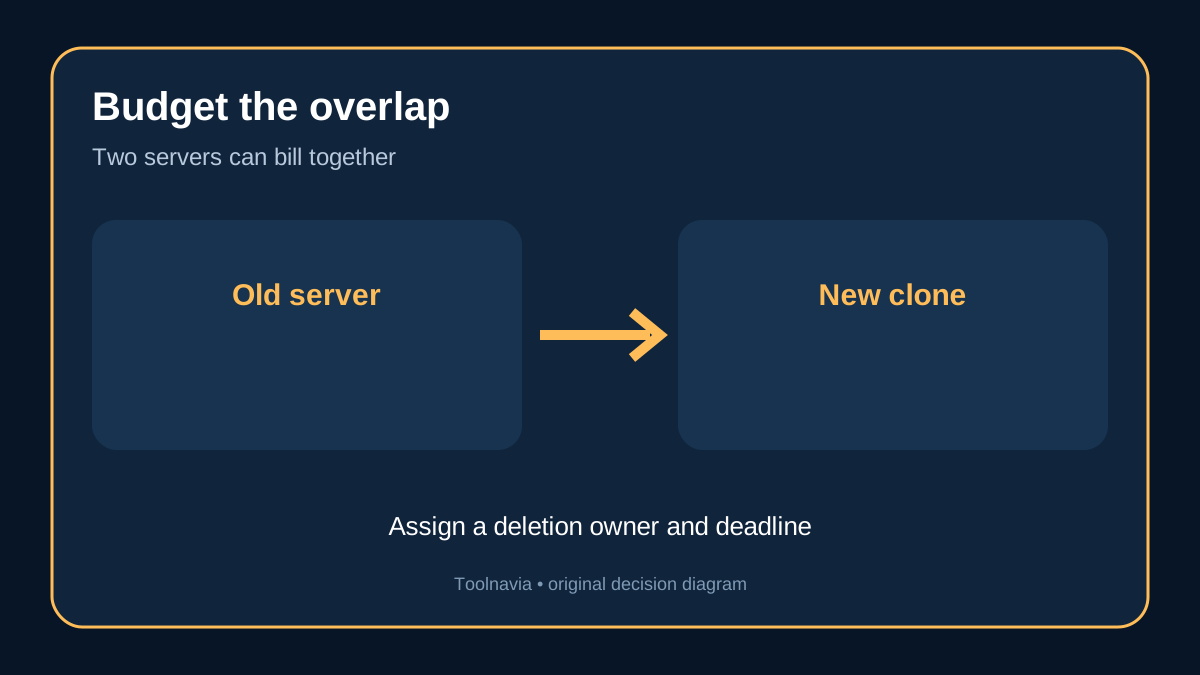
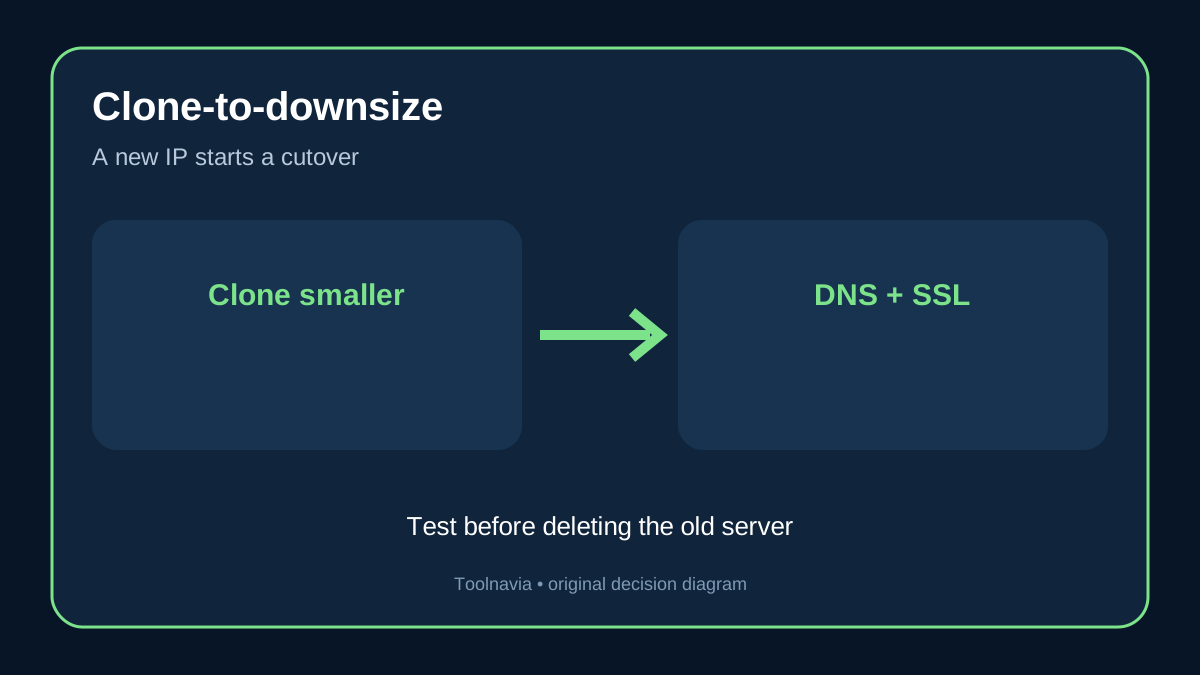
Cloudways documents cloning to a smaller plan when the provider cannot reduce the current server. The clone receives a different IP. You must map domains to the new server, update DNS, verify SSL, test every application and only then delete the original. Billing on the original does not stop merely because the clone is ready; it stops after you delete that server and the final usage is calculated.
A safe runbook has two rollback points. Before the resize, create an on-demand backup and record the current configuration. Before the DNS switch, test the cloned server with a hosts-file override or another controlled preview. Keep the old server available during a defined observation window, but set an owner and deletion deadline so overlap does not become an accidental recurring cost. Cloning is operationally manageable, yet it is not the same as sliding a reversible control back down.

Clean the disk before buying permanent storage
A disk warning is not automatically evidence that the server needs a larger permanent disk. Cloudways' cleanup guidance starts with logs, temporary files, old backups, unused applications, code and database overhead. Its automatic cleanup targets the main disk when usage reaches the documented threshold, but separate block storage does not follow the same automatic path.
Measure which directories grew and whether the growth is recurring. A one-off archive, stale local backup or runaway log should be removed or relocated before you change the plan. If sustained application data is the cause, then additional storage may be justified. For DigitalOcean, Cloudways also points to block storage as an alternative to growing the whole server. The decision should follow evidence: clean, measure again, forecast, then scale only the constrained resource.
Budget for the transition, not just the destination
Cloudways Flexible uses usage-based billing, and its current scaling-billing guidance allocates charges according to the time each configuration runs. A same-server resize changes the active configuration; a clone-downsize can run two servers until the old one is deleted. Region, provider, add-ons, backup storage and bandwidth can also affect the invoice. This article does not state a numeric plan price because the exact server and region must be selected on the current canonical order.
Build a simple cost envelope with four lines: the larger server during the peak, the new smaller clone, the old server during overlap, and any one-time operator time for DNS, SSL and verification. This prevents a buyer from comparing only the smaller destination plan while ignoring the migration window. If the site cannot tolerate an IP change or DNS propagation, a compute-only reversible provider path may be more valuable than the lowest headline configuration.

Resolve the documentation conflict before purchase
Independent Cloudways guides agree that storage reduction requires cloning, but some summarize DigitalOcean, Vultr and Linode as if every scale-up were equally irreversible. Cloudways' current official guide is more specific: DigitalOcean can preserve storage when only CPU and RAM are increased, which keeps a path back to the original compute size. The official provider-specific control should govern, and the confirmation screen should be captured for the actual server.
We did not resize a live Cloudways account, measure downtime, clone production data or test DNS propagation for this article. One hands-on review reported that scale duration and downtime varied across its own test servers; those observations are useful for planning a maintenance window, not a guarantee for another workload. Treat the platform estimate as an estimate and schedule the change when the business can tolerate interruption.
Use a five-gate buying decision
Choose Cloudways Flexible for this use case when all five statements are true:
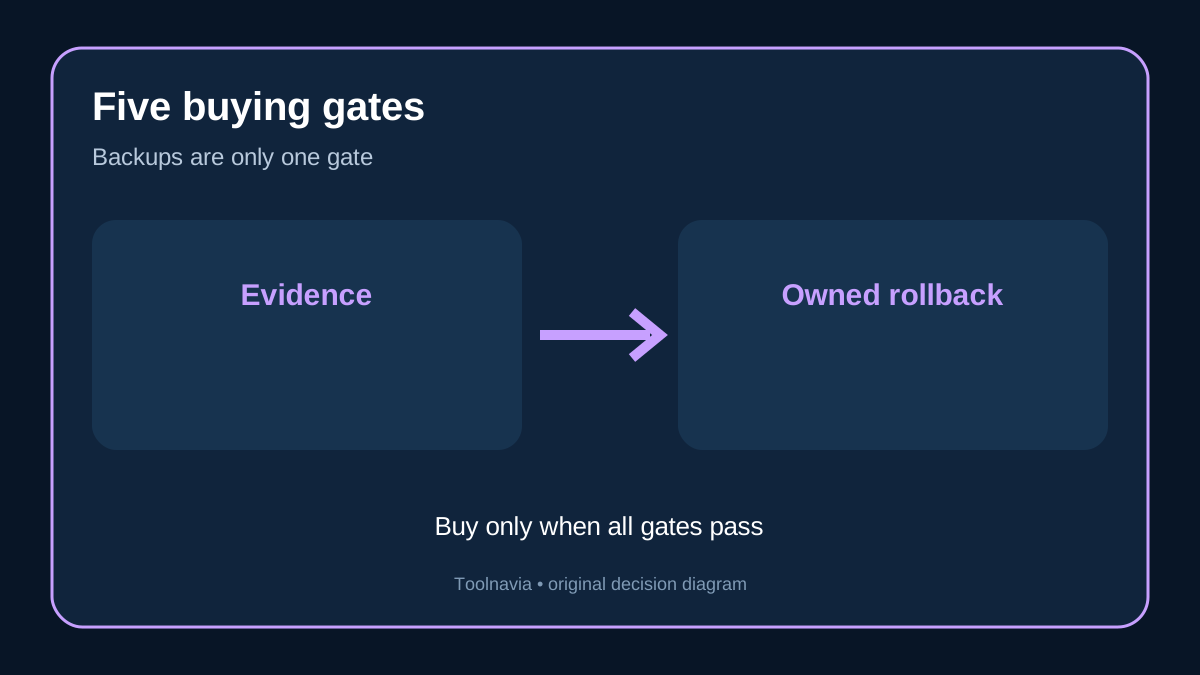
1. You know which provider and resources will change. 2. A current backup exists and its restore path has been tested. 3. Disk cleanup and growth forecasting show that more storage is genuinely needed. 4. The team can execute clone, DNS, SSL and application verification if storage must shrink. 5. The overlap budget and deletion owner are documented.
Pause if the purchase assumes any disk can shrink in place, if no one owns DNS, or if the business cannot tolerate the maintenance and propagation window. For a short compute peak, prefer a provider and control that keep disk unchanged. For sustained storage growth, accept that a future smaller disk is a migration decision.

Cloudways Flexible can be a strong fit when you value managed operations and provider choice, but vertical scaling is not one universal reversible switch. [Check the current Cloudways Flexible offer](https://www.cloudways.com/en/?id=2214307) only after documenting the compute path, disk path, cutover runbook and overlap budget. This article contains an affiliate link; we may earn a commission from an eligible purchase.