TOOLNAVIA / BUYING GUIDE
Cloudways Flexible Git: What Survives a Pull or Restore?
The short answer
Cloudways Flexible's Git integration is useful for bringing repository code onto an application. Its recovery behavior deserves as much attention as the first deployment: removing the integration preserves application files, and a pull after a restore can update the restored code again. Choose it with a written release policy, not an assumption that Git automatically manages every part of the site.
At a glance
- Best for
- Owner-run code releases with explicit file ownership and rehearsed recovery.
- Price model
- Verify selected Flexible infrastructure and extras; release tooling may add cost.
- Check first
- Git disconnect preserves application files; a later pull can replace restored code again.
Decide which files Git owns
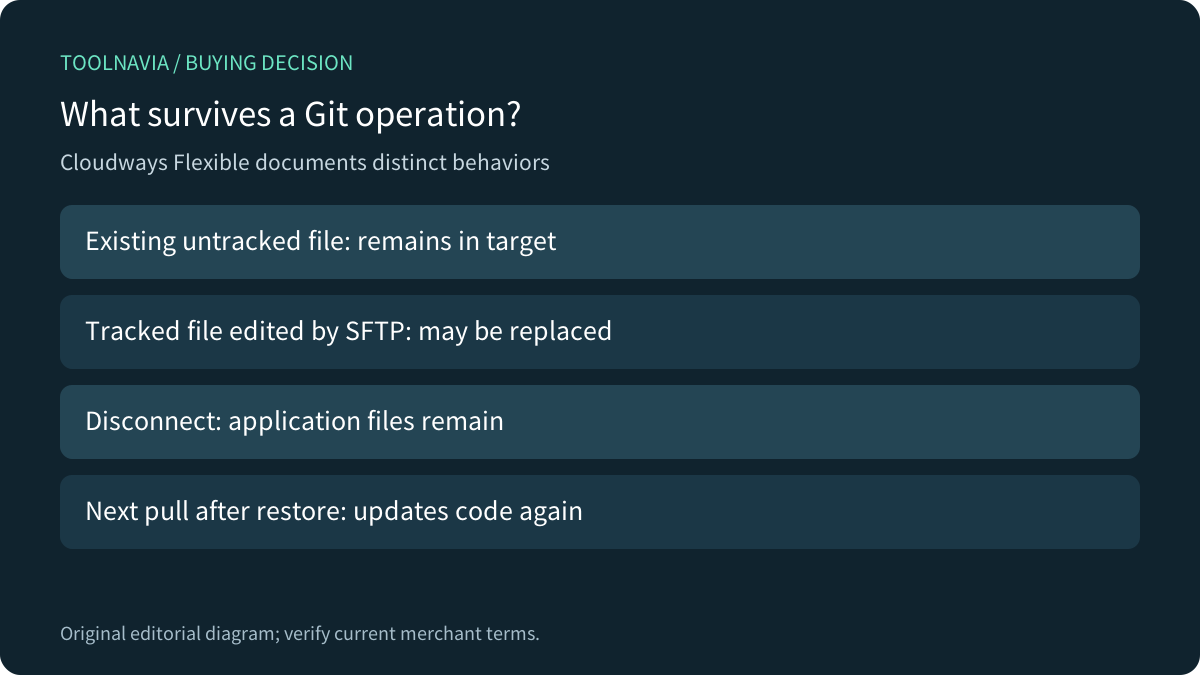
The Flexible guide requires a repository supporting SSH and lets the operator select a branch and deployment path. Existing files absent from the source repository remain in the target folder. Conversely, repository-tracked files changed through SFTP can be overwritten on the next pull. Deployment logs provide history.
For a buyer, persistence has two sides. It can preserve runtime files outside the repository, but it can also leave an obsolete file that the team expected a fresh release to remove. Define the intended target contents and an explicit, reviewed cleanup policy; do not assume deployment makes the directory an exact clean copy.

Do not confuse disconnect with undo
Cloudways says removing the Git integration removes its configuration, not the application's files or folders, and does not change the source repository. Its FAQ also warns that a pull after a restore updates the restored files to the repository's current version.
Those are different controls: disconnect stops using an integration; a file recovery changes a deployed copy; a subsequent release can change it again. During recovery, identify the known-good code revision and stop any separately configured deployment trigger until the team has approved the next release.
A file rollback also needs compatible configuration and business data. An older code version may not work with a database schema changed by the failed release. Record whether a change is backward compatible and how new orders or other live writes will be preserved. The [staging database guide](/en/hosting/cloudways-flexible-staging-database-live-orders) covers replacement and current orders separately.
Give dependency resolution its own review
Cloudways' Laravel tutorial places Composer work after cloning and shows `composer update`. Upstream Composer documentation distinguishes that operation from installing an existing lock file: update resolves versions and changes the lock; install uses the versions already recorded there.
For an application with a reviewed lock file, plan a reproducible installation rather than silently accepting a fresh dependency resolution during production deployment. The provider's introductory update example is not a universal release policy. This is a workflow distinction, not a claim that Cloudways cannot run the appropriate command.
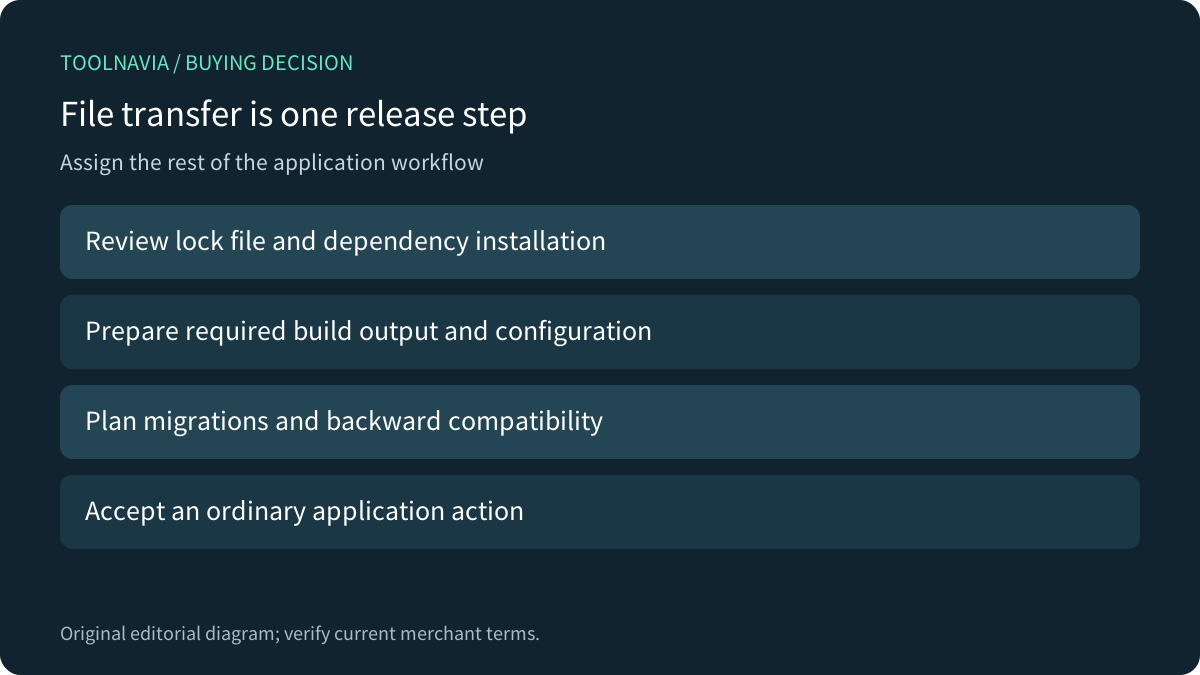
Assign responsibility for required build output, environment configuration, application-specific migrations and acceptance checks. A repository transfer notification does not establish that all of those tasks completed. The suitable sequence depends on the application; this article provides no copied production shell recipe.

Treat atomic releases as a separate system
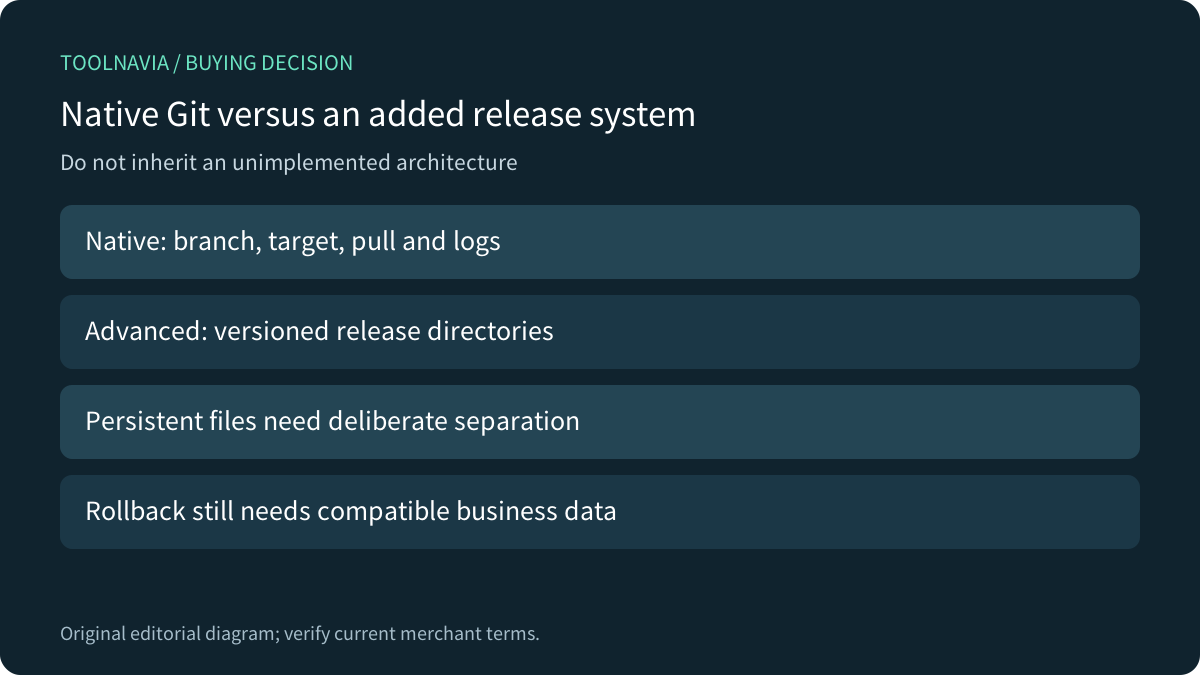
Cloudways publishes a more advanced example using versioned release directories, shared persistent files and a current symlink. It also describes GitHub Actions and server setup. That architecture is a separately implemented operator workflow, not proof that the native Git button automatically supplies atomic releases or one-click rollback.
Its code and setup need review for the actual application paths, permissions and persistence requirements. This guide does not reproduce the script or promise uninterrupted service. Even when switching code directories is fast, database compatibility, background workers, caches and in-flight requests still need a release plan.
Choose the simpler documented Git route when its file behavior fits the project. Add a release system only when someone can maintain and rehearse it. A sophisticated diagram without a recovery owner does not reduce operational work.

Compare the deployment contract across hosts
Kinsta documents SSH access and pulling a repository, while distinguishing that from a native `git push` deployment endpoint. Hostinger's current PHP/HTML guide instead connects supported GitHub or GitLab accounts through OAuth and automatically redeploys the selected branch; its Node.js flow is separate. These are different deployment contracts, not interchangeable instructions.
SiteGround's dated Git-tool article distinguishes the installed Git client from its GoGeek-and-higher visual interface. Verify current entitlement rather than treating an old feature description as a quote for every plan.
WordPress.com explicitly separates simple file-copy deployments from advanced workflows with custom build steps. It also requires a supported push trigger for the selected branch and recommends controlled manual deployment for production. That comparison helps frame the buying question: which actions are built in, which require an operator, and what exactly triggers them? Its interface and rules are not Cloudways features.
Rehearse the next release before buying more hosting
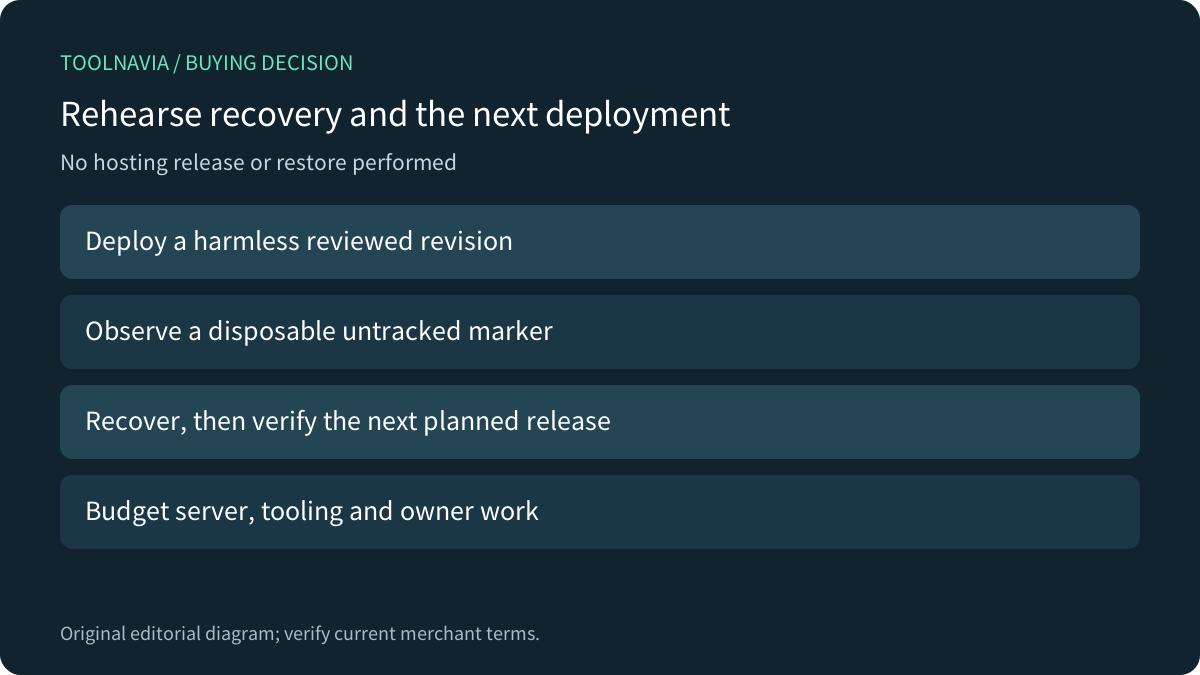
On a controlled copy, have an authorized operator deploy a reviewed revision containing a harmless identifiable change. Include a disposable untracked marker and confirm the observed target behavior. Then rehearse recovery and the next planned deployment, checking the code revision, expected files and an ordinary application action each time. Preserve business data deliberately.

Budget the selected Flexible provider/server, current recurring rate, applicable extras and separate build or deployment tooling. Retained release copies consume resources too. The canonical pricing page is the starting point for the actual configuration; this guide asserts no fixed invoice.
Consider Flexible when the documented file workflow and your release ownership fit. If the missing capability is controlled builds or tested rollback, a larger server alone does not supply it. After confirming the workflow, [review current Cloudways Flexible options](https://www.cloudways.com/en/?id=2214307). Toolnavia may earn a commission from eligible purchases. No hosting release, key creation, restore or purchase was performed for this guide.