TOOLNAVIA / BUYING GUIDE
Cloudways Standard 2GB vs Premium 2GB: Is NVMe Worth $4 More?
The short answer
**Quick answer:** Cloudways DigitalOcean Standard 2GB and Premium 2GB publish the same **2GB RAM, one vCPU, 50GB storage and 2TB transfer**. Standard is **$24/month**; Premium is **$28/month**. The extra **$4/month, $48 over twelve always-on months, or 16.67%** buys a newer Intel Xeon class and NVMe rather than SSD. It does not buy more RAM, another vCPU or a guaranteed speed increase.
Choose Standard when a representative copy is stable and heavily cached. Choose Premium only when repeatable tests of uncached PHP, database, cart, admin, import or storage work show a benefit worth more than $48 a year.
At a glance
- Best for
- Buyers testing whether NVMe/newer Xeon is worth $4 more at the same 2GB capacity.
- Price model
- Standard 2GB is $24/month and Premium 2GB is $28/month: $4 monthly or $48 over twelve always-on months before extras.
- Check first
- No universal speed or conversion guarantee; region, cache, workload, tax, backups and add-ons matter.
The cleanest $4 comparison
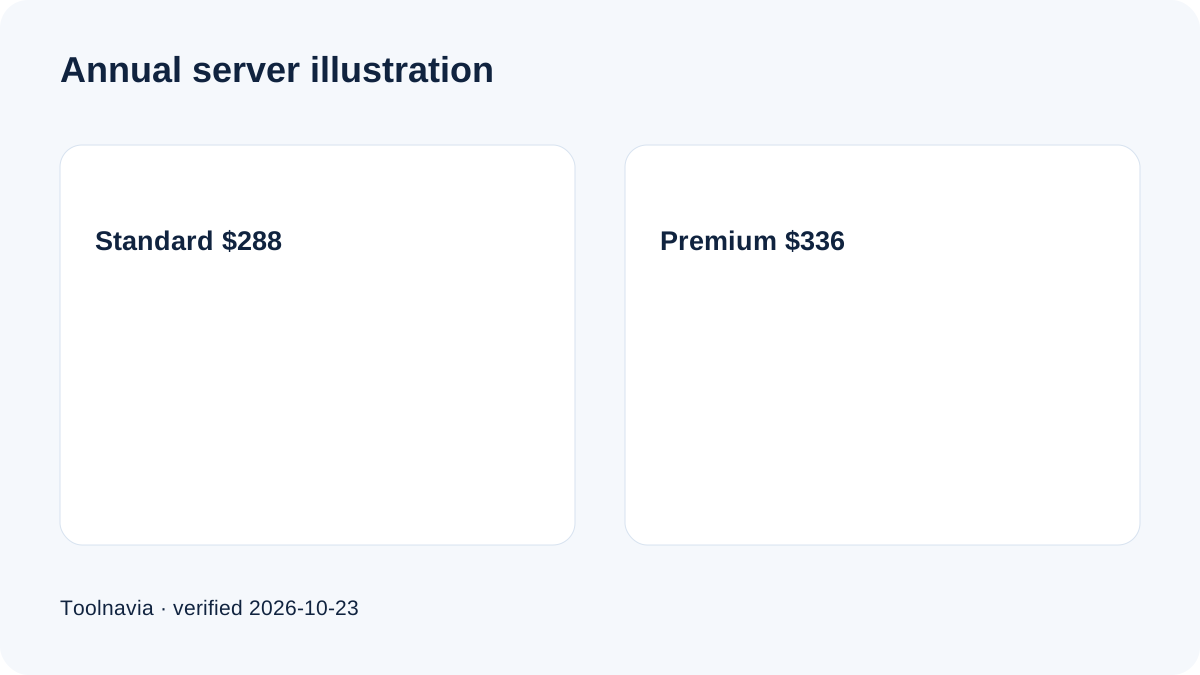
Both plan cards keep capacity constant: 2GB RAM, one vCPU, 50GB storage and 2TB transfer. Standard is about $0.0357/hour and Premium about $0.0417/hour. A full twelve-month illustration is $288 versus $336.
This is not a prepaid quote. Cloudways bills usage after the fact; server hours, tax, backup storage, bandwidth overage and paid add-ons can change the invoice. Verify the exact Standard or Premium selector, region and checkout summary before launch.
What Premium changes—and what it does not
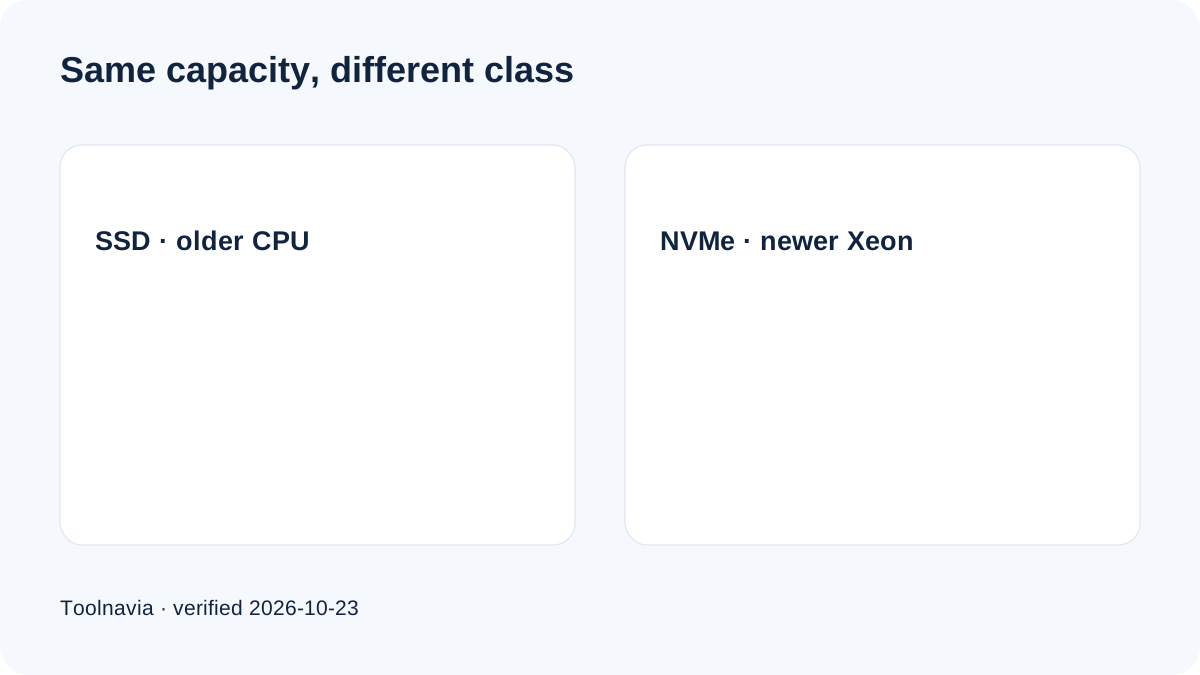
Cloudways describes Premium droplets as using newer Intel Xeon Scalable processors, DDR4 and NVMe. Standard uses SSD and an older processor class. Cloudways' specified tests report higher request throughput for Premium across many tiers.
But Premium 2GB does not add a vCPU, RAM, disk capacity or transfer. NVMe can reduce storage latency and a newer processor may finish some PHP or database work sooner. Neither guarantees visible improvement for every page.
Cached pages may be served mainly from memory or an edge layer, masking hardware differences. Cart, checkout, search, logged-in sessions, WordPress admin, imports, image processing and database-heavy plugins bypass more cache and are better candidates for a measurable Premium gain.
Independent evidence is mixed
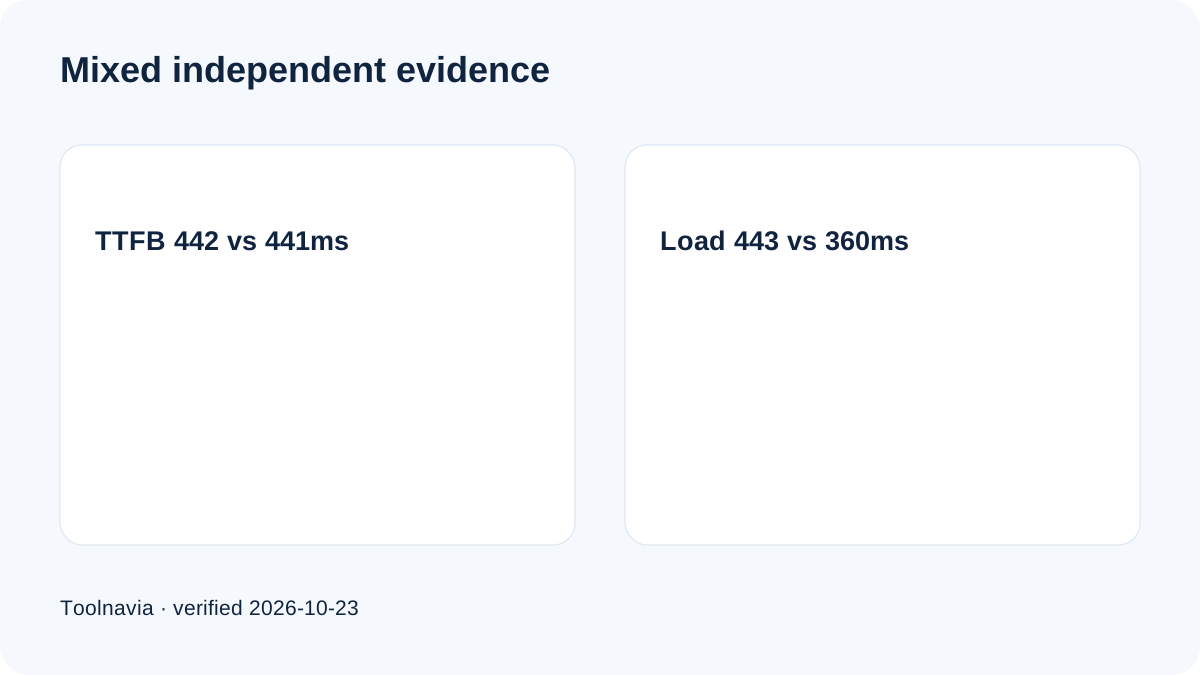
A current 304-day comparison reported almost identical average TTFB—**442ms Standard and 441ms Premium**—with high uptime for both. Its load test reported about **443ms Standard and 360ms Premium**.
That does not prove Premium is universally faster. Ordinary requests may look the same while heavier conditions reveal a difference. Test design, region, application, cache and traffic shape matter. Cloudways' vendor benchmark is a reason to test, not a promise. Current independent plan tables corroborate the $24/$28 pair and SSD/NVMe split.
The break-even question
Premium costs $48 more over twelve always-on months. The economic test is not “Is NVMe faster?” but “Does the measured improvement save or earn more than $48 a year?”
For a brochure site, a tiny lab difference may have no business value. For a store, avoiding one admin incident, shortening repeated imports or improving uncached checkout tail latency may be worth more. Use actual work hours, error rates and transaction data; never invent conversion gains.
The server card is only one line. Backups are usage-based, tax depends on billing country, and bandwidth or support add-ons may change the total. These apply to either tier and are not a Premium-only penalty.
A seven-step same-workload test
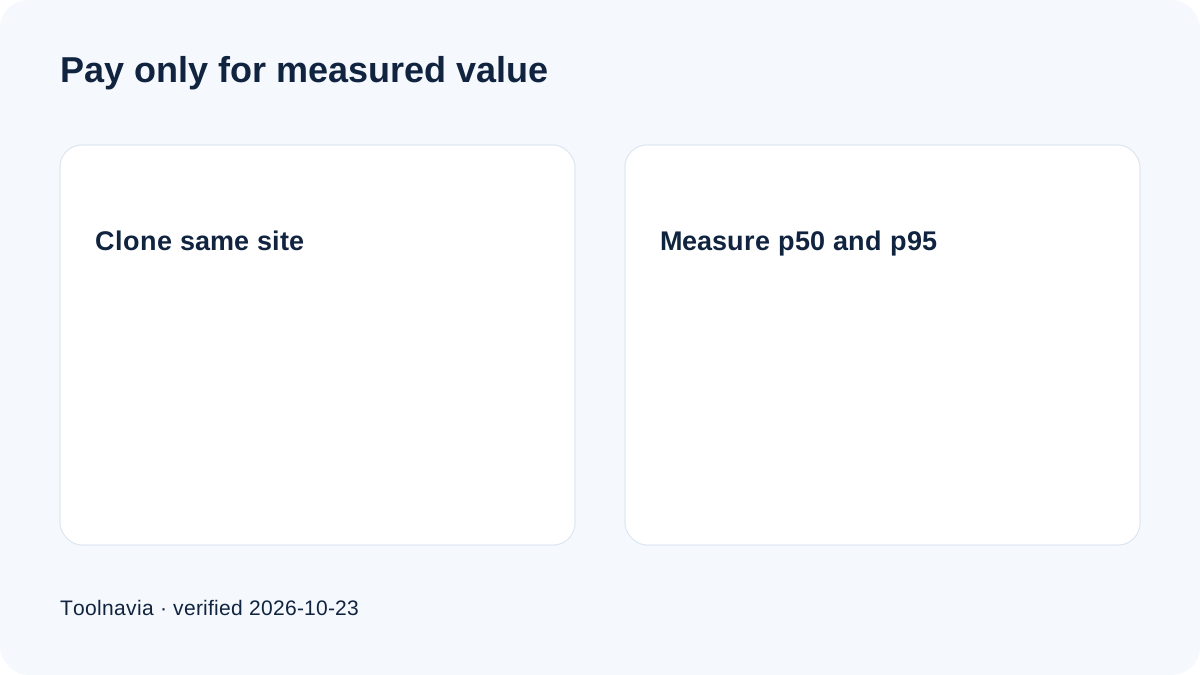
1. Clone the same application, database and media to both 2GB plans in the same region. 2. Match PHP, database, cache, CDN, plugin, theme and stack settings. 3. Warm caches, then separately test cached pages and uncached cart, checkout, search and admin paths. 4. Record p50, p95, errors, CPU saturation, database time, imports and disk-heavy jobs. 5. Repeat across normal traffic and a realistic peak; one synthetic run is insufficient. 6. Price the observed benefit against $4/month, including staff time and incident risk. 7. Keep Premium only when the result repeats and matters; otherwise keep Standard.
Back up first, schedule changes safely and verify the application after deployment.
Who should choose Standard 2GB
Choose Standard when most workload is cached, tail latency is acceptable, admin work is light, disk-heavy jobs are rare and the team values a lower baseline. The $48 annual saving is modest but certain; a speculative speed gain is not.
When you cannot run a controlled test, Standard is the rational default. Paying more for a label without measuring the workload is weaker than starting with the cheaper same-capacity option and monitoring it.
Who should choose Premium 2GB
Choose Premium when a representative clone shows repeatable gains in uncached PHP, database queries, WooCommerce operations, imports, backups or admin response—and those gains are worth more than $4/month.
Premium is not a substitute for more RAM or dedicated CPU. If monitoring shows memory pressure or sustained CPU saturation, a larger or CPU-optimized plan may be the real solution.
Bottom line
**Standard 2GB is the evidence-first default** for cached, cost-sensitive workloads. It keeps the same published capacity and saves $48 over twelve full months.
**Premium 2GB is the measured-workload choice** when newer Xeon and NVMe improve important uncached or storage-sensitive work. The extra $4 buys a different hardware class—not a universal speed guarantee.
Before launch, confirm the exact plan, hourly rate, region, tax, backup and add-on settings.