TOOLNAVIA / BUYING GUIDE
Cloudways Premium 1GB vs 2GB: When Is $14 More Worth It?
The short answer
**Quick answer:** Premium 1GB is the cost-minimizing choice at **$14/month**; Premium 2GB doubles the monthly server price to **$28**. Both entry tiers have **one vCPU**, so the extra $14 primarily buys memory and capacity headroom—not twice the processor and never a guaranteed 2× speedup. Start with 1GB only when monitoring shows a genuinely light workload. Choose 2GB when staging, multiple applications, sustained memory pressure, or the cost of a rushed incident can justify **$168 more per year**.
At a glance
- Best for
- Cloudways Flexible buyers deciding whether measured memory pressure, staging, or application growth justifies doubling the Premium DigitalOcean server bill from $14 to $28 per month.
- Price model
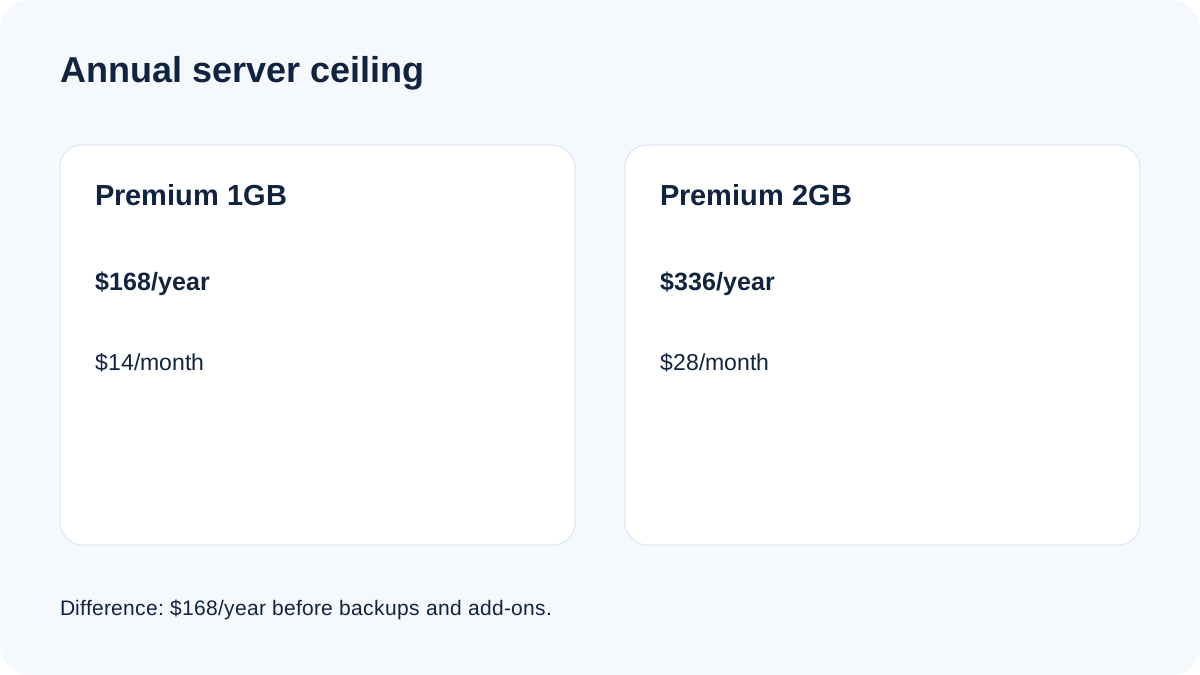
- Premium 1GB is $14/month ($0.0208/hour) and Premium 2GB is $28/month (about $0.0417/hour): a $14 monthly or $168 annual ceiling difference before extras.
- Check first
- No traffic, speed, concurrency, or performance guarantee. Current platform selector, region, tax, backup storage, add-ons, and scaling mode can change the invoice or reversibility.
The exact price decision
At current published rates, Premium 1GB is $0.0208/hour with a $14 monthly ceiling, or $168 for twelve full months. Premium 2GB is about $0.0417/hour with a $28 monthly ceiling, or $336 for twelve full months. The difference is **$14/month, $168/year, or roughly $0.0209 per hour**.
Cloudways uses hourly, post-paid billing. A plan change is reflected immediately rather than locking you into a prepaid year. That makes “start small, measure, then scale” more defensible than it would be on a non-refundable annual contract. But monthly prices remain ceiling-style comparisons, not guaranteed invoices: tax, region, backups, bandwidth, and paid add-ons can change the total. Check the exact **Premium** selector before launch.
What the extra $14 actually buys
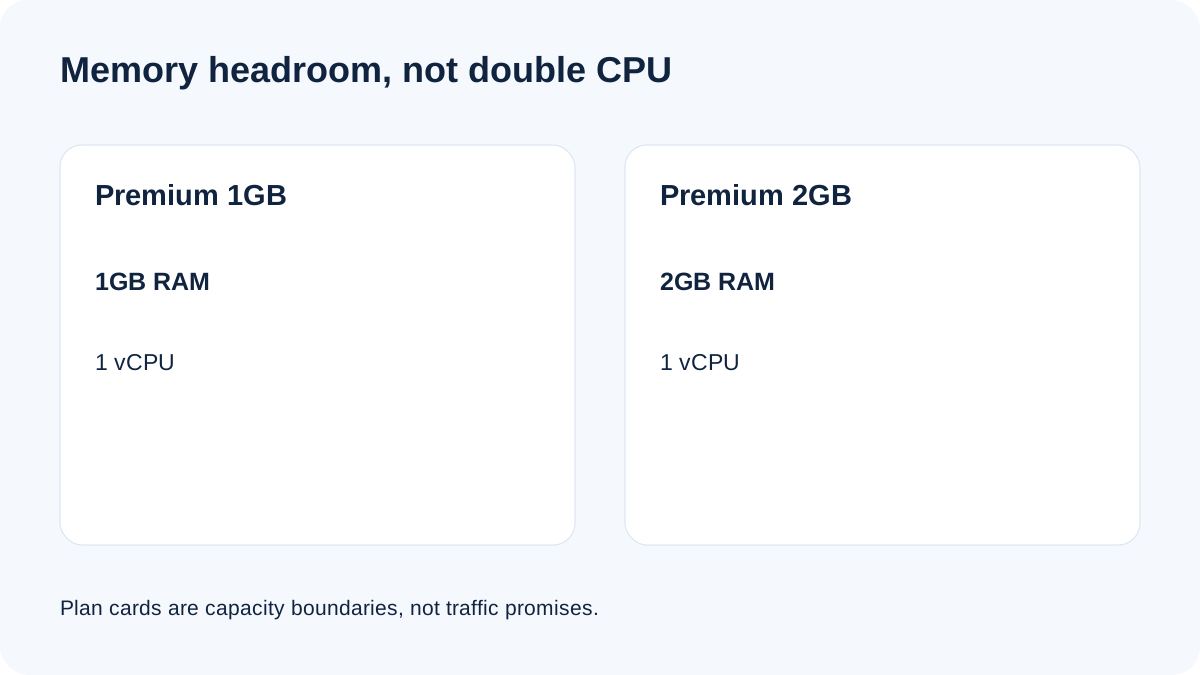
Premium 1GB publishes 1GB RAM, one vCPU, 25GB NVMe storage, and 1TB transfer. The next Premium step publishes 2GB RAM while keeping one vCPU. Independent current pricing records corroborate $14 and $28 and show that the first two Premium sizes have the same single processor allocation.
That means the 2GB tier is mainly a memory-headroom decision. It can hold more PHP workers, database buffers, cache, background jobs, and applications before memory becomes the immediate constraint. It does **not** double CPU throughput. A CPU-bound import, bad query, uncached page, or plugin loop can remain slow on both tiers.
Treat plan cards as capacity boundaries, not traffic promises. Neither tier has a universal visitors-per-month number. A mostly cached brochure site and an uncached WooCommerce store can have radically different resource profiles at the same page-view count.
The 1GB plan has less room than “1GB” sounds
A fresh independent 2026 test reported about **526MB of 961MB RAM in use** after setup activity settled. That is one environment, not a guarantee, but it illustrates why operating-system, web-stack, database, cache, and monitoring processes consume memory before real traffic arrives.
Use 1GB when all of these are true:
- one light production application is the main workload; - staging is off the server or used only briefly; - memory remains comfortably below saturation during representative traffic; - swap, out-of-memory events, PHP worker failures, and database restarts are absent; - imports, backups, cron, and cache warming do not create repeatable pressure; - you can scale promptly if a real trend appears.
A single dashboard snapshot is not enough. Observe normal weekdays, a busy period, scheduled jobs, admin activity, and at least one deployment or import cycle.
Choose 2GB for headroom, not status
The 2GB tier is easier to justify when production and staging coexist, several applications share the server, or WooCommerce, membership, LMS, search, imports, and background jobs create memory bursts. Cloudways itself steers production and staging users toward 2GB or more, and the current independent review reaches the same practical conclusion.
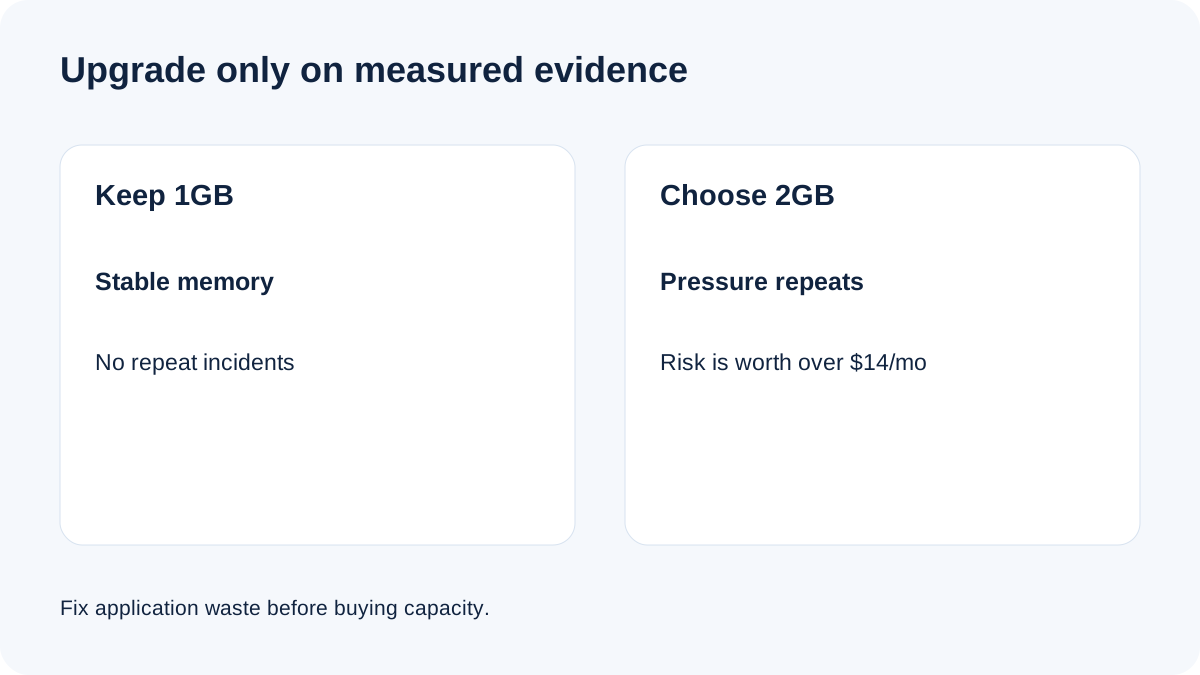
Use an editorial operating rule, not a fake vendor threshold: investigate when representative peaks repeatedly push memory above roughly **70–80%**, swap grows, workers fail, or response times degrade at the same moments. The percentage is a monitoring trigger, not a Cloudways guarantee. First fix obvious application causes—uncached traffic, runaway plugins, slow queries, oversized workers, and overlapping cron jobs. Upgrade only if pressure remains or business risk makes waiting irrational.
The break-even question is simple: would added headroom avoid more than $14/month in engineering time, failed transactions, emergency work, or lost trust? For a revenue site, one preventable incident may cover the annual $168 difference. For a quiet blog, the larger tier may just be idle capacity.
Scaling is reversible only if you choose the right path
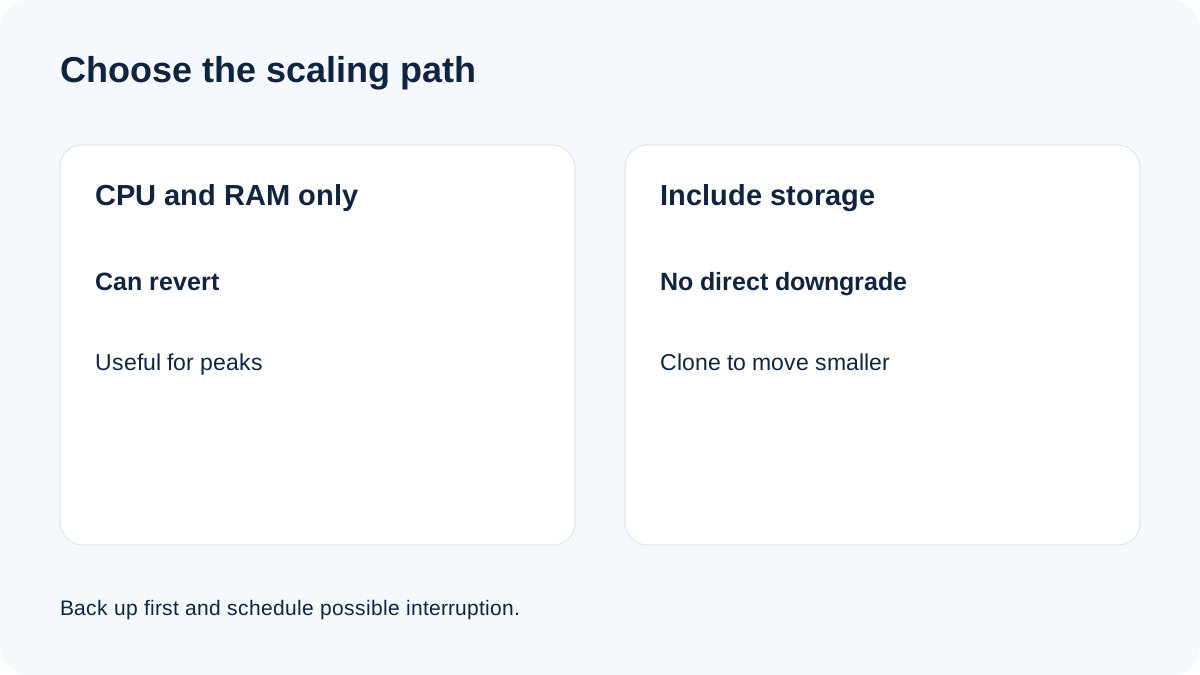
Cloudways lets DigitalOcean users scale **CPU and RAM only** or scale **CPU, RAM, and storage together**. CPU/RAM-only scaling can return to the original server size. Storage-inclusive scaling is treated as permanent; moving back requires cloning because disk size cannot be directly reduced. The operation can also cause temporary unavailability.
For a short campaign, keep storage unchanged, take an on-demand backup, scale CPU/RAM during a low-risk window, verify the site, and watch the invoice. After the peak, confirm load has normalized and return to the original size.
For long-term growth, increasing storage may be reasonable, but document the new floor. Do not click the storage option casually if the economic goal is a reversible trial.
Server price is not total cost
Flexible off-site backups are required and billed separately at **$0.033 per GB**, with charges rounded upward in $0.50 increments. DigitalOcean bandwidth above the included allowance is currently **$0.02 per GB**. Email, domain registration, enhanced support, security products, and other add-ons may be separate.
A larger server can indirectly increase backup usage if it holds more applications or longer retention. An independent pricing catalog corroborates the managed feature bundle, while a managed-versus-raw-cloud comparison explains why the Cloudways fee is not comparable to an unmanaged droplet alone. Model the server card, backup storage, overage, paid add-ons, tax, and migration labor together.
Stopping a DigitalOcean server does not stop billing. Download and verify data, delete the server, and deactivate paid add-ons when you truly exit. Expect one final post-paid invoice for prior usage.
Three defensible buying scenarios
**Light production site:** start at 1GB if a trial and real monitoring show stable headroom. The $168 annual saving is real, and hourly scaling preserves an escape route.
**Production plus staging or several apps:** choose 2GB unless measurements clearly show otherwise. One vCPU still limits compute, but twice the RAM reduces the chance that routine concurrent work consumes the entire envelope.
**Temporary campaign:** begin from measured baseline, take a backup, use CPU/RAM-only scaling, schedule the restart or interruption, and revert after validation. Do not expand storage if easy downscaling matters.
A seven-day decision protocol
1. Record RAM, swap, CPU, disk, bandwidth, worker errors, and database restarts. 2. Include representative traffic, backups, cron, imports, admin sessions, and cache warming. 3. Remove obvious application waste and repeat the same workload. 4. Keep 1GB if headroom is stable and incidents are absent. 5. Choose 2GB if pressure repeats, staging or multiple apps are required, or the risk cost exceeds $14/month. 6. Before scaling, select CPU/RAM-only if reversibility matters and verify the displayed hourly and monthly price. 7. After scaling, compare the same metrics; keep 2GB only if it solves the measured constraint.
Bottom line
**Choose Premium 1GB** for one demonstrably light workload with monitoring and a ready scaling plan.
**Choose Premium 2GB** when memory headroom, staging, multiple applications, or incident economics can justify $168/year. The extra money buys room to operate, not a performance promise.
Whichever tier you select, verify the Premium plan card at launch, include backup and add-on costs, and preserve a tested backup before scaling.