TOOLNAVIA / BUYING GUIDE
Bluehost Starter Cancellation & Refund: Export Before You Close
The short answer
Bluehost Starter buyers should separate five actions: turning off auto-renew, ending hosting now, requesting a refund review, moving the website and mail, and keeping or transferring the domain. Bluehost says disabling auto-renew lets hosting expire at the end of the paid term, while immediate cancellation is handled through support. Once hosting is cancelled, its website and related email can be suspended and associated files may be deleted. The buying question is not only “Can I get 30 days?” but “Can I leave with a tested, independent copy before access ends?”
Affiliate disclosure: Toolnavia may earn a commission from qualifying purchases through the verified product route in this guide. Bluehost controls availability, billing, refund eligibility and checkout terms. No coupon code or guaranteed refund is claimed.
At a glance
- Best for
- Starter buyers who want a tested site-and-mail exit.
- Price model
- 30-day guarantee for eligible hosting fees; domains and listed add-ons excluded
- Check first
- Refunds are transaction-specific; cancellation can remove site and mail access.
Choose the least destructive billing action
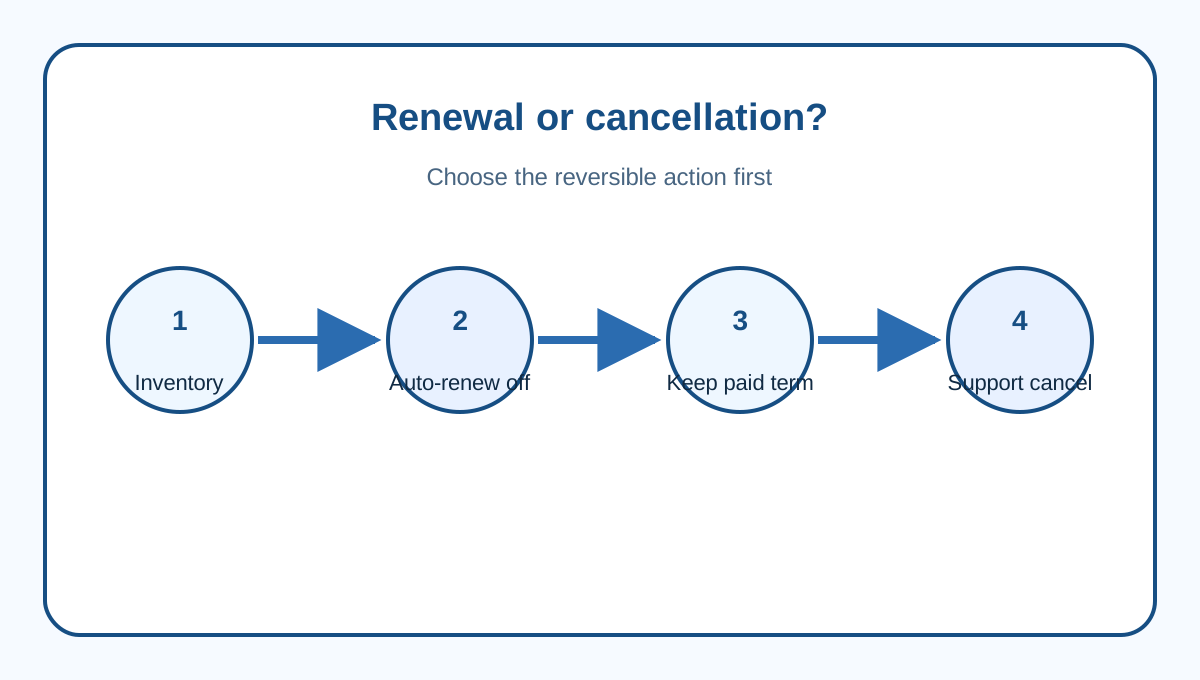
If the goal is to prevent the next charge while using the rest of the prepaid Starter term, disable auto-renew in Bluehost's Renewal Center. Deleting a website, ceasing use or moving DNS does not cancel billing. Check hosting, domains, email products and every add-on separately because each can have its own renewal setting.
If the goal is immediate termination or a money-back review, contact Bluehost support. Ask the agent to identify the exact product, termination time, refundable amount, refund destination and any service that remains active. Save the chat transcript, case number and account screenshot. A cancellation confirmation proves the request was processed; it does not prove every line item is refundable.
Domain auto-renew deserves its own check. Bluehost says a domain can renew before its nominal expiration date. Stopping Starter does not automatically stop, transfer or refund the domain.
Treat the 30-day promise as a boundary
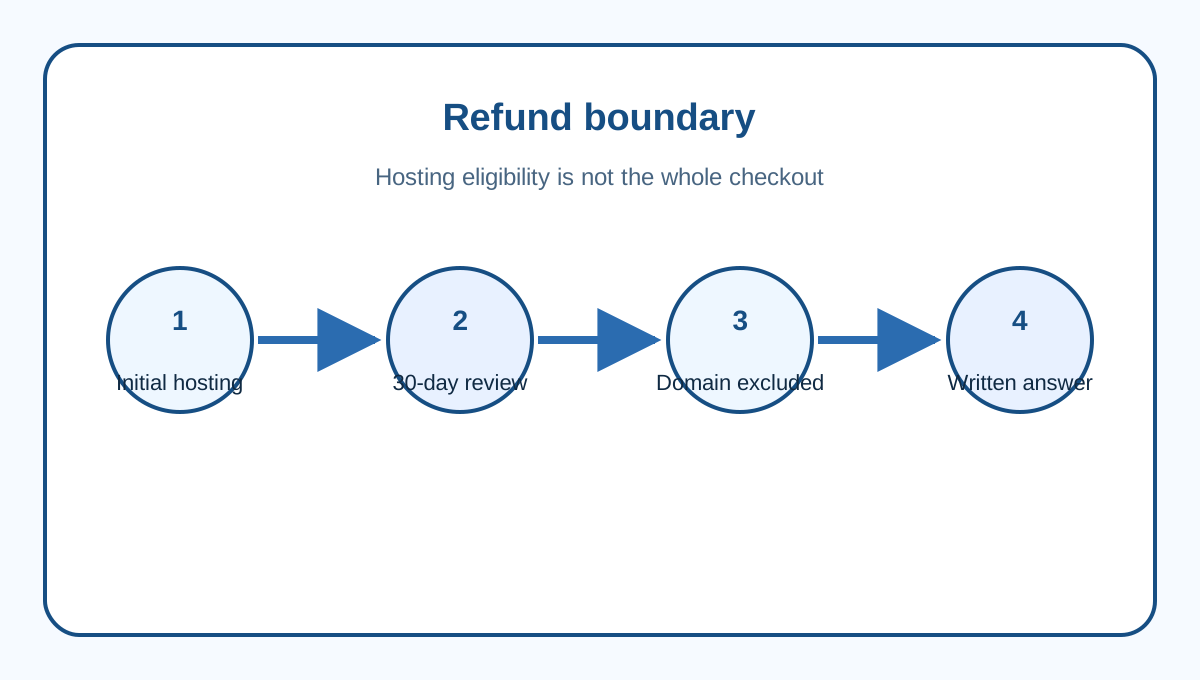
Bluehost's refund page gives eligible Shared, VPS and Dedicated hosting fees a 30-day money-back guarantee. It excludes domain registration and renewal fees, Premium Domains and listed add-ons. Its domain pricing page also says a domain fee can be deducted when a bundled domain is retained after early hosting cancellation.
Do not extend the headline to a renewal or entire checkout. Outside the initial window, ask support for the transaction-specific answer without describing discretion as a right. Record purchase date, charge date, term, payment method and each line item first.
Independent same-intent guides agree that cancellation and refund are separate steps. Hostinger has a commercial interest in switching customers and TechRadar carries affiliate links, so their workflow observations are useful but Bluehost's help pages control the claim.
Build a site and database exit package
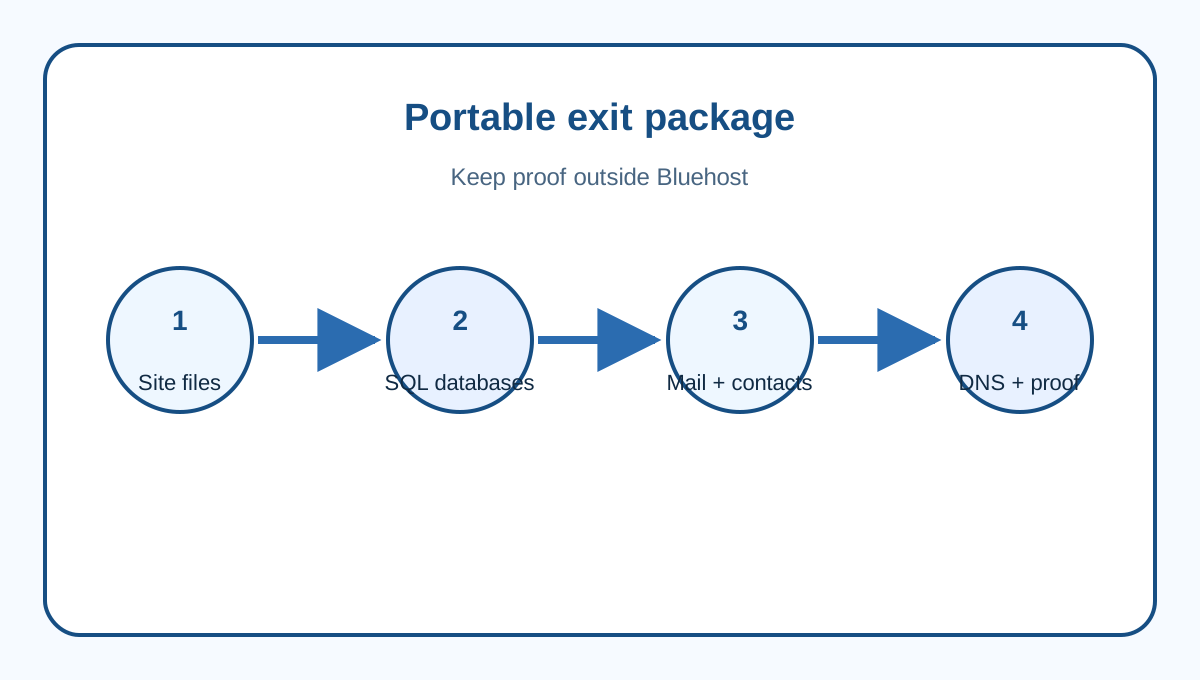
Create and download a full cPanel account backup while Starter is accessible. Also export website files and each database separately so one archive is not the only path. Store them outside Bluehost, then make a manifest of domains, document roots, database names and users, PHP version, cron jobs, redirects, SSL, DNS and application secrets.
A download is not a restore test. Restore to the replacement or staging environment. Compare file counts, database tables and representative records. Test the home page, admin login, forms, uploads, redirects, scheduled jobs and integrations. Keep checksums and screenshots of the working replacement.
Provider backups help with incidents, but a cancellation plan should not assume they survive termination. The completed Starter profile covers backup cadence; this guide focuses on ownership and portability.
Export mail, contacts and DNS separately
Hosting-linked email can become unavailable when hosting is cancelled. Roundcube can download individual messages, selected messages or an entire folder. Export every important folder and compare message counts. Export contacts separately because a message archive is not an address-book backup. Preserve aliases, forwarders, filters and calendars separately.
Before changing DNS, record MX, SPF, DKIM and DMARC. Bluehost's email guidance shows routing is service-specific. If replacement mail is external, MX records and cPanel Email Routing must agree; Bluehost documents Remote Mail Exchanger for third-party mail.
Test inbound and outbound mail using external accounts. Check SPF and DKIM results in received headers, and test aliases and password resets. Keep the old service active until the replacement passes.
Keep the domain independent from hosting
Confirm registrar, registrant email, transfer lock, authorization code, expiration date and nameservers. Hosting cancellation is not a domain transfer. Domain registration and renewal fees are not covered by the hosting refund promise.
If the domain stays at Bluehost, verify its renewal choice and authoritative DNS. If it moves, complete transfer eligibility and preserve the registrant email before hosting ends. Do not delete the profile while a refund case, transfer or mail cutover is open.
Competitor policies also distinguish expiration from immediate termination. That validates the process pattern, but their timing does not create rights on a Bluehost account.
Use a reversible exit sequence
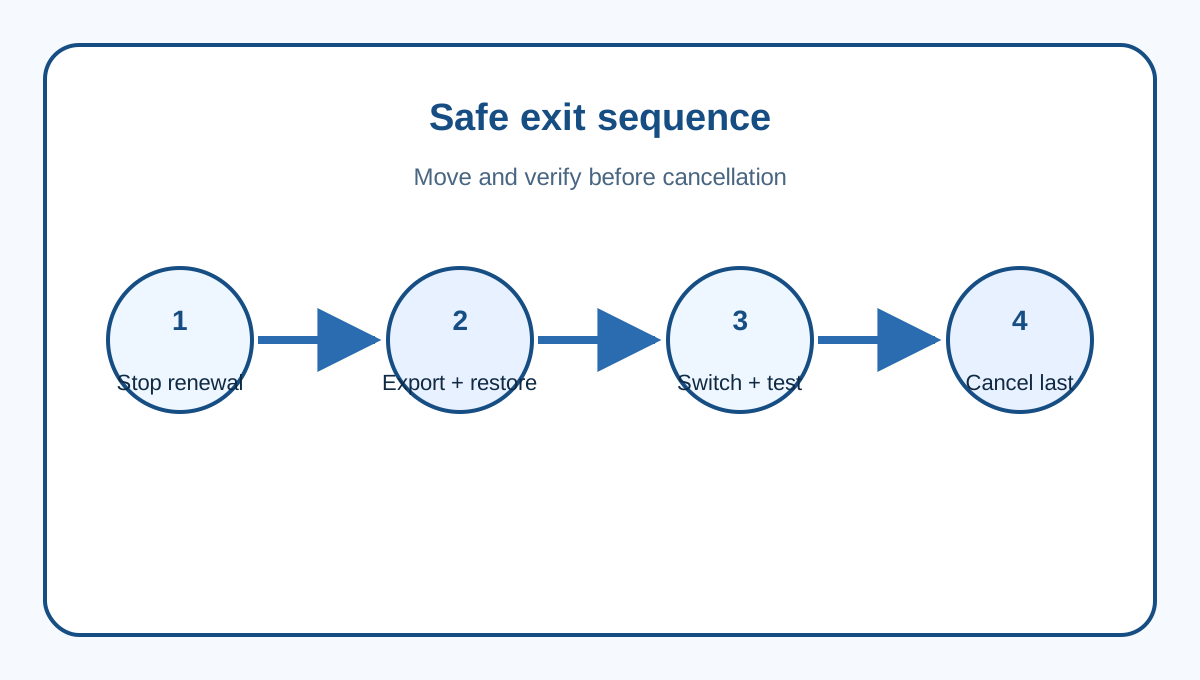
First, inventory hosting, domains, mail and add-ons. Second, disable auto-renew for every unwanted service. Third, download site, database, mailbox, contacts and DNS evidence. Fourth, restore and test the replacement. Fifth, switch DNS and verify web and mail. Sixth, ask support for the exact refund decision. Finally, request immediate cancellation only when the replacement works and no needed record remains inside the account.
For a buyer, Starter's 30-day guarantee matters less than its boundary: eligible hosting fees are one part of the account, while the domain, add-ons and data exit remain separate. Review Starter through [Toolnavia's verified exact route](/go/bluehost-shared-hosting-starter-official-usd), save dated terms, and design the exit before the first upload.