TOOLNAVIA / BUYING GUIDE
Bluehost Migration Checklist: WordPress, DNS & Email
The short answer
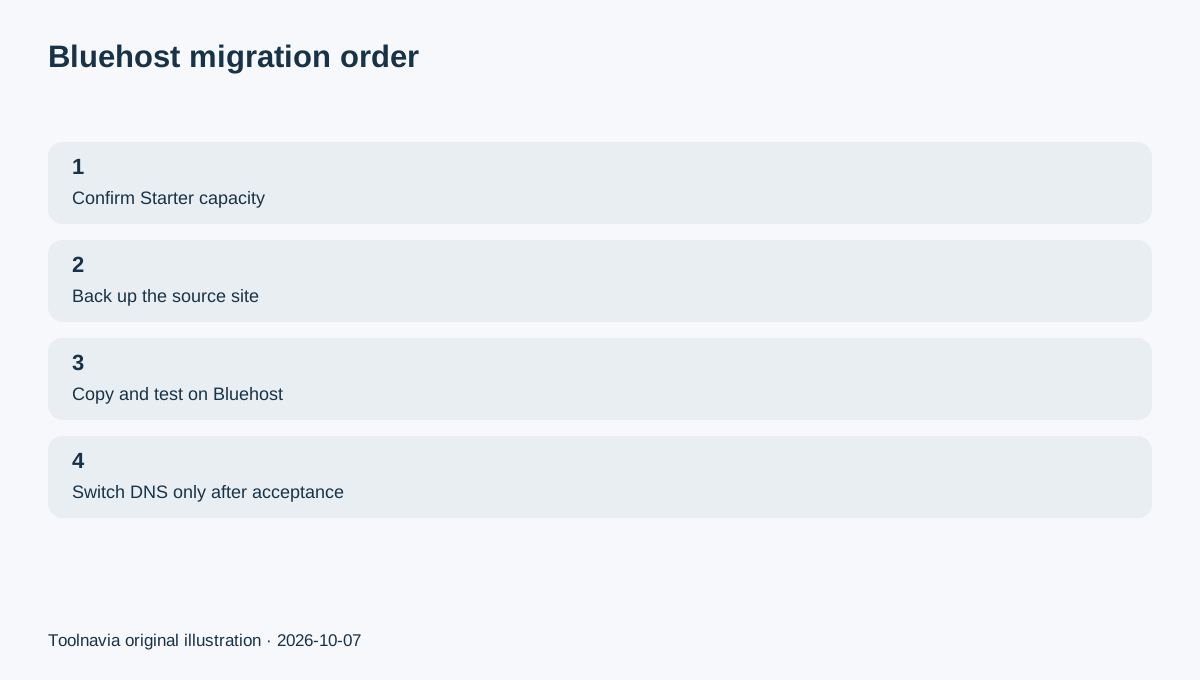
Bluehost Starter includes a free WordPress migration tool, but the safest move is still a staged cutover: copy first, test the Bluehost version while the old host remains live, then change DNS only after pages, forms, SSL and email-related dependencies are understood. Starter currently shows $3.99/month equivalent on a 36-month first term and $9.99/month on a 36-month renewal, so the migration decision should include long-term fit as well as transfer convenience.
Affiliate disclosure: Toolnavia may earn a commission from qualifying Bluehost purchases through the affiliate links on this page. Toolnavia's Bluehost partnership is approved in Impact, and this article uses the approved Bluehost tracking link.
At a glance
- Best for
- Small WordPress sites that fit Starter and want a staged migration with rollback.
- Price model
- Starter $3.99/mo equivalent first 36 months; $9.99/mo 36-month renewal
- Check first
- Email, DNS and external services require separate cutover checks; migration compatibility varies.
Confirm Starter fits before you move anything
Bluehost Starter currently lists 10GB NVMe storage, a planning figure of about 40K monthly visits, weekly website backups, WordPress staging, free SSL, CDN and a free site migration tool.
Before migration, record your current site size, database size, expected traffic, cron jobs, mail setup, custom DNS records and third-party callbacks such as payment webhooks. A migration tool can copy WordPress data; it cannot make an undersized destination plan appropriate.
If the current site is already close to 10GB or needs features outside Starter's envelope, compare a higher Bluehost tier before beginning the transfer.
Back up the source site before starting
Bluehost's current migration guidance recommends taking a full backup before moving a WordPress site.
That backup should include the files and database at minimum. For a business site, also document external services that are not inside WordPress itself. Keep the source hosting account active until the Bluehost copy is accepted for production.
The purpose of the backup is not to replace the migration tool; it is to give you a recovery point if the copy is incomplete or you need to revert while troubleshooting.
Use the free migration tool for an eligible WordPress copy
Bluehost provides a self-service WordPress migration path and says eligible WordPress sites can move without manually copying every file and database.
A successful transfer status still does not prove that checkout, forms, login, plugins, scheduled jobs or SEO settings behave exactly as they did on the old host.
For unusual WordPress installs, manual migration remains an alternative. Bluehost's manual migration guide documents file transfer, database export/import, wp-config updates and permalink repair.
Test the Bluehost copy before DNS cutover
Bluehost recommends keeping the old host active and testing the migrated site before launch.
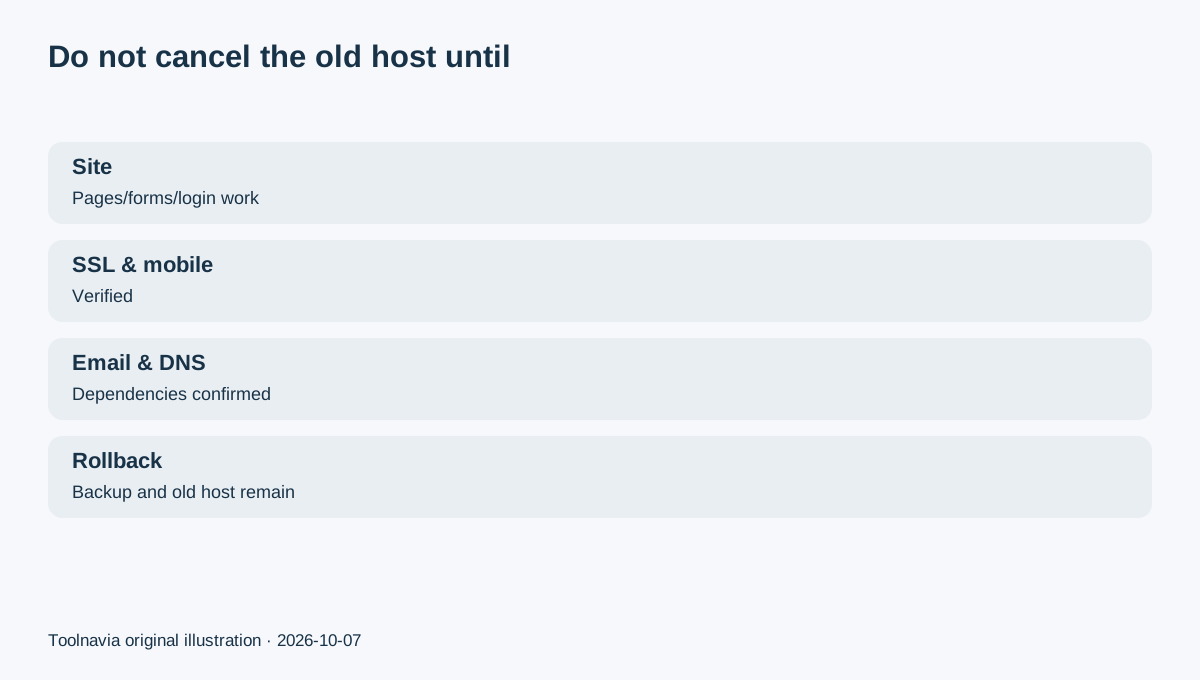
Check the homepage, key landing pages, login, forms, checkout or membership flows, images, SSL, mobile layout, plugins, themes, redirects, robots and indexing settings.
If URLs change, prepare redirects before the public switch. Even when URLs stay the same, re-check canonical and indexing behavior after the move.
Treat email and DNS as separate cutover tasks
A WordPress migration does not automatically mean every mailbox, MX record, SPF/DKIM record or external DNS dependency has moved.
Bluehost's low-downtime guidance separates website files/databases, email considerations and DNS changes into distinct steps.
Before changing nameservers, list the current DNS records and mail provider. Preserve external MX/authentication records, or create and test destination mailboxes before the final DNS switch.
Keep the old host through propagation and acceptance
Bluehost recommends leaving the source host active while the migrated site is tested and DNS propagation completes.
After the DNS change, verify the public site again and re-test forms, SSL, login, payments and API callbacks. Keep the independent pre-migration backup until the new environment has been stable long enough to trust.
Only then should you cancel the old hosting account.
Use the 30-day guarantee as a final acceptance window
Bluehost's current refund policy gives a 30-day money-back guarantee on eligible new Shared hosting purchases, with exclusions including domain registration fees, monthly-term services and additional services.
Use the window to confirm that Starter's storage, traffic, backup and support model fit the migrated site. The guarantee is not a reason to delay testing; it is a reason to finish acceptance early while you still have a clean exit option.
Bluehost Starter can be a practical destination for a small WordPress site when 10GB storage and the published traffic planning range leave enough headroom. The safe purchase sequence is fit check, source backup, copy, test, DNS last, keep rollback, then accept production.