TOOLNAVIA / BUYING GUIDE
BigScoots Collaborator Roles: Admin, Developer or Viewer?
The short answer
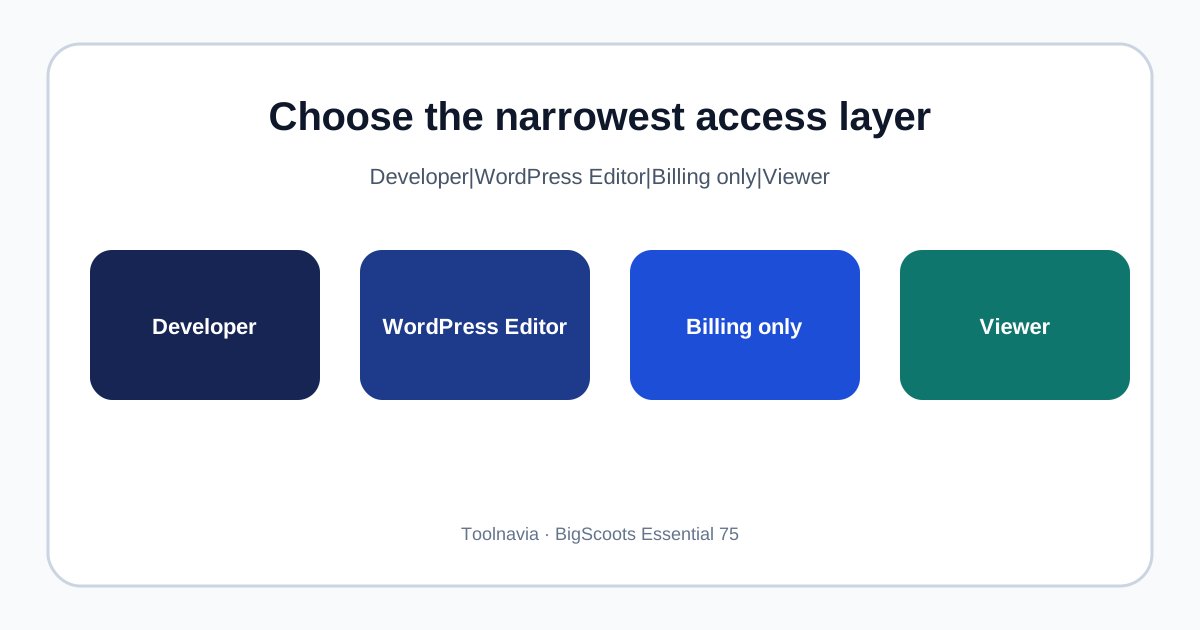
BigScoots Essential 75 can support a contractor or internal developer without sharing the owner login, but the safe choice depends on the work. In the current BigScoots Console, Admin, Developer and Viewer are service-scoped roles, while billing permission is granted separately. For a content writer, use a WordPress Editor or Author account instead of hosting-console access. Grant the narrowest layer that can finish the job, then remove it when the job ends.
At a glance
- Best for
- One Essential 75 site that needs named technical collaborators without sharing the owner login.
- Price model
- $35 monthly or $350/year for Essential 75
- Check first
- Public docs do not state a seat cap; Developer still has powerful staging, database and code access.
Quick verdict: choose the layer before the role
Use a BigScoots Console collaborator only when someone must touch hosting infrastructure: SFTP, staging, databases, logs, updates, domains or support. A current Console Developer role covers technical site operations without automatically making the person a billing user. Viewer is for observation. Admin is for a trusted operator who must manage services, sites, domains, team settings or other high-impact controls.
Do not invite a copywriter, editor or marketing assistant to the hosting console merely to publish content. WordPress already separates Administrator, Editor, Author, Contributor and Subscriber capabilities. An Editor can manage posts from multiple authors without gaining hosting billing, SFTP or database access.
Current Console roles on Essential 75
BigScoots describes three current collaborator presets:
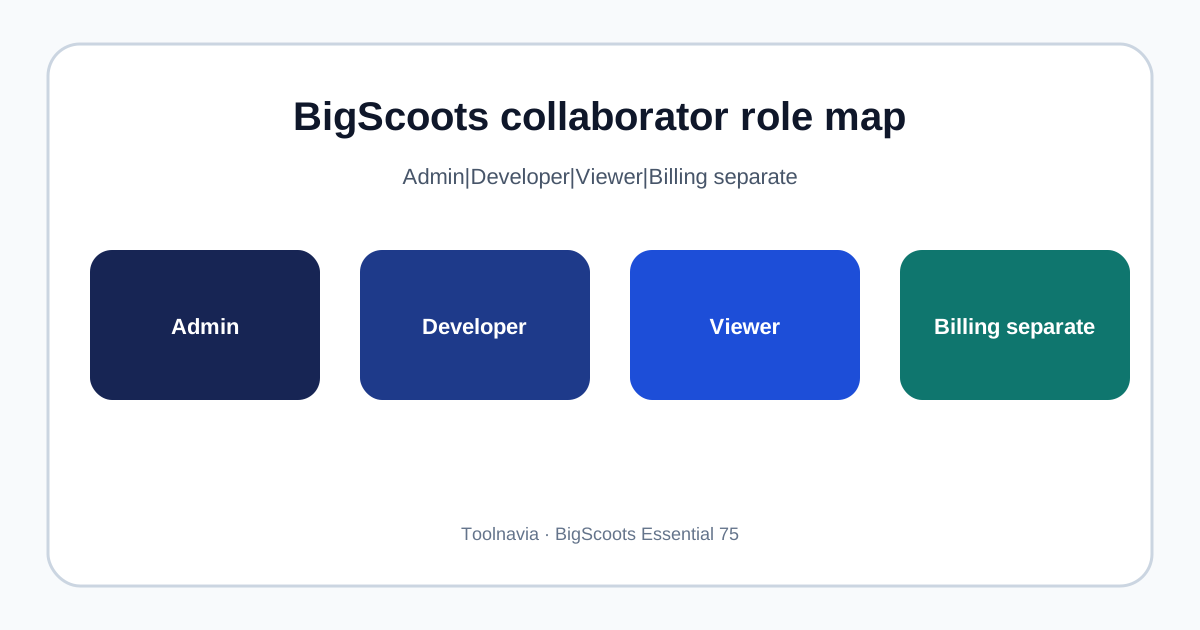
- **Admin:** broad control over services, sites, domains, team and system settings. Billing is still a separate permission. - **Developer:** technical access such as SFTP, staging, databases, error logs, updates and code. Billing can be added separately, but should remain off for ordinary development. - **Viewer:** view-only access to the core platform. It can suit an auditor or stakeholder who must inspect status without changing infrastructure.
Invitations can be limited to a specific service, which matters on accounts that contain more than one service. Essential 75 itself is the one-site managed WordPress plan at $35 monthly or $350 yearly. The official collaborator article uses an Essential 75 service as an example, so this is not inferred only from higher plans.
The reviewed public pages do not state a collaborator-seat cap. Do not translate that silence into “unlimited users.” If headcount is material, ask support to confirm the current limit before purchase.
Match permissions to four real jobs
**Freelance developer:** start with Developer on only the Essential 75 service. Separately create named SFTP or WordPress credentials when required. Never share the owner password.
**Agency maintainer:** Developer is usually enough for deployments, staging, logs and database work. Escalate temporarily if an Admin-only action is necessary, then downgrade again.
**Content editor:** use WordPress Editor, Author or Contributor according to publishing responsibility. Hosting-console access is unnecessary.
**Bookkeeper:** grant billing permission only when the person must view invoices or payment information. BigScoots documents billing contacts and four automatic permission selections in its billing portal. Do not combine billing and technical Admin access merely for convenience.
Kinsta similarly lets Company Developer manage sites and DNS but not billing or company-user administration, while Company Billing is limited to billing. WP Engine uses account roles and separately controls billing access. These are comparison patterns, not proof that labels map one-to-one.
Billing, domains and destructive actions
Treat Admin as an operational privilege, not a job title. It can expose domains, team management and settings that affect the assigned service. Developer access is still powerful: staging, databases and SFTP can change or delete production data. Viewer is safer for review, but an exported report may sometimes be enough.
Keep billing off unless payment work is explicit. Cloudways likewise separates team access by servers, applications, billing and support, and warns that billing permission can include invoices, funds and payment details. “Needs support access” should not silently become “can change payment methods.”
Before inviting anyone, record the permitted service, allowed actions, expiry date and owner. Require an individual account and multi-factor authentication when available. BigScoots has documented two-factor authentication and activity tracking in its managed portal.
Current Console versus the legacy WPO model
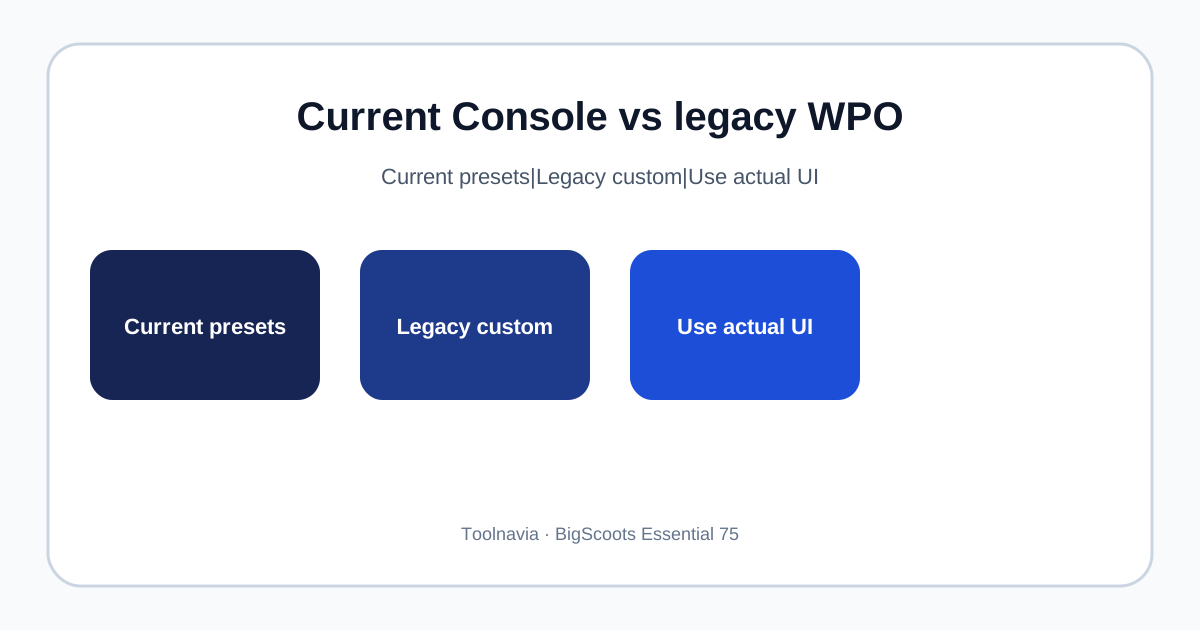
BigScoots now documents preset Console roles: Admin, Developer and Viewer. A separate legacy WPO guide describes **Full Account** or **Custom Access**, with read/modify choices for installations and migrations, live and staging sites, tickets and email.
These documents describe different interfaces. Do not merge them into a fictional hybrid. If your account still shows older WPO controls, use its granular toggles. If it shows the current Console, follow the current preset roles and service scope. The legacy page explains older accounts but does not prove every granular toggle exists in the current Console. Use the labels visible in your account and ask support about any mismatch before granting access.
Competitor check: what good permission design looks like
Kinsta includes unlimited users on every plan and recommends individual logins rather than a shared credential. Its role boundaries separate company-level development, site-level work and billing. WP Engine assigns roles that control visible actions and support scope, while billing access is handled separately. Cloudways provides predefined roles plus granular server, application, billing and support permissions.
BigScoots meets the central requirement: named collaborators, service scope and billing separation. The remaining question is granularity. If a contractor should access only one narrow function, compare the current Console role boundaries with the finer controls shown in the older WPO interface and competitors' ACLs. Never assume the same role name means the same actions across providers.
Essential 75 buying decision and offboarding
Essential 75 costs $35 month to month or $350 annually for one WordPress site. Collaborator access is valuable when it prevents password sharing and makes an agency handoff cleaner, but it is not a reason by itself to prepay for a year. First test a real workflow: invite a developer to only the service, verify staging and SFTP, keep billing off, and confirm the owner can edit or remove the invitation.
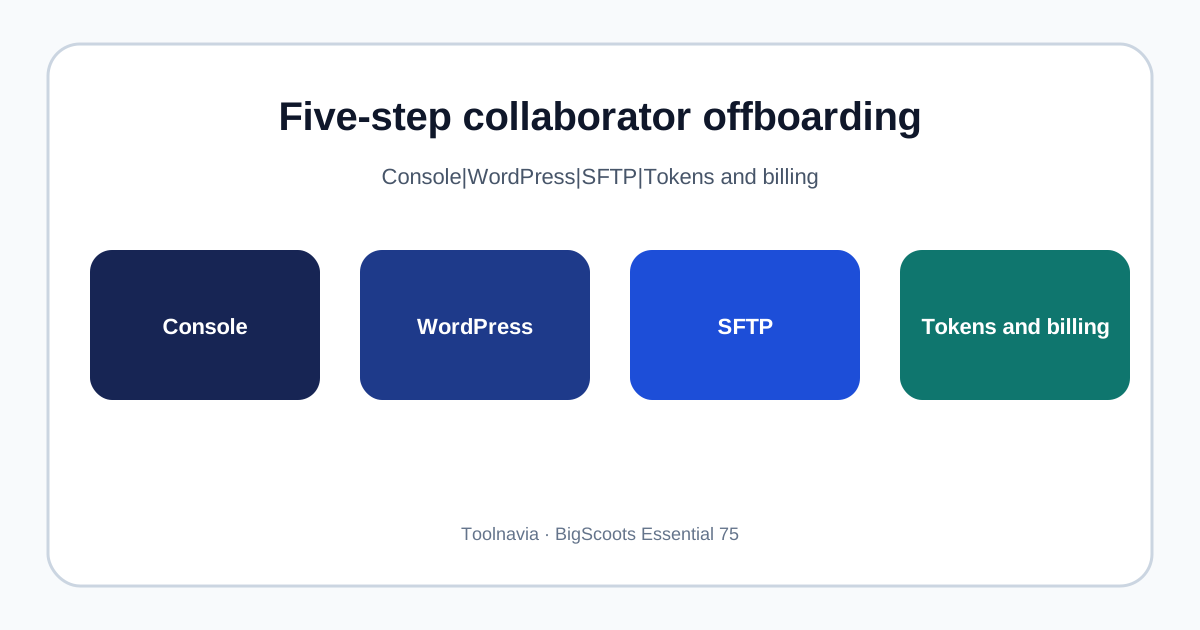
When work ends, remove the Console collaborator, WordPress user, SFTP keys and application tokens; rotate shared secrets; review recent activity; and confirm billing access is gone. Kinsta and Cloudways both emphasize clean removal or permission updates.
Disclosure: Toolnavia may earn a commission if you buy through the BigScoots link, at no extra cost. Buy Essential 75 if one important WordPress site needs managed hosting and named technical collaborators; choose another workflow if your team requires narrower controls than the current role presets provide.