TOOLNAVIA / BUYING GUIDE
BigScoots Migration Checklist: Move WordPress to Essential 75 Without Losing Your Rollback
The short answer
BigScoots Essential 75 is easier to buy when the migration process is treated as part of the purchase, not as an afterthought. The current plan is $35 month-to-month or $350/year, includes one WordPress site, 75K monthly visitors, 10GB storage and 150GB bandwidth, and BigScoots provides both an assisted migration flow and a self-service Migrator plugin.
Affiliate disclosure: Toolnavia may earn a commission from qualifying BigScoots purchases through links on this page. BigScoots has approved Toolnavia's affiliate account; this guide uses the ordinary managed WordPress referral path.
At a glance
- Best for
- WordPress owners who want BigScoots migration help but refuse to cancel the source host before production acceptance.
- Price model
- Essential 75: $35/mo or $350/year
- Check first
- External email, DNS and third-party dependencies need separate cutover checks; migration outcomes depend on the source site.
Before buying: confirm Essential 75 actually fits the source site
Essential 75 includes one WordPress site, 10GB storage, 75K monthly visitors and 150GB bandwidth. BigScoots also tells customers moving sites between WPO services to confirm that the destination has enough traffic, storage and site allowance.
Record current disk usage, recent traffic and whether you need another WordPress install before starting. If the source site is already close to a limit, the correct first step is a plan decision rather than a migration that immediately forces an upgrade.
Choose assisted migration or the Migrator plugin deliberately
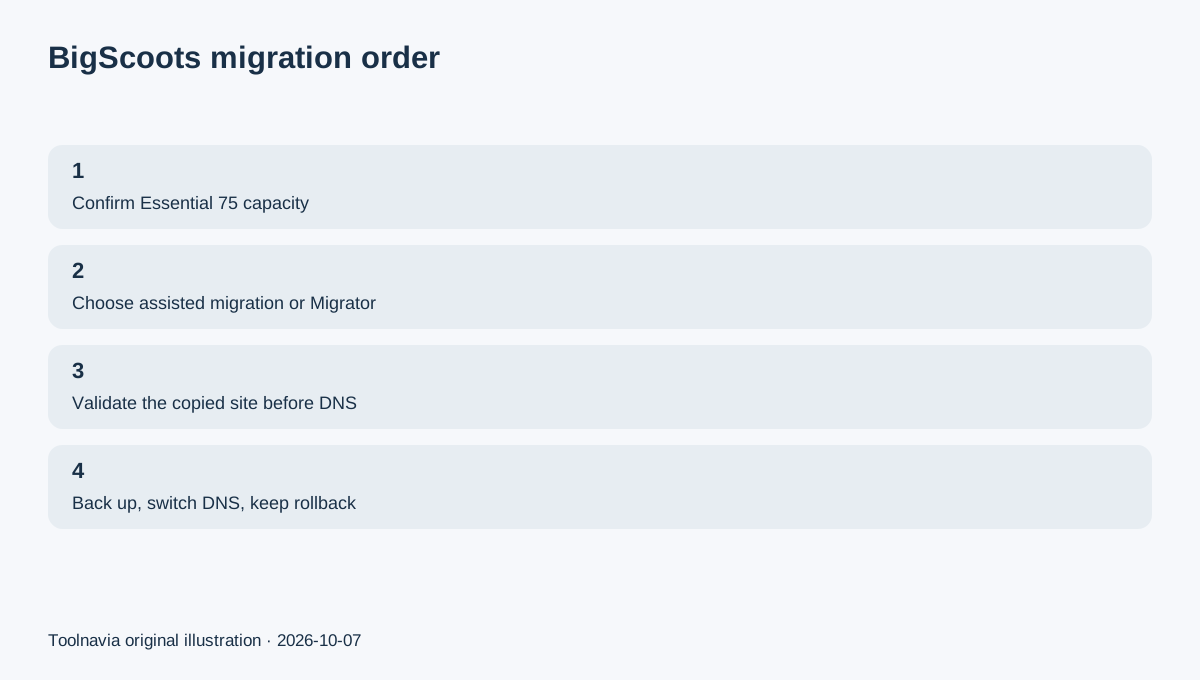
BigScoots' current Console migration form supports existing-host access, backup, SSH and WordPress-based routes. It also lets you choose whether BigScoots helps update DNS or you update DNS yourself.
BigScoots separately documents a self-service Migrator plugin. The plugin route gives you more control over timing, but the guide notes that conflicting plugins may need to be disabled first.
Use the assisted route when source access or DNS coordination is the hard part. Use the plugin when the WordPress install is conventional and you want to control the copy window directly.
Keep the old host live until the copied site passes real checks
The current Console migration guide says the migrated site should be tested and confirmed before DNS is updated.
Before changing DNS, test the pages and actions that matter: homepage, important landing pages, login, contact forms, search, checkout or membership flows. Compare the newest content and media and verify redirects or CDN behavior you depend on.
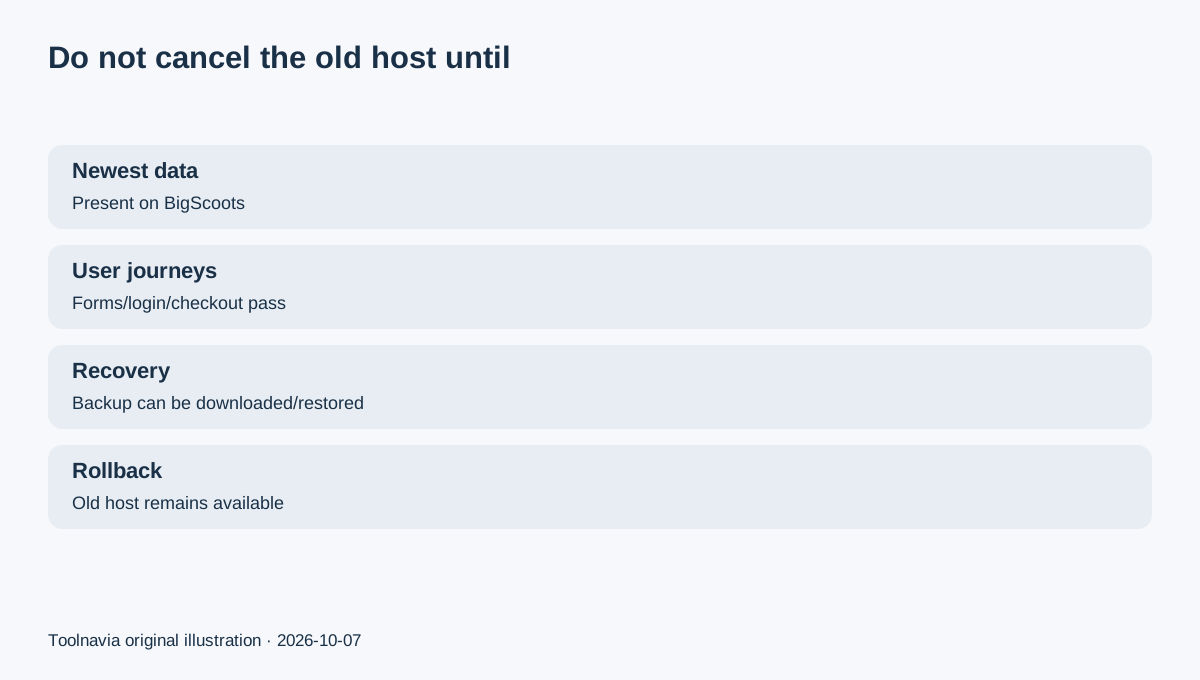
Do not cancel the source host when a migration ticket merely says complete. The source environment is your easiest rollback path until the new public site and newest data are confirmed.
A successful WordPress copy is not the whole business cutover
The migration workflow asks separately about DNS/CDN and source access. Treat email, DNS, CDN, transactional mail, payment webhooks and services that depend on the old IP or callback URL as separate checklist items.
This matters because a WordPress site can render correctly while an external business workflow is still pointing at the old environment.
Make the dependency list before DNS cutover, not after a customer reports the first broken form or notification.
Prove backup and restore after migration
BigScoots' current backup console documentation says WPO backups are off-server, run daily, retain copies for up to 30 days, and support manual creation, restore and download; up to five manual backups can be created.
After migration and before a major production change, create one manual backup, download a copy and identify the restore control.
BigScoots' Terms of Service keep responsibility for data integrity with the customer and do not promise that every backup will always be usable. Keep an independent copy outside the host when the data matters to the business.
Use the 45-day guarantee as an acceptance window
BigScoots currently advertises a 45-day money-back guarantee and free managed migrations. Use the period to validate normal production work: updates, forms, scheduled jobs, backups, traffic patterns and the support questions that actually occur.
Do not turn a refund window into a speed claim. Toolnavia has not benchmarked your exact site on Essential 75. The useful question is whether the site stays comfortable inside the published plan limits and whether the managed workflow reduces the work your team actually has to do.
Final decision: cancel the old host only after rollback is clear
Essential 75 is a strong candidate when one important WordPress site fits the 10GB / 75K / 150GB envelope and you value assisted migration, daily off-server backups and managed WordPress operations.
Before canceling the old host, answer four questions: Is the newest data on BigScoots? Have the important user journeys passed? Can you restore or download a backup? Do you still have a rollback path if DNS or an external service behaves unexpectedly?
When all four answers are yes, the move has progressed from “copied” to “accepted for production,” which makes the purchase decision materially safer.