TOOLNAVIA / BUYING GUIDE
WP Rocket Single Site Limit: Staging, Subdomains, and Multisite
The short answer
At a glance
- Best for
- One production base domain with recognized staging/local environments.
- Price model
- Verify live checkout; this article focuses on site-count rules, not a fixed price.
- Check first
- Separate or mapped top-level domains consume additional site capacity; custom staging hostnames may need validation.
Verdict: Single can cover more than one WordPress install—if the domain stays the same
WP Rocket calls Single a one-site license, but its current definition of “one site” is based on the top-level domain used in the WordPress Site URL. Separate installs on example.com, dev.example.com and example.com/demo may share one key because they use the same base domain. A recognized local or staging domain can also avoid consuming another site slot.
So a live site plus its matching staging copy often fits Single. Two unrelated domains do not. A Multisite network can fit only when the subsites remain under the same top-level domain; mapped domains change the calculation.
What counts as one site?
The official license article says Single covers one site, Plus covers three, and Multi covers 50, 100 or 500. Its worked examples count www, subdomains and subfolder installs under one top-level domain as a single site. The FAQ repeats that a Single license can be used on subdomains and subfolders because the top-level domain is the counting unit.
That is more flexible than “one WordPress installation,” but it is not unlimited. example.com and shop.example.com can share the domain scope; example.com and example-shop.com are different base domains and need separate capacity. Current sales terms also describe Single as one website, so the documentation—not a guess based on server count—should control edge cases.
Does staging consume another license?
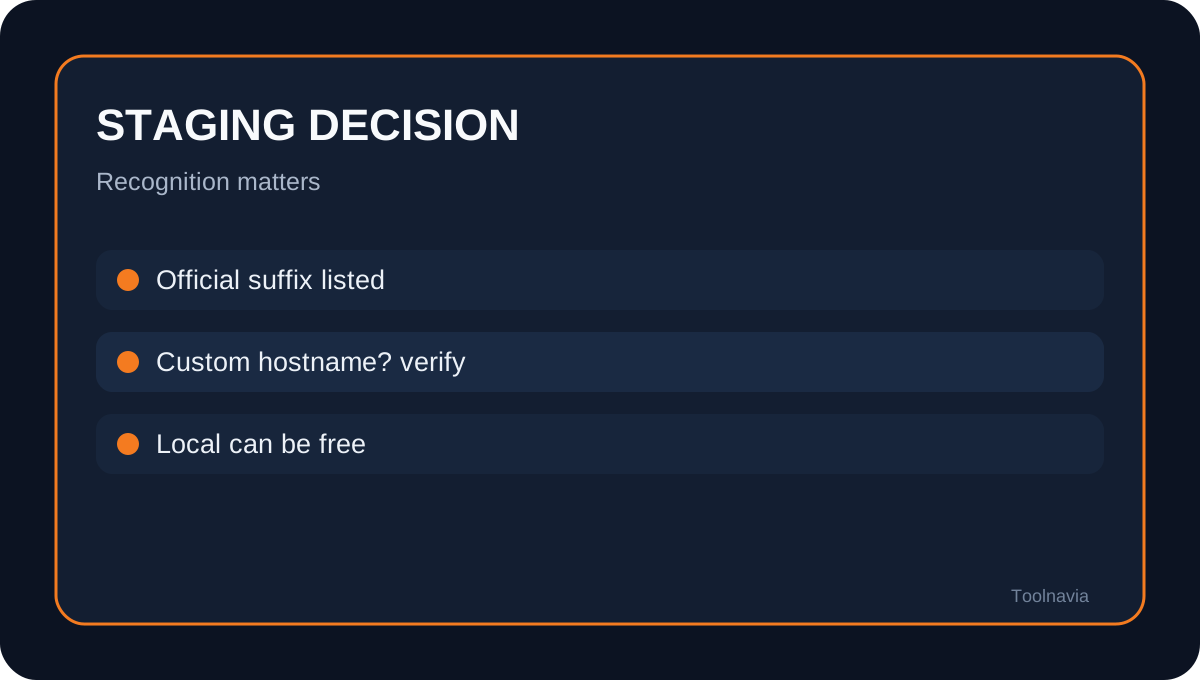
WP Rocket's current staging documentation says local installations do not count and lists recognized staging-domain endings. Its hosting compatibility page also says a WP Engine staging site is automatically allowed even with Single. The safest decision is therefore domain-specific: confirm that your host's staging hostname or your local suffix appears in the current allowed list.
One independent 2026 review says a staging environment counts against the license, while other current explanations and the official documentation say recognized staging does not. Toolnavia resolves this conflict in favor of the official current license docs. If your custom staging domain is not recognized, do not assume it is free—validate it in your account or ask support before purchase.
How Multisite changes the answer
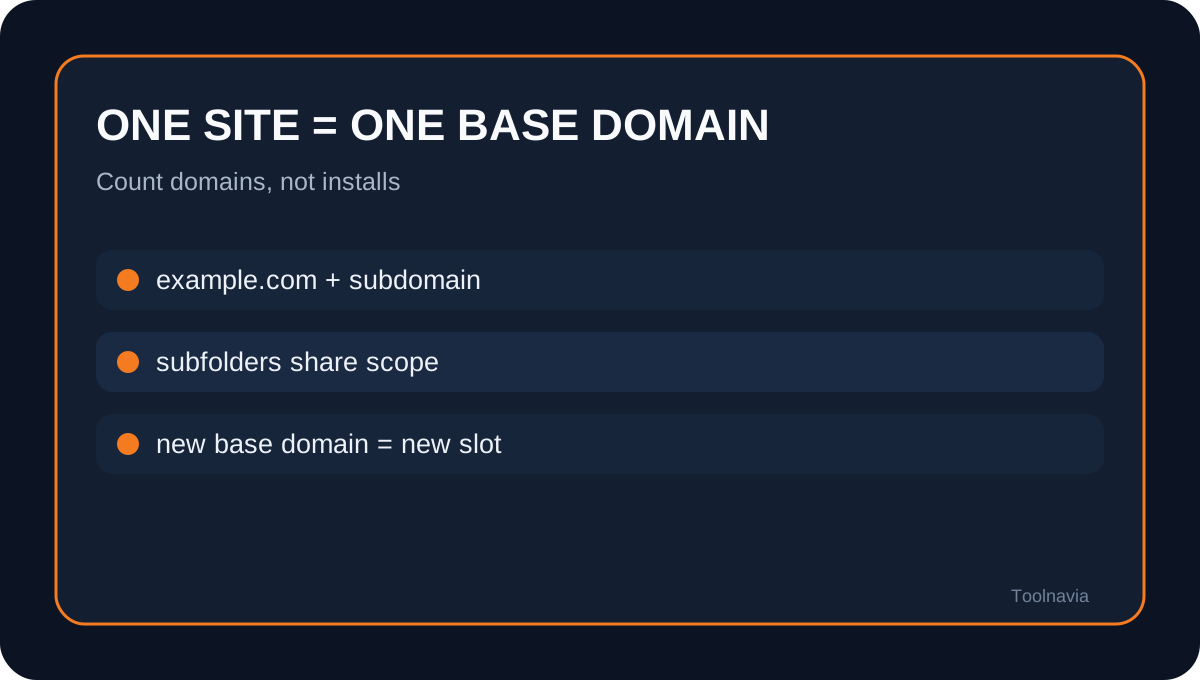
WP Rocket cannot be network-activated. In a WordPress Multisite network, it must be activated on each subsite. Even so, subdomain or subfolder subsites under one base domain can share the same license key and count as one site.
Mapped domains are the boundary. If subsites resolve to different top-level domains, each mapped domain requires its own license capacity. Gaurav Tiwari's current review independently summarizes the same rule: one base-domain network may use one site slot, while activation still happens per subsite.
Three buying scenarios
1. One live site plus staging.example.com: Single is usually enough when the staging setup matches the official recognition rules. 2. One Multisite network using example.com/site-a and site-b.example.com: one slot can cover the network, but activate WP Rocket on each subsite rather than network-wide. 3. Three separate client domains: Single is not enough. Compare the live Plus or Multi options instead of rotating one key among customers.
WPBeginner and WPSchool both describe Single as the one-site tier and position higher tiers for portfolios of separate sites. Their price snapshots can age; use them for plan shape, not as a substitute for live checkout.
Common mistakes that create surprise costs
Do not count hosting accounts, servers or WordPress databases. Count the top-level domains that WP Rocket validates. Do not assume every hostname containing “staging” is automatically excluded; use the published list. Do not treat domain-mapped Multisite as one domain merely because Network Admin shows one installation.
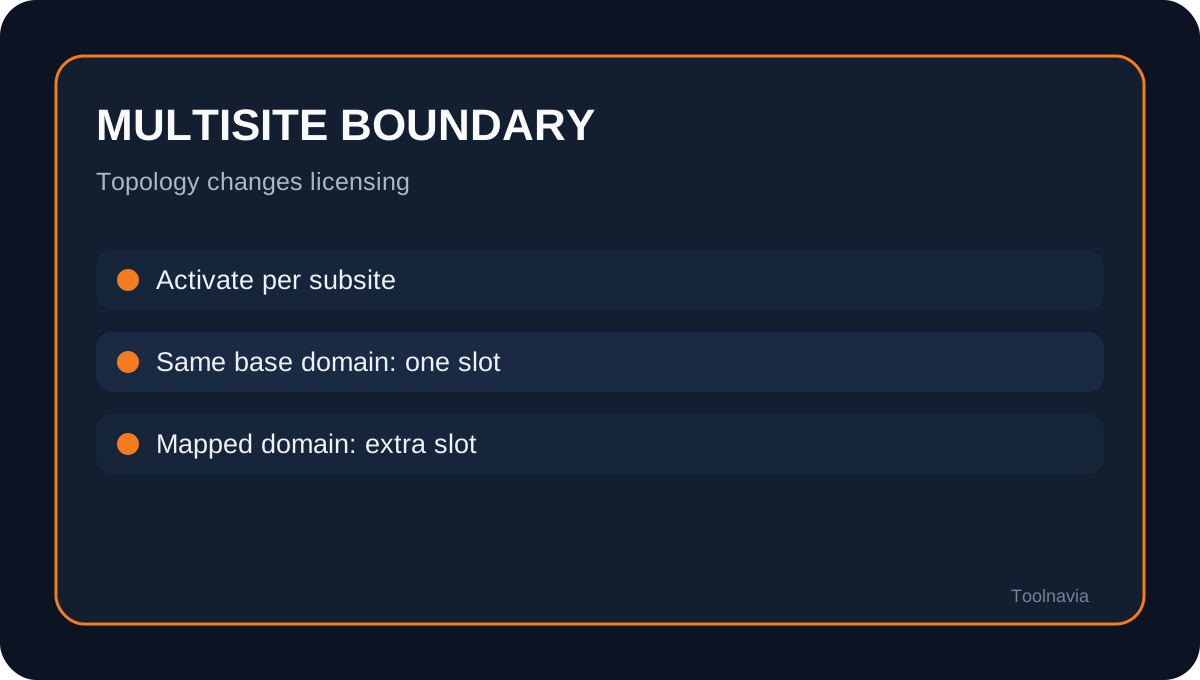
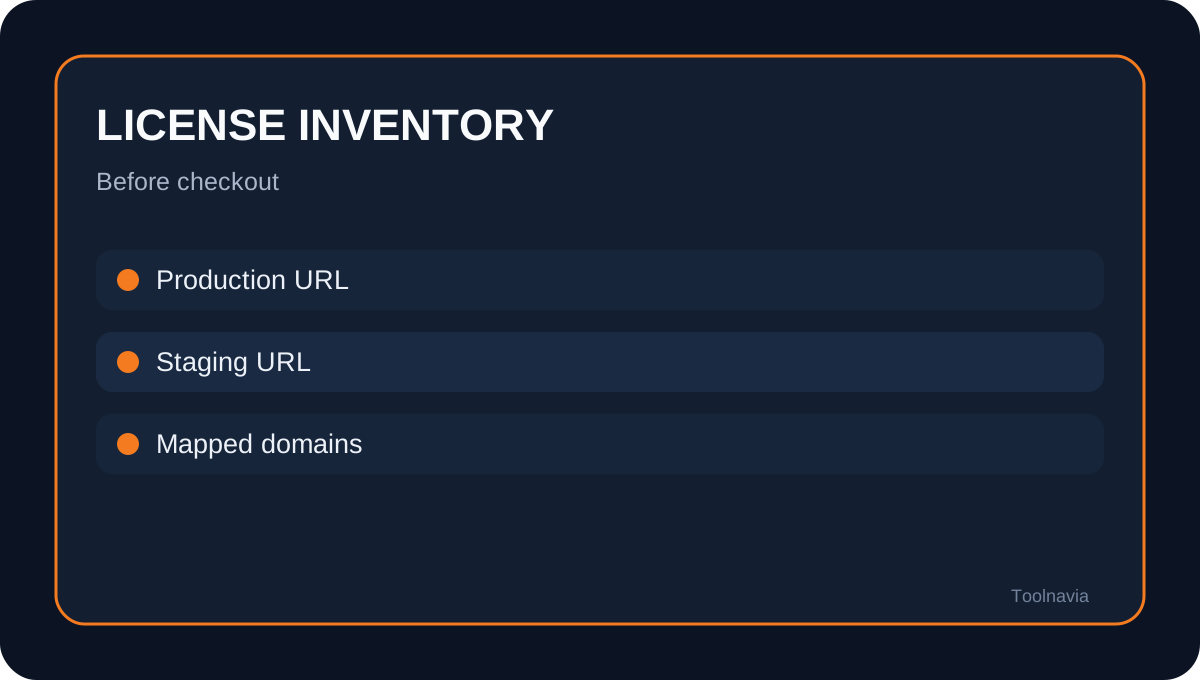
Independent comparisons also note that staging generally should not consume a WP Rocket slot, but they may omit the recognized-domain qualification. Keep a simple inventory with production URL, staging URL, base domain and mapped domains before selecting a plan.
Who should buy Single?
Single fits a site owner with one production domain, its recognized staging or local environment, and possibly subdomain or subfolder installs under that same base domain. It is a poor fit for agencies, unrelated brand domains or Multisite networks that map each subsite to a different public domain.
Toolnavia has not applied to the WP Rocket affiliate program, so this article shows no commercial button or tracking link. Verify the current plan name, site quota, renewal, refund terms and staging recognition before paying.
WP Rocket Single is broader than one install but narrower than one server. The decision unit is the top-level domain. Live plus recognized staging can fit; subdomains and subfolders can fit; separate or mapped domains consume additional capacity.