TOOLNAVIA / BUYING GUIDE
Recoverit Premium Auto-Renewal: Cancel Before the Next Charge
The short answer
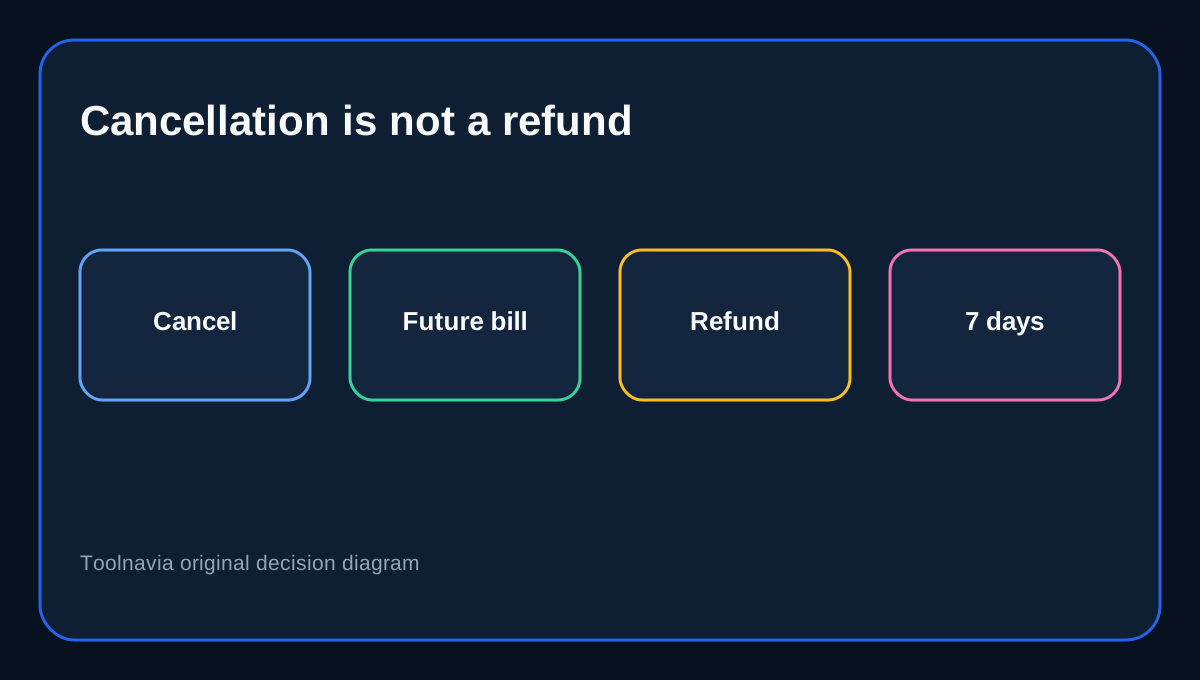
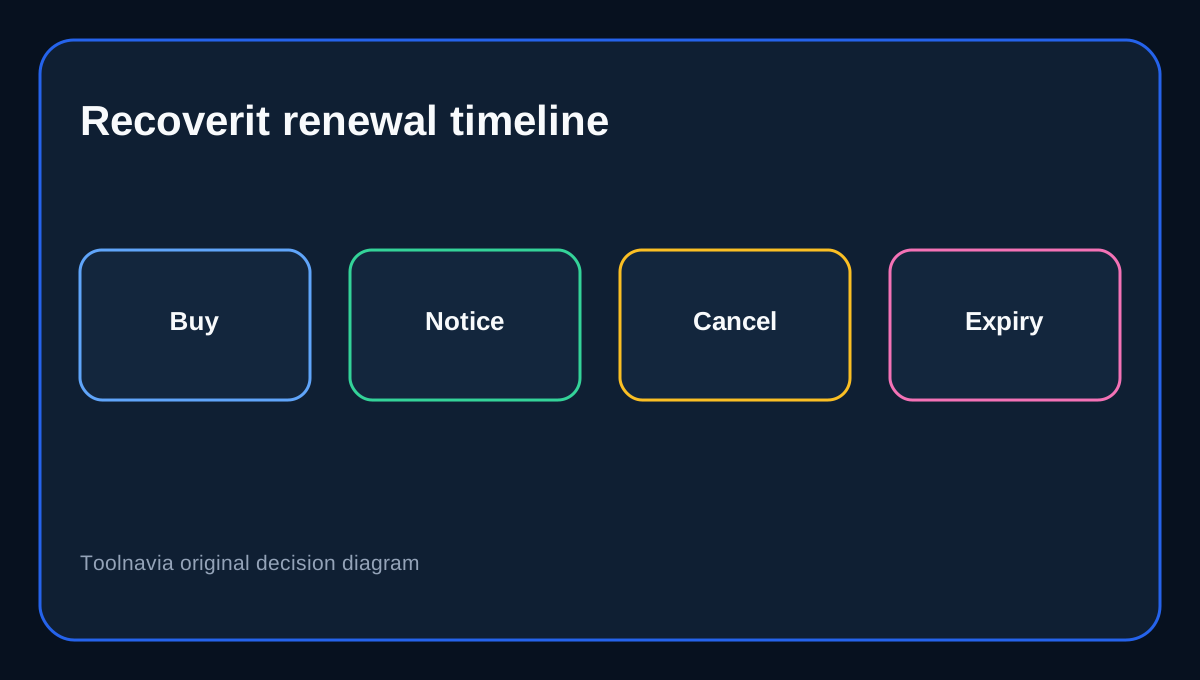
Recoverit Premium currently lists a **one-year license for 2 PCs at US$69.99**. The purchase page says it renews automatically, can be canceled at any time, sends a reminder seven days before the term ends, and carries a seven-day money-back guarantee. Those promises solve different problems: cancellation controls the next charge, while a refund request challenges a charge already made.
At a glance
- Best for
- Annual Premium buyers preventing unwanted renewal and documenting cancellation.
- Price model
- Current display: US$69.99/year for 2 PCs; future renewal price not guaranteed
- Check first
- Cancellation stops future renewal; an eligible refund is separate and deactivates the license.
Decide before the emergency becomes a subscription
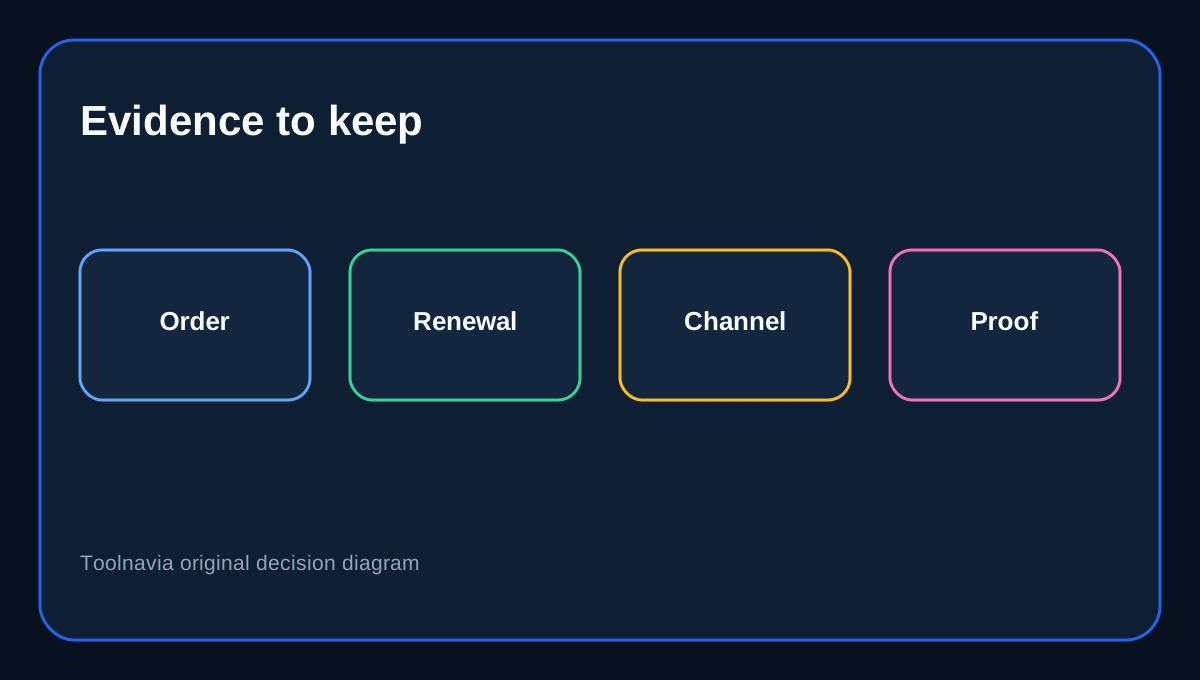
Data-recovery software is often bought under pressure, when a drive, partition or computer has failed. That urgency makes it easy to focus on the current rescue and overlook the annual renewal. Before checkout, record the billed email, order number, renewal date, number of licensed PCs and the payment channel. Treat the advertised US$69.99 as today’s display price, not a promise of the next renewal price.
The existing Toolnavia Recoverit guides cover plan pricing, device limits and recovery scenarios. This guide starts after Premium is selected and answers a different commercial question: how to prevent an unintended renewal and what evidence matters if a refund is requested.
What cancellation changes
Canceling automatic renewal stops a future billing event. It does not immediately remove the time already paid for: Wondershare says access continues through the contracted term. Nor does cancellation itself create a refund. The refund route has its own eligibility rules, evidence and clock.
This distinction matters if the recovery job finishes in a day. You may cancel renewal immediately after verifying that the license works and still retain access until the paid term expires. Keep the confirmation page and email because a clicked button is weaker evidence than a final status showing renewal is off.
Complete the Account Center route
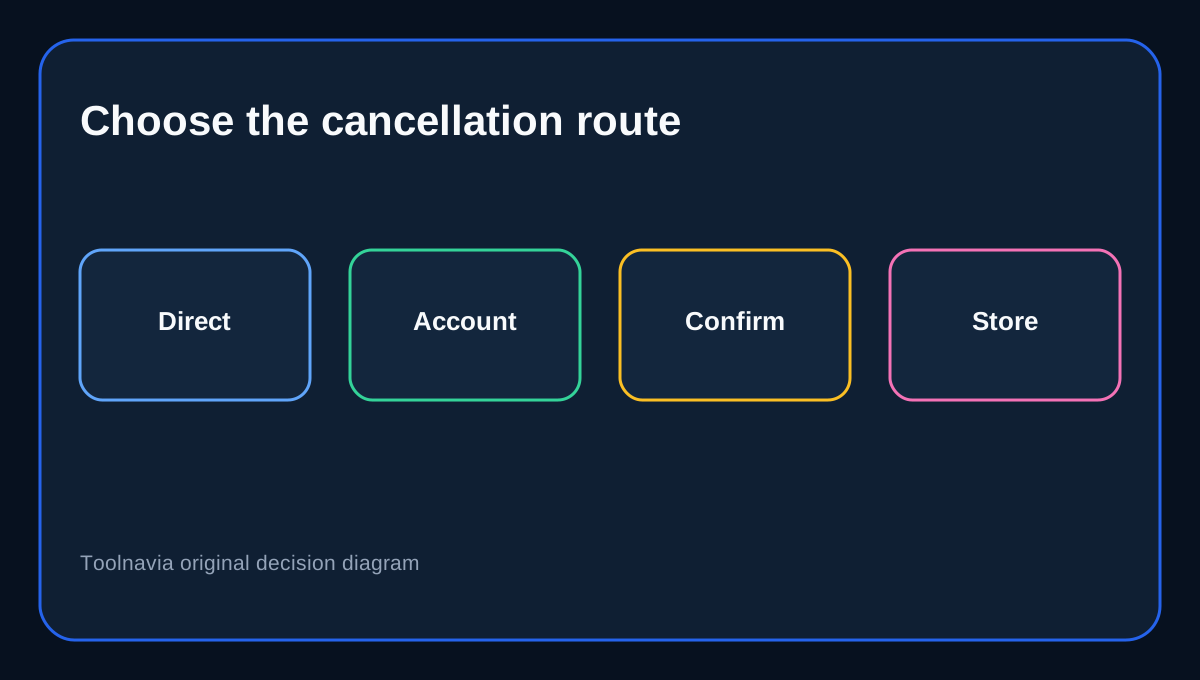
For a direct Wondershare purchase, sign in to Account Center and open **Plan & Products**. Choose **Manage Subscription**, then **Manage Plan**, select **Cancel Subscription**, continue through any intermediate offers, review the details and confirm. Return to the plan page and verify that no future renewal is scheduled.
If Apple, Google Play or another store billed the order, use that store’s subscription controls. The practical rule is simple: cancel with the party that owns the billing mandate. Save a screenshot showing the account, plan, date and final cancellation state.
The seven-day product window
Recoverit’s product-specific page says eligible refunds must be requested within seven days. Wondershare’s broader refund page also identifies data-recovery products as a seven-day category even though it describes 30 days for many other products. The narrower Recoverit/data-recovery rule controls this guide.
A seven-day statement is not an unconditional refund promise. Eligibility still depends on the stated circumstances and review. Submit the order number, licensed email, purchase date, product name and a concise explanation promptly. Do not wait until the end of the subscription after discovering a purchase problem during the first week.
A refund ends the license
Recoverit states that an approved refund deactivates the corresponding license and asks the customer to uninstall the software. That is materially different from cancellation, which normally leaves access through the already-paid term. Decide whether you still need the tool to complete verification or additional recovery before asking to unwind the purchase.
If the product has already recovered critical data successfully, a change of mind may not fit the accepted refund conditions. If the product cannot perform the promised recovery, preserve scan results, error messages, device details and support correspondence rather than relying on a bare assertion.
Annual versus perpetual
Annual Premium is sensible when you need coverage on two PCs, expect more than one recovery event during the year, and value current updates and support. A perpetual option may better fit buyers who want to avoid recurring billing and accept the license’s version boundaries. Compare checkout details, because plan names, inclusions and prices can change.
Competing vendors use different refund windows: Stellar advertises 30 days, while EaseUS applies conditional rules. Those pages explain why buyers should not transfer a competitor’s policy to Recoverit. Recoverit’s own seven-day product rule remains the decision anchor.
Pre-renewal checklist
Confirm the exact Premium plan, licensed email, two-PC allowance, renewal date and billing channel. Set a calendar reminder before the official seven-day notice. If leaving, finish every cancellation step and save the final status. If seeking a refund, file a separate request within the applicable seven-day window and include evidence. After an approved refund, expect license deactivation rather than continued access.
Affiliate disclosure: Toolnavia may earn a commission from an eligible purchase through the exact Recoverit Premium offer route. That does not change this renewal, cancellation or refund analysis.