TOOLNAVIA / BUYING GUIDE
Recoverit External Drive Recovery: Get Back the Right Work Folder
The short answer
Recovering a deleted work folder is useful only if the files inside are the versions you need. Recoverit can help search an external drive and inspect candidate results, but a familiar filename alone is not enough. The purchase decision should center on a small set of important documents and their dependencies.
At a glance
- Best for
- Two-PC jobs needing bootable, NAS/Linux/RAID, disk-image or enhanced media recovery.
- Price model
- $59.99 month; promotional $69.99 year; $129.99 perpetual
- Check first
- Seven-day refund page, auto-renewing subscriptions, promotion and physical-drive limits.
Start with a missing-work inventory
Stop writing to the affected external drive. Record its model and capacity so you can identify it among connected devices. Check a verified backup or another authorized copy first; retrieving an existing good copy can make a scan unnecessary.
List the work that matters: a final proposal, the spreadsheet behind its numbers, linked images and any reference material. Include a remembered phrase, approximate date or size where useful. A folder can look complete while the newest document is still missing.
Recoverit's hard-drive page covers logical recovery on readable storage. Physical faults need a different assessment. Do not keep scanning a drive that clicks, disappears or develops read errors.
Four ways to find the right candidates
Device selection focuses the scan on the external disk. File-type filters narrow a mixed archive. Name search locates recognizable candidates. Supported previews let you compare content before choosing what to export. These controls are documented across the hard-drive and specific-file guides.
Lost file-system information may mean the original name or folder no longer appears. The specific-file guide recommends using attributes and type-based results in that situation. This is why the inventory should describe the work itself, not merely a path you hope to see again.
Test a complete piece of work
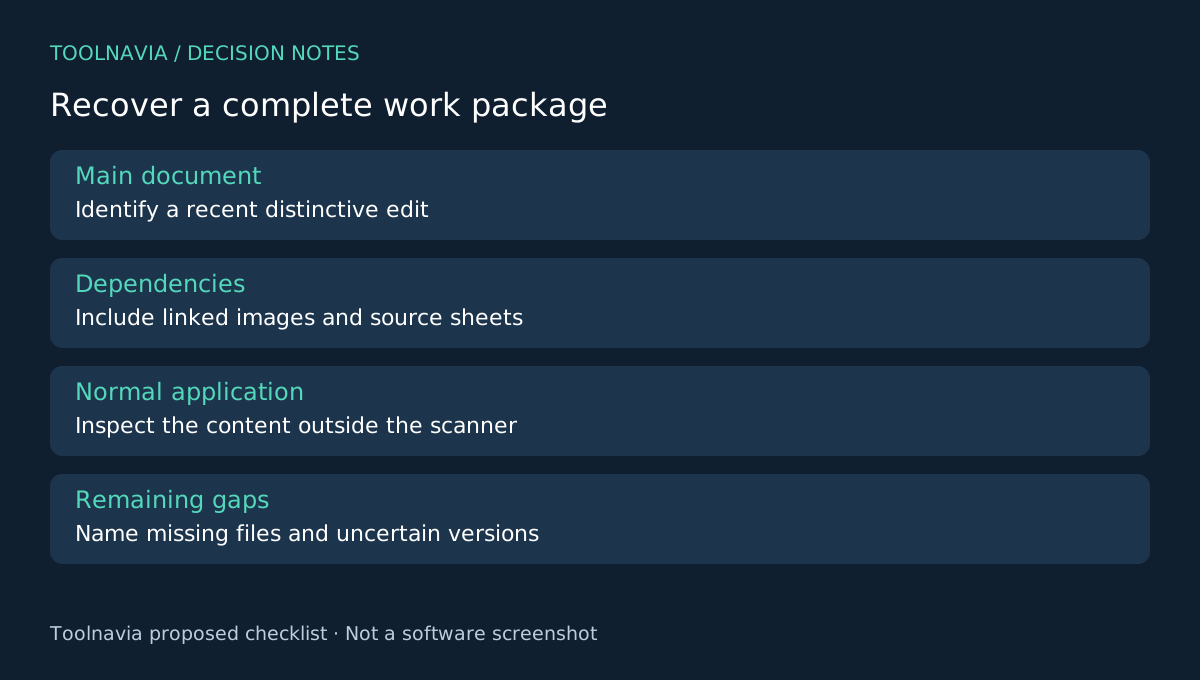
Choose one meaningful unit: for example, a proposal plus the spreadsheet and images used to prepare it. Recover available sample files to another healthy disk, using the allowance of your exact edition where possible. Keep the affected disk unchanged.
Open each recovered document in its normal application. Check more than the first page: inspect the final section, a distinctive recent edit and any embedded object that matters. For a spreadsheet, verify the relevant sheets and reference inputs before relying on a displayed total.
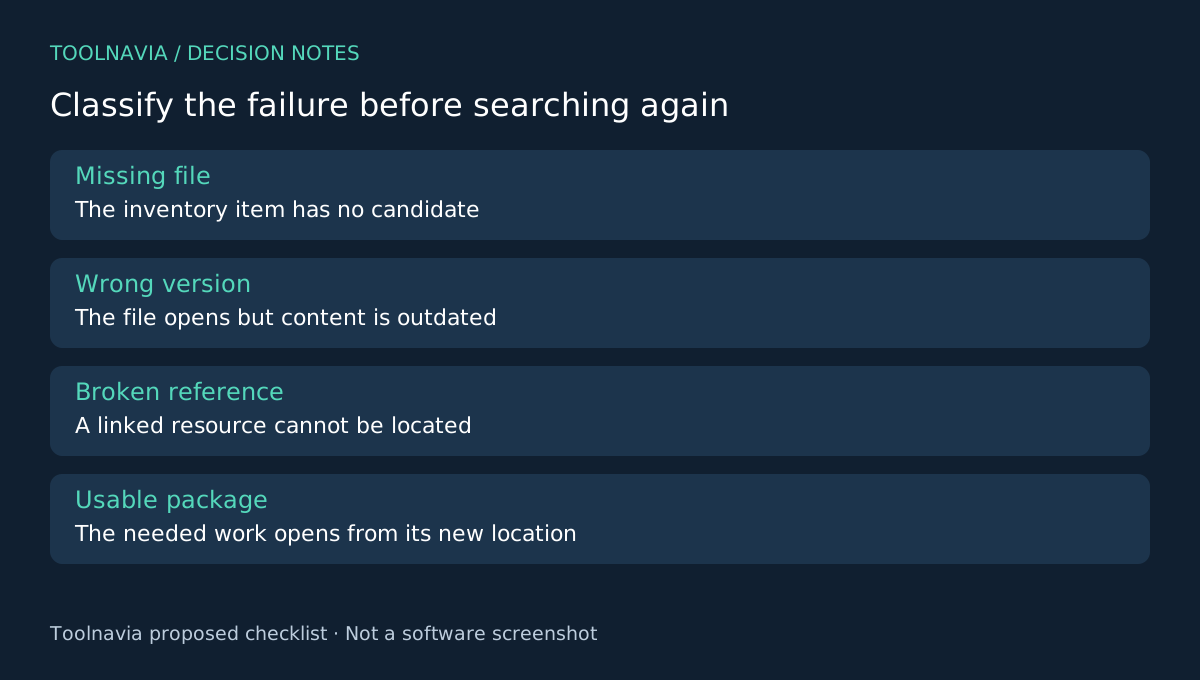
Try the linked resources from the new destination. A document that opens but points to missing local images is an incomplete work package. Record whether the problem is a missing file, a wrong version or a broken reference. This classification helps you search again intelligently instead of exporting the same batch repeatedly.
These are proposed acceptance checks. Toolnavia has not measured this product's recovery performance on a test drive or the reader's files.
Keep uncertainty visible during reconstruction
Use separate folders for confirmed results and unresolved candidates. Preserve original recovered names until comparisons are finished. If several versions look plausible, record the distinguishing content rather than overwriting one with another.
Compare the inventory against actual usable documents, not the total number of recovered items. Keep a note of remaining gaps before returning the project to normal work. A recovery scan can help retrieve bytes; it does not decide which draft a client approved.
Decide whether the paid workflow adds value
EaseUS offers another external-drive workflow, R-Studio documents disk images and PhotoRec provides file-type recovery with a different review experience. Compare the job and your ability to inspect results, not unsupported success-rate claims.
Recoverit Premium is worth considering when the verified work package and included capabilities justify its license. Review the [Recoverit plan guide](/en/software/recoverit) and confirm the selected operating system, term and renewal amount at checkout. Toolnavia may earn a commission through its official affiliate link. Buying a license does not guarantee that missing versions remain recoverable.