TOOLNAVIA / BUYING GUIDE
Recoverit for Camera Cards: Find the Photos Worth Recovering
The short answer
A camera card full of missing pictures is not a good reason to buy the first scanner that displays a large file count. Recoverit becomes interesting when you can identify the photographs you actually need, inspect them and recover usable copies. Its card-specific workflow can help turn a confusing scan into a focused selection.
At a glance
- Best for
- Two-PC jobs needing bootable, NAS/Linux/RAID, disk-image or enhanced media recovery.
- Price model
- $59.99 month; promotional $69.99 year; $129.99 perpetual
- Check first
- Seven-day refund page, auto-renewing subscriptions, promotion and physical-drive limits.
Define the shoot you need back
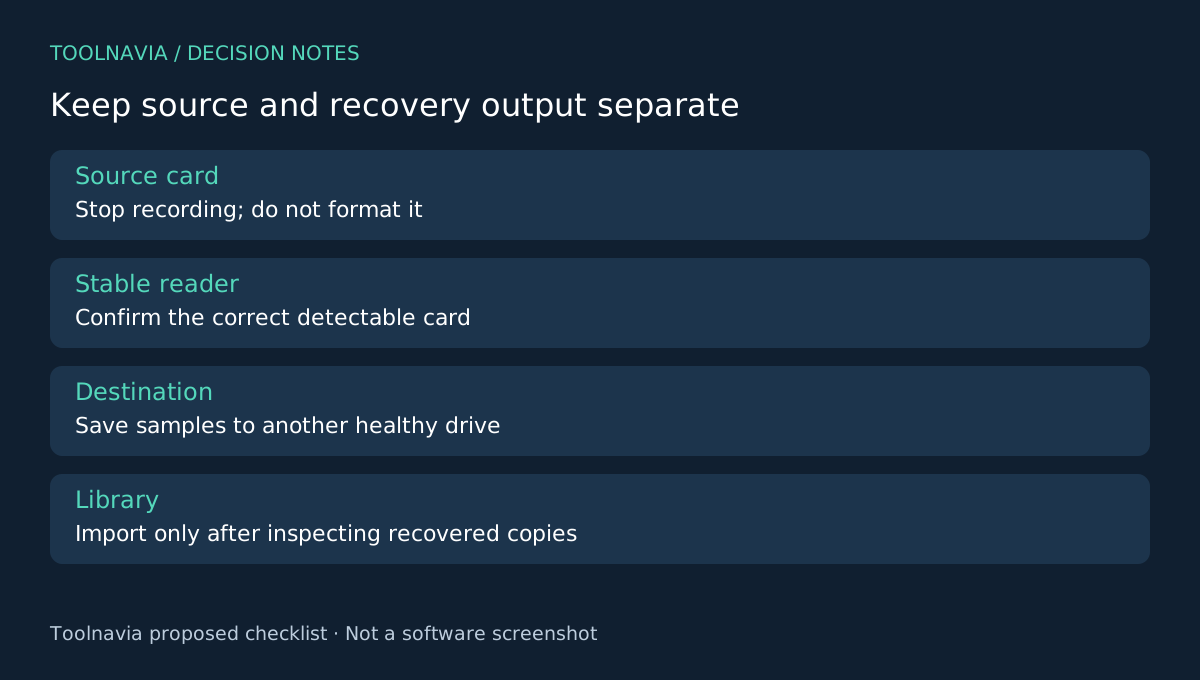
Set the card aside and stop recording to it. Write down the shoot date, camera, expected file formats and several memorable frames. Check existing imports and backups before treating every missing picture as a recovery job. Do not format a card because the computer suggests it.
For a stable, detectable card, use a reliable reader and keep a separate healthy destination ready. A cracked, overheating or repeatedly disappearing card calls for professional assessment rather than repeated scans. The official card page distinguishes logical loss from physical damage.
Use four controls to narrow the search
Recoverit's documented card workflow includes selecting the card, filtering results by attributes, searching names or keywords, and previewing supported files. Card selection keeps the job tied to the right device. Filters focus on the shoot. Search helps when part of a filename is known. Preview helps separate relevant images from unrelated or damaged results.
None proves that every photograph is intact. A recognizable thumbnail is particularly weak evidence when you need a full-resolution image for editing or printing. The vendor's preview guidance explicitly separates visible preview from final exported usability.
Build a representative photo selection
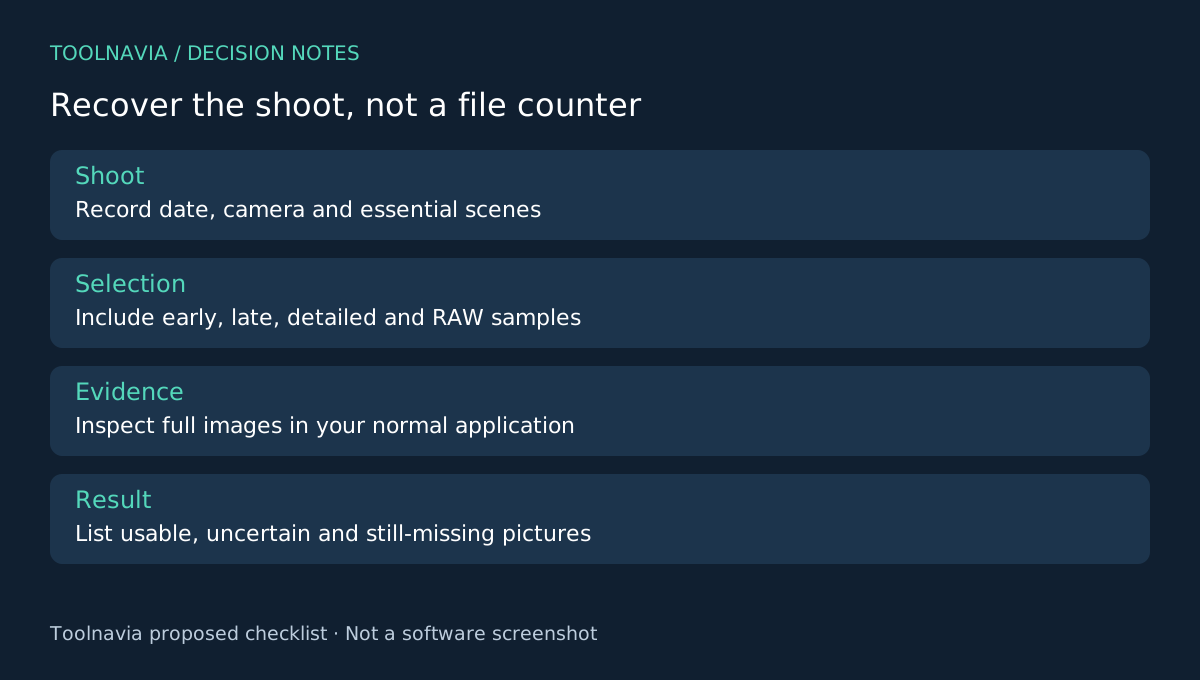
Choose more than the easiest picture. Include the first and last expected frames, a portrait with fine detail, a dark scene and a large RAW file if that format matters to you. This is an editorial sample plan, not a recovery test performed by Toolnavia.
For each candidate, record the visible subject, dimensions where available and whether it appears complete. Similar filenames can hide alternate versions or duplicates. Preserve uncertain candidates in a separate review group instead of deleting them while you are still reconstructing the shoot.
Use any recovery allowance available in your exact edition to save representative samples to the other drive. Open those files in the photo application you normally use. Zoom beyond the thumbnail, inspect the edges and confirm that the image loads fully. If you shoot paired RAW and JPEG, check both rather than assuming one validates the other.
Reconcile pictures, not just totals
Keep a short shoot checklist: essential scenes, usable copies, uncertain files and still-missing moments. The useful outcome is coverage of the event, not a scan counter. Ten duplicates do not replace one missing photograph.
Save the recovery output separately from the normal library until it has been reviewed. Keep original recovered names initially, then add a documented naming scheme when you know which images belong together. This makes later comparisons easier and avoids confusing an edited copy with a raw recovery result.
Buy when the evidence supports the workflow
PhotoRec offers a different recovery and sorting workflow; R-Studio documents image-based processing; EaseUS describes another deleted-file route. Their documentation gives alternatives to compare, not a recovery-rate ranking.
Choose Recoverit Premium when its inspected results and broader scope justify the selected license. A simple card job may not need every Premium capability. Review the [Recoverit plan guide](/en/software/recoverit), then confirm operating system, renewal and checkout terms.
Toolnavia may earn a commission from eligible purchases through the official affiliate link. No guaranteed recovery rate or exclusive discount is promised.