TOOLNAVIA / BUYING GUIDE
Recoverit for a RAW Drive: Recover Before CHKDSK?
The short answer
At a glance
- Best for
- A stable, consistently detected RAW drive with logical file-system damage, valuable files, a separate healthy destination and exact files that can be previewed before payment.
- Price model
- Official pages conflict; verify live checkout
- Check first
- Clicking, overheating, repeatedly disconnecting, undetected or wrong-capacity hardware; missing encryption keys; guaranteed recovery; or any plan that writes repairs before needed files are exported.
Quick decision: recover first, repair later
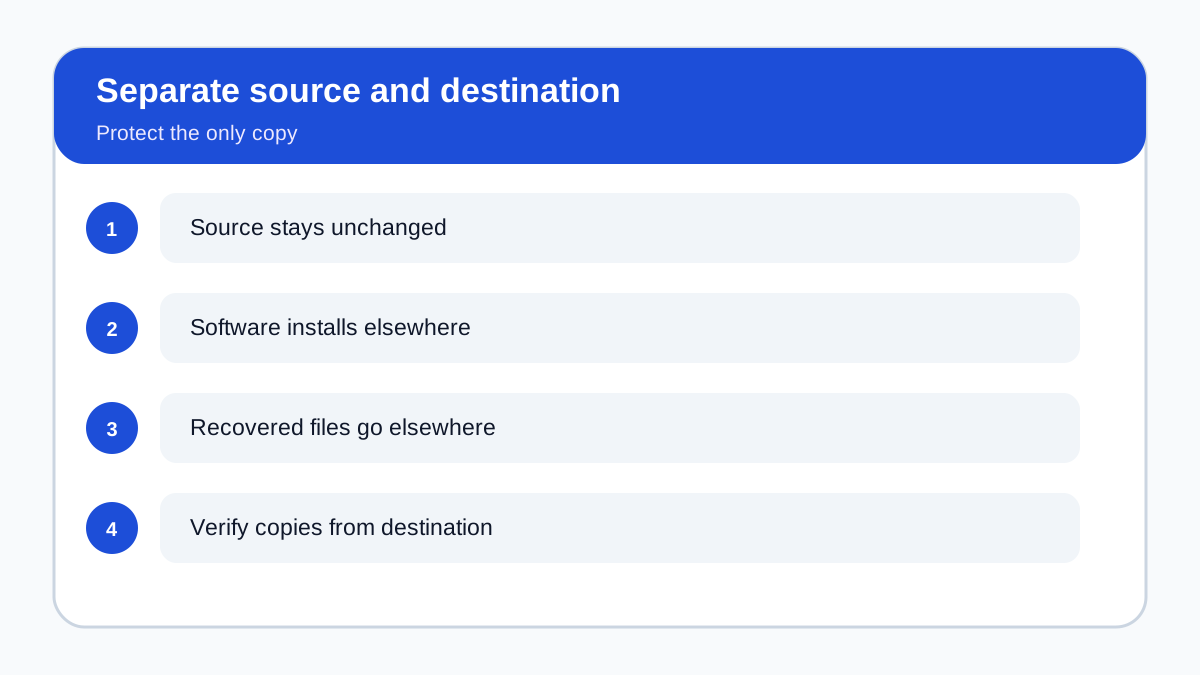
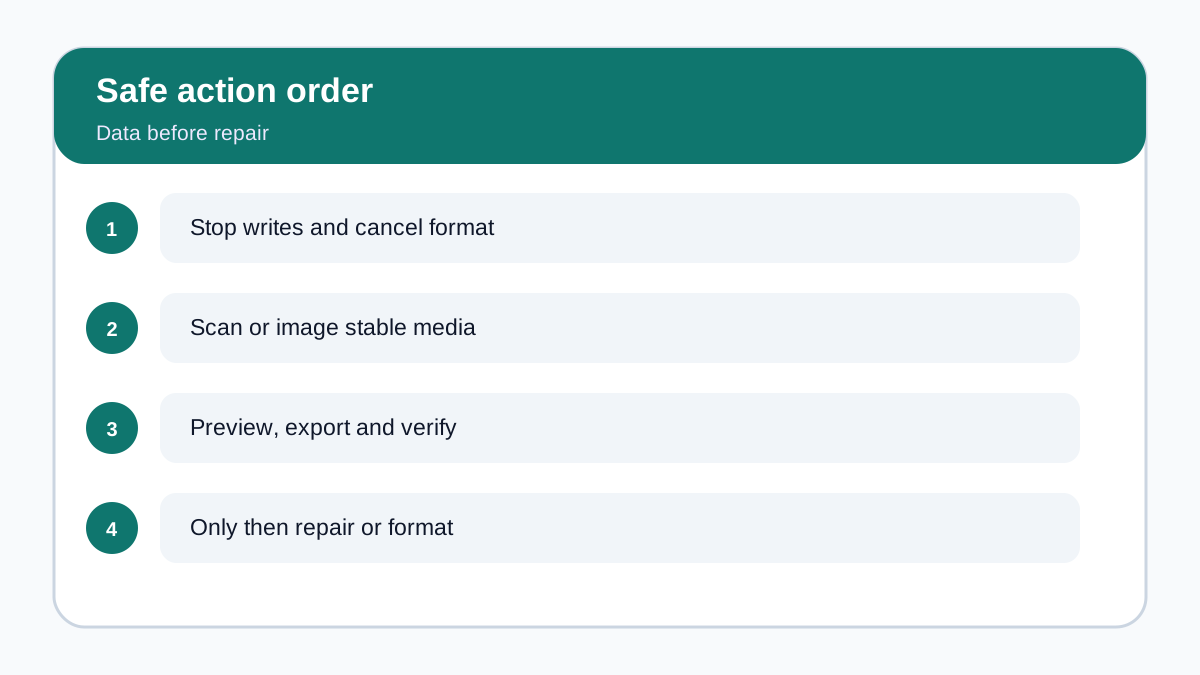
If Windows labels a drive **RAW**, the safest question is not “Which command makes it mount again?” It is “Are the files valuable, and is the device stable enough for a non-destructive recovery attempt?” A repair command can change file-system metadata. That may help a disposable volume, but it can also remove structures a recovery tool would have used. For a drive that still contains needed files, use this order: stop writes, cancel format prompts, assess hardware health, scan or image only a stable detected device, preview exact files, export them to a different healthy destination, verify the copies, and only then consider repair or reformatting.
This article does not promise Recoverit can recover every RAW drive. RAW is a symptom, not a diagnosis. The cause may be logical corruption, a lost partition, encryption, a failing cable or enclosure, or physical media damage. Software belongs only in the stable, consistently detected, logical-loss branch.
Triage the drive before any scan
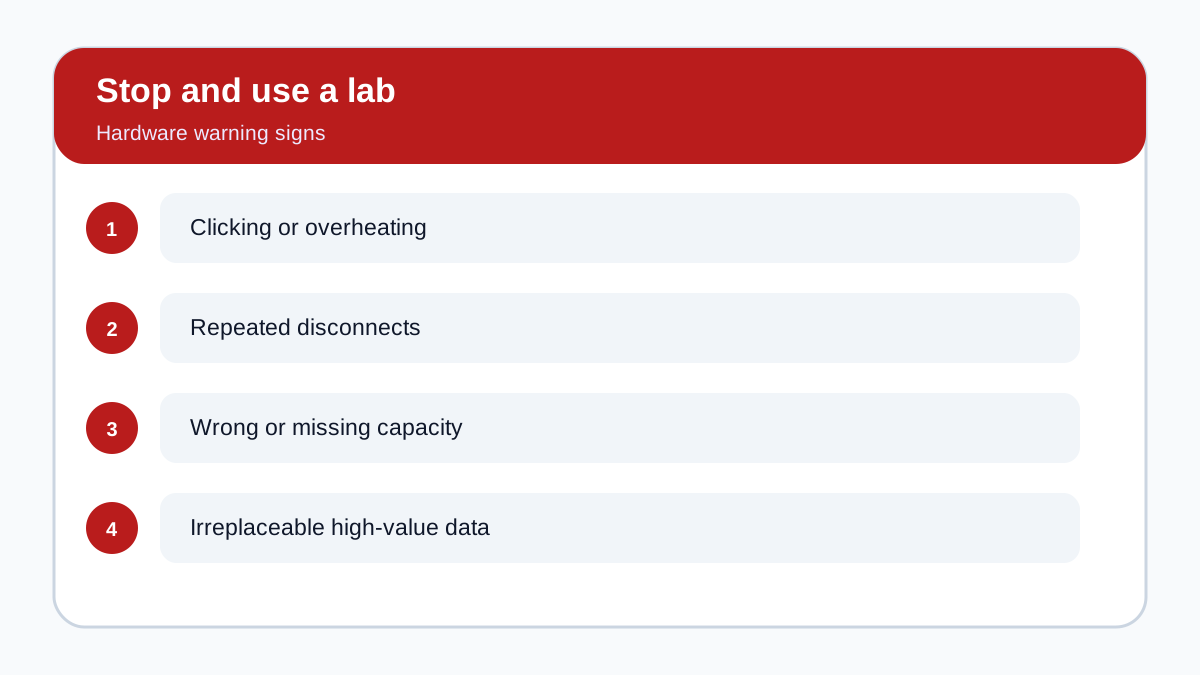
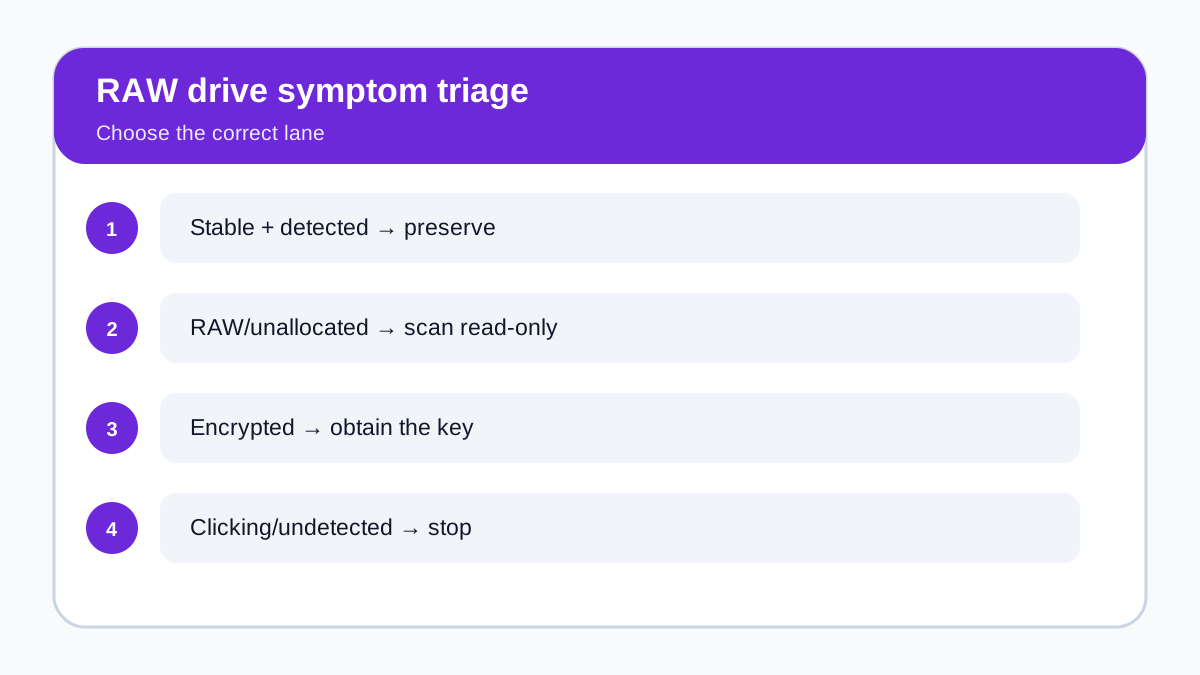
Start with the stop conditions. If the device clicks, overheats, repeatedly disconnects, reports the wrong capacity, disappears from Disk Management, or contains irreplaceable business or personal data, stop ordinary software attempts. Repeated scans can increase stress and are not a substitute for professional diagnosis. If the device is encrypted, obtain the authorized password or recovery key; a recovery license is not a decryption bypass.
A stable device should appear consistently with the expected capacity even if its volume is RAW or unallocated. Use a known-good cable, adequate power and a direct connection only to rule out an obvious connection problem. Do not initialize the disk, create a new volume, accept a format prompt, or save anything to the source. If stability changes during a scan, stop.
For marginal but still readable media, an image can reduce repeated reads, but making an image is not a casual substitute for diagnosis. The image must go to a different healthy device with enough free space. When instability is severe, a laboratory is the safer path.
Why CHKDSK comes after file extraction
Recoverit’s current RAW-drive FAQ says to recover files before repair or reformatting and notes that CHKDSK is usually unavailable on RAW volumes. Its separate repair guide, however, still presents CHKDSK as an attempted RAW-drive fix before suggesting recovery software if repair fails. Those two official sequences conflict. This guide discloses the conflict and chooses the preservation-first sequence because it avoids intentionally modifying the only copy before important files are secured.
CHKDSK is designed to check and repair a recognized file system. It is not a file-export tool. On a genuinely RAW volume it may return “CHKDSK is not available for RAW drives.” If it does write changes, that is why it should not be the first move on a valuable, unrecovered source. Formatting may make the volume usable again, but it is a post-recovery action, not proof that data was safely extracted.
EaseUS guides reach the same recovery-first boundary, while a professional recovery article adds the hardware-health distinction. They market their own services or products, so they do not prove Recoverit is superior. They are useful only because the shared safety pattern—preserve, recover elsewhere, then repair—appears across different domains.
Evaluate Recoverit without paying on hope
On a stable detected drive, install Recoverit on a different healthy system drive, select the physical device or relevant RAW volume, and run the least invasive scan the product offers. Do not install to the damaged source and do not choose it as the output location. A large scan count is not a buying signal.
Before scanning, list five to ten files or folders that would justify the license. After the scan, look for those exact targets. Preview representative documents across several pages, photos at useful resolution and videos beyond the first seconds. Check plausible size, date and content. Signature recovery may find content without original names or folders when directory metadata is damaged, so classification by file type and preview quality may matter.
A preview is evidence, not a guarantee. It may represent only a thumbnail or partial file. Do not pay if the files that matter are absent, corrupted, unpreviewable or unrelated. Recover first to a different physical drive, open the exported files from that destination, and verify a sample before assuming the job is complete.
The purchase gate
Recoverit Premium is worth considering only when all of these are true:
1. The source is stable, consistently detected and likely suffering logical rather than physical damage. 2. Backup, cloud history and another synchronized copy do not already solve the loss. 3. The scan finds the exact files that matter and previews look plausibly complete. 4. A separate healthy destination has enough capacity for the export. 5. The value of verified files exceeds the checkout total and the risk of a do-it-yourself attempt.
Do not buy because a repair command failed, because the interface lists thousands of files, or for an undetected or mechanically unstable device. In those cases, product fit is poor even if a marketing page mentions RAW recovery.
Price conflict and checkout controls
The approved Recoverit Premium affiliate offer is open, cash-paying and market-confirmed. During the latest retained price check, the exact offer page displayed **US$59.99 monthly, US$69.99 annually and US$129.99 perpetual for two PCs**, while another official store page displayed **US$99.95** on all three cards. The official conflict is unresolved. Treat those values as observed displays, not a quote, and verify the live checkout price, tax, region, platform, renewal status, device count, included features and add-ons.
License duration does not change the state of the damaged drive. A longer plan cannot improve bytes already overwritten or lost to hardware failure. Choose a duration only after the scan passes the file-level preview gate.
Safe conclusion
For valuable files on a RAW drive, **recovery before repair** is the defensible order. Keep the source unchanged, stop for hardware warning signs, scan only a stable detected device, export to separate storage and verify the recovered copies. CHKDSK, formatting or partition rebuilding belongs after the data decision, not before it.
You can inspect the current option through the [approved Recoverit affiliate link](https://www.dpbolvw.net/click-101895278-14465154). An eligible purchase may earn Toolnavia a commission. That relationship does not alter the recommendation: no intact preview, no purchase; no stable source, no software scan; no verified copy, no repair.