TOOLNAVIA / BUYING GUIDE
Recoverit Disk Images: Build a Recovery Source You Can Recheck
The short answer
A saved scan session is not a backup of the files you hope to recover. If you need a more repeatable recovery workflow, Recoverit's disk-image capability deserves attention: it can separate later scanning from the original readable device. The buying question is whether you can create or import a usable image and recover the important files from it.
At a glance
- Best for
- Two-PC jobs needing bootable, NAS/Linux/RAID, disk-image or enhanced media recovery.
- Price model
- $59.99 month; promotional $69.99 year; $129.99 perpetual
- Check first
- Seven-day refund page, auto-renewing subscriptions, promotion and physical-drive limits.
Know which artifact you are saving
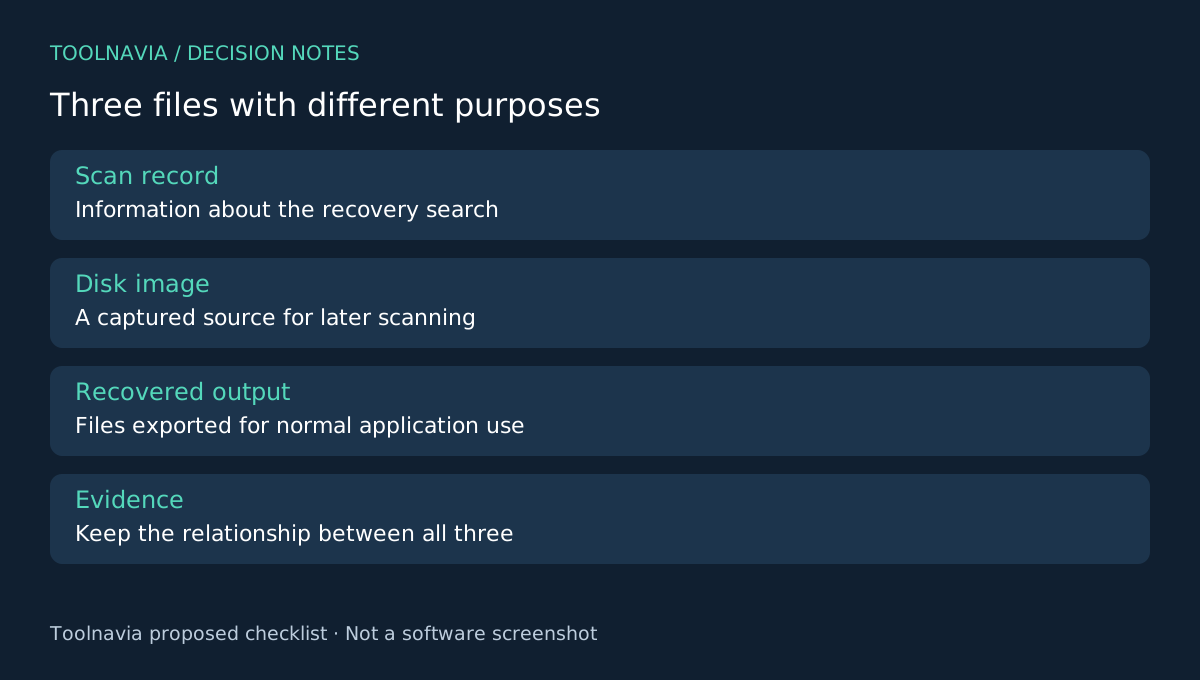
A scan record stores information about a recovery search; it does not replace the underlying file data. Wondershare's FAQ says later recovery still needs a readable source. Do not disconnect and repurpose the original drive simply because a result list was saved.
A disk image is a different artifact. Recoverit's Windows guide describes creating an image of a disk or partition, importing an existing image and scanning it. Keep the image, scan records and exported files clearly named so you do not mistake one for another.
Four parts of the image workflow
Image creation captures the selected source into a file. Existing-image import lets you work with an image already available. Import validation checks whether Recoverit accepts that file. Scanning and preview then let you select recoverable content from the accepted image.
The practical attraction is a defined source copy for later review. It is not a promise that every third-party image format works or that an image contains bytes already lost before capture. Validate your actual image before treating software compatibility as settled.
Plan capacity and device identity first
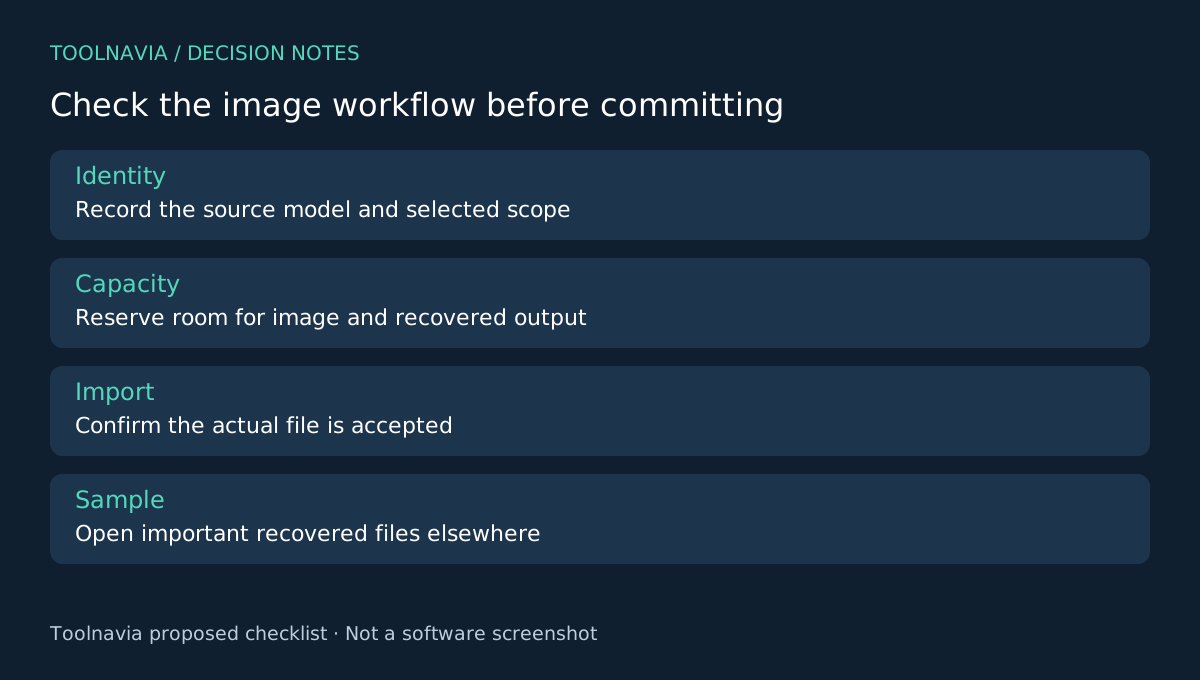
Record the source model, capacity and chosen scope: the whole disk or a particular partition. Decide where the image will be saved and where recovered files will go. The official support instructions explicitly say not to save the image on the affected disk.
Allow room for the image and the recovered output, not only the small documents you eventually want. Check that the destination remains healthy and that you can identify it unambiguously in a device list. A convenient drive letter is less reliable than a written record of model and capacity.
This article assumes a stable readable source. Creating an image still reads the device; it is not a harmless workaround for clicking, overheating or repeatedly disconnecting hardware. For physical instability or irreplaceable data, get qualified recovery advice before adding more read attempts.
Verify a small result from the image
After creation or import, confirm the image corresponds to the intended source. Use the documented image scan, then choose a few important candidate files for export to the separate destination. Open those results in their normal applications and inspect meaningful content.
Keep a record linking source, image filename, creation date, scan and exported sample. If another session produces different-looking results, this record helps establish whether you examined the same image and file versions.
Do not delete the original or the image after seeing a successful import message. Import acceptance establishes that the application can process the file, not that every important document is recoverable. This is a proposed verification workflow; Toolnavia has not measured imaging reliability or recovery performance.
Purchase for a workflow you can verify
R-Studio also documents disk images and edition-dependent imaging options. PhotoRec and EaseUS provide other recovery workflows to evaluate against your actual task. These references are not an interoperability or recovery-rate comparison.
Recoverit Premium lists disk-image recovery. Check the [Recoverit plan guide](/en/software/recoverit), exact platform and checkout terms after confirming the image route fits your case. Toolnavia may earn a commission through the official affiliate link. No complete image, universal format compatibility or successful recovery is guaranteed.