TOOLNAVIA / BUYING GUIDE
OneDrive File Missing? Buy Recoverit Only If a Local Copy Existed
The short answer
# OneDrive File Missing? Buy Recoverit Only If a Local Copy Existed
If the missing file still exists in OneDrive’s recycle bin, version history, another account, or a Microsoft 365 rollback window, use that native route first. Recoverit becomes a sensible purchase only when a complete copy previously reached readable local storage and the scan reveals useful content.
At a glance
- Best for
- A proven complete OneDrive copy on stable, readable local storage after Microsoft native recovery is exhausted.
- Price model
- Approved destination: $59.99 month, $69.99 year, $129.99 perpetual for two PCs; checkout controls.
- Check first
- Not evidence of recovery from Microsoft servers or permanently purged cloud-only files; official scope and free allowance remain inconsistent.
First locate the last complete copy
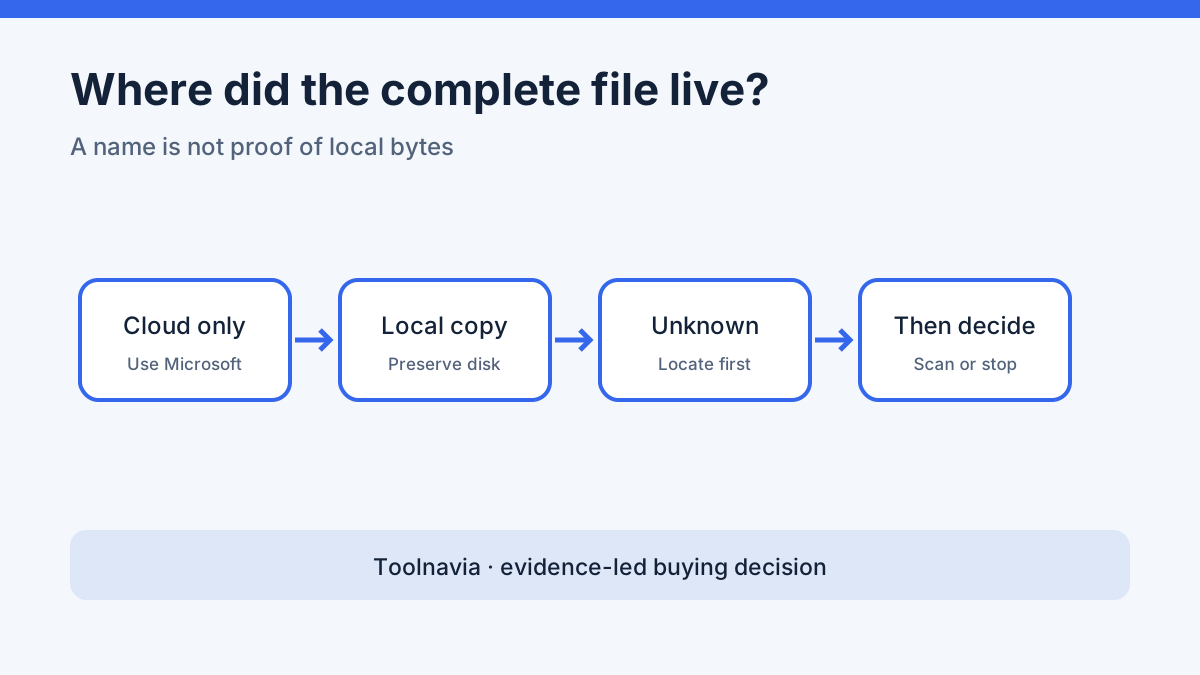
A filename visible in File Explorer is not proof that Windows stored the file’s bytes. OneDrive Files On-Demand uses a blue cloud icon for online-only content. Opening normally downloads it; “Always keep on this device” retains a local copy. A file that was never downloaded may leave no complete local content for a disk-recovery tool to reconstruct.
Before scanning anything, record the Microsoft account, original OneDrive path, approximate deletion or change time, device, and last application that opened the file. Then classify the best known copy:
| Last complete copy | Start here | Buy recovery software now? | |---|---|---| | Still online or in OneDrive recycle bin | Restore the item or a prior version | No | | Many files changed or disappeared recently | Review Microsoft 365 whole-library rollback | Usually no | | Fully synced or downloaded to a readable disk, then deleted | Preserve that disk and test a scan | Maybe | | Only a blue-cloud placeholder ever existed | Microsoft or administrator recovery | Not on current evidence |
> **Affiliate disclosure:** This guide contains an approved Recoverit affiliate link. Toolnavia may earn a commission at no extra cost to you. The route checks, limitations, and stop conditions remain editorially independent.
Use the narrowest Microsoft recovery route first
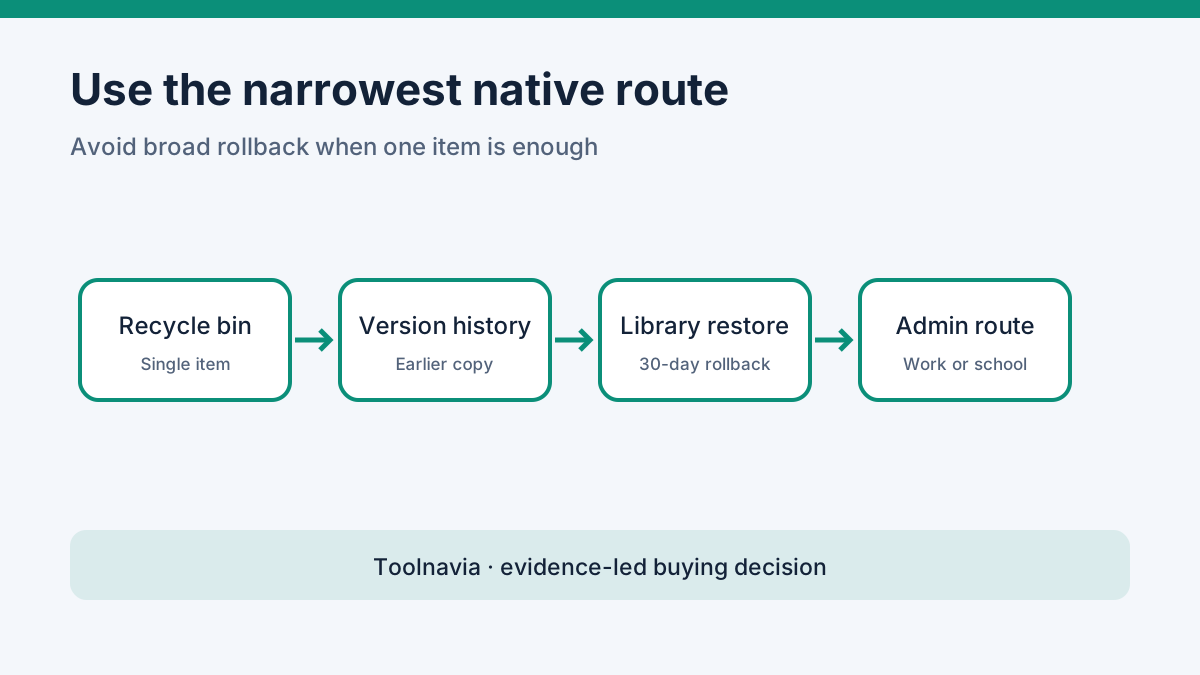
For a single deleted file, check OneDrive.com’s recycle bin and version history.
Microsoft documents a normal 30-day recycle-bin period for personal accounts and 93 days for work or school accounts unless an administrator changes policy. For Microsoft 365 subscribers, whole-library restore can roll back the previous 30 days but may undo legitimate newer changes.
For work or school content, both recycle-bin stages normally share one 93-day period from original deletion; moving an item does not restart it. An independent guide also puts native bins before local scanning.
Read Wondershare’s OneDrive scope cautiously
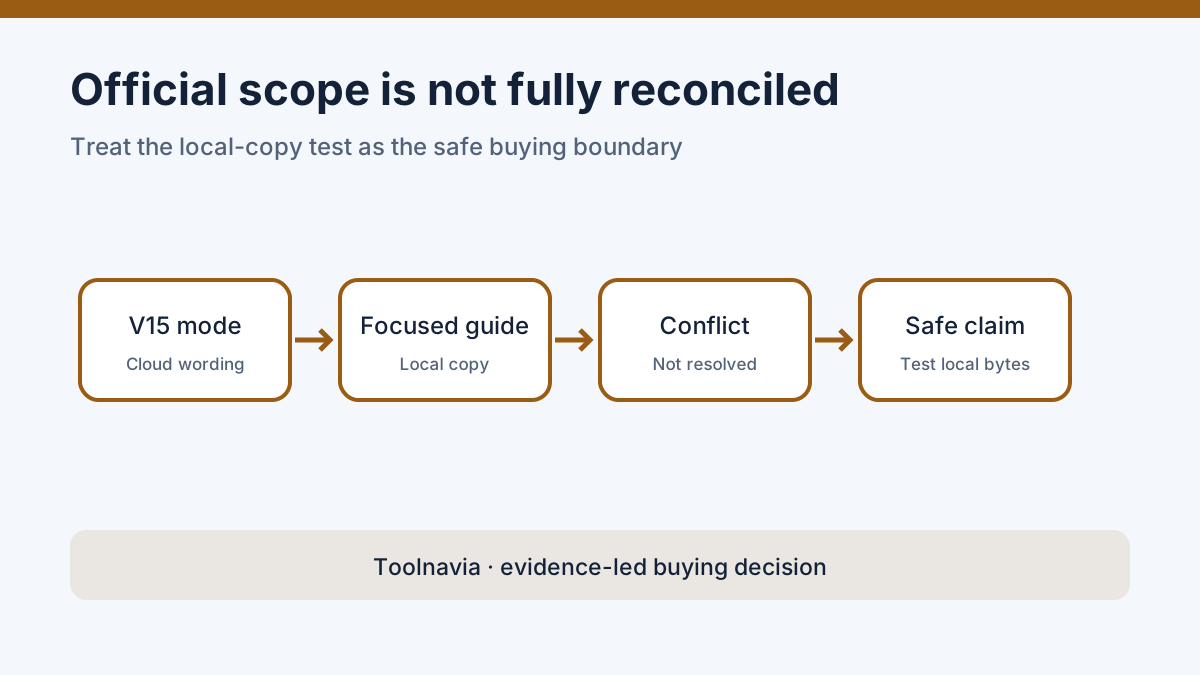
Wondershare’s current V15 guide describes an “One Drive Recovery” mode and says stable internet can access cloud-stored data not locally synced. It documents filters, previews, and a separate save location.
However, Wondershare’s focused guidance says local recovery requires a complete downloaded or synchronized copy and does not restore purged data from Microsoft’s servers.
Another dedicated guide separates Microsoft account recovery from scanning local storage. We could not reconcile those official descriptions, and we did not verify recovery of a never-downloaded file after permanent cloud deletion.
The safe buying rule is therefore narrower than the broad mode description: exhaust Microsoft’s account routes, confirm that useful local content once existed, and judge the installed build by an actual scan. Do not pay merely because the interface lists OneDrive.
What Premium costs—and when payment is justified
The exact approved destination was refreshed on November 4, 2026.
It displayed Premium for two PCs at **$59.99 monthly**, **$69.99 annually**, or **$129.99 perpetual**. Monthly and annual plans auto-renew; the perpetual plan is a one-time fee for the covered major version. Confirm tax, region, extras, renewal, refunds, and the final total at checkout.
Official pages disagree on the free export allowance: 100 MB versus up to 500 MB. Check the installed edition instead of assuming either quota.
Payment is reasonable only after a scan finds the right candidate, supported preview shows meaningful content, and paid export is needed.
A safer local-recovery sequence
1. Pause sync changes and preserve every surviving cloud, local, backup, and application copy.
2. Identify the physical disk that previously held the complete file; do not scan an unrelated device just because it uses the same account.
3. Avoid installing Recoverit or saving results onto the affected source.
4. Scan the authorized, stable source and narrow results by available name, type, path, date, or status.
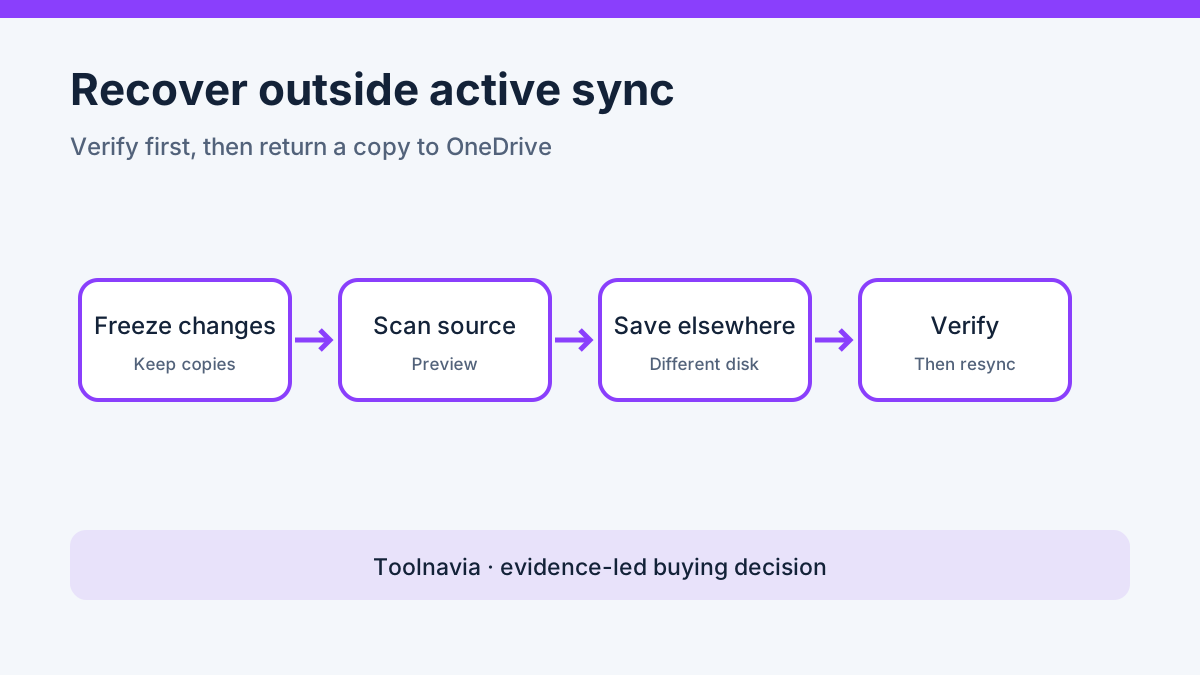
5. Preview representative content. Wondershare documents 10 seconds for supported videos or the first document page, so preview is evidence—not full validation.
6. Recover to a different healthy physical disk outside active OneDrive sync.
7. Open the recovered file in its normal application, check the required version and contents, and retain an independent backup before placing a copy back into OneDrive.
Stop DIY work if the disk clicks, disconnects, overheats, reports the wrong capacity, or contains irreplaceable or legally sensitive data. Encryption keys, overwrite, SSD TRIM, hardware failure, and cloud permissions remain hard boundaries.
Verdict
Use Microsoft’s native recovery first. Consider Recoverit Premium only when a proven local copy makes disk scanning relevant and the scan produces credible content worth exporting. Because Wondershare’s official OneDrive scope remains internally inconsistent, the local-copy test—not the product label—should control the purchase.
Wondershare’s public affiliate page remains open and describes cash commission through CJ; that programme evidence does not prove any purchase outcome.
[Check the current Recoverit plan and terms](https://www.dpbolvw.net/click-101895278-14465154)