TOOLNAVIA / BUYING GUIDE
Recoverit Premium Windows vs Mac: Check the OS Before You Pay
The short answer
At a glance
- Best for
- Buyers choosing the correct Recoverit Premium edition for a Windows or Mac recovery source.
- Price model
- Observed official pages: Windows $99.99/year for 1 PC; Mac $139.99/year for 1 Mac; verify live checkout.
- Check first
- One purchase is not assumed to cover both OS builds; no recovery result, price or compatibility is guaranteed.
Verdict
Recoverit Premium has Windows and Mac editions, but “available on both” does not mean the stores, license entitlement, file systems, recovery sources or preview documentation are identical. Choose the edition for the operating system and file system that held the lost data, then verify the exact platform, device count, renewal and total in the live checkout before paying.
The current official comparison pages showed Windows Premium at **$99.99 per year for one PC** and Mac Premium at **$139.99 per year for one Mac**. These are dated observations, not a universal quote. Promotions and dedicated Premium pages can show different device structures, so do not buy the Windows card expecting a Mac activation—or copy the Windows price into a Mac budget.
Price and license are the first gate
The Windows and Mac pages are separate stores with separate feature matrices. That alone does not prove that a license is permanently platform-locked, but it is strong evidence that cross-platform entitlement must be confirmed rather than assumed.
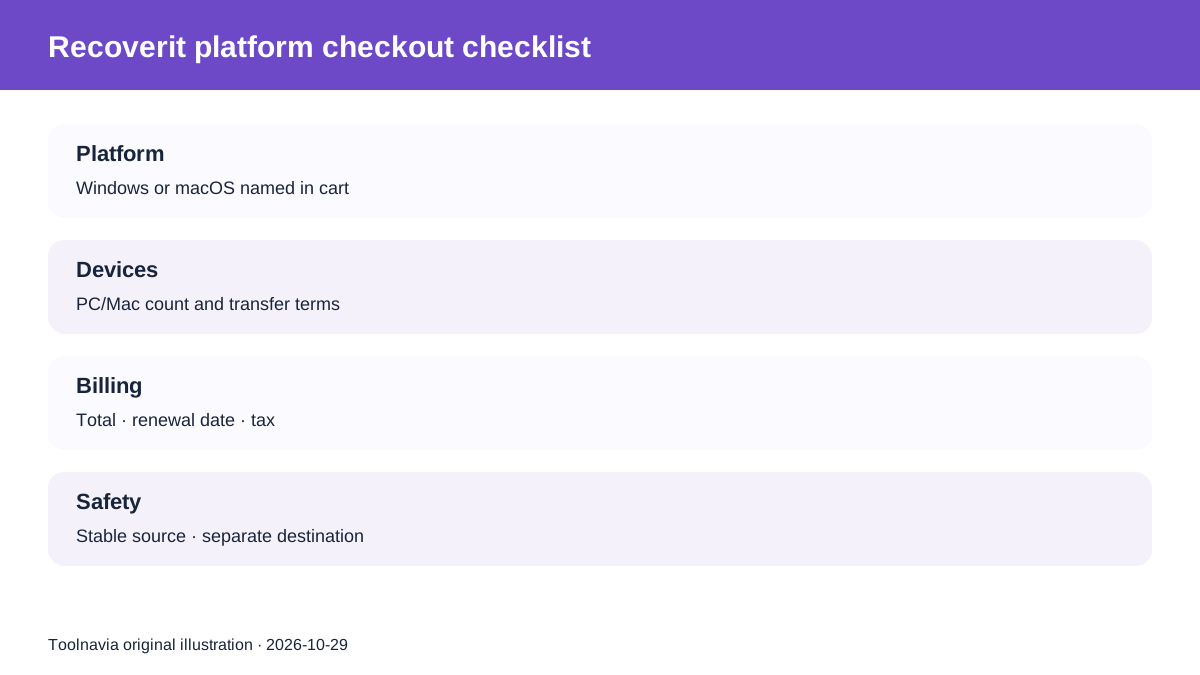
Before checkout, save five facts:
1. the operating system named in the cart; 2. the number of PCs or Macs covered; 3. whether the term renews automatically; 4. the renewal price and date; 5. whether moving a license between Windows and Mac requires support, cancellation or a new order.
If the cart or license terms do not answer the cross-platform question, obtain a written answer from Wondershare. A device-limit article or an independent reviewer cannot override the exact order terms.
Core recovery is similar; the entry points are not
Both editions scan local storage and expose familiar recovery modes, but the official guides lead users through different operating-system sources.
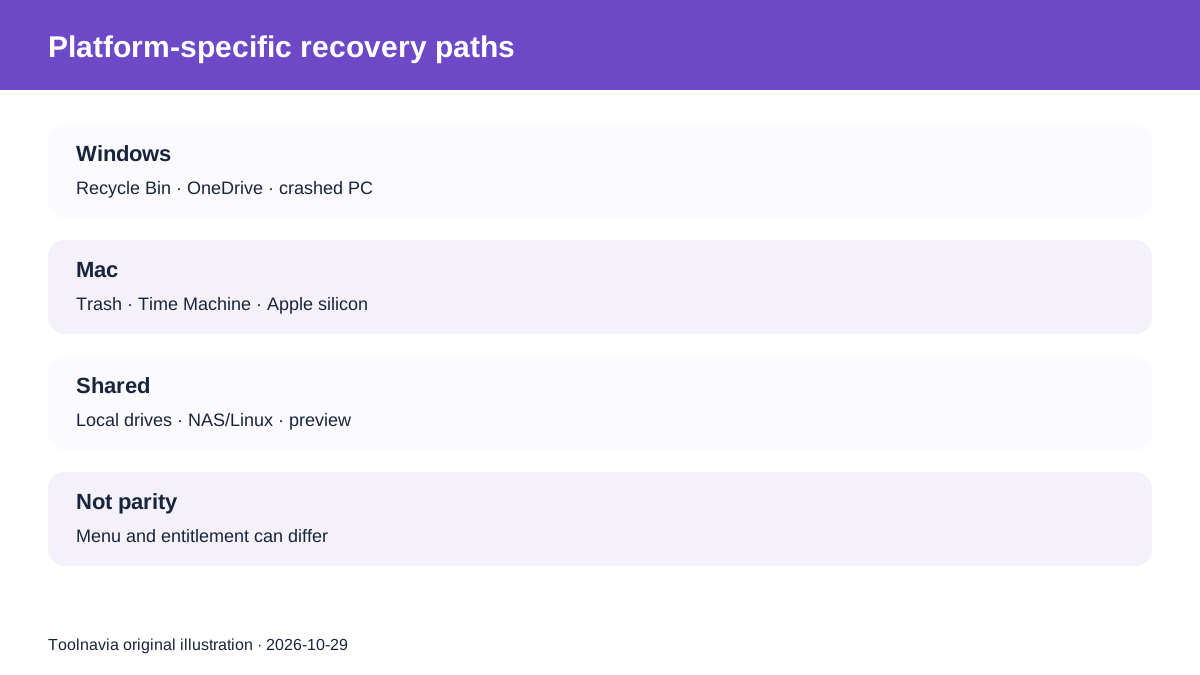
The Windows guide documents Recycle Bin, OneDrive, partition recovery, BitLocker, crashed-computer recovery and Windows-oriented storage paths. The Mac guide documents Trash, Time Machine, iCloud, Apple-silicon/T2 handling and Mac disk-image workflows. Both also cover NAS/Linux sources and exclusions.
That is not a cosmetic menu difference. A BitLocker volume needs its authorized key and Windows-specific handling. A modern Mac may require Full Disk Access, APFS awareness and Apple-silicon/T2 instructions. Time Machine and iCloud are not interchangeable with Recycle Bin and OneDrive.
Choose the product page that matches the machine holding the lost data, not the computer that happens to be available for payment.
File systems are not identical
Wondershare's support table lists Windows coverage including FAT, exFAT, NTFS/NTFS5, ext2/ext3, HFS+ and ReFS. The Mac column adds APFS and HFS X while also listing exFAT, NTFS, FAT, ext2/ext3 and ReFS.
A file system appearing in a table means the software is designed to recognize it; it does not guarantee recovery from every corruption, encryption state, TRIM event, overwritten block or failing device.
Use this decision rule:
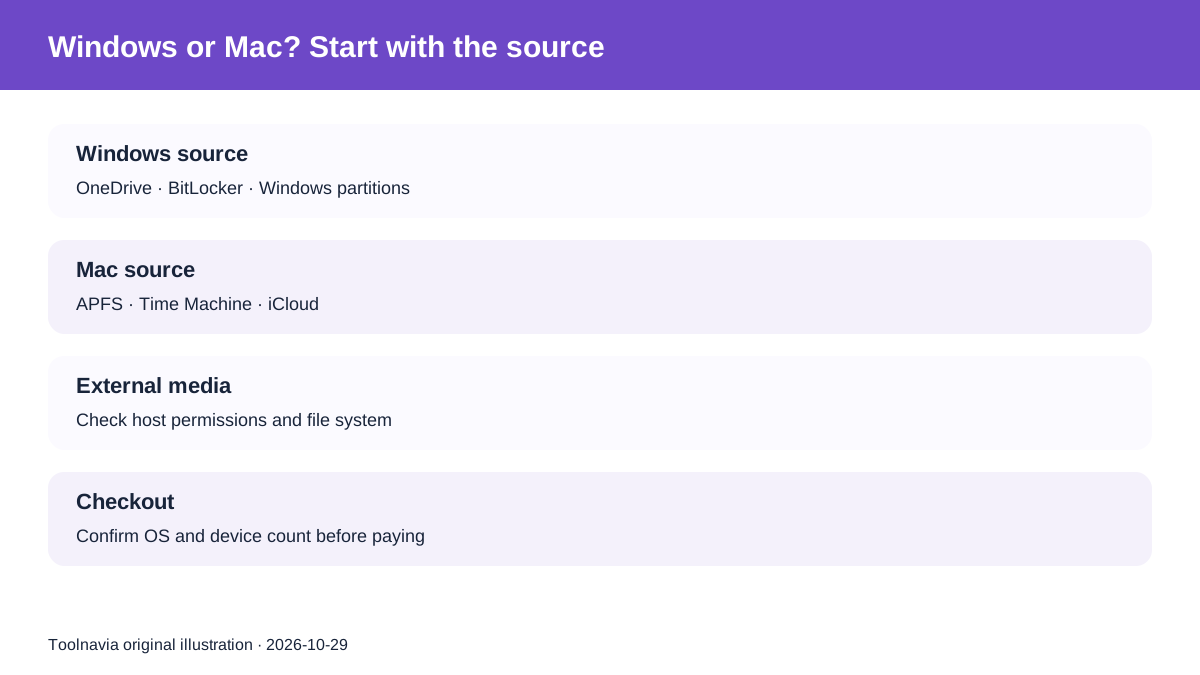
- **APFS or Time Machine source:** start with the Mac edition and current Mac guide. - **BitLocker or Windows crashed-PC path:** start with the Windows edition and keep the authorized recovery key. - **External exFAT media:** either OS may recognize the file system, but the host permissions and recovery workflow still differ. - **Physically unstable or undetected drive:** stop ordinary software scans and seek qualified diagnosis.
No edition can recreate overwritten bytes, replace an encryption key or repair physical media by purchasing a higher tier.
Preview limits and compatibility documentation conflict
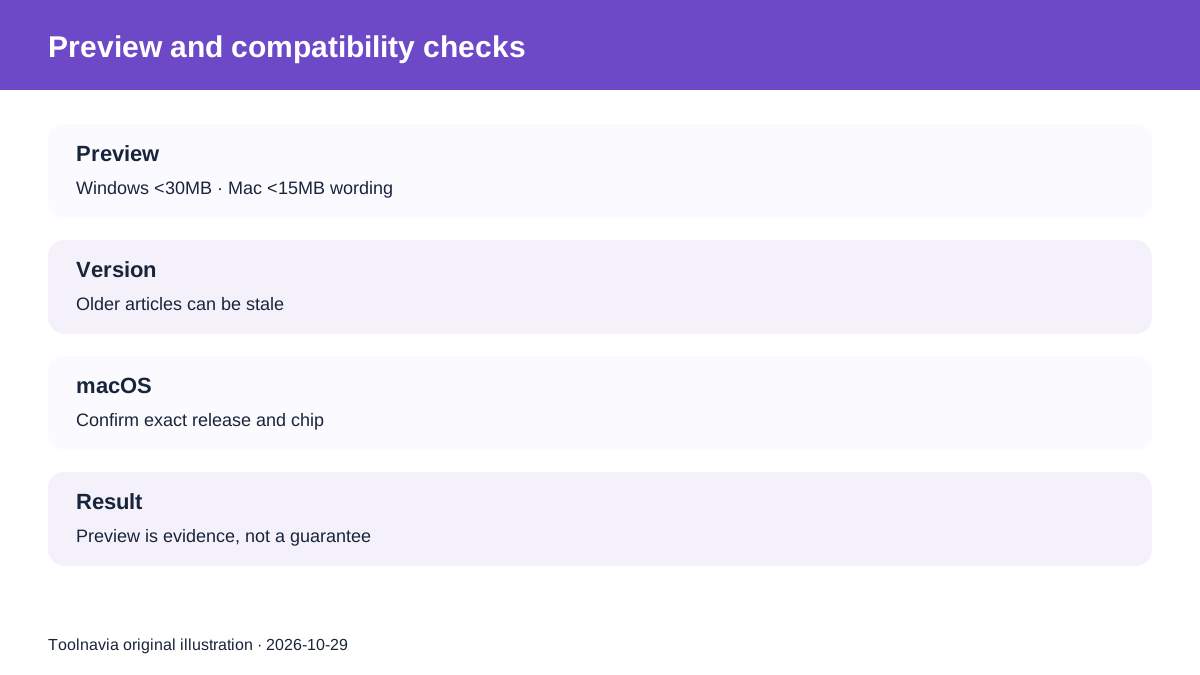
The current technical page describes undamaged non-media preview under **30MB on Windows** and under **15MB on Mac**. An older official preview article repeats those figures but references Recoverit 8.5 and older operating systems. Another historical Recoverit 8.0 article described Mac preview differently. Treat preview behavior as version-dependent, not a permanent platform promise.
The technical page also lagged newer Mac product pages by listing compatibility only through macOS Sonoma, while current Mac pages advertise newer macOS and Apple-silicon support. That documentation gap is unresolved. Before paying, confirm that the current installer explicitly supports your exact macOS version and chip.
Independent reviews are useful for identifying test questions, not for turning one setup into a guarantee. CleverFiles observed extra Mac Full Disk Access and platform-specific behavior. TinyQuip documented separate OS-license and store differences. Macworld reported bootable-media trouble on one M2 Mac. TechRadar confirmed broad cross-platform availability without proving exact parity.
Run the same safety test on either platform
The safest workflow is platform-neutral:
1. stop writing to the affected source; 2. check Recycle Bin/Trash, OneDrive/iCloud, File History/Time Machine and other backups first; 3. scan only a stable, correctly detected device; 4. preview the exact files that justify the purchase; 5. inspect full documents, photo resolution and video playback—not just filenames or thumbnails; 6. save recovered data to another physical device; 7. stop if the drive disconnects, overheats, reports the wrong capacity or makes abnormal noises.
A large scan count is not proof of intact content. A relevant preview is stronger evidence, but still not a recovery guarantee. The ITechGuides workflow similarly emphasizes platform/version verification and stopping when physical damage is suspected.
Windows or Mac: who should buy which?
Buy the **Windows edition** when the affected source is a Windows PC or Windows-specific path such as OneDrive, BitLocker, a Windows partition or a crashed-PC workflow, and the Windows checkout confirms the devices and price you need.
Buy the **Mac edition** when the affected source is APFS/HFS+, Time Machine, iCloud or an Apple-silicon/T2 Mac, and the current installer and Mac checkout confirm your exact macOS version, chip and device count.
Do not purchase either edition when the decision depends on a guaranteed result, a missing encryption key, mobile-device recovery, overwritten data or a physically failing drive. Do not assume a Windows purchase can simply be activated on Mac.
Toolnavia may earn a commission if you buy through the approved Recoverit Premium affiliate link. The direct link maps to the registered Premium offer; it does not guarantee cross-platform entitlement, a recovery result or the prices observed above.