TOOLNAVIA / BUYING GUIDE
Recoverit License Device Limits: Can You Move It to a New PC?
The short answer
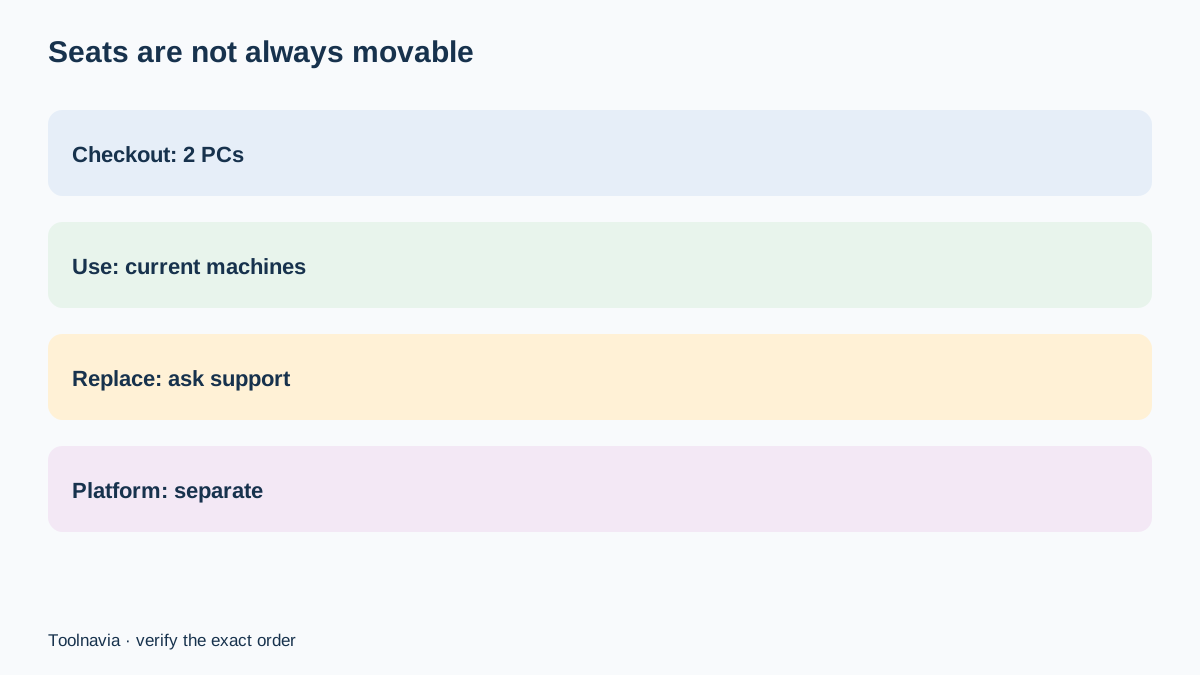
Recoverit Premium is currently sold as covering two Windows PCs on the relevant purchase page, but “two PCs” does not automatically mean two reusable seats that you can freely move forever. Wondershare’s store says the listed PC count is the number of computers that can be activated and permanently bound, while a general support article says a same-platform move can be handled by downloading the software and signing in on the new computer. Those official statements do not fully agree.
That conflict matters most if one of your two machines is about to be replaced. A buyer should treat the checkout device count as an activation ceiling, not assume a self-service transfer right, and get written support confirmation before paying when future hardware changes are part of the plan.
At a glance
- Best for
- Buyers covering two current PCs who need a documented replacement policy.
- Price model
- Verify live checkout; device count, platform and transfer treatment vary
- Check first
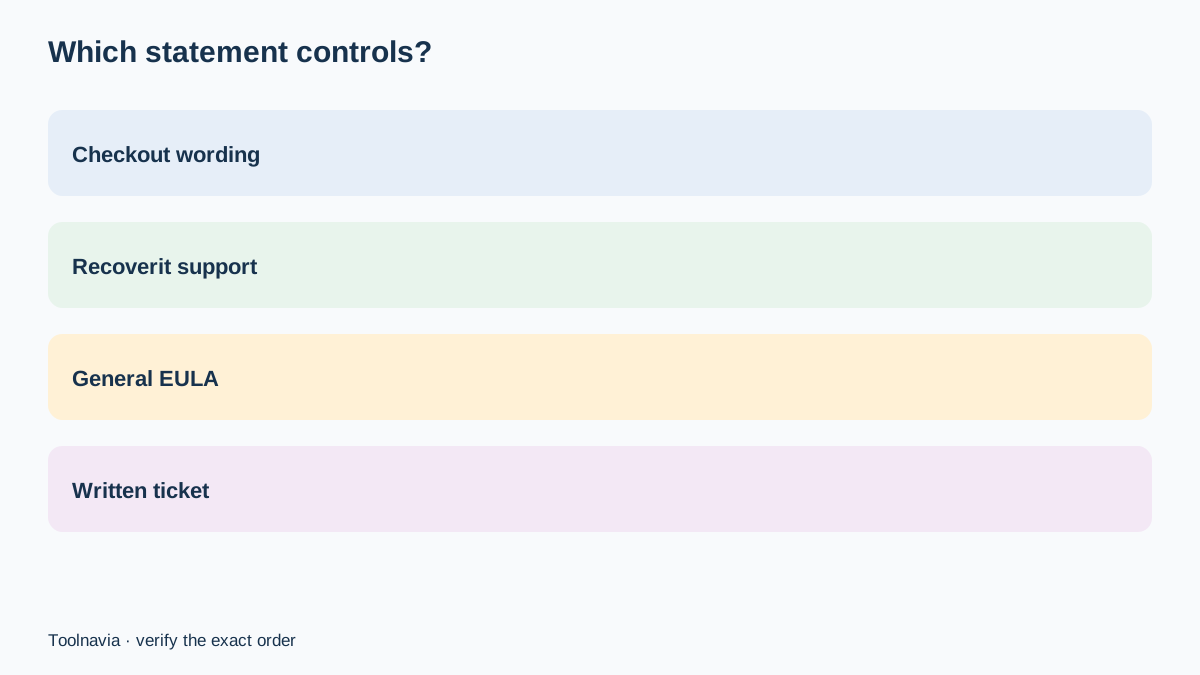
- Official pages conflict on transfer treatment; checkout and written support for the exact order control.
What the checkout count actually promises
The current Recoverit store explains that a label such as “2 Windows PCs” means the license can be used on two Windows computers. It also says activated devices cannot be changed. The Recoverit license-policy page is less tidy: it describes a single-user personal license as restricted to one computer, yet elsewhere distinguishes 1–5-device and multi-device arrangements and says the exact limit depends on the license purchased.
The practical rule is simple: save the exact checkout line that names both the edition and PC count. Do not generalize from a generic Wondershare policy, an old review or another platform’s offer. Macworld, TechRadar, HokAI and SoftVouch all observed two-machine Recoverit bundles, but their prices, platforms and test dates differ.
Replacement is not the same as simultaneous use
There are three separate questions. How many computers may be activated? How many copies may be used at once? Can an old activation be released and reassigned after a motherboard failure or computer replacement?
Recoverit’s device-limit support page says a license can be activated on one or two computers and directs users needing more devices to a Business License. It does not describe a self-service device-release button. The broader Wondershare EULA grants a personal, nontransferable license for one device unless a commercial or business license was purchased.
An older related iSkysoft Recoverit purchase page says a same-platform move can be made by signing out and uninstalling on the old computer, then downloading and signing in on the new one. That is useful context, but it is not strong enough to override the current Recoverit checkout statement that activated PCs cannot be changed.
Official guidance conflicts on moving
The general Wondershare support article is permissive: for Windows-to-Windows or Mac-to-Mac replacement, it says to install on the new computer and log in, with no need to uninstall from the previous device. The same page says a move between Windows and Mac requires a cross-platform license or another purchase.
The current Recoverit store is stricter because it says activated devices are permanently bound and cannot be changed. Recoverit’s own “Device Limit Exceeded” page adds a third formulation—one or two computers depending on the license—and tells affected personal users to contact support.
This article cannot safely reconcile those statements. Your order page and written support response should control the buying decision. Until those agree, assume a replacement computer could consume another activation and that platform switching is not included.
Build a replacement-PC stress test
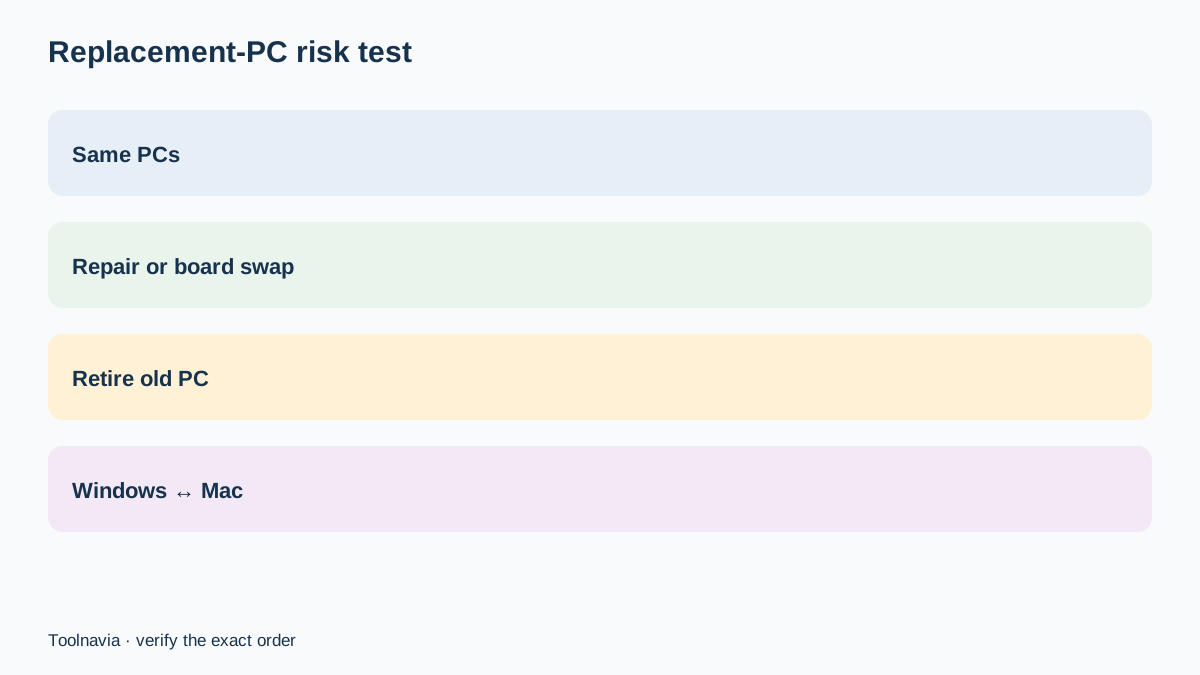
Before checkout, write down the two machines you intend to cover. If they are a desktop and laptop that will remain in service, a two-PC plan has clear value. If one machine will be retired within months, ask support whether the license can be reset after replacement and quote the exact plan name, operating system and order-page wording.
Use three scenarios:
- Both named computers stay unchanged for the license term: low portability risk. - One computer may be replaced, repaired or receive a motherboard change: obtain written reset terms. - You may switch between Windows and macOS: treat this as a separate-platform purchase unless the checkout explicitly says cross-platform.
Save the response with the receipt. A marketing card that says “2 PCs” proves the initial capacity; it does not by itself prove how future hardware replacement is handled.
When a two-PC plan is worth it
A two-PC plan is attractive when both seats will be used now. Independent reviews from TechRadar, Macworld, HokAI and SoftVouch all treat the second computer as part of Recoverit’s value proposition. That can halve the effective per-machine cost compared with buying two separate single-machine recovery tools, but only if both activations remain useful.
The value drops when the second “seat” is held only as insurance for a future replacement and cannot be reassigned. In that situation, compare the live one-PC and two-PC checkout totals, then divide the price difference by the probability that you will need recovery on the second current machine—not a hypothetical future one.
A business that routinely recovers data on customer or employee computers should not stretch a personal license. Recoverit directs broader device needs to its Business License, and the EULA separates personal from commercial or business rights.
What to do before changing hardware
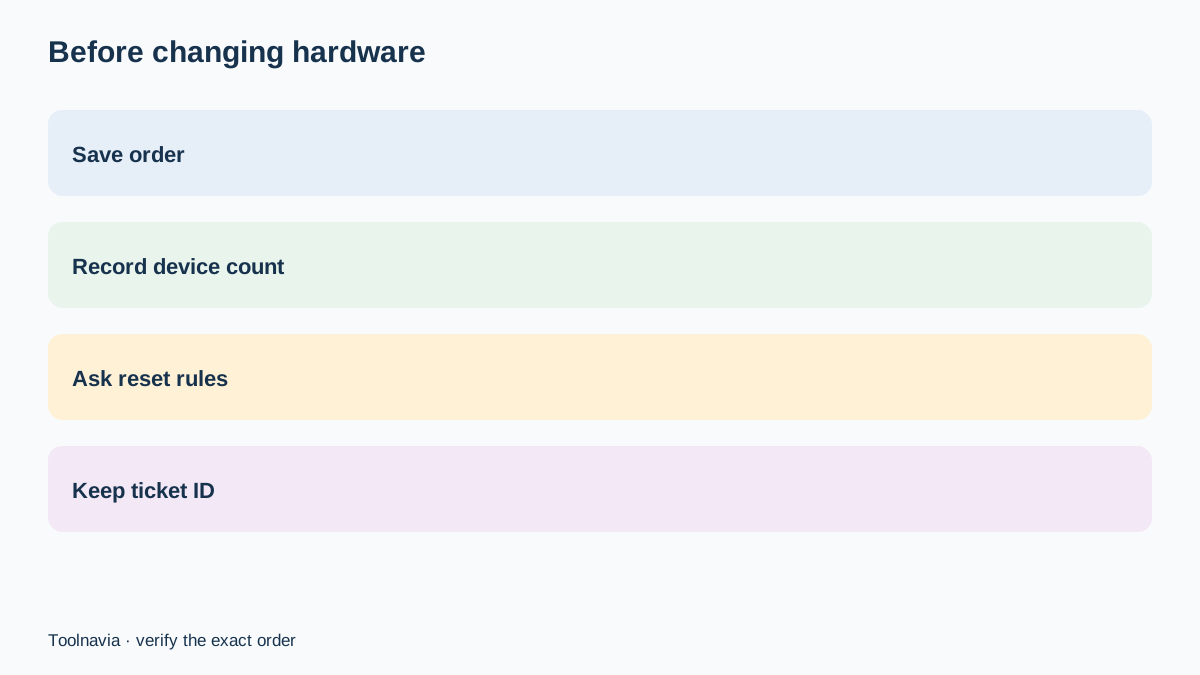
First, sign in to the Wondershare account and record the registered email, order number, plan name, platform and displayed device allowance. Keep the installer or download link, but never assume repeated downloads reset activations. The Recoverit registration page explains how to retrieve a registration code and how to sign out an old license account before using another license.
Next, contact Recoverit support before retiring the old computer. Ask whether the exact order can be deactivated, reset or moved, and whether uninstalling first is required. If support approves a move, preserve the ticket number. If the old computer has already failed and the device limit appears, use the official support route rather than repeatedly activating, because the policy page warns that repeated registrations can trigger limits.
Finally, do not pay for another copy until support identifies whether the problem is an account limit, wrong platform, different plan or genuinely exhausted device allowance.
Verdict
Recoverit Premium’s two-PC label can be valuable for two computers you own today, but the official documentation does not establish a universal, frictionless transfer right. The safest buying assumption is that the printed device count is an activation ceiling and that Windows and macOS remain separate unless the live checkout explicitly says otherwise.
Buy only after saving the device-count wording and, if replacement matters, obtaining a written answer for your exact order. Toolnavia may earn a commission from a qualifying Recoverit purchase through the approved link. The tracking link does not change the checkout price, device policy or support decision.