TOOLNAVIA / BUYING GUIDE
Recoverit for NAS: Check These Three Gates Before You Buy
The short answer
At a glance
- Best for
- A stable, reachable personal NAS with confirmed model support, authorized administrator access and independent recovery storage.
- Price model
- Premium USD: $59.99/month; $69.99/year; $129.99 perpetual; verify checkout
- Check first
- Offline arrays, unstable disks, unknown compatibility or purchases intended to bypass administrator permissions.
The license is the last gate, not the first
A shared folder disappears from your home NAS, but the box still powers on. Recoverit Premium may offer a convenient remote recovery route without pulling the disks. The valuable question is whether it can reach your particular storage configuration—not whether its feature list contains “NAS.” This guide covers purchase eligibility, not a tested recovery success rate.
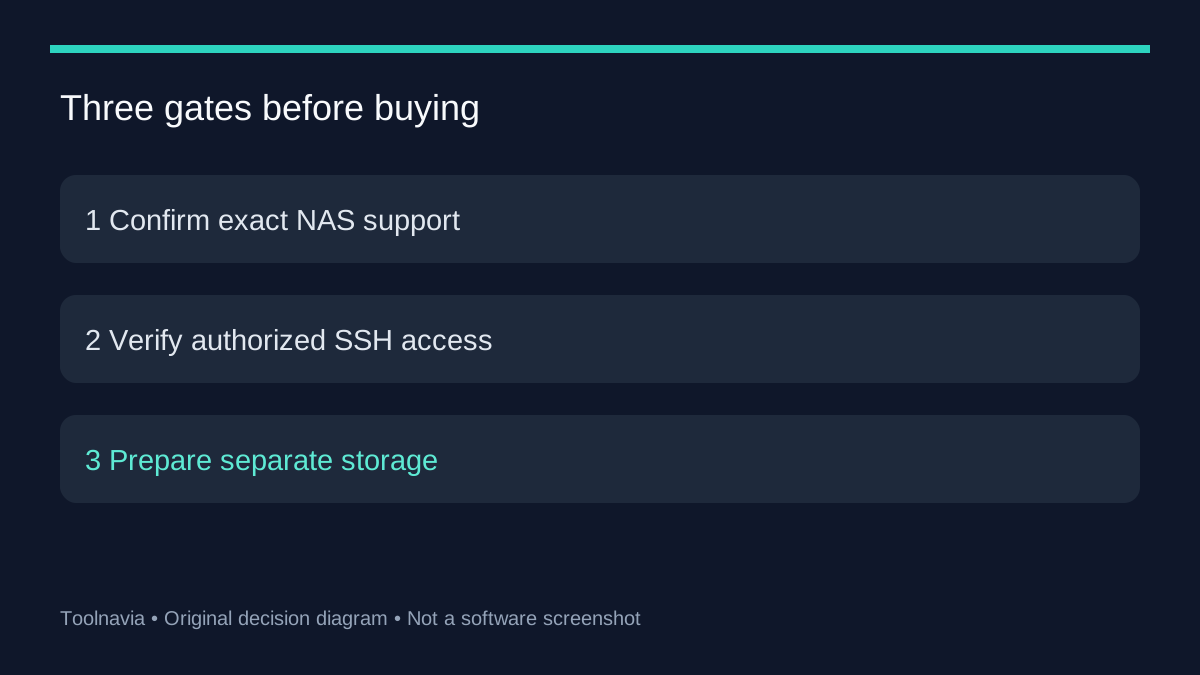
Start with three gates: confirmed model support, authorized access, and somewhere independent to save the result. A license does not supply missing credentials or repair an unreachable array. If a snapshot, recycle bin or backup already contains the folder, that may remove the reason to buy recovery software.
Gate 1: confirm the exact NAS, not just its logo
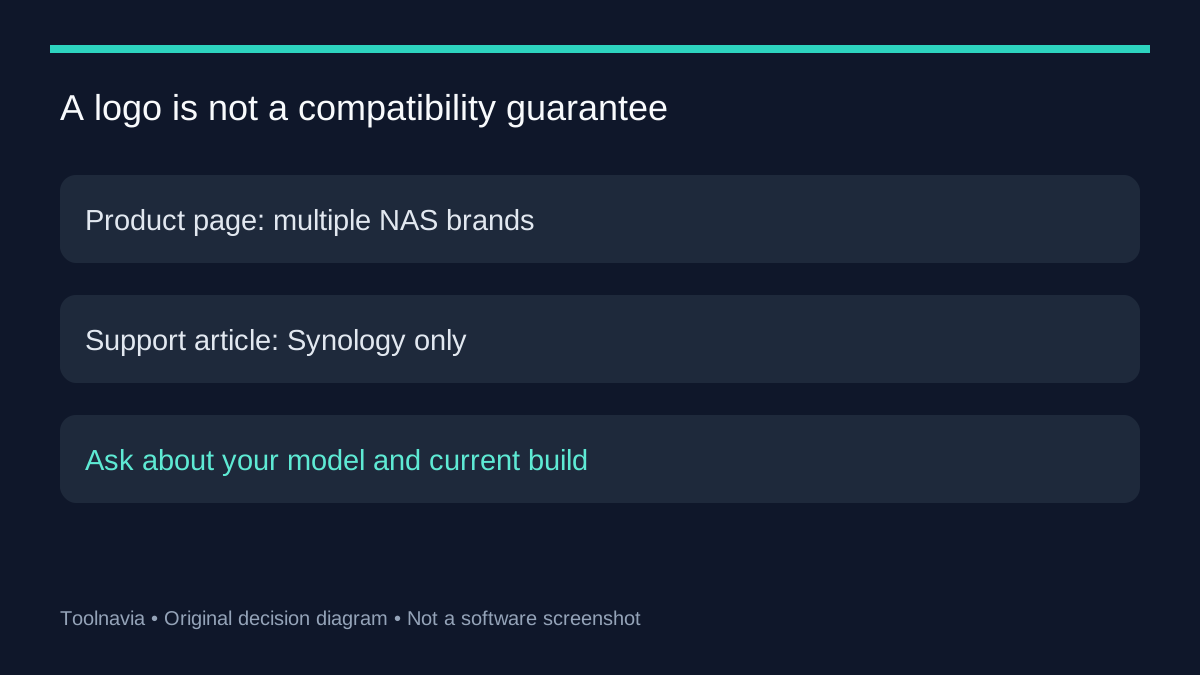
There is a material official-source conflict. Recoverit's NAS product page advertises multiple brands, including Synology and QNAP. A Wondershare support article still says only Synology is supported. We could not establish which statement governs every current build. Treat QNAP and other non-Synology configurations as unconfirmed until support verifies your setup; do not turn a broad logo list into a compatibility guarantee.
Prepare a short support request containing the NAS model, operating-system version, filesystem, RAID layout, Recoverit version and whether the affected volume is readable. Do not include passwords. Even for Synology, “supported brand” is weaker than confirmation of the exact configuration and loss scenario. That distinction is the first money-saving check.
Gate 2: prove access before blaming the license
The documented Windows route discovers or selects the NAS, establishes a connection, scans, previews and then saves recovered files elsewhere. Wondershare's troubleshooting page identifies disabled SSH, incorrect IP addresses and inadequate administrator/root permissions as connection-failure causes. These are access issues to resolve with the NAS owner or administrator before checkout.
A normal shared-folder login is not proof that the recovery connection has the necessary privileges. Use only authorized access and the vendor's instructions for your model. Do not expose SSH to the public internet or weaken unrelated account protections just to make a recovery tool connect. If the NAS is yours but you cannot establish the documented connection, buying a longer subscription is not the next diagnostic step.
Gate 3: separate recovery from rebuilding
Plan the destination before starting: a different healthy storage location with capacity for the important recovered files. Record the affected volume and prioritize the irreplaceable folder instead of treating a large discovered-file count as the goal. Follow the guide's separate-path saving instruction; avoid writing recovered output back into the loss location.
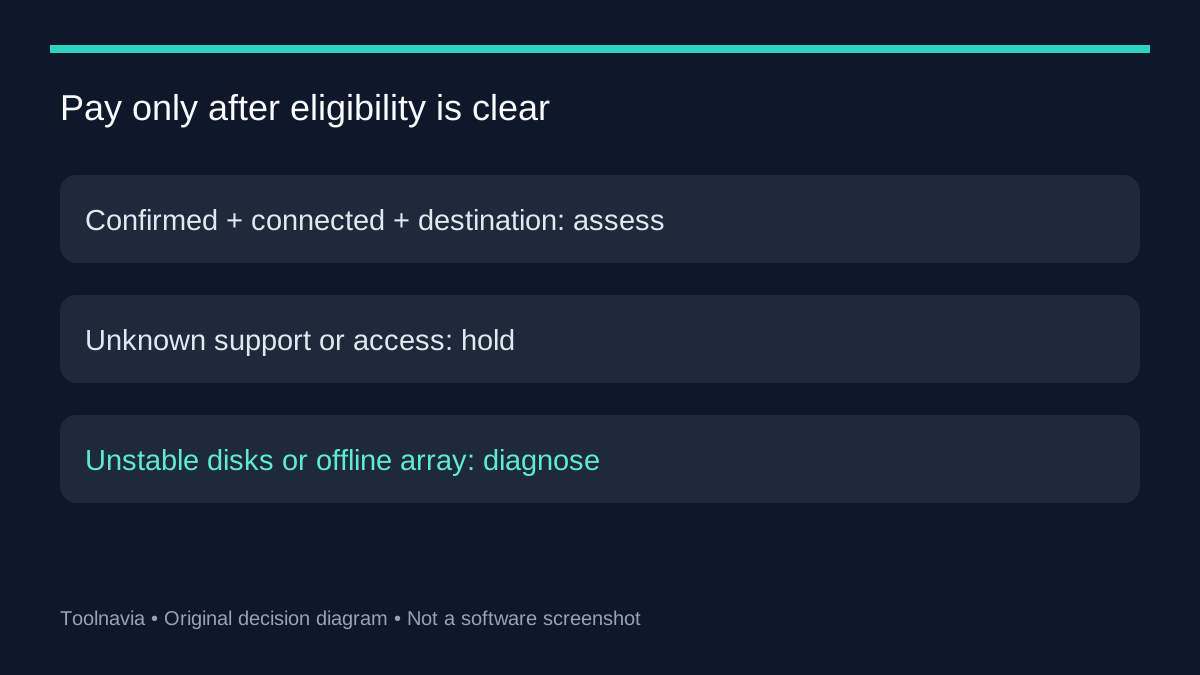
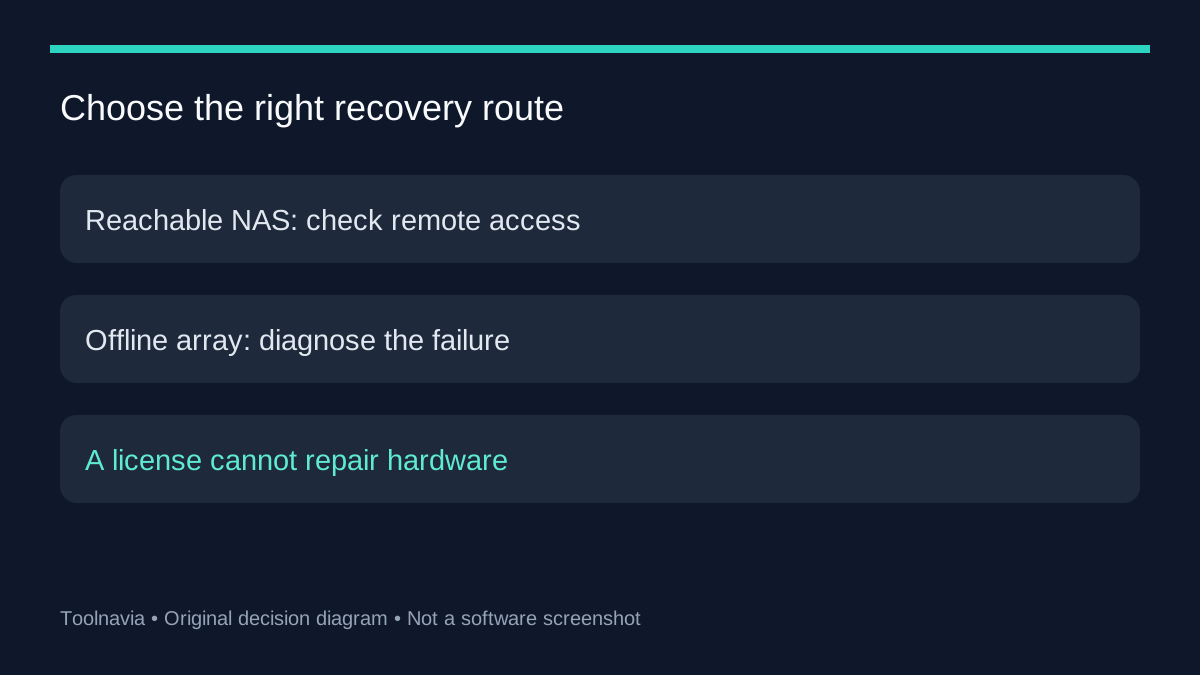
A reachable NAS with deleted files is a different problem from an offline array or disks reporting repeated errors. Wondershare's SSH guidance advises preserving accessible data before structural changes and avoiding premature reinitialization or repair. This is not a RAID-rebuild tutorial. For unstable hardware or an inaccessible array, stop this remote-software buying path and obtain a suitable diagnosis.
What competing NAS pages help you distinguish
Stellar documents both an online NAS route and a different route involving member drives when the NAS is inaccessible. EaseUS also describes remote NAS access using network connection details and credentials. Their documentation helps identify the route your situation requires; it does not establish that one product will recover more of your files.
ReclaiMe's edition matrix further separates NAS and filesystem support, with ZFS handled differently across editions. Ask about the filesystem and recovery route when comparing tools, not just the word NAS. We have not benchmarked these alternatives, priced equivalent bundles or attached affiliate purchase buttons to them.
When Premium becomes a sensible purchase
On 2026-10-27, the official USD Premium page showed a two-PC personal license at $59.99 monthly, $69.99 yearly or $129.99 perpetual. Monthly and yearly options renew automatically. The annual starting price is $10 above the monthly starting price, but that does not make an annual subscription necessary for a one-off recovery. Confirm the chosen platform, taxes, renewal terms and exact NAS coverage at checkout.
Consider Premium when your configuration is confirmed, the NAS is stable and reachable, the documented connection works and you have an independent destination. Hold the purchase if compatibility or access remains uncertain. Use the [approved Recoverit affiliate link](https://www.dpbolvw.net/click-101895278-14465154) to review current options after those checks. Toolnavia may earn a commission from qualifying purchases. This personal offer is not evidence of licensing rights for client recovery services.
For file-integrity checks after access is established, see our [preview-before-paying guide](/en/software/recoverit-preview-before-paying). This NAS guide answers the earlier question: can your setup enter the recovery workflow at all?