TOOLNAVIA / BUYING GUIDE
Recoverit After Emptying Recycle Bin: Stop Writing Before You Pay
The short answer
At a glance
- Best for
- A stable readable HDD or storage device with logical deletion, minimal post-loss writes, intact previews and a separate physical destination.
- Price model
- No fixed price copied; live platform, term, devices, promotion, tax, renewal and refund conditions control.
- Check first
- Physically failing media, missing encryption keys, overwritten or TRIM-discarded data, corrupt previews, or a live order for the wrong operating-system platform.
Verdict
If you emptied the Windows Recycle Bin, **stop writing to the original physical drive before you buy anything**. Recoverit Premium may be worth paying for only when the source remains readable, a free scan can locate the exact important files, those files preview intact, and you can restore them to a different physical destination. Emptying the bin removes the easy pointer; it does not create a guarantee that the underlying bytes still exist. New writes, SSD TRIM, secure erase, encryption loss or physical failure can end the opportunity.
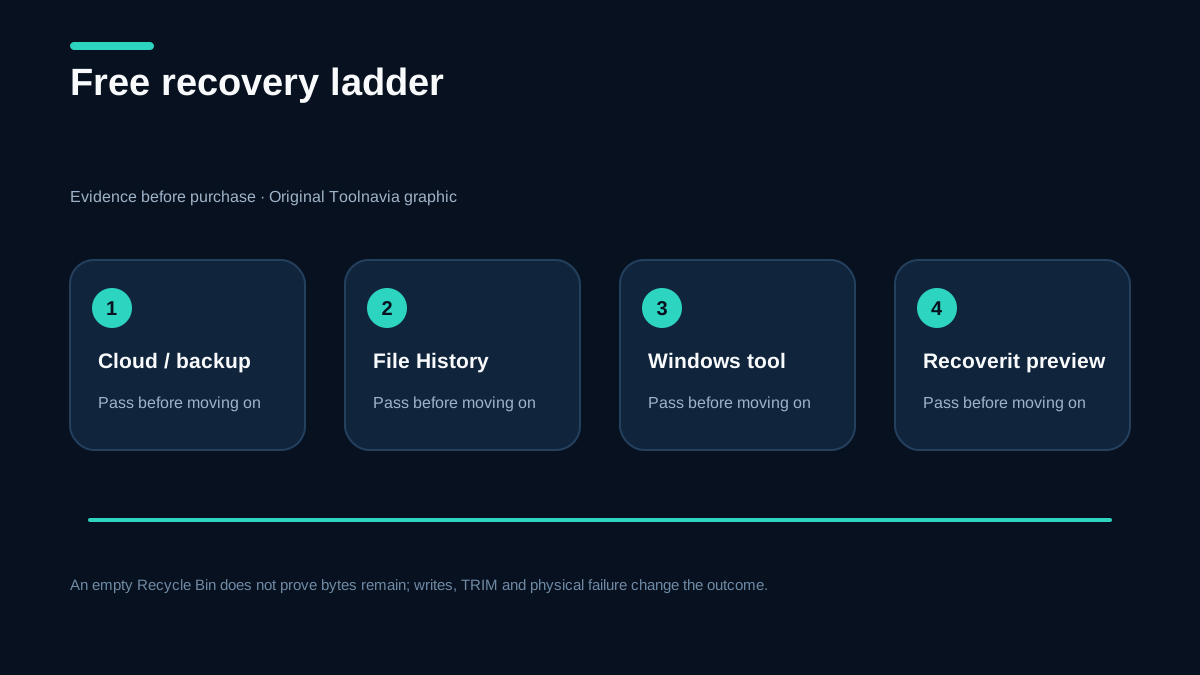
Start with the free routes: check another user profile, OneDrive or another cloud service, File History, Previous Versions, and other backups. Microsoft Windows File Recovery is also free, but it is command-line based and requires source and destination drives to be different. Pay for Recoverit only if its graphical scan and preview reduce uncertainty on your exact device.
**Affiliate disclosure:** Toolnavia may earn a commission if you buy through the approved Recoverit link. That does not change the price we show, and it does not change this rule: do not pay merely because a filename or thumbnail appears.
The deletion-to-overwrite clock
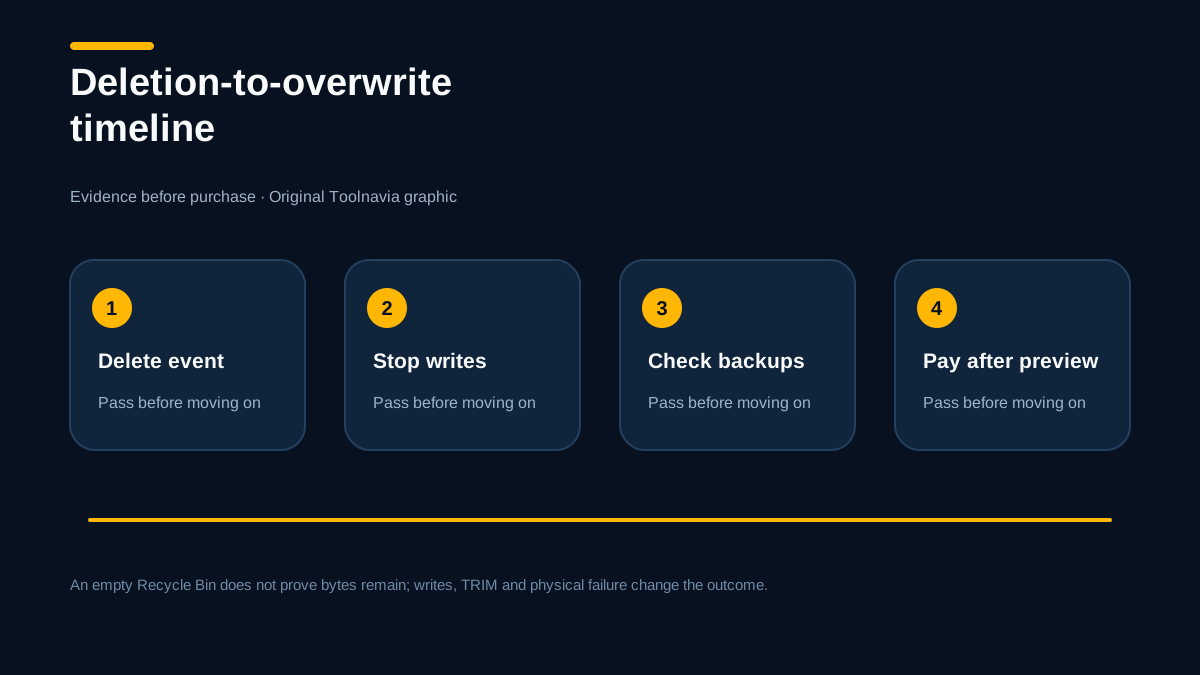
When a file is emptied from the Recycle Bin or removed with Shift+Delete, Windows can mark its storage space as reusable. On a hard disk, the old content may remain until another write reuses those sectors. On an SSD, TRIM and background garbage collection can make the window shorter and less predictable. The most important variable is therefore not “how many days ago?” but “how much writing and cleanup happened on the affected physical device?”
Immediately pause:
- downloads, Windows Update, browser caches and application installs; - disk cleanup, defragmentation, CHKDSK or repair commands; - copying recovered files back to the source; - repeated boots from the affected system disk when another boot method is available.
If the lost files were on C:, simply downloading recovery software to C: can overwrite what you want to recover. Use another computer or another physical drive for the installer when possible. A different partition on the same physical SSD is not the same safety boundary.

Free checks before Premium
First confirm that the file is genuinely absent. Search the Recycle Bin, the original folder, alternate Windows accounts, sync-service web trash, email attachments and application-specific “Recently Deleted” areas. Then check File History or Previous Versions. File History only helps if it was configured before the loss, but when a backup exists it is safer and cheaper than scanning unallocated space.
If no backup exists, Windows File Recovery can be a legitimate free test. Microsoft says to minimize use and requires a different destination drive. It is less friendly than Recoverit, but it can answer whether a paid graphical workflow is necessary.
Recoverit becomes a rational paid option when you value filters, preview and a guided scan, and the free scan produces evidence on the exact file. Its current official Recycle Bin workflow tells users to install away from the affected drive, select the original drive when the bin has been emptied, preview, and recover to another location. Those steps are operational requirements, not marketing extras.

The preview test that justifies payment
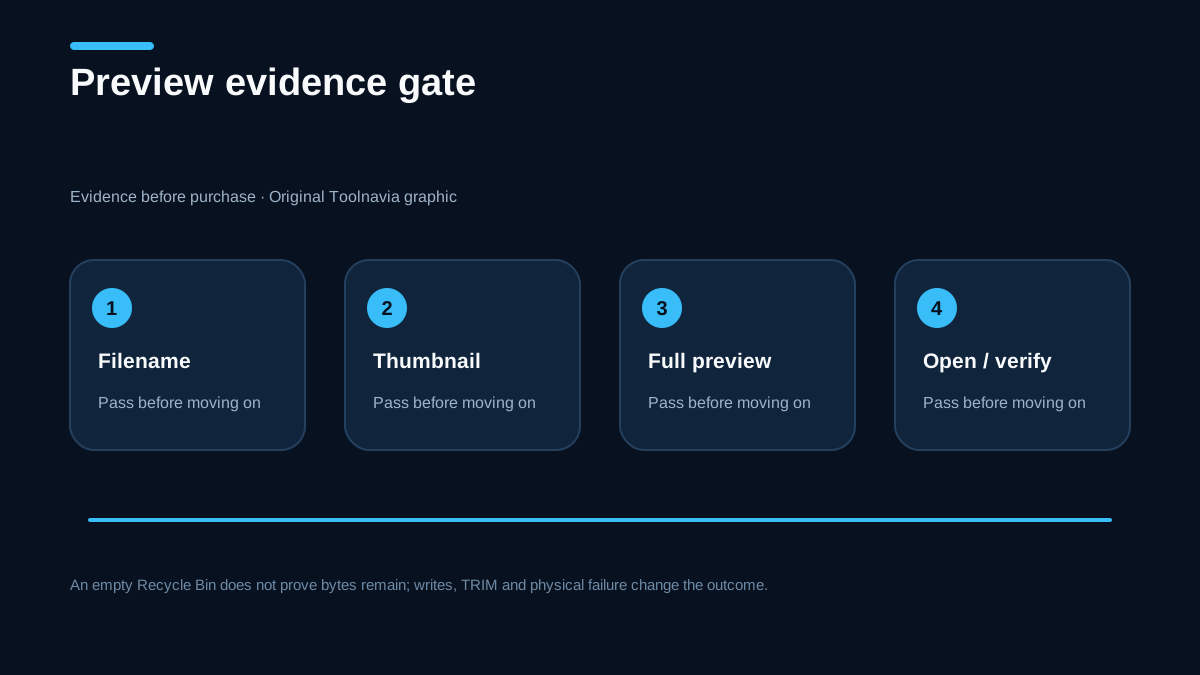
A result row is not proof. A recognizable filename can point to stale metadata. A thumbnail can be embedded while the original file is damaged. Before paying, preview the **complete file that actually matters**:
1. Open several files from different folders, not just one convenient sample. 2. For documents, inspect later pages, tables and embedded media. 3. For photos, zoom and inspect the full-resolution image rather than the thumbnail. 4. For video or audio, seek near the end and test more than the opening seconds. 5. Confirm size, timestamps and folder context when they matter to the decision. 6. Plan an output destination on another physical drive with enough free capacity.
If the exact critical file cannot be previewed, treat the purchase as a gamble. Paying unlocks export entitlement; it does not reconstruct overwritten sectors. Competitor guides from EaseUS and Stellar describe the same overwrite boundary, but neither can certify your device in advance.

HDD, SSD and physical-failure boundaries
An HDD with logical deletion and no new writes is the strongest DIY case. An SSD system drive is harder because TRIM can invalidate deleted blocks even when the computer appears idle. Do not disable TRIM or run “optimization” commands after the fact; those actions do not restore already discarded data and can add writes.
Stop DIY scanning if a drive clicks, disappears, reports the wrong capacity, disconnects repeatedly, smells burned, or causes the computer to freeze. Repeated full scans can worsen mechanical damage. If the data is irreplaceable, obtain a professional-lab assessment before another power cycle. Recoverit is software for readable media and logical loss; it is not a clean-room repair service.
Also stop if the data is protected by BitLocker or another encryption layer and the necessary key is unavailable. No consumer recovery license substitutes for a missing decryption key.
Checkout: verify the exact order
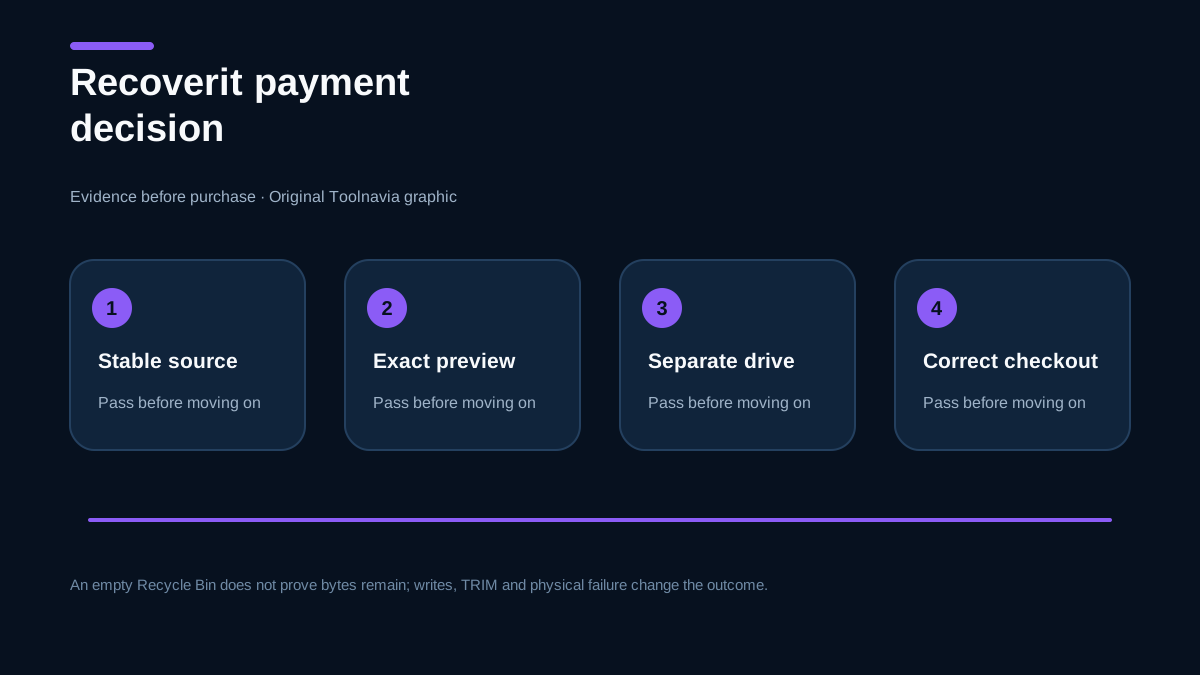
The approved catalog association is Recoverit Premium Personal in the official USD market. The registry's official checkout currently points to a Mac Premium page, while this article's Recycle Bin scenario is Windows. **Windows buyers must confirm the live order explicitly names the correct Windows product before payment.** Do not assume the tracking link, promotion or remembered screenshot selects the correct platform.
Record:
- operating-system platform and edition; - subscription term or perpetual entitlement; - number of covered computers; - renewal status and cancellation path; - total including tax and currency; - refund conditions and whether a failed recovery qualifies.
We do not copy a fixed price because promotion, region, tax and renewal can change. The live checkout controls. A cheap wrong-platform order has no value.
Decision table
**Buy Premium now:** the drive is stable and readable; writes have stopped; no backup restores the file; the exact valuable file previews intact; a different physical destination is ready; and the live order confirms platform, devices, term and renewal.
**Try free tools first:** File History, cloud trash or another backup may contain the file; Windows File Recovery is acceptable; or the Recoverit preview is still inconclusive.
**Do not buy for this case:** the exact file is overwritten, TRIM has removed usable blocks, the source is physically failing, the encryption key is missing, the preview is corrupt, or the order is for the wrong platform.

Recoverit Premium is not a promise that an emptied Recycle Bin can be reversed. Independent product reviews can describe the workflow, but they cannot certify the deleted blocks on your exact device. It is a paid export and workflow decision after evidence. Stop writes, exhaust backup routes, scan the original source without installing on it, demand a complete preview, recover elsewhere, and verify the exact live order. If any one of those gates fails, preserve the source and do not let sunk-cost pressure turn a weak scan into a purchase.