TOOLNAVIA / BUYING GUIDE
Recoverit for a Clicking Drive: Scan It—or Use a Recovery Lab?
The short answer
At a glance
- Best for
- Stable logical-recovery sources or safe images/clones with preview evidence.
- Price model
- Final cart controls platform, device count, price, tax and renewal.
- Check first
- Not for persistent hard clicking, grinding, disconnects, wrong capacity or irreplaceable data without a safe image.
Short verdict
Do not treat a clicking hard drive as an ordinary deleted-file problem. An occasional soft access click can be normal, but persistent hard clicking, clunking, grinding, repeated disconnects, wrong reported capacity or severe read errors can indicate physical failure. If the missing data is irreplaceable, power down and consult a reputable recovery lab before repeated scans.
Recoverit is a logical-recovery tool, not a head, motor, controller or platter repair. A controlled test is defensible only when the drive remains consistently detectable at the correct capacity—or, better, when a complete image or clone exists—and representative previews prove value before payment.
Affiliate disclosure: Toolnavia may earn a commission from the approved Recoverit link at no extra cost to you. Final checkout controls platform, price, tax, device count, SKU, auto-renewal and features. A purchase never guarantees recovery.
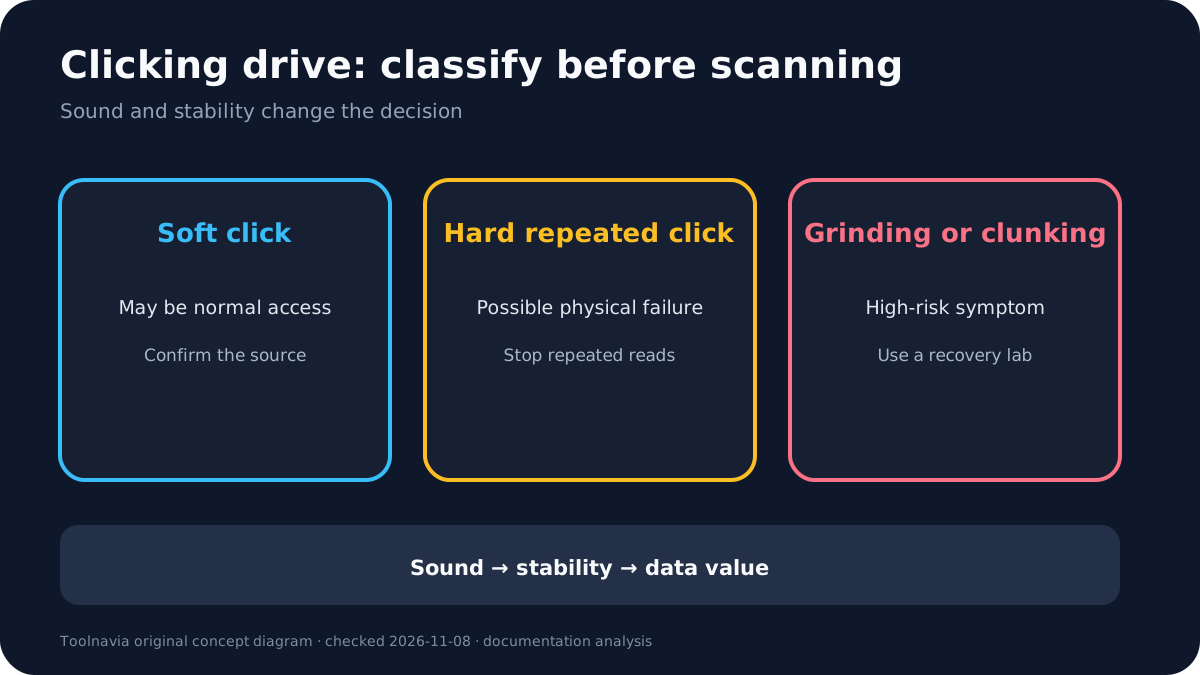
Distinguish normal chatter from failure noise
Seagate says read/write activity can produce occasional soft clicking, and parking heads can make a harder click during shutdown or sleep. Persistent hard clicking, repeated clunking or grinding is different and can point to a physical issue.
Check whether fans, a loose enclosure, power supply or cable are being mistaken for drive noise. But do not turn that caution into endless retries. If the drive disappears, reconnects repeatedly, shows the wrong capacity, becomes extremely slow or produces scraping or grinding sounds, stop.
Data value matters as much as the symptom. Replaceable downloads allow more experimentation than the only copy of family photos, client work, encryption keys or financial records. For irreplaceable data, the threshold for professional help should be lower.
Stop before software makes it worse
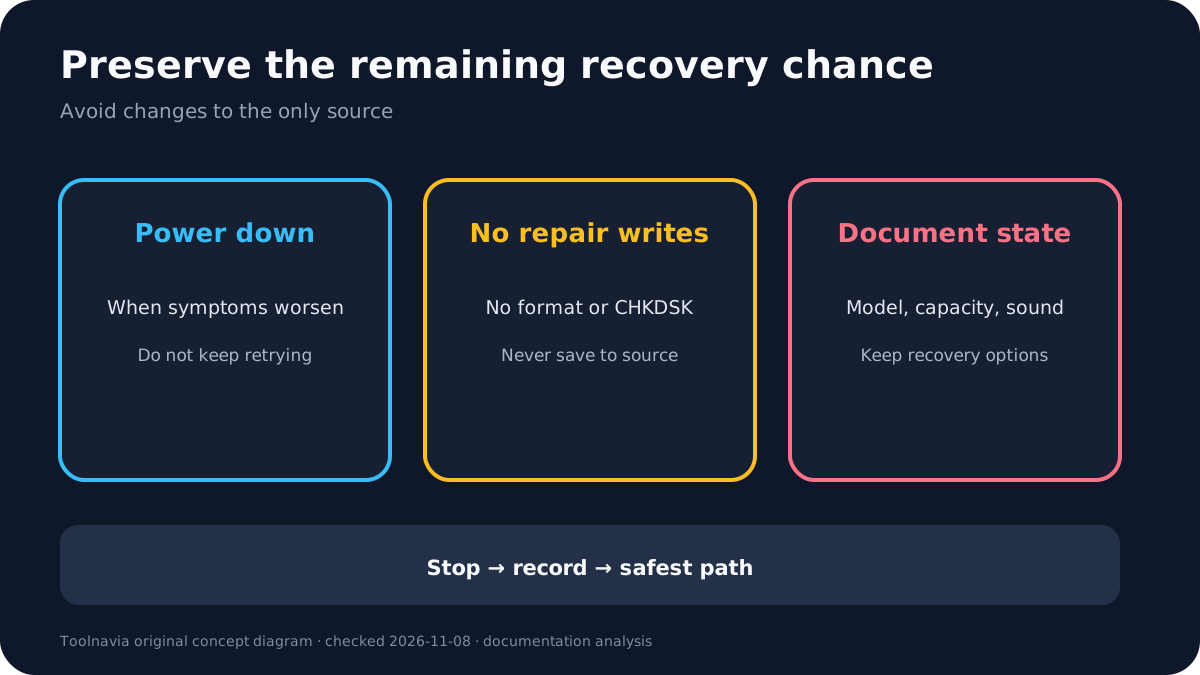
Every scan reads the source. On an unstable HDD, more reads mean more head movement, heat and retries. Seagate warns that DIY software uses the problem drive and can worsen failure.
Do not initialize, format, run repair-mode CHKDSK, write a filesystem fix, install recovery software on the affected disk or save recovered files back to it. Do not repeatedly power-cycle a drive that gets noisier or less detectable. Recoverit also says clicking or grinding can be a mechanical failure software cannot fix.
If the drive is stable enough to image, use a read-focused process and preserve the image checksum and device details. If imaging produces escalating errors, resets or new noise, stop rather than forcing completion.
When a Recoverit test is reasonable
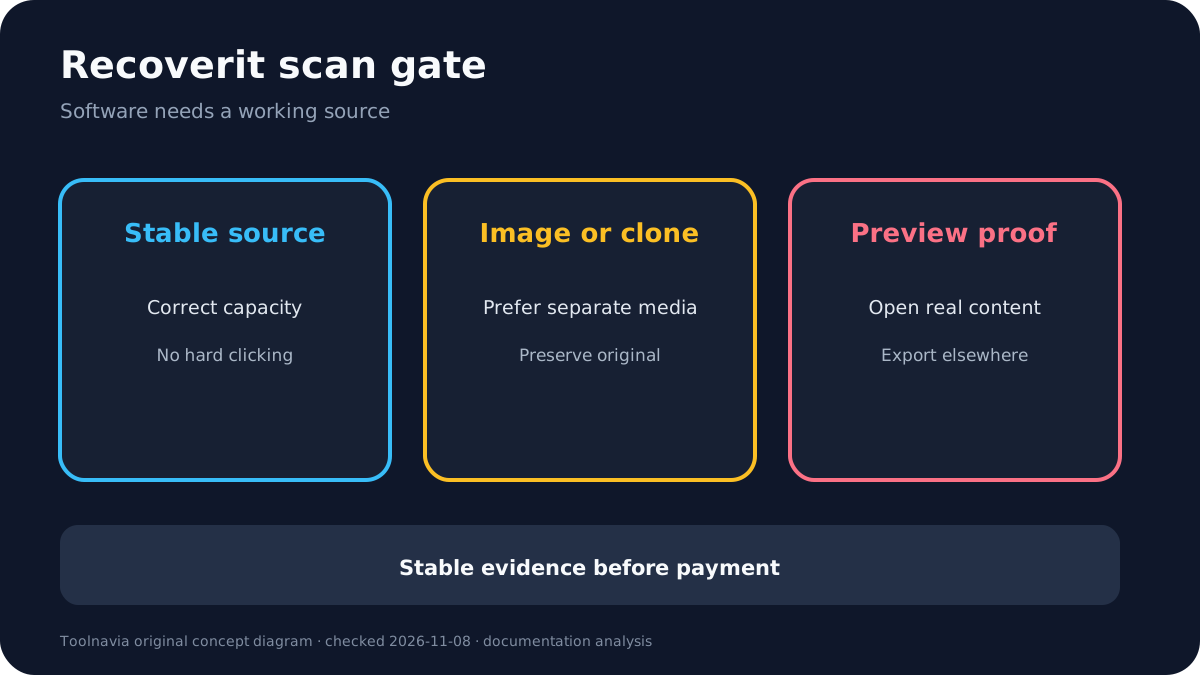
A short test can fit when the drive is detected at the correct capacity, stays online, has no persistent hard clicking or grinding, and the loss looks logical: deleted files, a formatted volume, RAW filesystem or inaccessible folders.
Prefer scanning a stable image or clone. Test several representative files across important types and dates, and verify that previews contain real content, not only names or thumbnails. Recover to a separate healthy destination, never to the source.
A preview is evidence, not a guarantee. Some files may preview while others are overwritten, fragmented, encrypted or physically unreadable. Stop if the source disconnects, slows dramatically, reports increasing read errors or changes sound.
When to choose professional recovery
Choose professional recovery before DIY scanning when the drive has persistent hard clicking, grinding, impact or liquid history, burned electronics, wrong capacity, repeated disconnects, failure to spin, severe read errors or unique high-value data.
Ask a lab about diagnostic fees, confidentiality, clean-bench capability, donor parts, return media, shipping risk, expected range, cancellation charges and whether payment depends on recovered data. Do not open the drive outside an appropriate environment. Freezer, tapping or improvised board-swap tricks can create new damage.
A lab is not a guarantee either. The decision is about preserving the best remaining chance, not buying certainty. Software is cheaper only when the source is healthy enough for software to read.
Offer and evidence boundaries
The approved association is Recoverit Premium through the current official USD storefront. The exact CJ route is approved, enabled and market-confirmed in fresh Native evidence. Final checkout controls platform, license period, device count, price, tax, renewal and features.
This article discloses an official-source conflict: some Recoverit marketing pages encourage scans on clicking drives, while its newer FAQ says to stop use and prefer an image or clone when the drive remains detectable. Seagate and independent recovery sources reinforce the conservative boundary.
Evidence map: Recoverit clicking boundary; logical scope; manufacturer sound classification; stop-use risk; professional boundary; checkout; affiliate context.
Buy, wait, or skip
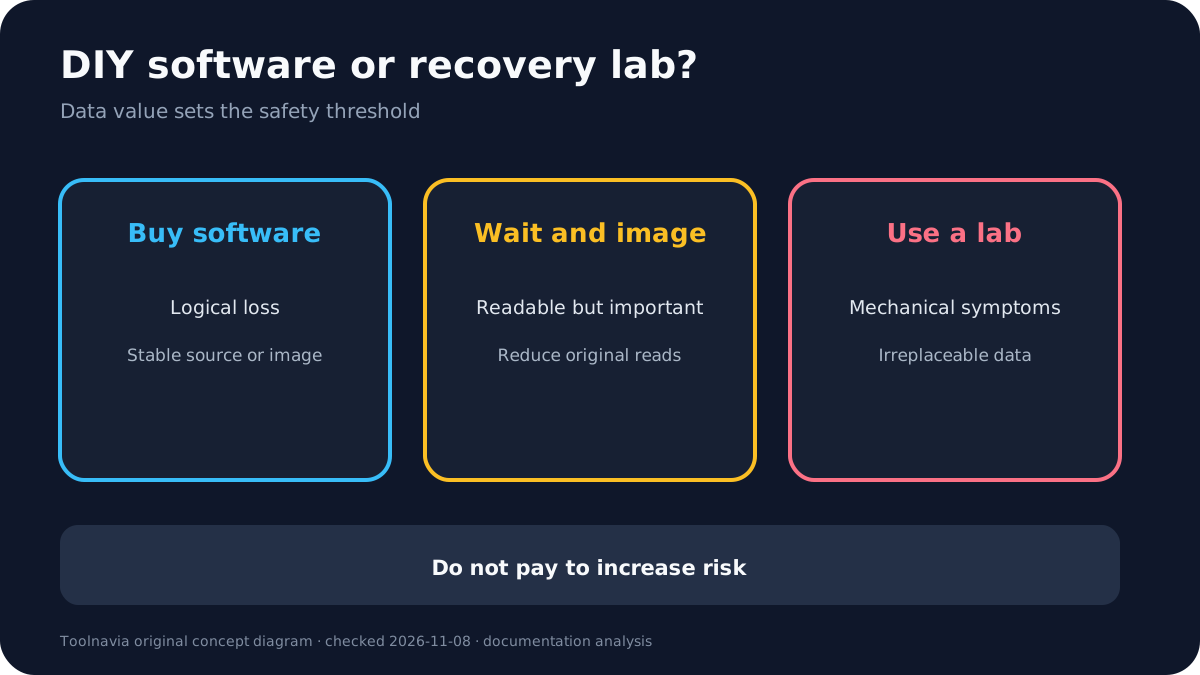
**Buy** when the source is stable, correctly detected and logically damaged—or a safe image/clone exists—and multiple representative previews prove value.
**Wait** when the drive is readable but no image exists, symptoms are changing, the output disk is not ready or checkout terms are unverified.
**Skip software and use a lab** when hard clicking or grinding persists, the drive disconnects, reports wrong capacity, has physical-damage history or contains irreplaceable data with no other copy.