TOOLNAVIA / BUYING GUIDE
Locked by BitLocker? When Recoverit Is Worth Buying—and When It Isn't
The short answer
At a glance
- Best for
- An authorized, unlocked, stable Windows volume with genuinely missing files and a separate recovery destination.
- Price model
- Premium USD: $59.99/month; $69.99/year; $129.99 perpetual; verify checkout
- Check first
- Replacing a missing BitLocker credential, guaranteed decryption, or restoring already accessible intact files by buying unnecessary software.
First decide which problem you actually have
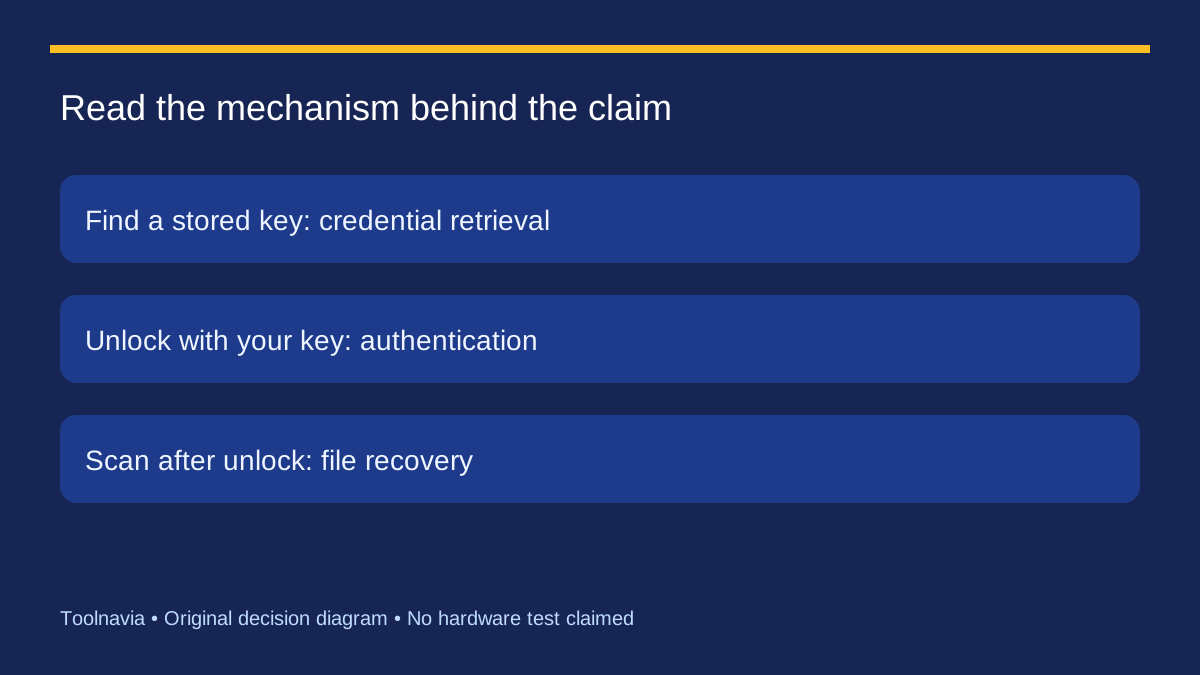
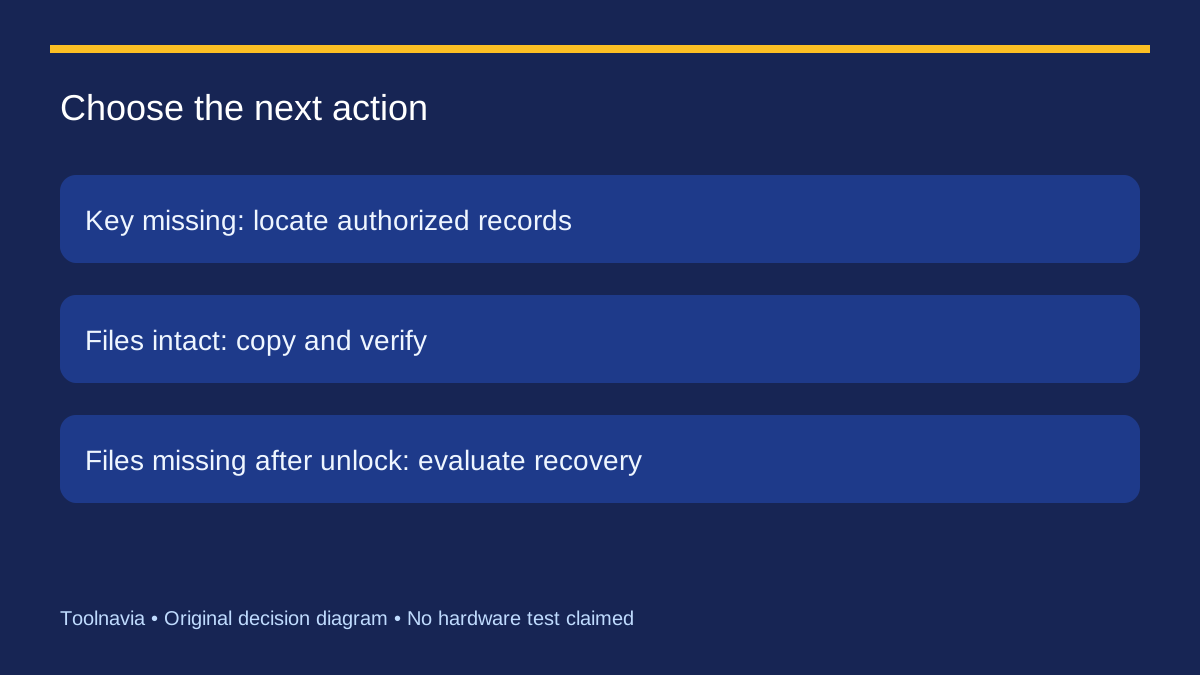
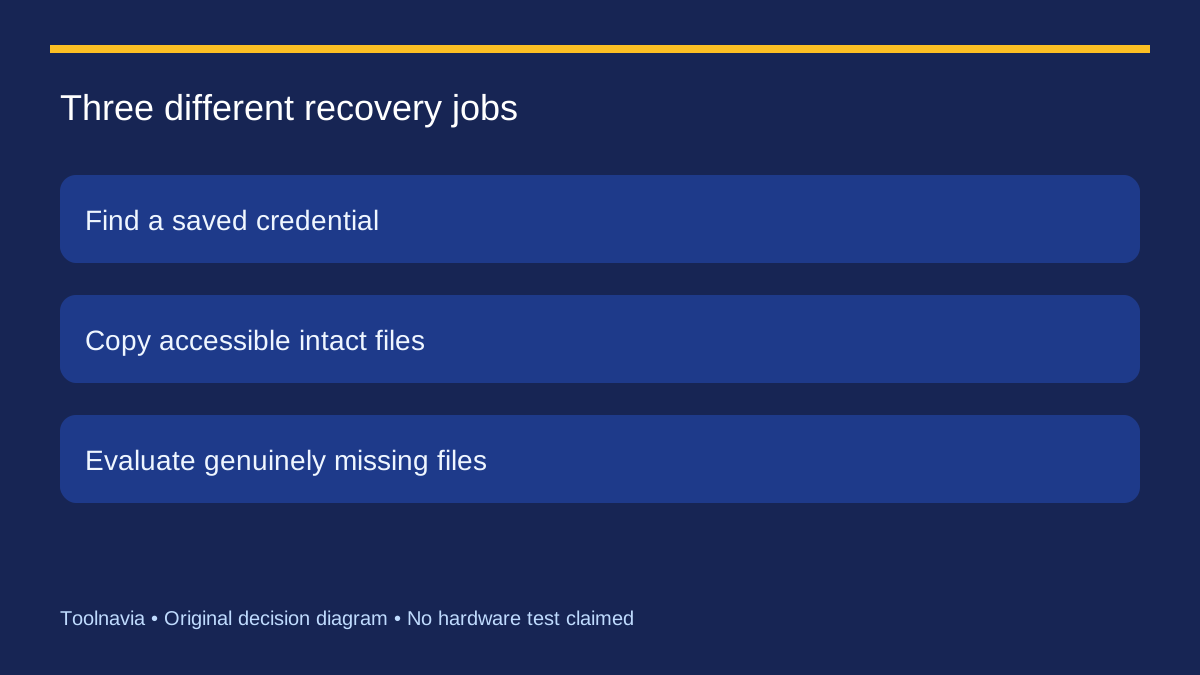
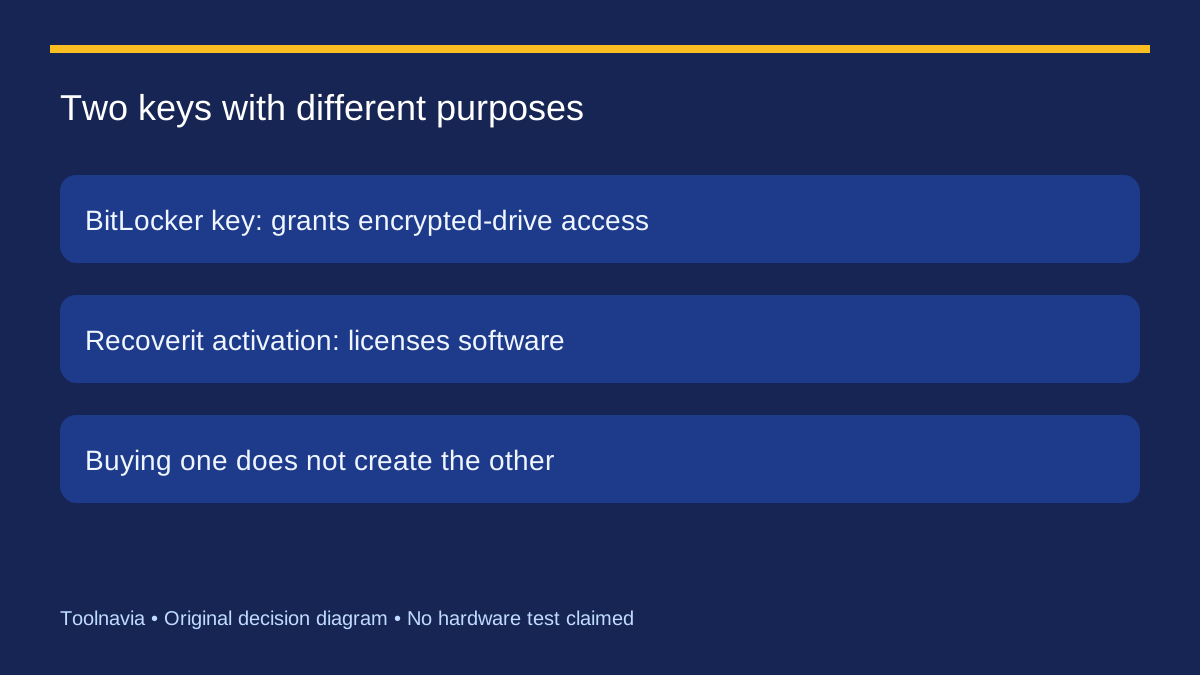
The blue BitLocker recovery screen can make a software purchase feel urgent. But there are three different jobs hiding behind the word recovery: finding a credential, copying files from an unlocked drive, and restoring files that were actually deleted. Only the third necessarily raises a file-recovery-software decision. A Recoverit activation code does not replace a BitLocker password or recovery key.
Imagine two personal laptops. One unlocks and all its folders reappear; the owner needs a backup, not a paid scan. The other unlocks but an important folder is still missing; evaluating Recoverit may now make sense. These are illustrative decisions, not our test results. Start by identifying your situation before comparing prices.
Find the matching key before comparing software
Microsoft's recovery-key guide distinguishes the recovery key ID from the 48-digit key itself. Use the ID shown on the locked device to identify the matching saved key. The possible locations include the relevant Microsoft account, work or school records, a printout or a USB copy. For an organization-managed device, ask its IT team.
Neither a Windows sign-in password nor a Recoverit license should be assumed to be that recovery key. Do not paste the key into public forums or send it to an affiliate publisher. Microsoft says its support team cannot recreate a lost key; its reset fallback removes files. A reset is therefore not a file-preservation workaround. If access remains unavailable, pause this purchase decision instead of paying in the hope that activation changes encryption.
After unlocking, choose copy or recovery
Once authorized access is restored, inspect the important folders. If the documents are present and readable, copy them to another healthy location and verify the copies. If files are missing or deleted, stop adding new data to the affected volume and consider a recovery evaluation. Recoverit's guide explicitly places its recovery workflow after the drive is unlocked.
The distinction also matters when Windows itself will not start. A boot problem and an encryption gate can exist at the same time; a bootable recovery feature does not eliminate the credential requirement. This article does not prescribe reset, formatting or repair commands. If the drive has unstable reads or serious damage, get an appropriate diagnosis before repeated attempts.
What Recoverit can contribute after authentication
Wondershare documents selecting the BitLocker volume, supplying the legitimate credential when requested, scanning, filtering and previewing candidate files. It also calls for a different storage drive for recovered output. Those functions can help an owner locate a missing document set; they do not recreate overwritten content or establish that every found file is intact.
Make a short list of the files whose return would justify the purchase, then inspect representative results. A promising scan of unrelated old files is not the same as locating the folder you need. Our [preview-before-paying guide](/en/software/recoverit-preview-before-paying) explains the next evidence checks. The decision here is earlier: do you have authorized decrypted access and an actual missing-file problem?
Read “without a key” claims carefully
Stellar's guide also requires credentials for encrypted-drive recovery. EaseUS uses broader no-key wording, but the same page describes an automatic option that may locate an existing key in a Microsoft account or on the C drive. Finding a previously stored credential is different from breaking encryption when no usable credential exists. We did not test that feature and do not recommend a purchase on the assumption of universal bypass.
This distinction is useful when comparing products: ask whether the offered service finds an existing key, unlocks with credentials you supply, or scans files after unlocking. They are different jobs. None of these competing pages provides a controlled comparison establishing that Recoverit will recover more of your files.
Buy for missing files, then protect the key separately
The official USD Premium page checked on 2026-10-27 listed a personal two-PC license at $59.99 monthly, $69.99 yearly and $129.99 perpetual. The monthly and yearly options auto-renew. Those are software terms, not a fee for obtaining your BitLocker key; confirm Windows coverage, taxes and renewal details before checkout.
Consider the [approved Recoverit affiliate purchase route](https://www.dpbolvw.net/click-101895278-14465154) when the drive is unlocked, files remain missing, the evaluation finds relevant candidates and you have a separate destination. Toolnavia may earn commission on qualifying purchases. If intact files are already accessible, copy them first. If the key is missing, continue legitimate key retrieval rather than buying a license as a substitute.
After access is restored, follow Microsoft's key-backup guidance. Keep the recovery credential somewhere independently accessible and keep physical copies separate from the computer. A backup of the key helps restore access; a backup of the files protects the contents. Maintaining both addresses two different failure modes.