TOOLNAVIA / BUYING GUIDE
pCloud WebDAV vs rsync for NAS backup: Is Premium 500 GB worth it?
The short answer
# pCloud WebDAV vs rsync for NAS backup: Is Premium 500 GB worth it?
**Short answer:** pCloud Premium 500 GB can be a sensible off-site destination for selected NAS files, but Premium does not unlock WebDAV or rsync. pCloud says WebDAV, rsync, SFTP and SCP are available on every plan. The paid decision is mainly about 500 GB of capacity, a 30-day recovery window and whether those limits fit a validated restore process. If you only need a small transfer target, Basic may be enough to prove the workflow first.
> **Affiliate disclosure:** Toolnavia may earn a commission if you buy through our verified pCloud link. This does not change the price we show or our conclusion. Prices, taxes, promotions and terms at live checkout control.
At a glance
- Best for
- NAS users with a selected dataset that fits 500 GB and a verified WebDAV or rsync restore workflow.
- Price model
- Premium 500 GB annual page displayed $49.99; live checkout controls.
- Check first
- Official help pages conflict on current rsync/SFTP availability; Crypto Folder is excluded; selected-file backup does not prove full NAS recovery.
The buying decision in one table
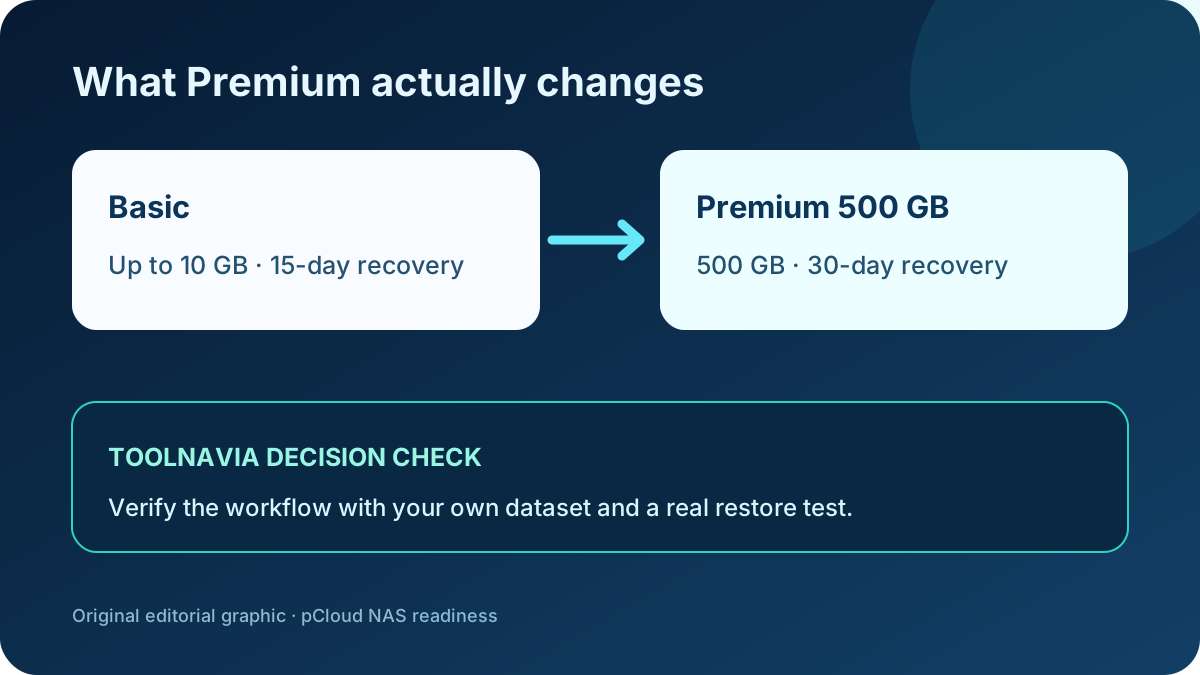
| Question | Basic | Premium 500 GB | Why it matters | |---|---:|---:|---| | WebDAV / rsync access | Included | Included | Protocol access alone is not a reason to pay | | Storage | Up to 10 GB | 500 GB | Compare with the protected dataset, growth and headroom | | Recovery window | 15 days | 30 days | Helps with recent deletion or version mistakes, but is not an independent backup | | Upload traffic | Small proof workload | Up to 1 TB in 30 days | Check initial seeding and recurring change volume | | Shared-link traffic | Plan dependent | 1,000 GB/month | Relevant only if backups are also distributed by links | | Current annual reference | Free | USD 49.99/year shown when checked | Live checkout controls the final amount |
The annual price is a dated reference, not a promise. pCloud also displayed a Lifetime variant, but a promotional one-time price is not the same buying decision as an annual plan. This article treats Premium 500 GB annual as the formal product and tells you to verify the live total.
Start with the protocol, not the plan
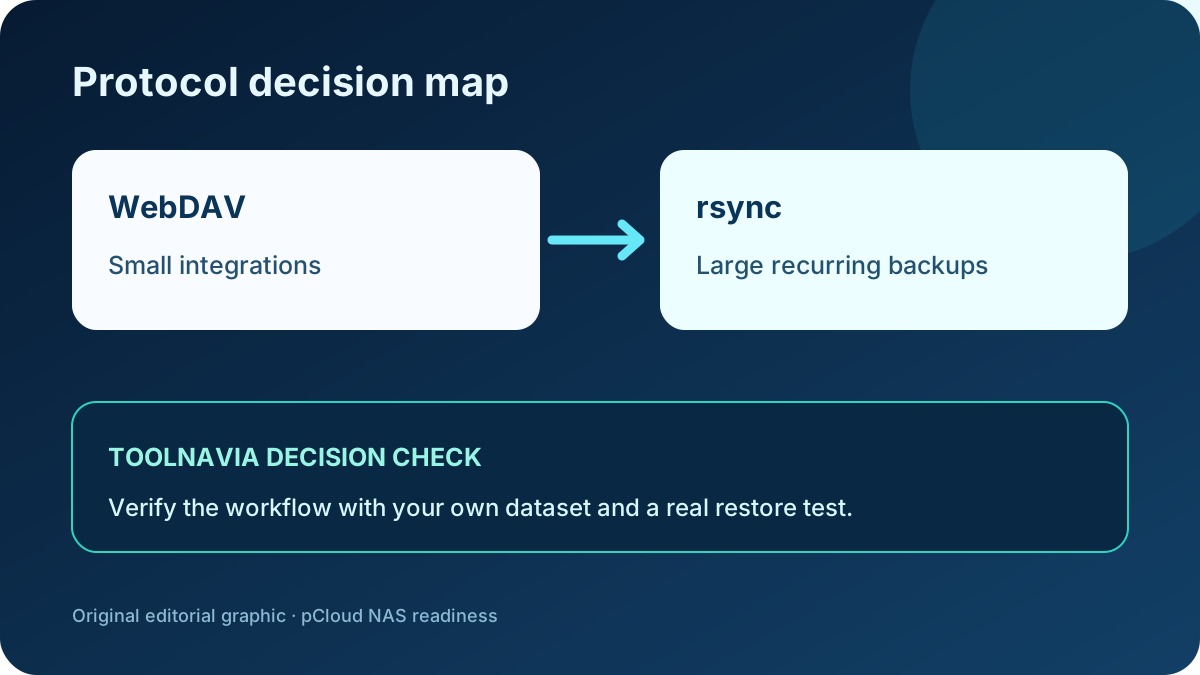
pCloud's own protocol guidance draws a useful workload boundary. WebDAV is convenient for smaller integrations because many NAS tools can map it as a remote location. rsync is the stronger candidate for large, recurring file transfers when your NAS application supports a compatible remote rsync target. SFTP and SCP provide other scripted paths.
That does not mean every NAS can use every path without qualification. Confirm the exact NAS package, authentication method, endpoint and account region. pCloud publishes different WebDAV endpoints for US and EU accounts. If two-factor authentication requires an email approval, document that operational dependency before declaring the job unattended.
Resolve one official documentation conflict before relying on automation
A newer pCloud help article says WebDAV, rsync, SFTP and SCP are available on all plans and recommends rsync for large recurring backups. An older standalone WebDAV page still says SFTP is unsupported and rsync is “in development.” Both pages were public during final review. This article follows the newer combined protocol guide for the current workflow, but the conflict remains material: verify that rsync appears and authenticates in your own account and NAS application before paying. If it does not, treat WebDAV as a small-integration path only and do not assume Premium changes protocol eligibility.
Use this order:
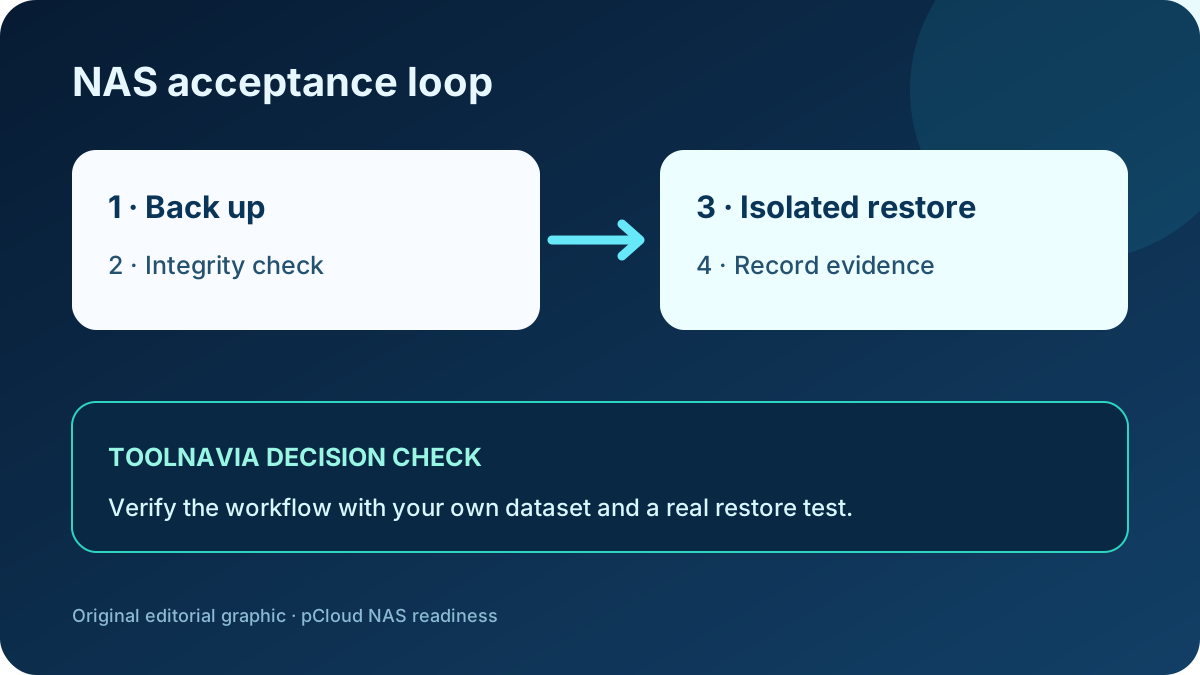
1. Prove authentication with a non-sensitive test folder. 2. Run a small full copy. 3. Modify, rename and delete test files. 4. Run the next incremental job. 5. Restore into an isolated destination and compare hashes. 6. Record the recovery time and any filename, timestamp or permission changes.
A successful upload is only a transfer result. It is not proof that your restore objective is met.
What Premium actually buys
Because the protocols work on all plans, the cleanest reason to upgrade is capacity. Measure the data you intend to protect, not total NAS capacity. Exclude replaceable media, caches and system packages unless you have a documented recovery use for them. Then add growth and versioning headroom.
For example, a 320 GB protected set growing by 8 GB per month is already too large for Basic and leaves roughly 180 GB before pCloud-side recovery data and future growth consume the Premium envelope. A 6 GB document set can remain on Basic during a proof of concept.
The second paid trigger is recovery time. Basic provides a 15-day recovery window; paid plans provide 30 days through Trash, Revisions and Rewind. Extended File History can lengthen that window, but it is a separate decision and is not retroactive. These service-side tools are useful, yet they do not replace an independent restore test.
Security boundary: transport is not Crypto Folder
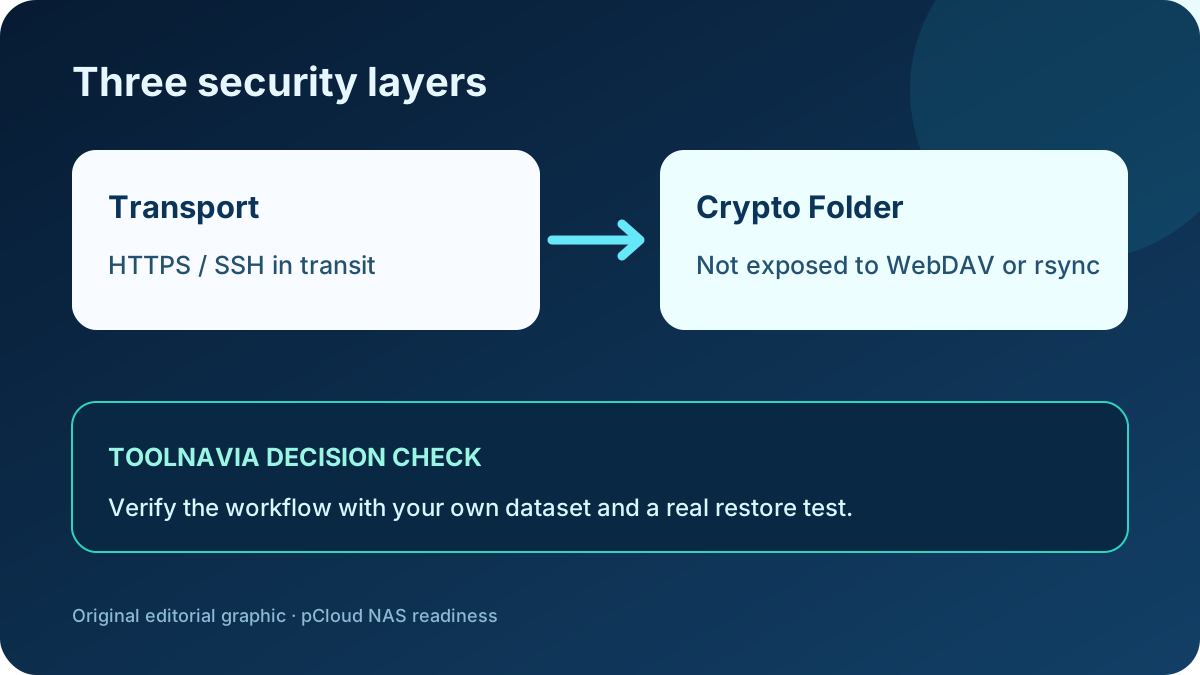
WebDAV over HTTPS and rsync/SFTP over SSH protect data in transit. pCloud also protects data on its service. Neither statement means a WebDAV or rsync job lands in the client-side Crypto Folder. pCloud explicitly says Crypto Folder content is not accessible through WebDAV or rsync.
Therefore choose one of two honest designs:
- Use WebDAV or rsync for an automated off-site copy and accept that it is outside Crypto Folder. - Encrypt the files or backup repository before transfer, then retain the key separately and test a restore with that key.
Do not call the first design “client-side encrypted backup.” Do not call the second recoverable until a different machine can decrypt and restore it.
File backup is not full NAS recovery
pCloud's desktop documentation warns about frequently changing databases, system files and locked files. The same caution applies to a NAS workflow. A copied folder tree may protect documents, photos and exports, but it does not automatically capture package configuration, permissions, application-consistent databases or the NAS operating system.
Synology's Hyper Backup documentation makes the restore boundary visible: multi-version repositories may require compatible tools, encrypted tasks require the password or key, and integrity checks should be scheduled. Other NAS vendors have different rules. Treat the exact backup application as part of the evidence.
A defensible evidence record identifies the selected folders, the repository and the successful recovery result. It must not claim that the whole NAS is restorable unless a separate bare-metal or system-state recovery has succeeded.
When Premium 500 GB is worth it
Premium is a reasonable fit when all of these are true:
- the selected dataset is materially above Basic's limit but fits 500 GB with growth headroom; - the initial seed and monthly changes fit the published traffic limits; - your NAS tool supports a validated pCloud protocol path; - a 30-day service recovery window is valuable; - you have completed an isolated restore and recorded the result.
Wait or choose another design when the dataset is near 500 GB already, you require immutable snapshots, Crypto Folder access through the protocol, application-consistent database backup, or a documented full-system recovery path.
Final verdict
pCloud Premium 500 GB is not a protocol upgrade. It is a capacity-and-recovery upgrade that can support a NAS file-backup workflow. WebDAV is the simpler small-integration route; rsync is the better starting point for large recurring transfers where supported. The purchase only makes sense after a test proves the endpoint, authentication, integrity check and isolated restore.
Before paying, run the workflow on Basic with disposable data. Then compare your protected size and change rate with the 500 GB and traffic limits. If the test passes and the 30-day recovery window matters, Premium 500 GB is defensible. If the restore cannot be demonstrated, the plan is not ready for this job regardless of price.
Evidence map and four purchase advantages
**All-plan protocol eligibility.** The newer combined pCloud guide says WebDAV, rsync, SFTP and SCP are available on all plans, while the current NAS guide explains the intended workloads. An older standalone official page conflicts on rsync and SFTP, so live account and NAS validation remains mandatory.
**500 GB capacity and published traffic envelope.** Premium adds 500 GB capacity, 1,000 GB shared-link traffic and up to 1 TB of upload traffic in 30 days; the current annual display is $49.99; a separate Lifetime page displays $219 as a different transaction. This is the paid threshold only when the selected dataset and growth headroom exceed Basic.
**30-day paid recovery window.** Paid plans extend Trash, Revisions and Rewind to 30 days, but this service-side window does not replace an independent restore procedure.
**rsync for large recurring file transfers.** The newer protocol and NAS guides position rsync for large recurring selected-folder transfers. Upload/cache limitations still exclude a claim of complete NAS or system-state recovery.
For same-intent comparison, Sync documents Synology and QNAP WebDAV backup paths plus its own network-drive limits, while Dropbox states that it does not provide WebDAV or FTP. Synology separately documents integrity checks, encrypted restore requirements, multi-versioning and the compatible-tool boundary of remote rsync/WebDAV repositories.