TOOLNAVIA / BUYING GUIDE
pCloud Shared Folders: Who Pays the Storage Quota?
The short answer
At a glance
- Best for
- One accountable owner funding a shared collaboration folder with measured quota headroom.
- Price model
- Premium 500 GB; final checkout controls billing and currency
- Check first
- Personal Premium is not pooled team storage; accounts must meet current region and object limits.
Verdict: the folder owner pays
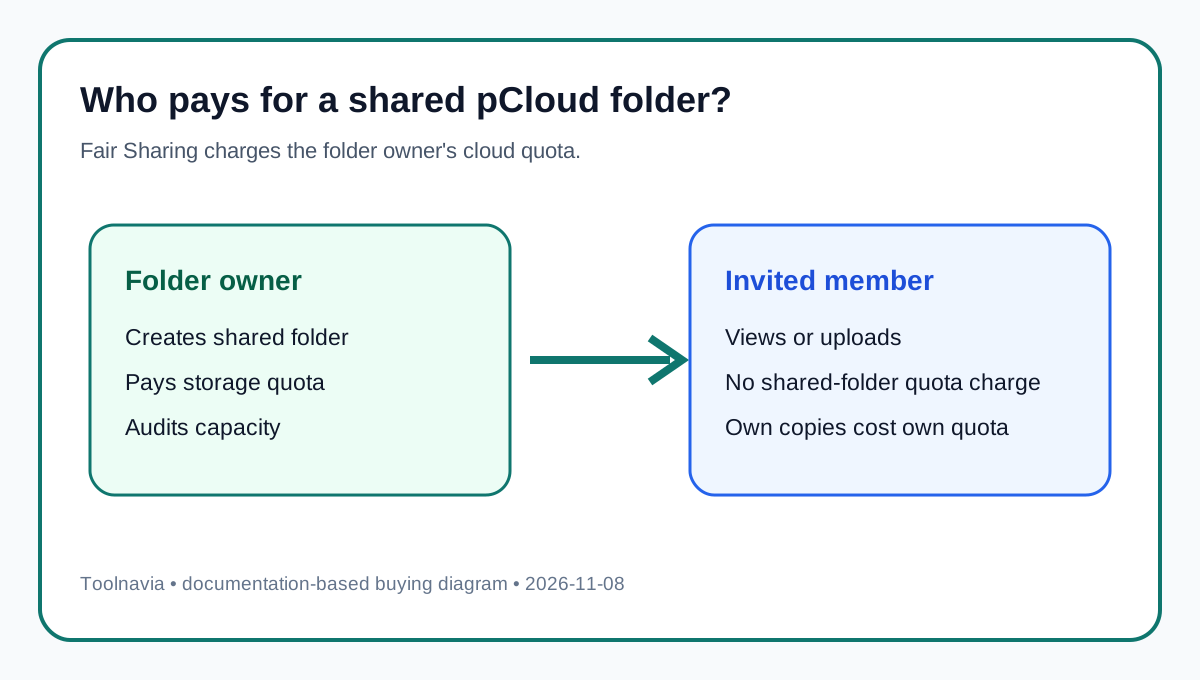
For a normal pCloud invited folder, **the shared content is charged to the folder owner's storage quota—even when an invited member uploads the file**. pCloud calls this Fair Sharing. Members need pCloud accounts to join, but they do not need matching personal capacity merely to work in the folder. If you buy Premium 500 GB and own the folder, that account is the collaboration budget.
Premium is not a pooled family or team plan. It remains one personal account and one owner-controlled quota. If you need managed seats, organization-owned data or centralized usage reporting, compare a business/team product.
*Affiliate disclosure: Toolnavia may earn a commission if you buy through the approved pCloud partner link, at no extra cost to you. Final checkout controls billing cycle, currency, campaign price and terms.*
Map the action before estimating quota
pCloud offers three actions that sound similar. **Invite to folder** creates an ongoing workspace with View, Edit or Manage access; the owner controls the folder and pays its storage. **Share link** distributes access by URL, with separate traffic and link-control questions. **File request** collects uploads into a destination without granting normal folder access. This guide covers only the invited-folder model.
Calculate owner headroom
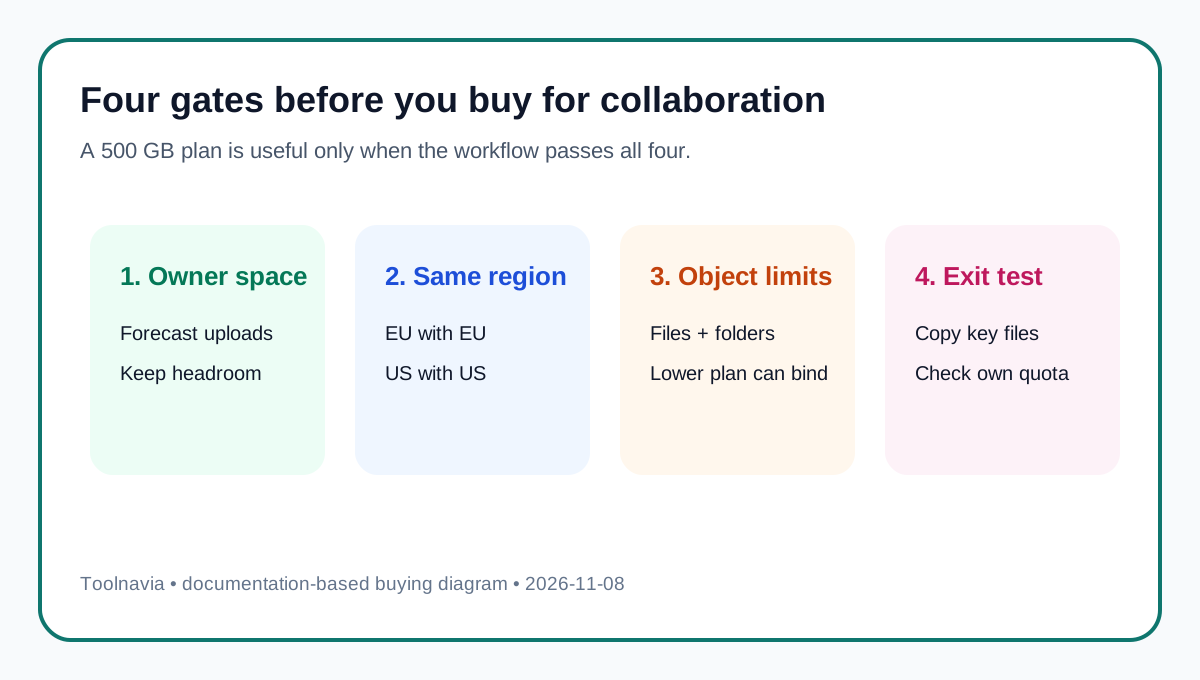
Start with the owner's current usage, add existing shared-folder content, then add realistic uploads from every member. If the owner has 180 GB free and three collaborators will contribute about 25 GB each, remaining working headroom is about 105 GB—not 180 GB per person.
Keep a safety margin because the owner account may also contain backups, sync files and private folders. If growth exceeds the forecast, reduce content, move ownership or increase owner capacity; asking every member to buy matching storage does not expand this owner-funded folder.
Premium 500 GB therefore fits when one accountable owner wants to sponsor the shared dataset. A group expecting equal ownership should pause and choose a structure that actually provides it.
Permissions change risk, not quota ownership
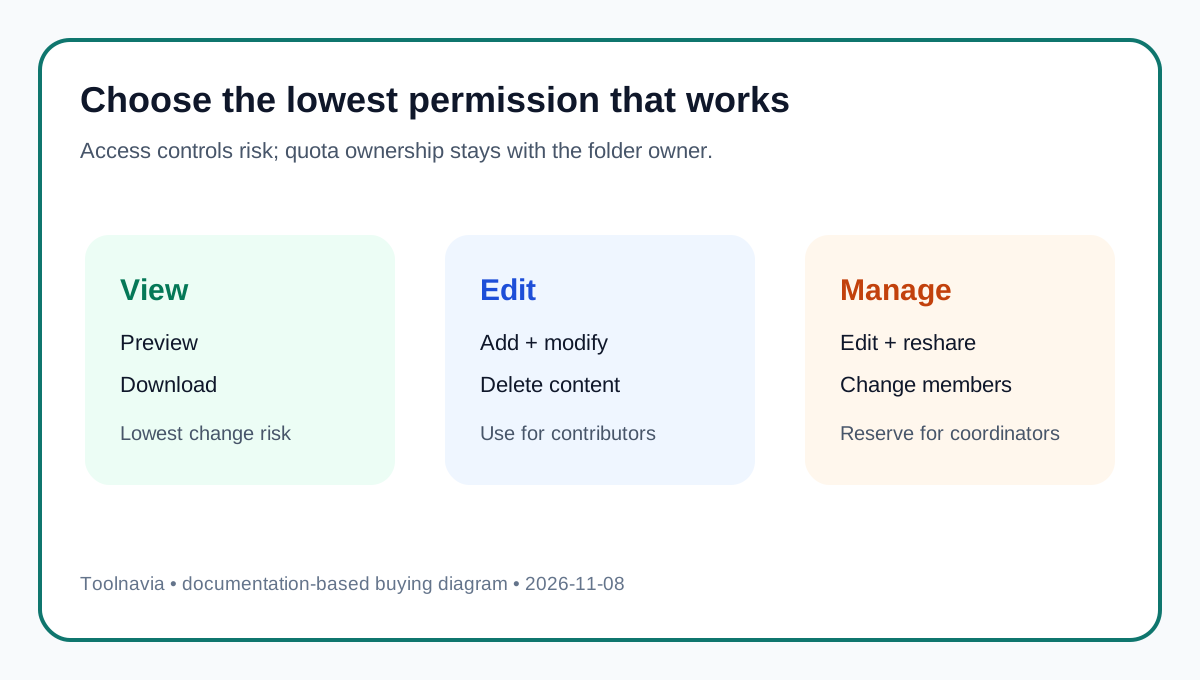
pCloud distinguishes **View**, **Edit** and **Manage**. View supports consumption, Edit supports contribution and modification, and Manage adds broader control such as inviting others. None transfers the storage charge: an editor's upload still uses owner quota.
Decide both who pays and who may expand or alter the archive. Give Manage only to people who should widen membership. Start new collaborators with the least powerful permission that works. Also define deletion, renaming and recovery rules; shared editing without a separate backup can become a single point of failure.
Reference versus copy: run an exit test
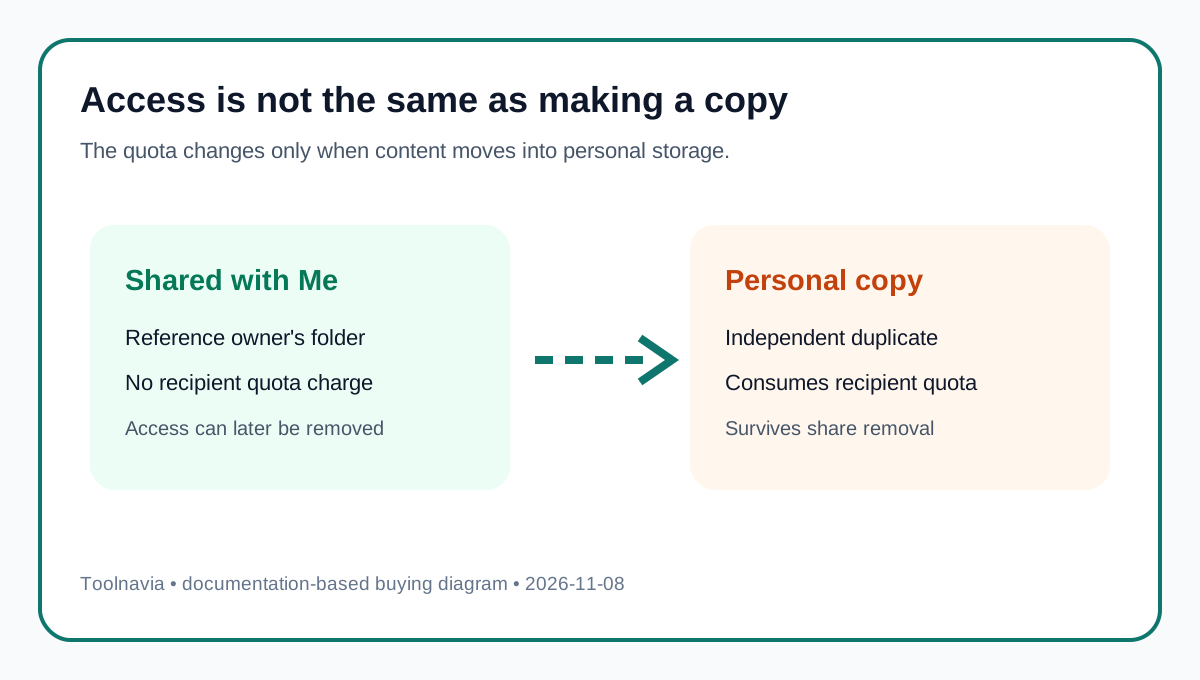
Working in **Shared with Me** references data in the owner's folder. If a recipient copies files into a private pCloud folder, that new copy consumes the recipient's quota. Test this before committing an archive:
1. Invite a test account and verify permission. 2. Upload a small file from the member account and verify owner usage increases. 3. Copy it to the member's private folder and verify member usage increases. 4. Remove the invitation and confirm which copy remains accessible. 5. Record who owns the authoritative archive and who may retain a copy.
This exposes the storage and retention consequences of the actual workflow rather than relying on the vague word “shared.”
Check the hard gates
- **Account:** an invitee needs a pCloud account. - **Data region:** invited accounts must be in the same pCloud data region, such as both EU or both US. - **Object limits:** Premium and Business have high documented ceilings, but a lower-plan participant may impose a lower applicable limit. - **Invitation rate:** current documentation lists 150 folder invitations per day for Free and Premium accounts.
Verify these with real accounts and a small folder before migrating a large collection.
Compare product-specific quota models
Dropbox says a normal shared folder generally counts against each member's storage unless everyone is on the same team. Google Drive counts a shared file against its original owner, while a recipient's own upload or copy uses recipient storage. Sync documents an owner-pays family-folder model. OneDrive says a shared-folder shortcut counts only against the folder owner.
No model always wins. Owner-pays is simpler when one person or organization sponsors collaboration. Per-member charging is more symmetrical but may block low-quota participants. Verify the exact service rule before estimating capacity.
Buy, pause or skip
**Buy Premium 500 GB** if one owner will fund the workspace, the dataset fits comfortably inside measured owner headroom, everyone is in the same data region and pCloud's permissions fit the job.
**Pause** if ownership is unclear, the folder is near the owner's ceiling, regions differ or the copy-and-exit path is untested.
**Skip this personal-plan setup** if you need pooled organizational storage, seat administration, usage analytics or equal ownership. Evaluate a business/team structure instead.
The safe sequence is: name the owner, measure owner headroom, grant minimum permissions, run the five-step exit test, then migrate. Review the current pCloud plan and checkout only after the workflow passes.
Evidence map
- Fair Sharing lets collaborators contribute without matching personal quota, but the owner must preserve headroom; current usage tools support that check. - View, Edit and Manage tune collaboration control without transferring storage ownership; share-management documentation reinforces the permission boundary. - A recipient can create an approved personal copy, but that copy consumes recipient quota and can diverge from the owner archive. - Premium 500 GB supplies one accountable owner budget, subject to current object limits and final checkout terms. - pCloud separately documents share links, file requests, team collaboration and account configuration, so those workflows must not be merged with an invited folder. - The comparison uses current official Dropbox, Google Drive, Sync and OneDrive documentation; each service's quota rule is presented separately.