TOOLNAVIA / BUYING GUIDE
pCloud Family 2 TB vs 10 TB: Divide the Pool Before Paying
The short answer
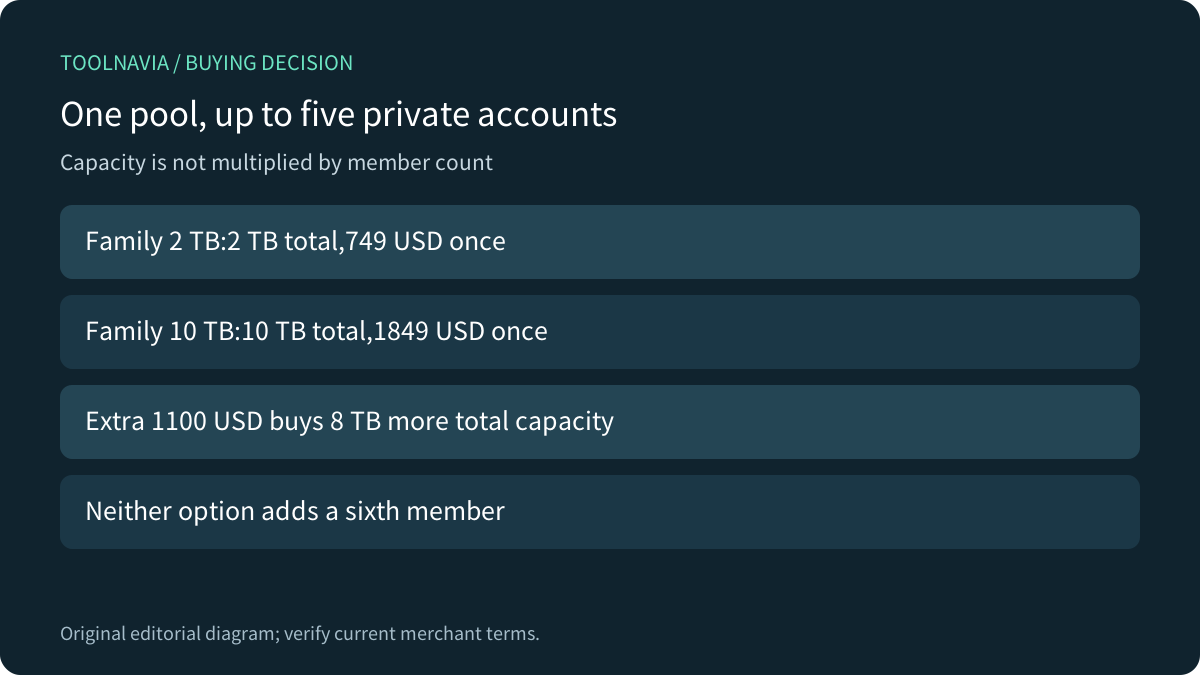
Choose pCloud Family by combined household storage, not by multiplying the advertised capacity by five people. The owner and up to four members use separate accounts, with storage assigned from one plan. At the current official USD display, Family 2 TB costs 749 USD once and Family 10 TB costs 1849 USD once. Both need the same ownership and exit planning.
At a glance
- Best for
- Households with measured combined usage and a clear owner/member exit plan.
- Price model
- Observed one-time: Family2TB749USD; Family10TB1849USD.
- Check first
- Up to five accounts share total capacity; owner assigns quotas; removal returns member to Basic.
Compare the whole pool and the upfront bill
The canonical Family page shows 2 TB at 749 USD against a999 USD reference, and 10 TB at 1849 USD against 3499 USD. The current one-time difference is 1100 USD for 8 TB more total capacity. These are Family offers: a cheaper individual 10 TB promotion does not provide the same member structure.
Divide the current payment by advertised capacity and the arithmetic is 374.50 USD per TB for 2 TB versus 184.90 USD per TB for 10 TB. That lower unit figure matters only if the extra capacity is useful. It is not a speed result, a future resale value or a reason to buy 8 TB that nobody expects to use.
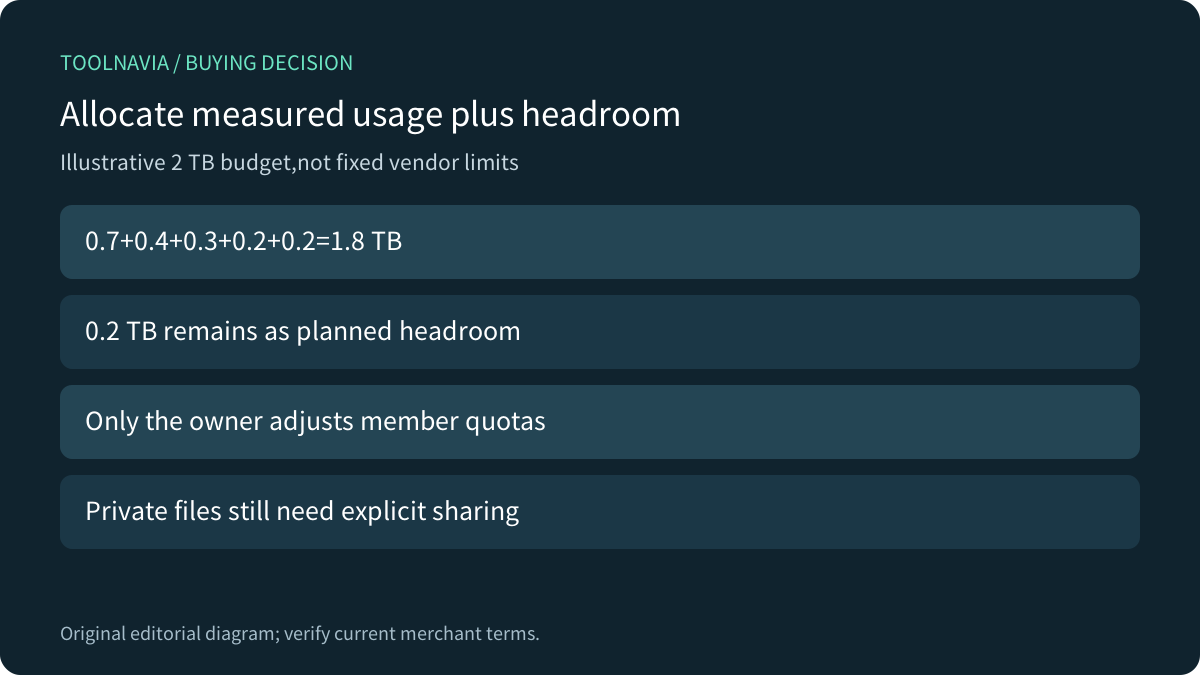
For an illustrative 2 TB budget, allocate 0.7 TB,0.4 TB,0.3 TB,0.2 TB and 0.2 TB:1.8 TB combined, leaving 0.2 TB headroom. These are planning numbers, not fixed vendor allocations. Use measured data and realistic growth; copies and cloud-only archives still need a place in the inventory.

The owner allocates space, not access to every file
pCloud documents separate private accounts and owner-controlled quotas. Only the Family owner can adjust those quotas; members ask the owner for changes. Sharing a plan does not automatically expose each person's files to everyone else.
That distinction solves a practical household problem: people can share the storage bill without sharing one login or one undifferentiated library. It also creates an administrative dependency. Decide who monitors headroom and handles a member whose photo archive grows faster than expected.
Keep deliberate folder sharing separate from plan membership. A shared project folder needs its own permissions and owner decisions; adding someone to Family is not a blanket grant to browse their private account. The [individual shared-folder guide](/en/software/pcloud-shared-folder-quota-owner-vs-recipient) describes that different workflow.
Plan the departure before sending invitations
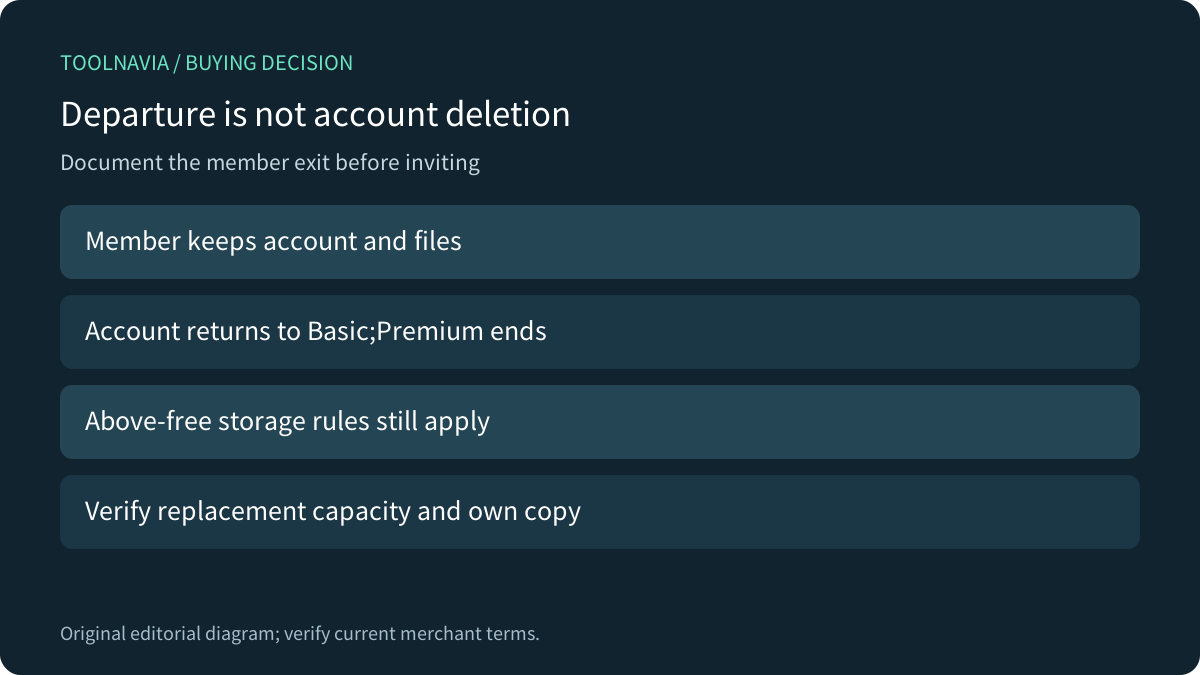
When a member leaves or is removed, pCloud says the member keeps the account and files but returns to Basic and loses Premium benefits. Files above free capacity become subject to the standard storage rules. That is not a promise of unlimited retention after removal.
Agree an exit process while everyone can still access their own data: inventory private files and deliberately shared folders, arrange sufficient replacement capacity, and verify an independent copy before membership changes. Removing a person and deleting their account are different actions. Do not delete an account to simulate a routine departure.
The larger plan changes capacity, not this dependency. Buying 10 TB does not give members permanent independent 10 TB entitlements after the owner stops sharing. Likewise, a Family invitation does not transfer the owner's account or establish a succession procedure.

Read Lifetime and privacy claims narrowly
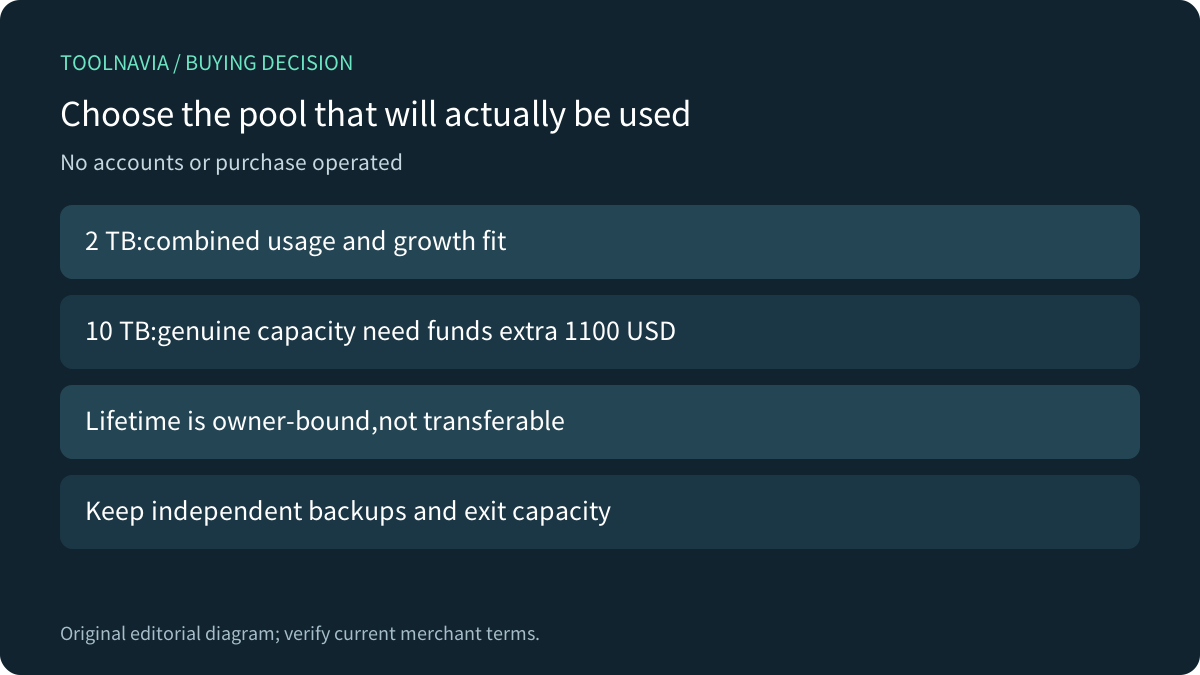
pCloud's current terms define Lifetime as the account owner's lifetime or 99 years, whichever is shorter, and prohibit account transfer. They also require users to be at least 18. Do not assume a product called Family automatically supplies eligible accounts for younger children or a transferable inheritance asset.
The same terms advise keeping backups of user data. Keep an independent copy of irreplaceable material and periodically verify retrieval; a long prepaid term does not remove provider or account-access risk. Ask support about any ownership-continuity requirement before committing a household archive.
Private member accounts are also a different claim from client-side encryption. If a Crypto vault is mandatory, verify its exact Family checkout entitlement and supported workflow separately. This comparison does not promise that every privacy feature or add-on is included merely because the plan says Premium features.
Compare today's family models, including transition rules
Google One describes pooled family storage while keeping files private unless explicitly shared. It also applies membership requirements, including the same-country rule for invited users. That may suit a household already using its ecosystem; it is not pCloud's quota-control policy.
Microsoft's current storage guidance says new and upgraded Family/Premium subscriptions use a2 TB shared pool from October 8,2026. Existing subscriptions generally transition on renewal on or after May 2,2027, with earlier eligible plan changes possible. Check the actual account rather than repeating an old blanket 6 TB comparison. Files remain private even when capacity is pooled.
Proton Family provides a useful alternative management model: up to six people share 3 TB, an administrator allocates space, and removed members keep data while moving to a30-day Proton Unlimited trial. Its recurring bundle and departure rules differ from pCloud's Basic downgrade; neither should be imported into the other product.

Choose capacity after a small account rehearsal
Have eligible, authorized adults verify separate account access and the intended sharing boundary using harmless sample files. Confirm how the owner would assign space and how a departing member would retrieve an independent copy. This is a proposed acceptance process: Toolnavia did not create accounts, invite anyone, remove members or buy storage.
Choose 2 TB when combined files plus credible growth fit with headroom and preserving 1100 USD matters. Choose 10 TB when the household genuinely needs the larger pool and can fund it while retaining a backup budget. If six members or a different ownership model is required, neither capacity fixes that mismatch.

Before payment, record the exact currency, capacity, member count, one-time total, refund language and any optional service. No fixed campaign deadline or unconditional promotional refund is asserted. pCloud publicly operates an open cash affiliate program, but these exact Family offers have no enabled affiliate purchase link here; that program does not change the capacity recommendation.