TOOLNAVIA / BUYING GUIDE
pCloud Automatic Upload: Does Deleting from Your Phone Delete the Cloud Copy?
The short answer
At a glance
- Best for
- Phone owners who want a one-way photo/video copy that remains after device cleanup and can verify the first upload.
- Price model
- Premium 500 GB; final checkout controls billing and currency
- Check first
- Background upload can be interrupted; one-way backup is not a two-way photo-library sync; verify every important format before deletion.
Verdict
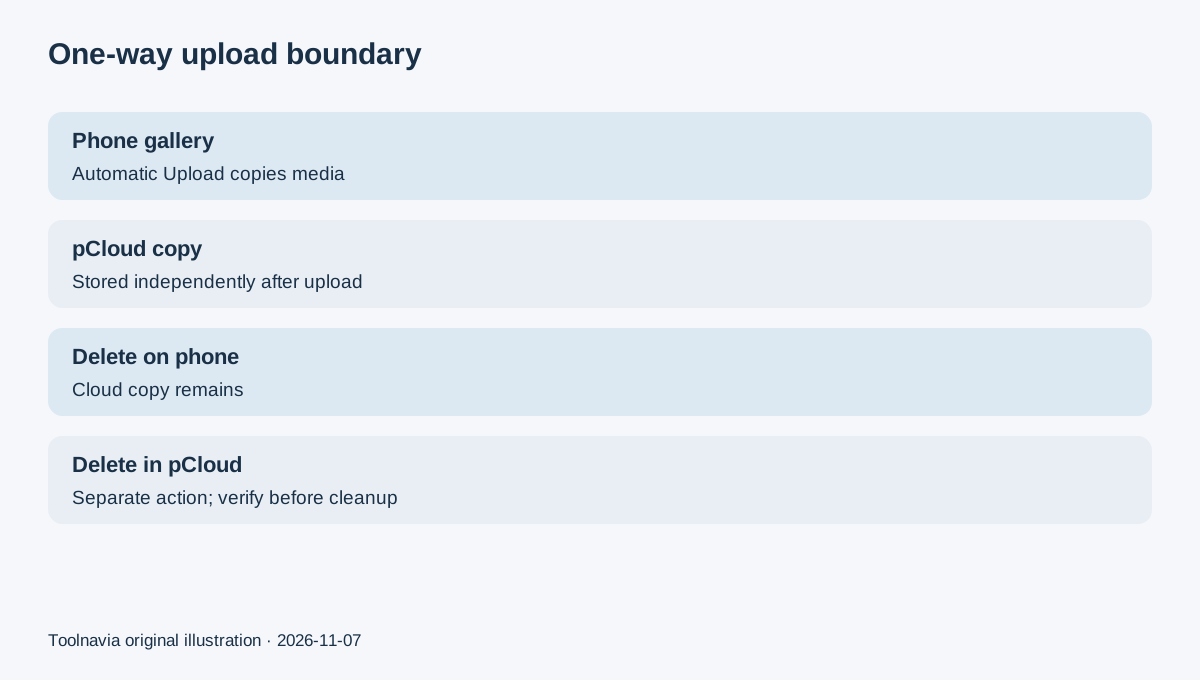
pCloud Automatic Upload is best understood as a one-way phone-photo backup, not a mirrored photo library. pCloud’s current official page says photos and videos upload from the phone to pCloud and that deleting a photo from the phone leaves the pCloud copy in place. That behavior can make it safer to free device space than a synchronized library where deletion propagates across devices—but only after you verify that every intended file finished uploading.
Premium 500 GB is a sensible purchase when you want an independent cloud copy of a phone gallery, can monitor the first upload, and prefer deletion independence over synchronized edits. It is a poor fit if you expect every album edit, deletion, or folder change to mirror automatically in both directions.
One-way upload versus synchronized library
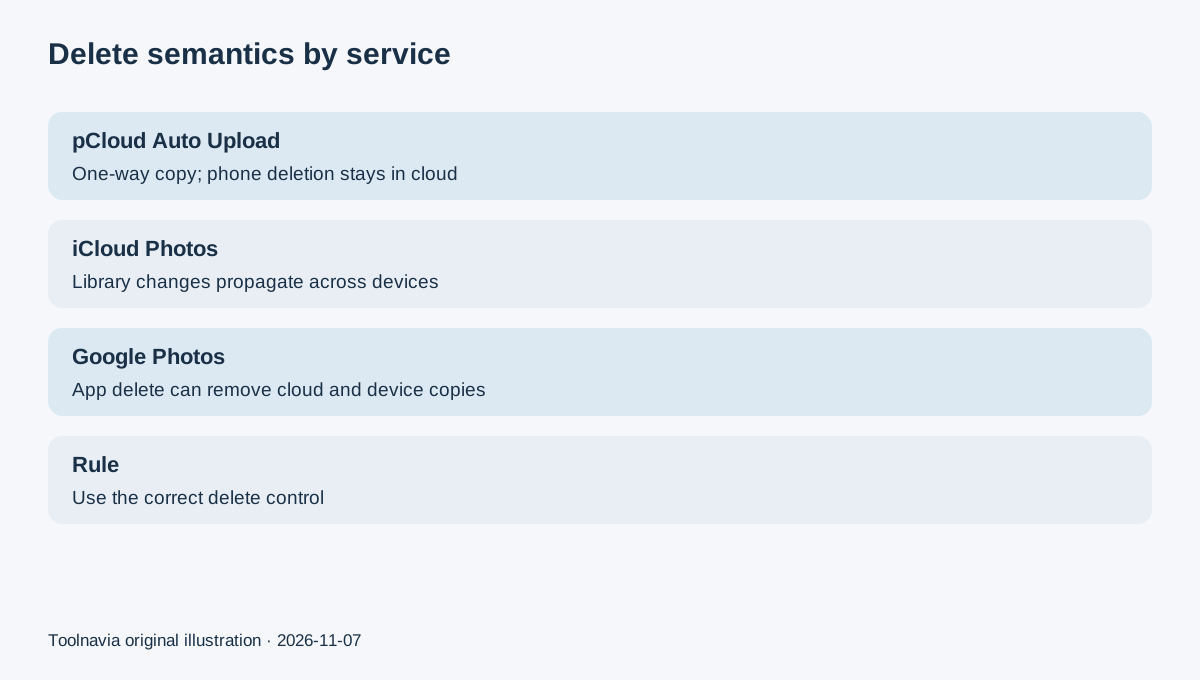
pCloud’s Automatic Upload copies phone photos and videos into the account. The current product page explicitly calls it “one-way upload” and says items deleted from the phone remain in pCloud. The help center documents enabling Automatic Upload on Android and iOS, while the current pCloud blog says users can choose photos, videos or both and upload the whole library or only new media.
That differs from iCloud Photos. Apple says iCloud Photos is a synchronized library: edits and deletions made on one device appear on other signed-in devices, and deleted items remain recoverable for 30 days before permanent removal. Apple also says iCloud Photos items are not duplicated in iCloud Backup, so users should keep separate backup copies.
Google Photos has its own delete semantics. Google warns that deleting an item in the Photos app can delete the backed-up copy and the device copy, while “remove from device” or turning backup off serves different purposes. The lesson is not that one service is universally safer; it is that the delete button belongs to a specific control plane.
What happens when you free phone storage
The safe sequence is upload, verify, then remove. pCloud says its Free up device storage workflow removes media already uploaded to pCloud, and the one-way model means the cloud copy remains after the device copy is removed. Do not start by manually deleting the phone library and assume background upload has finished.
Before cleanup, compare the item count and newest capture date, open several old and recent photos from pCloud, play a large video, and verify original resolution. If your phone has edited photos, Live Photos, HEIC/HEIF files, slow-motion clips, or media from messaging folders, test representative examples rather than relying on a single screenshot.
The current marketing page promises original quality, but this article does not claim a hands-on byte-for-byte media test. Buyers with irreplaceable libraries should still keep a second independent copy until a full restore sample succeeds.
Background upload and first-run risks
Automatic backup is only useful when the mobile operating system lets it run. pCloud’s Android release notes say Android battery optimization can interrupt Automatic Upload and that the app may request permission to disable that optimization. Large first uploads also depend on network stability, power, available cloud quota, and app permissions.
The current pCloud blog recommends choosing “new only” when an older gallery backup already exists to reduce duplicates, or “all” when starting from scratch. Treat this as a setup decision, not an automatic deduplication guarantee.
For the first run, keep the phone charging and on reliable Wi-Fi, grant full photo access if that matches your intent, disable battery restrictions only if acceptable, and check progress after the screen has been locked. A test that works only while the app is open does not prove unattended backup.
A practical pre-purchase test
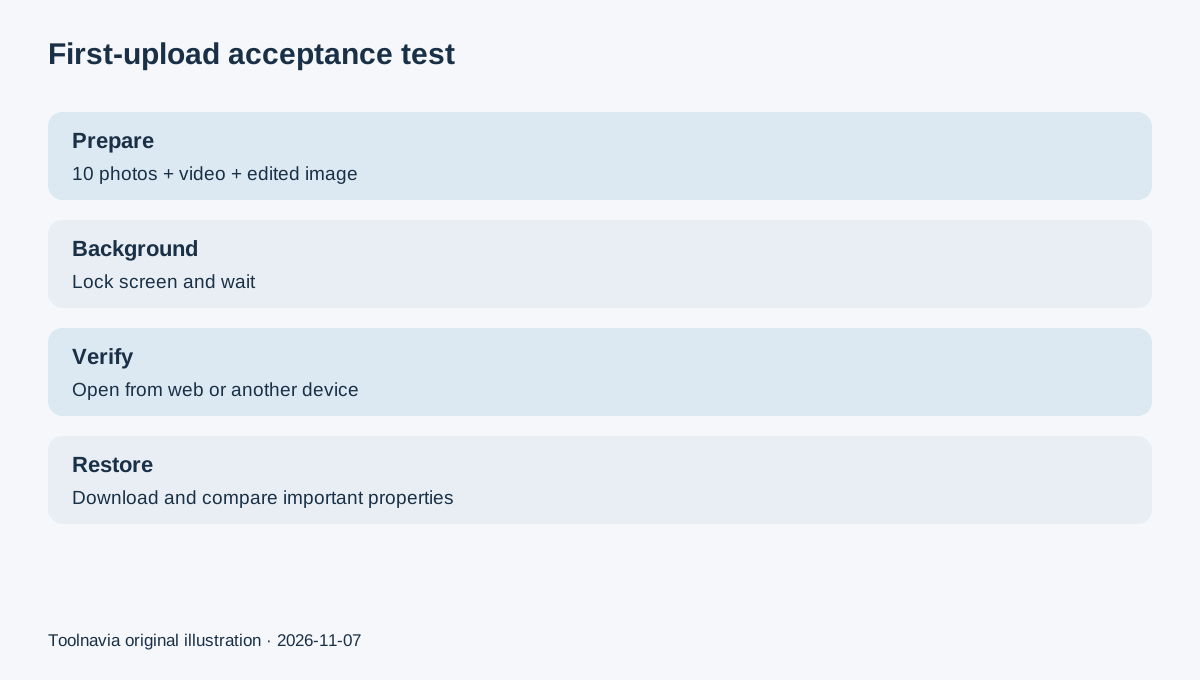
Use a small acceptance set before paying or deleting anything:
1. Select ten photos across old and recent dates, plus one large video and one edited image. 2. Enable Automatic Upload and record whether you chose the whole library or new items only. 3. Lock the phone, wait, then confirm every test item opens from pCloud on the web or another device. 4. Delete one test photo from the phone’s native gallery—not from pCloud—and confirm the pCloud copy remains. 5. Download that cloud copy and compare resolution, duration, orientation and metadata that matter to you. 6. Run Free up device storage only after the sample passes and a second backup exists for irreplaceable media.
This is the minimum useful test because the buying value comes from deletion independence, not merely seeing thumbnails in an app.
Storage quota and approved offer
Premium provides 500 GB of cloud storage. A phone with a 100 GB gallery can fit comfortably today, but 4K video can consume the remaining quota quickly. Estimate the current gallery size, expected monthly growth, and whether laptop or shared files will use the same account.
The exact approved Toolnavia link is the account-issued pCloud partner URL. Final checkout controls the available monthly, annual or Lifetime billing, currency, campaign price and tax. The referral does not guarantee a discount, unlimited retention, background-upload success or special recovery service. Toolnavia may earn a commission from an eligible purchase.
Buy, pause, or skip
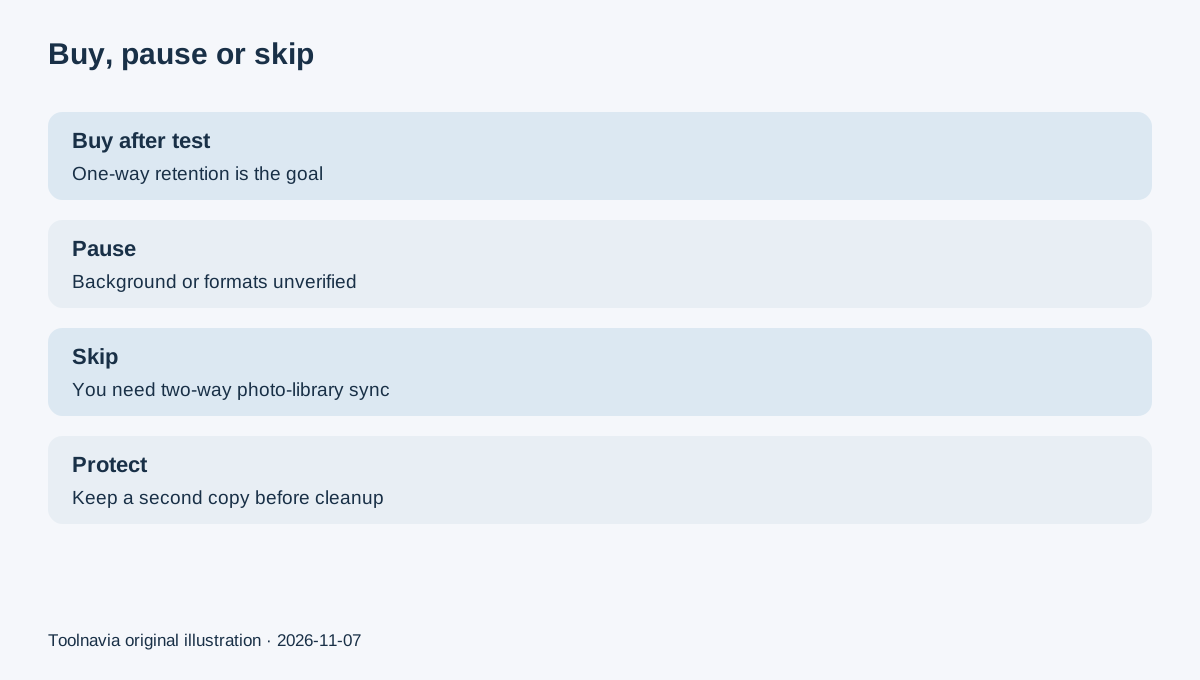
Buy after testing if you want a one-way cloud copy, the 500 GB quota leaves growth headroom, and you are comfortable verifying uploads before removing device files. Pause if background restrictions, incomplete permissions, duplicate handling, or unusual media formats have not been tested. Skip if you need a true two-way photo-library mirror where edits, albums and deletions deliberately propagate everywhere.
The key question is simple: do you want deletion on the phone to remove the cloud copy too? If the answer is no, pCloud’s documented one-way model is the feature worth testing—not just the storage number.