TOOLNAVIA / BUYING GUIDE
Parallels Pro Automation: A Started VM Is Not a Ready App
The short answer
Parallels Pro can be worth buying for repeatable VM control even when you do not need more guest RAM. But a script that starts a virtual machine has not yet proved that the guest can accept work or that the intended application produced a result. Define those separate outcomes before paying for automation.
At a glance
- Best for
- Developers who can verify guest communication and application output after VM startup.
- Price model
- Current public Pro USD: $59.99 one year; $159.99 two years. Verify cart and renewal.
- Check first
- CLI control does not establish guest readiness; exact Pro affiliate route unverified.
Buy for a concrete repeated task
Pro includes command-line control and integrations aimed at development workflows. The current developer guide distinguishes `prlsrvctl`, which manages Parallels Desktop, from `prlctl`, which manages virtual machines, including configuration, snapshots, cloning and Tools operations. These utilities are installed on the Mac with the product.
Start with a task such as building a test environment, running a guest-side check and returning a result. If your need is occasional manual use of one Windows app, a CLI entitlement may add maintenance without removing meaningful work. Business administration and new Enterprise SSO activation are separate buying questions.

Keep three states in the release record
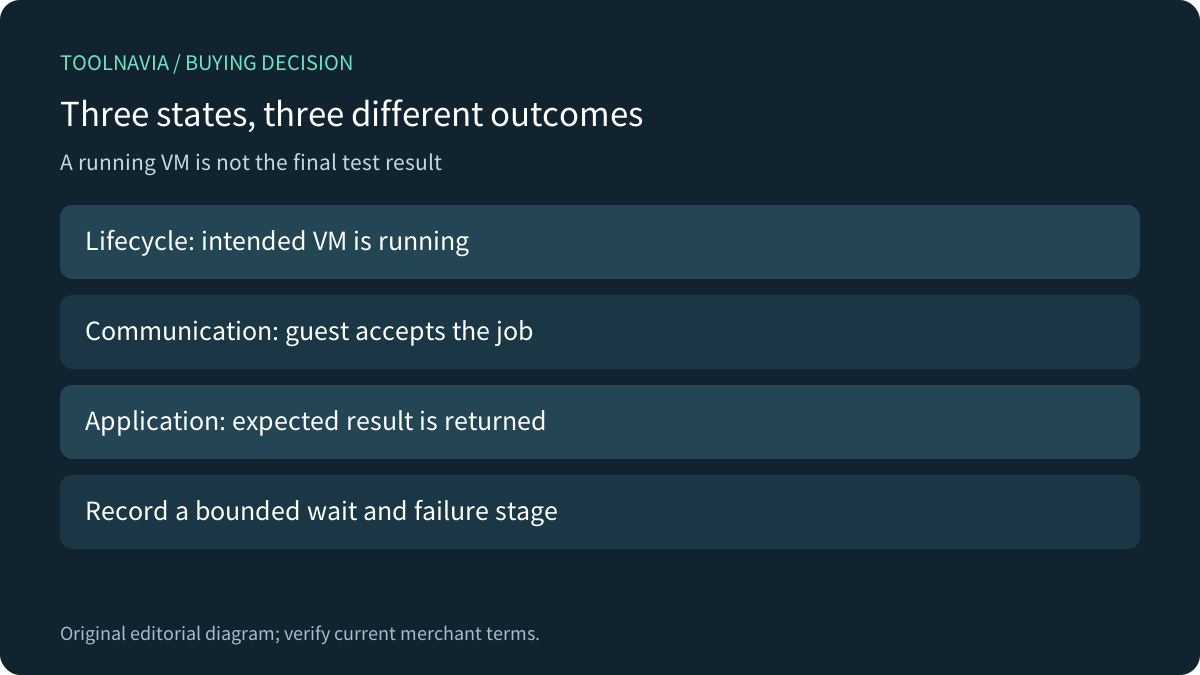
Record host lifecycle state, guest communication state and application state separately. A running VM can still be booting, installing updates or waiting for a required service. A reachable guest can still lack the test dependency or correct data. This is a proposed acceptance model, not a measured Parallels defect.
Use the current installed command help and supported guest integration for the intended operation. Confirm the chosen Tools and communication route rather than treating a command copied from an older version as a current guarantee. The official developer guide points to the installed manual pages for command details.
For a harmless pilot, define an observable guest result and a maximum wait. Save the VM identity, software versions and outcome. A fixed sleep can hide the distinction between elapsed time and readiness; a longer delay alone is not proof that the application is available.
Separate initial boot timing from provisioning
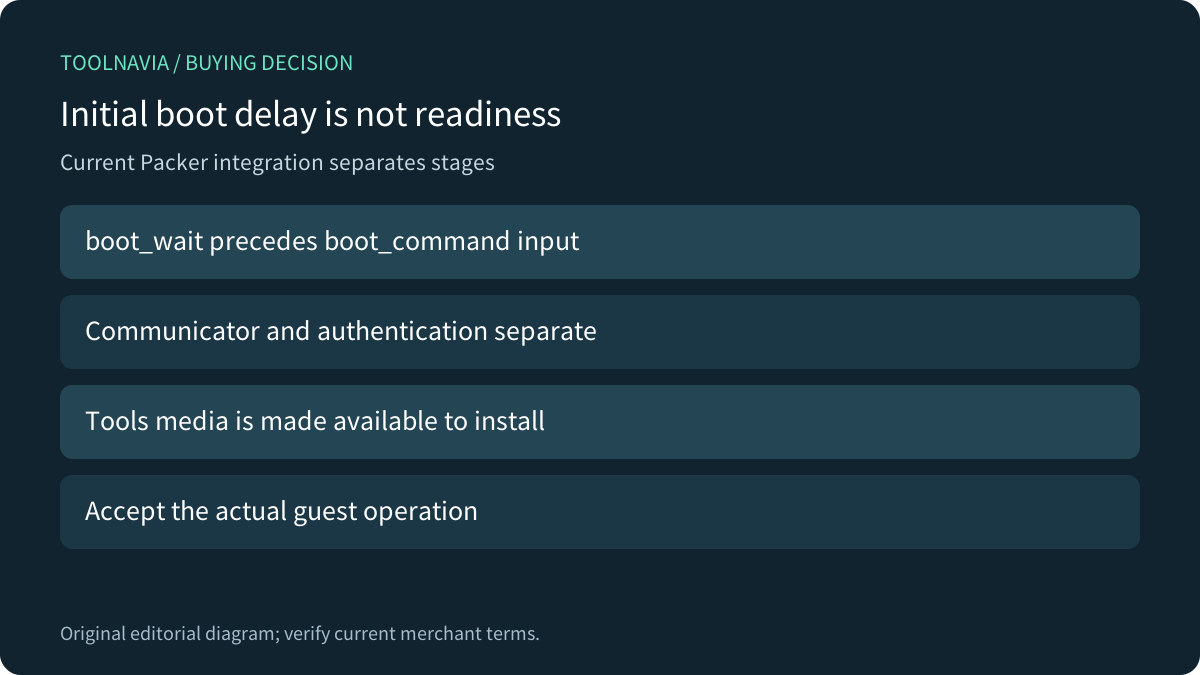
The Parallels-maintained Packer ISO integration describes creating a VM, installing the operating system, provisioning it and shutting it down. Its configuration treats the communicator and authentication separately from the Parallels Tools flavor and upload/attach mode.
Its `boot_wait` specifically delays typing the initial `boot_command`. It is not a universal “application ready” setting. Likewise, making the Tools ISO available for installation is not the same as demonstrating that the chosen guest operation works. Validate the stages that your actual builder and guest require.
Do not paste example credentials into a production template. Use the approved credential-handling route for your environment and keep sensitive values out of ordinary logs. No account or guest credentials were collected for this guide.

Compare guest bridges with their own requirements
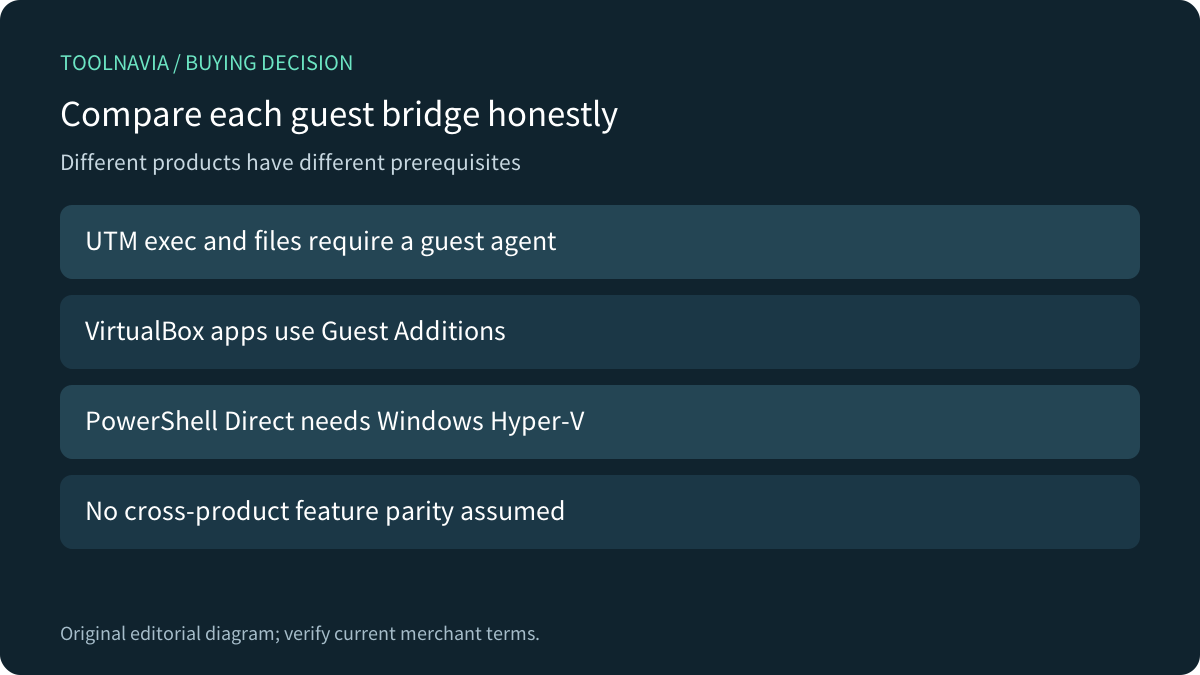
UTM documents separate start/status operations and guest execution or file operations that require its guest agent. Oracle VirtualBox describes Guest Additions enabling host-started applications, with the application already installed in the guest and options for credentials, output and a timeout. These are alternative product models, not interchangeable Parallels settings.
Microsoft PowerShell Direct provides another comparison: it works from a qualifying Windows Hyper-V host with a running local Windows guest, a configured user profile, appropriate host rights and valid guest credentials. It can work independently of network configuration, but it is not a native Mac replacement for the Parallels workflow.
Compare the exact guest, architecture and result you need. A lower software price is weak value if the alternative cannot run that guest or requires an integration your team cannot maintain. None of these documentation pages establishes a performance winner.

Compare the actual subscription terms
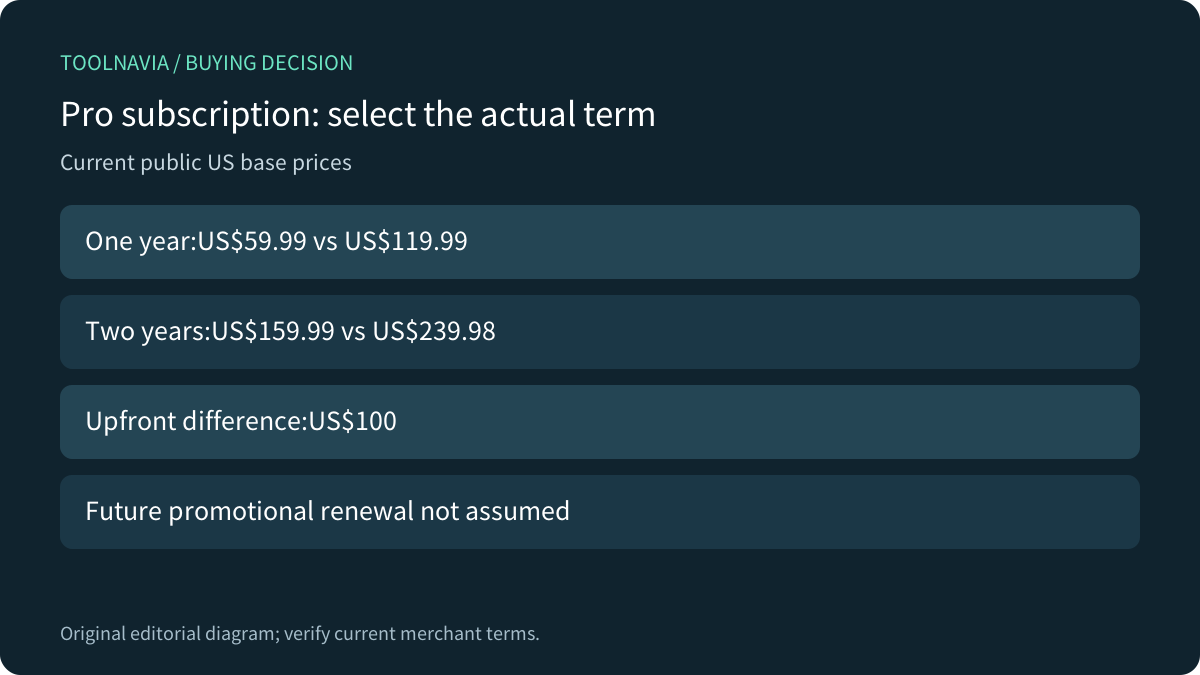
Current public US pricing loaded by the canonical purchase page lists Pro at $59.99 for one year against $119.99, and $159.99 for two years against $239.98. The two-year sum is paid for the full term; it is not a yearly charge. These exact public base SKUs replace older $65.99 references for this comparison.
The extra upfront amount for two years is $100. Do not assume that buying one year twice will repeat the initial $59.99 promotion; check the actual renewal terms. Neither term is permanent ownership. One license covers one Mac, Windows requires a separate eligible license, and current Desktop27 requires Apple silicon. Verify the target hardware and guest before choosing a term.
Make the pilot prove the whole job
Use an authorized disposable VM and noncritical test data. Confirm the expected lifecycle transition, bounded guest communication check, one meaningful application result and controlled cleanup. Record failures at the stage they occur instead of retrying the entire workflow indefinitely. Keep a recovery path that does not depend only on the test VM.

Consider Pro when its CLI removes real repeated work and you can maintain those checks. Keep a simpler workflow when the task is infrequent or guest readiness remains uncertain. A license upgrade cannot by itself supply a missing application dependency or a supported architecture.
Parallels publicly accepts affiliates and advertises cash commissions, but Toolnavia has no verified commercial approval for this exact Pro offer. This neutral guide contains no purchase button or tracking URL. No VM was started, guest command run, benchmark measured or order placed.