TOOLNAVIA / BUYING GUIDE
MiniTool ShadowMaker Sync vs Backup: What Restores Files After Ransomware?
The short answer
A synchronized folder is not automatically a ransomware recovery plan. MiniTool ShadowMaker 5.0 can send Windows files to Google Drive or OneDrive, but its Cloud Sync path is a one-way current-file copy. That can be useful for access and off-device duplication, yet it does not prove that a clean pre-incident version will still be recoverable after files are encrypted, deleted, or overwritten.
The buying test is simple: can you restore a known-good version without trusting the affected PC, its current files, or a compromised cloud account? Start with a free, isolated restore drill. Consider a paid ShadowMaker edition only when a specific documented recovery, scheduling, encryption, remote-management, WinPE, Universal Restore, or device-license requirement closes a real gap. Do not pay merely because Cloud Sync exists.
At a glance
- Best for
- Buyers requiring a tested clean version and documented advanced recovery function
- Price model
- Displayed monthly $12.99, $3/month annual equivalent, perpetual $79; check final cart
- Check first
- Cloud Sync Free/Pro entitlement and exact cart unverified; no ransomware-proof promise
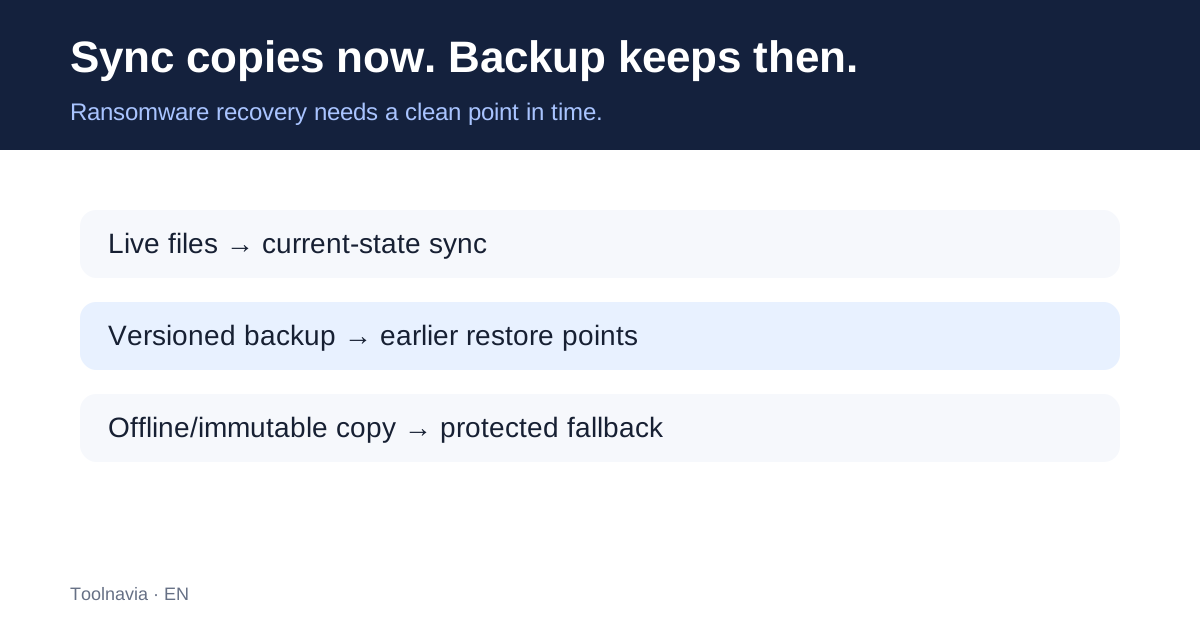
Sync copies the present; recovery needs the past
ShadowMaker's product help says its Cloud Sync moves files one way from a Windows computer to Google Drive or OneDrive. A separate Google Drive or OneDrive desktop client may still propagate cloud-side changes according to that client's settings. MiniTool also says Google Drive destinations must be folders created by ShadowMaker.
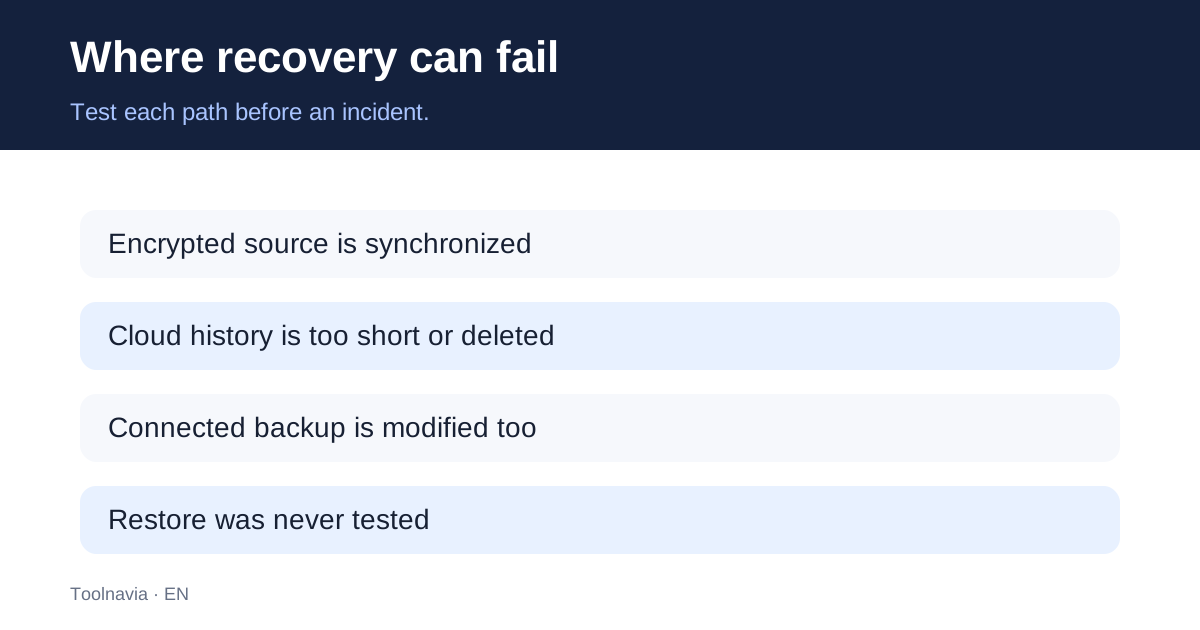
Those details matter during a ransomware incident. If encrypted files become the newest source files, a current-state synchronization task can place those damaged versions in the cloud. If deletion or account cleanup removes accessible history, the presence of a synced folder is not enough. Cloud-provider version history may help, but its retention window, deleted-item behavior, quota, and account permissions belong to the cloud provider—not to ShadowMaker.
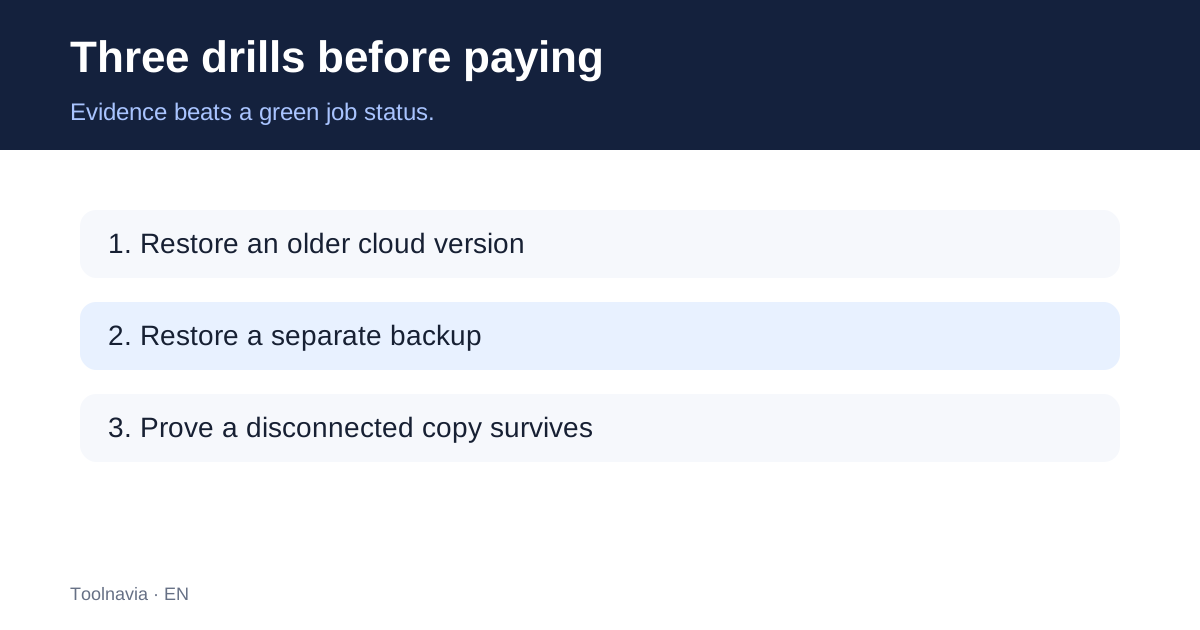
Run three recovery drills before paying
First, create a harmless test document. Sync it, change the local contents twice, and then try to recover the oldest version from the real cloud account. Record the date, account, folder, and exact recovery path. A green sync status is not a pass; retrieving the older content is the pass.
Second, create a separate ShadowMaker file or image backup on storage that is not just another live synchronized folder. Restore the test file to a clean location and open it. Confirm the recovered content, not only the job log.
Third, test a disconnected or immutable second copy. Disconnect it after the backup or use storage whose older versions cannot be changed by the protected PC. CISA recommends offline, encrypted backups and regular restoration testing. The goal is to preserve a recovery point that malware or stolen credentials cannot rewrite at the same time as production files.
What ShadowMaker 5.0 changes—and what it does not
MiniTool announced Cloud Sync for Google Drive and OneDrive in October 2026. It expands destination choices, but it does not turn a synchronized current-state copy into an air-gapped or immutable backup. It also does not guarantee that a provider's version history will match your recovery period.
The public edition chart includes a Cloud Sync row, but its extracted text does not reliably preserve the Free and Pro column alignment. MiniTool's release page invites users to try the Free edition, yet that invitation does not establish full Cloud Sync entitlement for every edition. Test the exact installed edition and account before making a purchase decision.
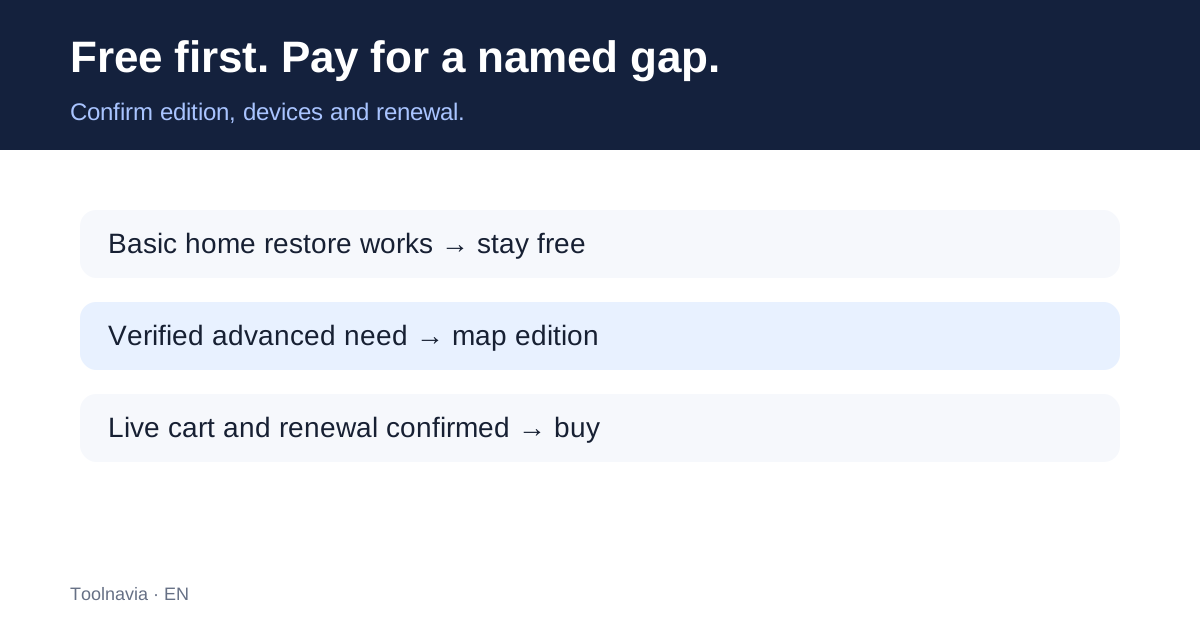
Free or paid?
Free is the sensible starting point when your requirement is basic home use and you can complete the local backup-and-restore drill. MiniTool's license terms restrict Free to private, noncommercial home-computer use.
Paid value must be tied to a named requirement. Examples may include documented advanced backup schemes, Universal Restore, WinPE operations, remote management, encryption choices, or a license covering the required number of PCs. Verify the current edition comparison before purchase.
MiniTool currently displays promotional prices including $12.99 monthly, a $3-per-month annual equivalent, and $79 perpetual. Monthly and annual licenses renew automatically unless cancelled. These are display prices, not a verified invoice: the final cart, tax, currency, renewal amount, and device rights must be checked at purchase. The annual equivalent must not be read as a $3 annual total.
What independent competitors show
Veeam and Backblaze distinguish a live current-state mirror from historical backup recovery. Synology explains how protected immutable copies can reduce correlated ransomware loss. These are general category comparisons, not a claim that ShadowMaker itself provides immutable backups by default.
Who should not buy
Do not buy a ShadowMaker key solely because you want a cloud mirror. Do not buy before you have recovered an older version from the actual cloud account. Do not assume a paid key fixes OneDrive or Google Drive quota, retention, permissions, or account-compromise risks.
A paid edition can be worthwhile when a verified advanced recovery feature closes a tested gap. The safer order is: prove recovery, identify the missing capability, confirm edition and device rights, inspect the live renewal terms, and only then purchase.
Bottom line
For ransomware recovery, synchronization is an availability tool; versioned backup plus a protected second copy is the recovery system. ShadowMaker 5.0 Cloud Sync can be part of that system, but it is not the whole system. Test an older cloud version, restore a separate backup, and preserve an offline or immutable copy before treating the setup as ready.
*Affiliate disclosure: Toolnavia may earn a commission if you buy through an approved link, at no extra cost to you. The recommendation remains conditional on your restore test, edition entitlement, device count, and live checkout terms.*