TOOLNAVIA / BUYING GUIDE
MailerLite Comfort Click Reports: Bot Scans vs Buying Intent
The short answer
At a glance
- Best for
- Campaign operations with outcome-based lead qualification.
- Price model
- Comfort FAQ: starts US$12/mo;confirm current500-tier term,total,tax and renewal.
- Check first
- Scanner clicks are not human intent;verify exact click controls and bot-exclusion behavior.
Verdict: a click is evidence to inspect
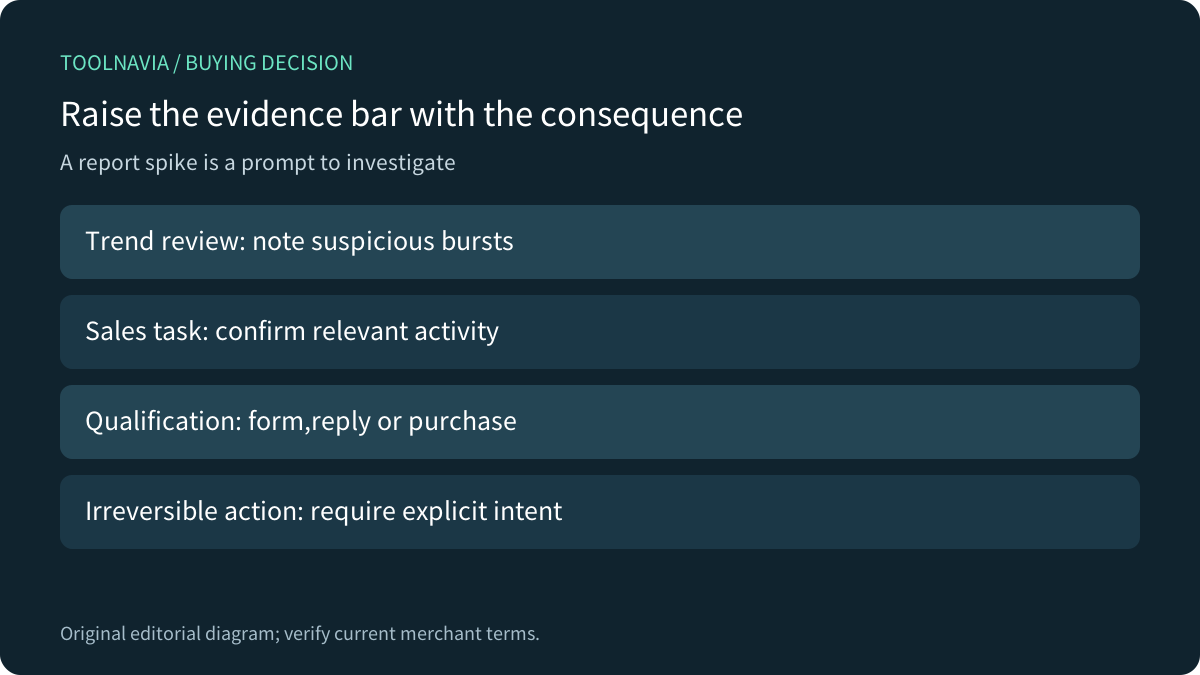
MailerLite Comfort can support newsletter reporting and follow-up workflows, but a recorded click does not prove a person is ready to buy. MailerLite explicitly warns that email security systems may open messages and click links automatically. A burst of interactions within seconds is a reason to investigate, not a reliable sales score.
Buy for the campaign workflow you can validate. If the requirement is a particular bot-exclusion control or a complete ordinary-click tracking opt-out, confirm that exact capability in the current account before committing. This is an official-documentation review; no email was sent and no campaign or customer record was operated.
Check the current exact MailerLite Comfort offer. Toolnavia may earn a commission through this approved direct link.
Separate the event from the business conclusion
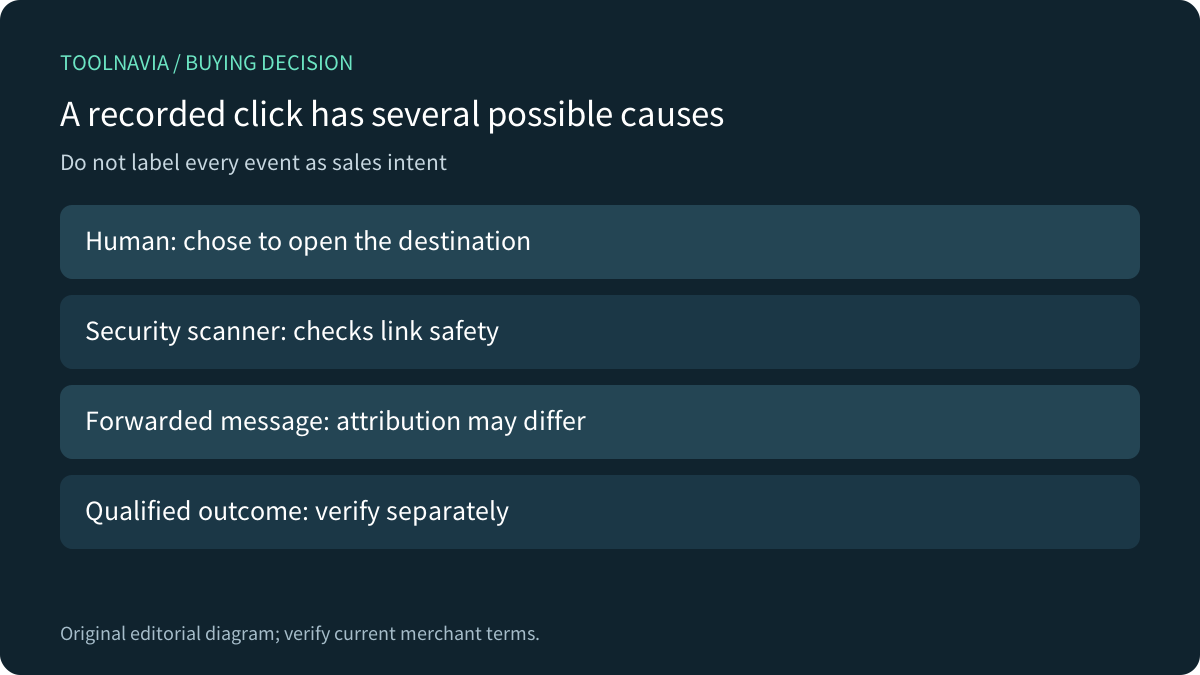
A scanner checks whether a destination is safe before a recipient reaches it. The resulting click can appear in campaign activity even though nobody has considered the offer. MailerLite describes inspecting rapid repeated events under subscriber activity. Its warning also covers unintended actions when a link performs an operation immediately.
Four useful documented capabilities are campaign/subscriber reporting, Comfort date-range comparison and export, distinct tracking controls, and several workflow-entry event types. They make an investigation possible; none guarantees perfect human classification.
Use clicks as a diagnostic layer. Reconcile the result with a relevant reply, a deliberately completed form or an actual purchase before assigning strong intent. Avoid automatically deleting, unsubscribing or qualifying someone solely because a link was fetched. Required provider one-click unsubscribe mechanisms need their own compliant handling; do not disable them indiscriminately.
Do not turn off the wrong tracking layer
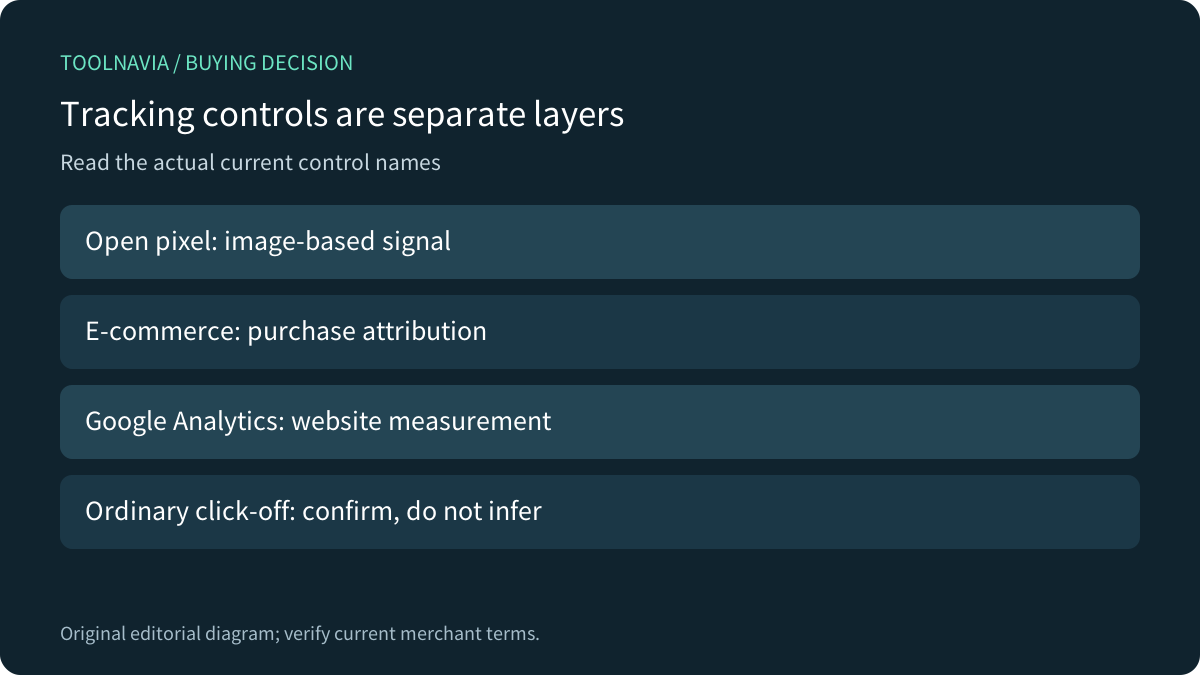
MailerLite's current tracking guide lists opens, e-commerce link tracking and Google Analytics. These are different controls. Turning off the open pixel does not establish that ordinary links stop being rewritten or clicks stop being recorded. A broad help-page title is not evidence of a switch that the body does not document.
Write the requirement precisely: suppress an open pixel, prevent ordinary click collection, disable e-commerce attribution, or exclude suspected scanners from reports. Ask the provider to confirm the exact current control when it decides the purchase. Do not substitute one of these goals for another.
Reporting filters and workflow triggers need separate acceptance
MailerLite documents a Clicks a link workflow trigger as well as form, group and field events. That proves event-based entry exists, not that every scanner interaction is excluded before execution. Test the intended gate instead of assuming a cleaned-up report also protects the automation engine.
Competitor documentation gives useful questions to ask. Mailchimp describes bot filtering that changes reporting across the account without deleting underlying activity. HubSpot shows filtering status for a sent marketing email and explains its behavioral and identifying signals. Brevo distinguishes included and filtered activity and discusses effects on engagement-based segmentation. Their controls cannot be transferred to MailerLite by analogy, and a higher displayed click rate is not automatically better performance.
A small acceptance plan before consequential automation
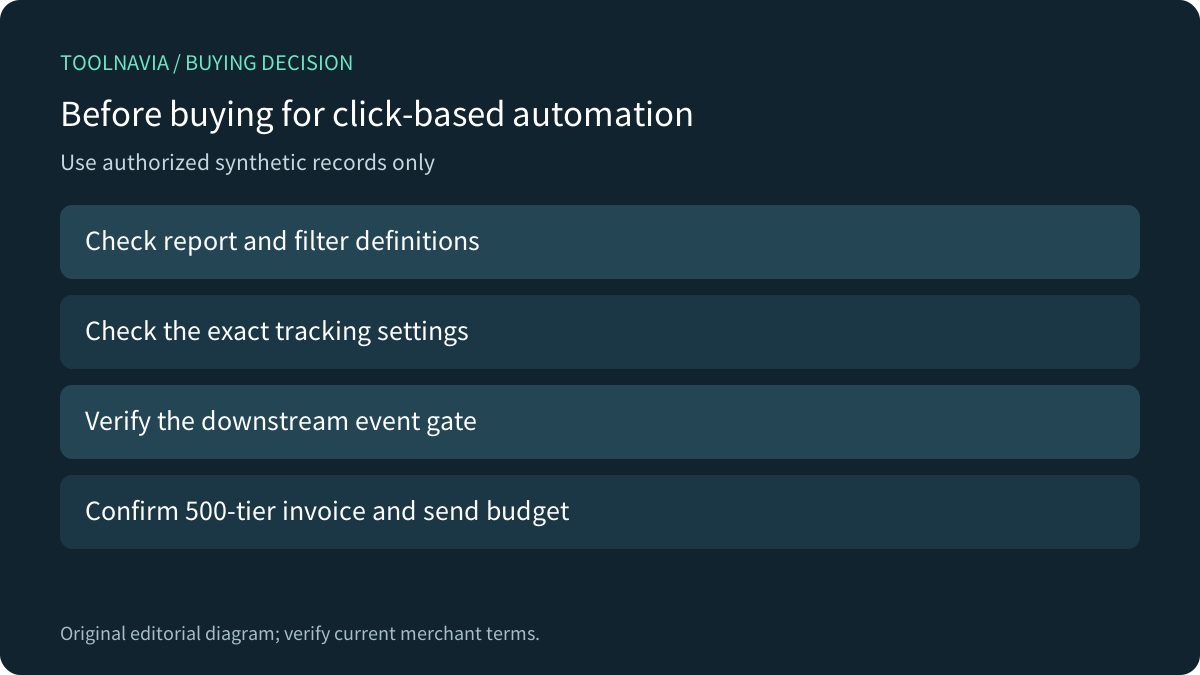
Use authorized synthetic subscribers and harmless destinations. Record the tracking settings and expected report definition. Inspect a normal human visit, a message forwarded to a test account, and any available provider-supported scanner diagnostic. Confirm which events appear in reports and which enter the workflow; preserve timestamps without copying real subscriber data.
For a sales qualification flow, prefer an affirmative landing-page action when the consequence warrants it. Keep a manual review path for ambiguous events. Report exports should retain the date range, tracking configuration and metric definition so next month's comparison uses the same basis. Comfort's custom report periods and export route support this discipline, but do not perform it automatically.
Confirm the price and the evidence threshold
The current canonical FAQ says Comfort starts at US$12/month and the page advertises annual savings, but its selected-tier numeric widget is not readable in our static response. We therefore do not reuse an older 500-subscriber monthly or annual total as a fresh quote. Confirm the selected USD subscriber bracket, send allowance, billing term, upfront amount, renewal and tax in the current cart.
Add analyst review and false-positive follow-up time to the subscription cost. Comfort fits when its campaign operations meet the actual workflow and qualified outcomes support the business decision. Wait if a mandatory click-control or scanner-exclusion behavior remains unproven. Paying for more sends cannot turn an automated security check into a human expression of interest.