TOOLNAVIA / BUYING GUIDE
MailerLite Gmail Clipping: Will a Paid Upgrade Fix It?
The short answer
A paid MailerLite plan can buy more campaign features and capacity. It does not establish a larger Gmail display limit. If your newsletter ends with a message-clipped notice, investigate the received email before treating Comfort or Power as the fix. MailerLite’s own help describes clipping above 102 KB and warns that its bottom-of-message tracking pixel may be hidden.
This is a documentation-based buying guide. We have not sent a MailerLite campaign or measured a reader’s Gmail inbox. The acceptance routine below is proposed work for an account owner.
At a glance
- Best for
- Newsletter teams that can verify received HTML before choosing capacity.
- Price model
- Comfort starts$12/month;Power$25/month;final tier,term and tax vary.
- Check first
- HTML upload acceptance and a paid plan do not guarantee untruncated Gmail display.
Separate three limits before upgrading
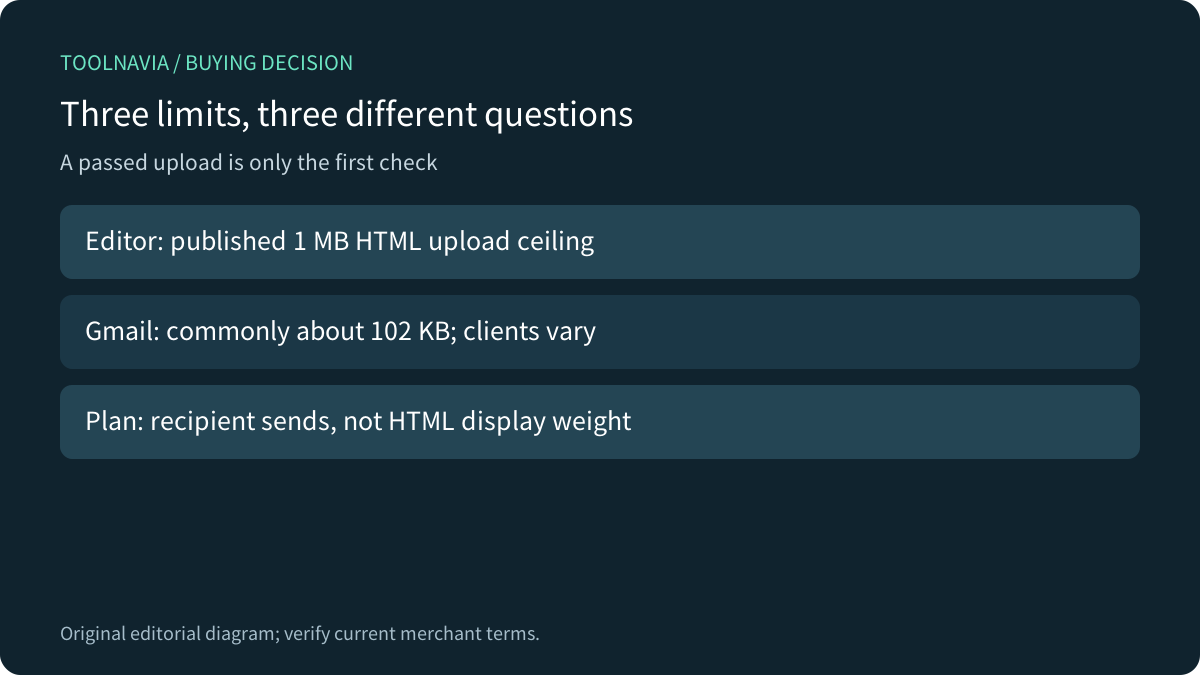
The HTML editor’s published upload limit is 1 MB. Gmail’s commonly documented clipping threshold is around 102 KB. Comfort’s monthly sending allowance is a third measure: how many recipient deliveries the plan permits. Passing one check does not establish the others.
An illustrative 150 KB HTML document can be below the stated upload ceiling while exceeding the commonly cited Gmail threshold. That example is an explanation, not an observed MailerLite upload. Nor is 101 KB a universal safe target: Klaviyo notes that mobile behavior varies, including inconsistently applied smaller limits. Test the Gmail clients your audience actually uses.

Measure code, not the JPEG download
ActiveCampaign distinguishes the raw HTML—including text, links, tracking and styling—from remotely loaded image file sizes. Mailchimp likewise says reducing image dimensions does not remove the code that references those images. A smaller hosted JPEG may improve loading while leaving the clipping problem intact. Removing an unnecessary image block can remove associated markup.
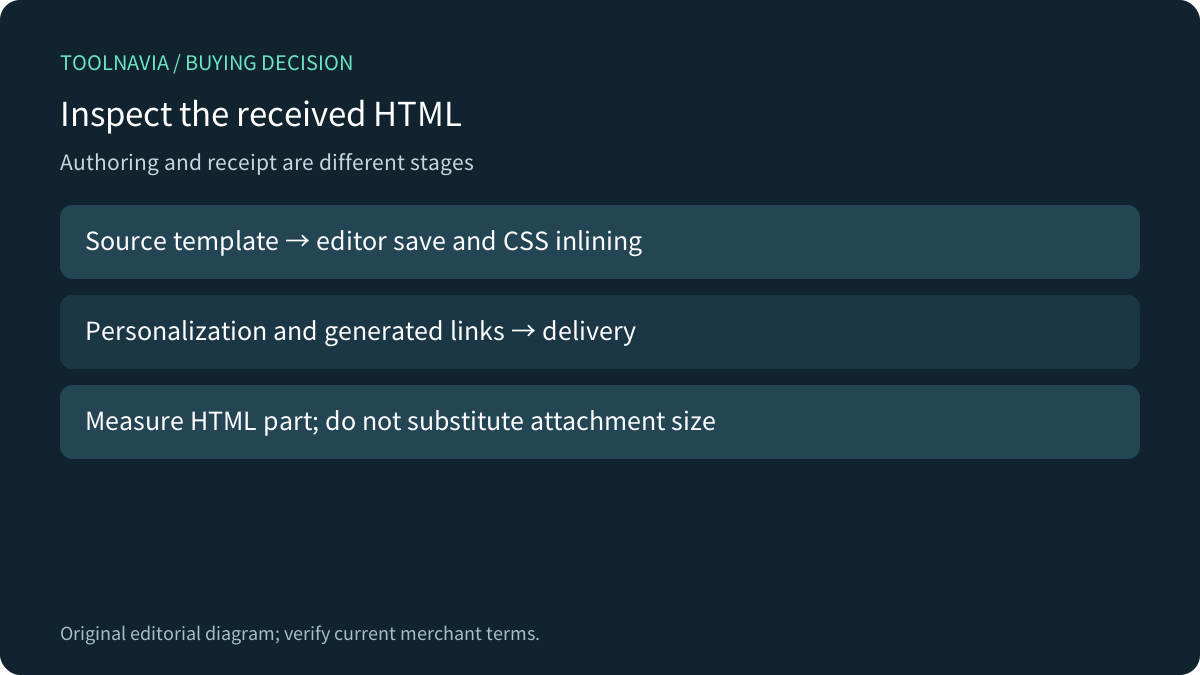
Embedded image data is different: it occupies the HTML itself. MailerLite’s file-limit guide recommends hosting images externally instead. Count bytes in the received HTML part with an appropriate inspection tool; do not substitute the ZIP upload, screenshot dimensions or entire raw message with attachments.
Copy the campaign before editing. Remove repeated offers, unnecessary spacer blocks and pasted formatting. Give the main decision a short explanation and link to the full article. Preserve readable labels, alt text, the required footer and working links. A newsletter that is technically smaller but unusable has failed the test.
Inspect the message after the editor changes it
MailerLite’s custom editor automatically converts CSS inside style tags into inline styles when saving. Its older file-limit guide offers general code-efficiency advice, including avoiding inline styling where possible. Read those together: authoring advice does not override the actual save transformation. Inspect the outgoing result and preserve email-client compatibility before removing styles.
This also explains why a local source-file measurement is only an early check. Personalization, generated links and platform transformations can change what reaches the inbox. Keep a margin below the relevant limit, then inspect a representative received variant. We do not prescribe one numerical margin as a guarantee for every client.

Use two different tests for two different jobs
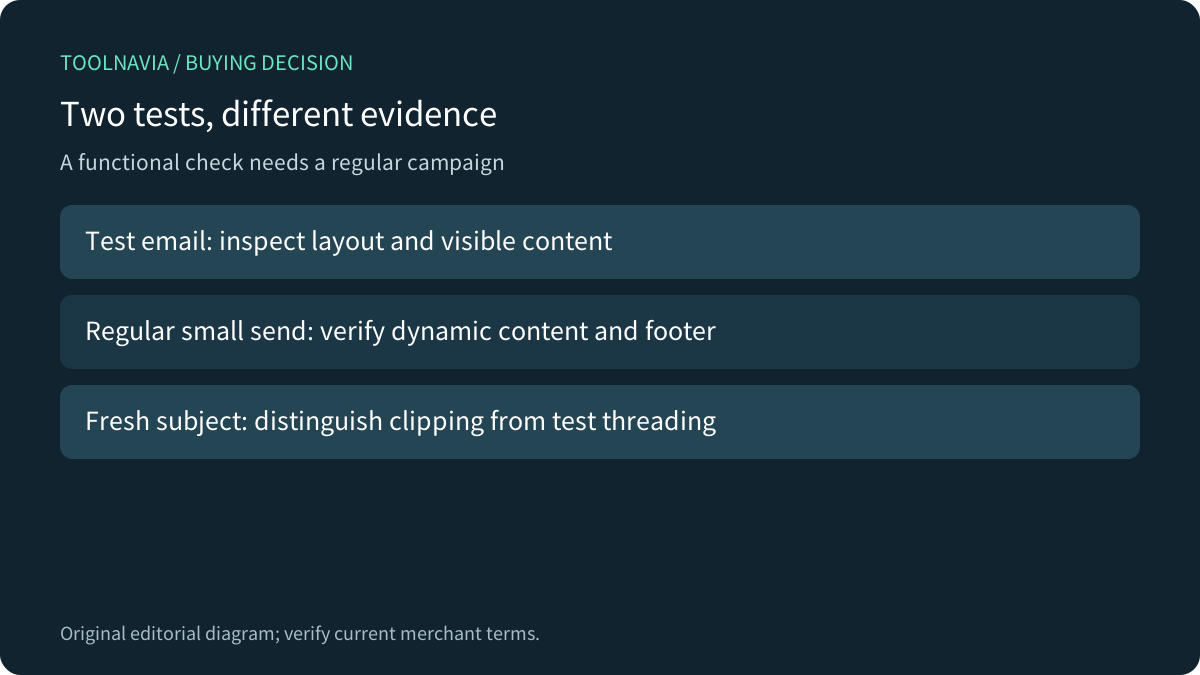
MailerLite’s test emails are useful for layout and content previews. Its tutorial explicitly excludes functioning unsubscribe links, dynamic blocks and several other campaign features from those tests. A nonworking unsubscribe link in a preview is therefore not sufficient evidence that a paid plan or live campaign is broken.
For functional acceptance, the same tutorial recommends duplicating the draft and sending it to yourself as a regular campaign. Use only owned, consenting test recipients and representative data; verify the selected group before scheduling. Check the received HTML, the final offer, footer visibility and the actual unsubscribe destination. This small regular send uses your account’s normal sending rules and allowance; it is not an unlimited test-email loophole.
Repeated same-subject tests can also mislead. Mailchimp warns that Gmail may group them into a large thread. Test a fresh subject or clean test conversation before concluding that every recipient will see the same clipping. This is a diagnostic comparison, not proof that production mail is safe.

Do not interpret hidden tracking as missing readers
If clipping hides MailerLite’s bottom pixel, an actual read may go unregistered unless the recipient opens the entire message. That creates uncertainty in open reporting; it does not prove how many people read, ignored or bought. Keep the main call to action visible early and compare meaningful downstream actions while investigating.
Keep a simple acceptance record: campaign revision, sending mode, recipient client, received HTML bytes, clipping status and whether the final content is visible. Record a failed case as well as a successful one. A clean desktop Gmail result does not establish mobile behavior, and an editor preview is not a recipient inbox.
Pay for a verified workflow, then maintain it
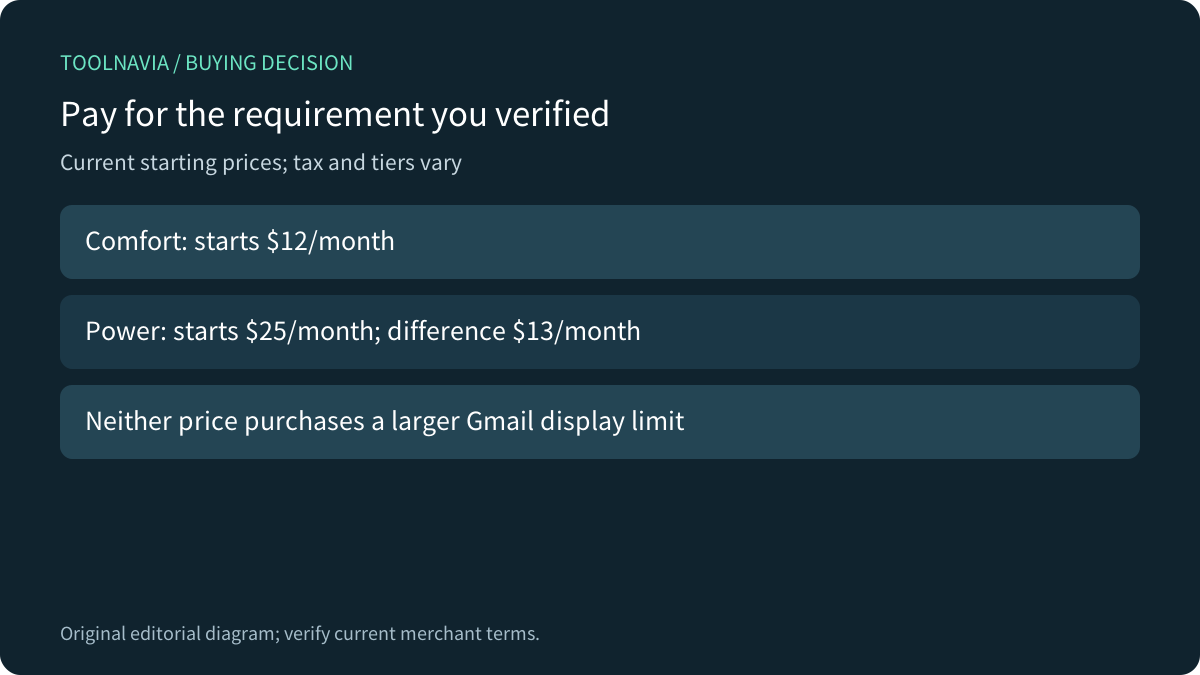
The current public FAQ starts Comfort at $12/month and Power at $25/month. At those entry prices, the monthly difference is $13, or $156 over twelve monthly payments before tax. Actual subscriber tiers and billing periods control the quote. Neither plan description promises to enlarge Gmail’s display threshold.
Comfort can be worthwhile for paid features and a suitable sending allowance. Power can be worthwhile for capacity or support. First simplify and test the newsletter; choose the plan for a confirmed requirement. Repeat the check after major template or personalization changes rather than treating one successful send as permanent approval.

For delivery volume, see our [Comfort send-budget guide](/en/software/mailerlite-comfort-500-send-budget-vs-50-automations). Toolnavia may earn a commission through its approved MailerLite link; no inbox-display or campaign-performance guarantee is promised.