TOOLNAVIA / BUYING GUIDE
MailerLite Auto Resend: Are Non-Openers Really Unengaged?
The short answer
MailerLite’s Auto resend can target people classified as non-openers or non-clickers, but those groups do not mean the same thing. A “non-opener” is a tracking result, not proof that a person ignored the message: Apple Mail Privacy Protection can prevent senders from knowing whether a message was opened, while blocked images and privacy settings can also weaken the signal. If your goal requires a click, target non-clickers. Use non-openers only as a cautious reach tactic, and judge the second send by clicks, conversions, unsubscribes and complaints—not by a prettier open rate.
At a glance
- Best for
- Newsletter teams that can budget a second send and validate incremental clicks or conversions.
- Price model
- Comfort 500 showed $12 monthly or $129.60 annually on 2026-11-10; verify live checkout, tax and currency.
- Check first
- No live account campaign; open classification, incremental lift and current checkout require buyer verification.
What Comfort actually includes and costs
On 10 November 2026, MailerLite’s official pricing page showed Comfort starting at $12 per month for 500 subscribers, or $10.80 per month equivalent when billed annually ($129.60 per year), before applicable tax. The same tier showed 5,000 monthly emails and included campaign auto-resend. Power started higher and offered unlimited monthly emails under fair use. Price, currency, tax, subscriber bracket and billing-cycle display can change, so verify checkout before paying.
Auto resend is therefore a real Comfort buying feature, not a Free-plan entitlement. It can send a second version with a changed subject, a personal note, or changed content. MailerLite lets the second send target subscribers who did not open or subscribers who did not click. It must be configured as an Auto resend campaign before the first send, and the second message must be scheduled more than 24 hours after the first.
That inclusion does not make every resend worthwhile. Each recipient of the second send consumes another email from the Comfort monthly allowance. A campaign to 500 people uses 500 sends; a resend to 300 people uses another 300. A buyer close to the 5,000-email ceiling should budget the second send before treating Auto resend as “free.”
Why “non-opener” does not mean “did not read”
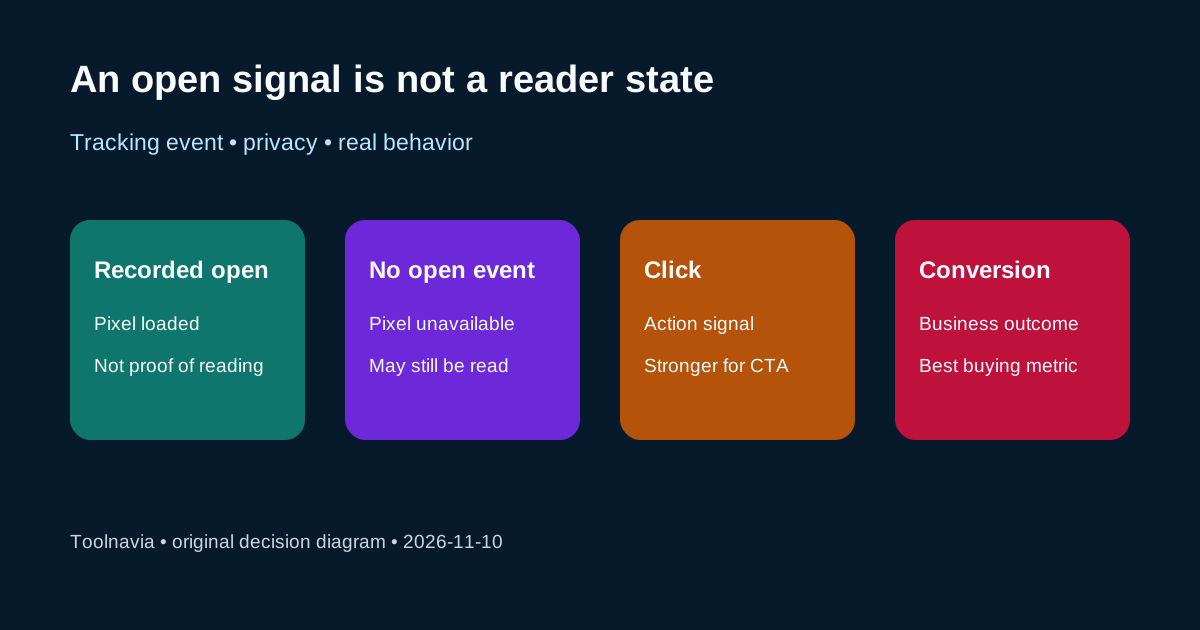
Open tracking normally relies on a tiny remote image. MailerLite says that disabling open tracking disables open-based Auto resend, although click-based Auto resend remains available. Its own current guidance also warns that Apple Mail Privacy Protection can preload tracking pixels, making a message appear opened even when the subscriber has not opened it.
Apple describes the privacy feature from the recipient side: it hides the IP address and prevents senders from seeing whether the email was opened. Those two official explanations create a decision-critical ambiguity. Open-based segments can contain false positives and false negatives depending on client behavior, image loading and privacy settings. There is no universal correction percentage.
So read “non-opener” as “no reliable open event available to this campaign,” not “person definitely did not read.” That is the central limitation of an open-based resend.
Choose the segment from the business objective
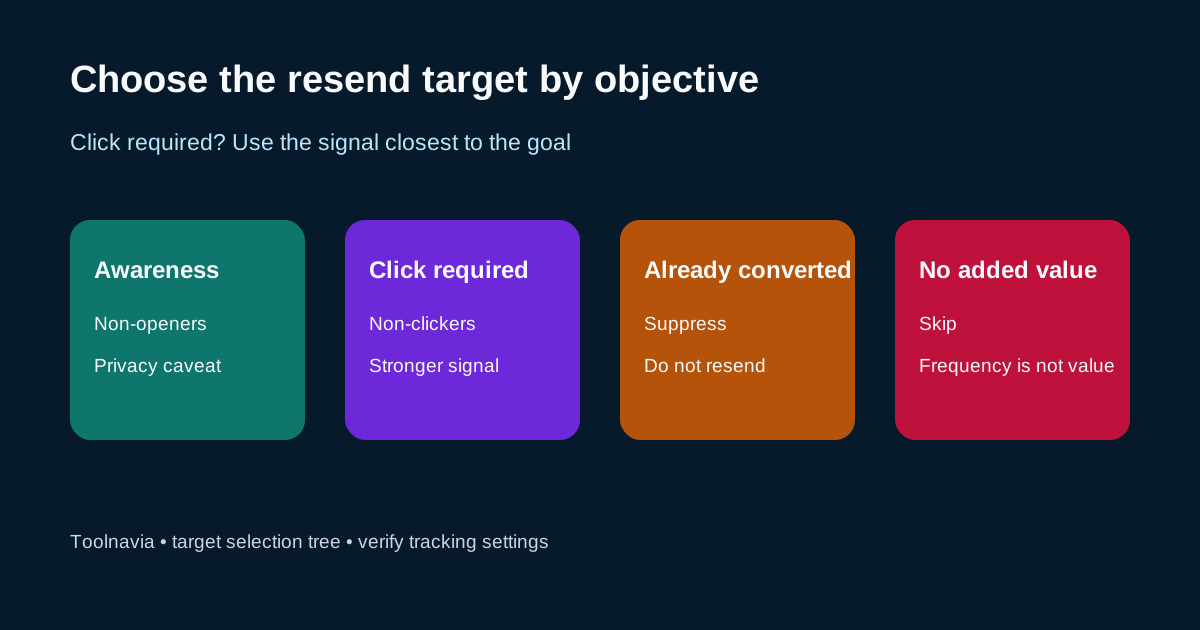
Use **non-clickers** when the required outcome is visiting a page, registering, downloading or buying. A click is a stronger behavioral signal for that objective, and it remains available when open tracking is disabled. The tradeoff is that it includes people who read the message but did not need—or did not want—to click.
Use **non-openers** when the message is important enough to justify one additional reach attempt, the resend adds real value, and your team accepts that the segment is approximate. This can fit an event reminder, deadline correction or important product notice. It is weaker for precise conversion attribution.
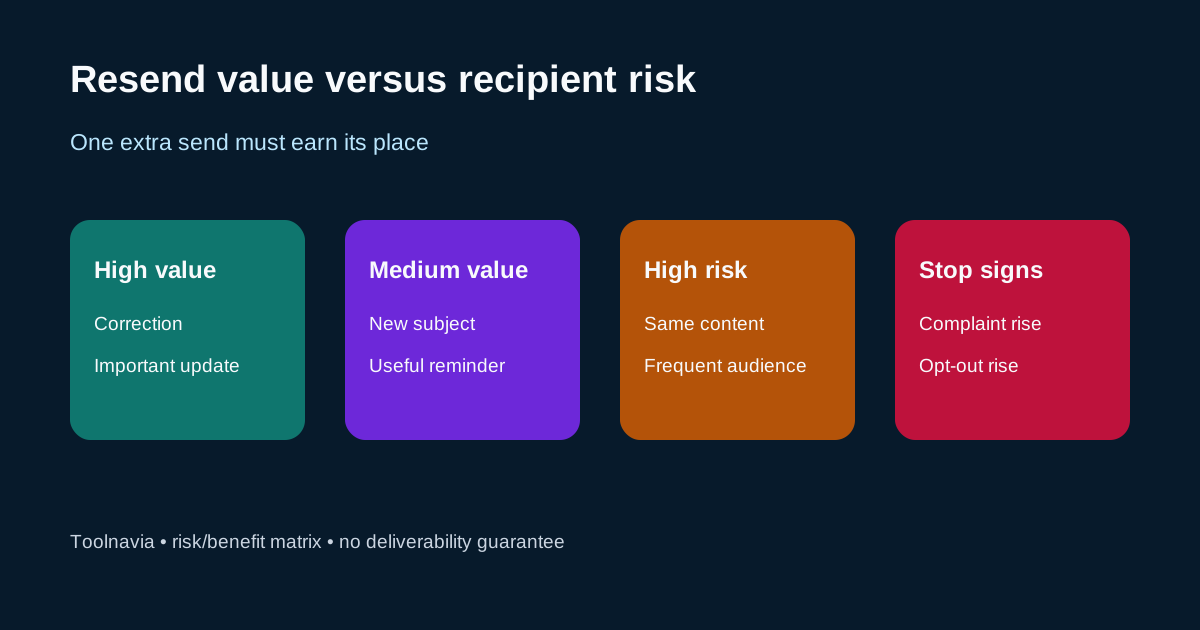
Do not resend automatically to everyone who missed an open event. Suppress people who already converted through another channel, unsubscribed, complained, hit a frequency cap, or recently received overlapping automation. Mailchimp’s official guidance similarly requires tracking and warns that repeated or badly timed resends can increase unsubscribes or complaints. Brevo limits its resend flow and documents exclusions around certain sending situations.
Change the second email enough to earn attention
A subject-only change is the fastest option, but it can feel like repetition. A personal note or meaningfully revised content is safer when the first subject was ambiguous, the deadline changed, or a correction is needed. Keep the offer, landing page and disclosure consistent; do not manufacture urgency.
The second message should answer a new question: What changed? Why is this relevant now? What should the reader do? If none of those answers is different, the resend probably adds frequency rather than value.
MailerLite requires the second email to be more than 24 hours after the first. Treat 24 hours as a platform floor, not as evidence that 24 hours is optimal for your audience.
Measure a holdout, not just the open-rate headline
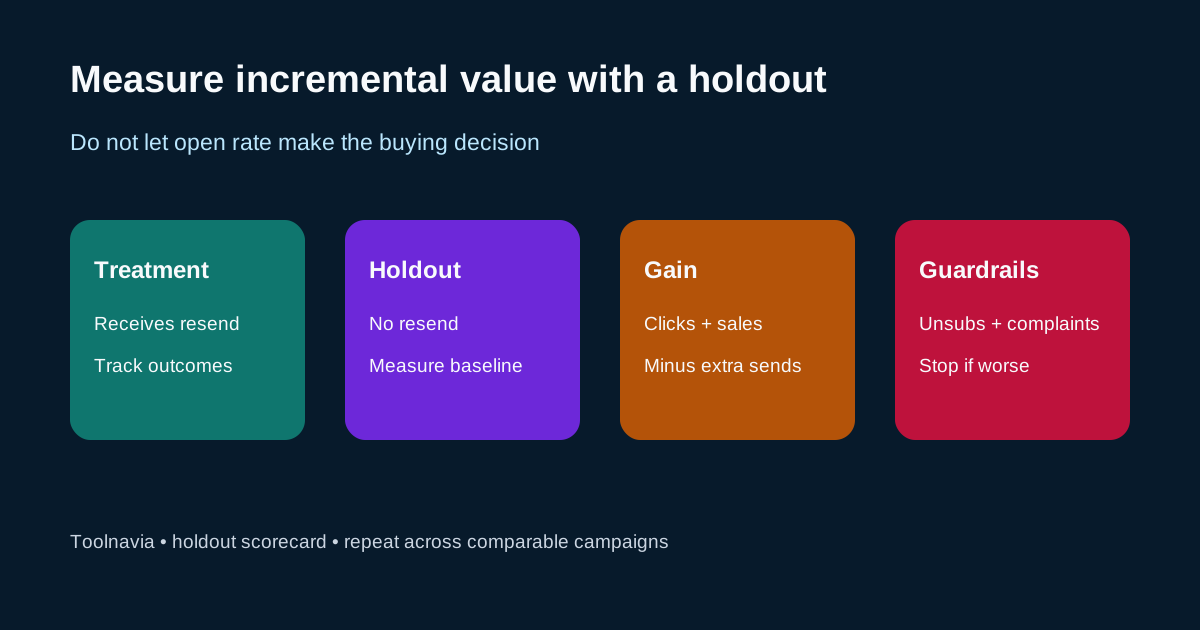
Before the first send, reserve a small random holdout from the eligible resend audience. The treatment group receives the second message; the holdout does not. Compare incremental unique clicks, conversions and revenue, then subtract unsubscribes, spam complaints and the value of extra sends.
A practical scorecard has five rows: incremental clicks, incremental conversions, incremental revenue, unsubscribes and complaints. Add a sixth row for sends consumed against the Comfort allowance. Opens can remain a diagnostic measure, but they should not decide the purchase.
Run this over several comparable campaigns. A vendor claim such as “up to 30% more subscribers reached” is marketing context, not a result you can budget. Your own holdout is the evidence that matters.
Buy Comfort, use it selectively, or wait
**Buy or keep Comfort** when Auto resend is one of several paid capabilities you need, the 5,000-send allowance fits both first and second sends, and a controlled test shows incremental clicks or conversions without unacceptable opt-outs.
**Use Auto resend selectively** when the message is important, the second version adds value, suppression rules are current, and you can tolerate imperfect open classification. Prefer non-clickers whenever the desired outcome is a click.
**Wait or skip the resend** when you lack tracking consent, the list already receives frequent mail, the Comfort allowance is tight, or the only success metric is open rate. Auto resend is a workflow tool, not proof of attention and not a deliverability guarantee.
*Affiliate disclosure: Toolnavia may earn a commission if you subscribe through its approved MailerLite referral link. That does not change the recommendation to verify the live Comfort price, feature limits and your own holdout results before buying.*